

Evidence tier Source Confirmed · 6 captures on record
What the publisher says
As described on Microsoft Marketplace.
Looking for a smarter way to manage team schedules?
AI Shared Calendar Pro is the AI-powered shared calendar built for Microsoft Teams. Create, manage, and optimize schedules using natural language while improving collaboration and productivity.
Show the rest of the publisher’s description (41 more lines)
How it Works
AI Scheduling Inside Microsoft Teams
Fully integrated into Microsoft Teams with secure Single Sign-On (SSO). Create calendars, manage events, ask questions, and optimize planning using AI—all without leaving Teams.
What is AI Shared Calendar Pro?
An intelligent shared calendar for Microsoft Teams.
Create events faster, analyze workloads, detect scheduling conflicts, and receive AI-powered planning recommendations in one collaborative workspace.
AI Features
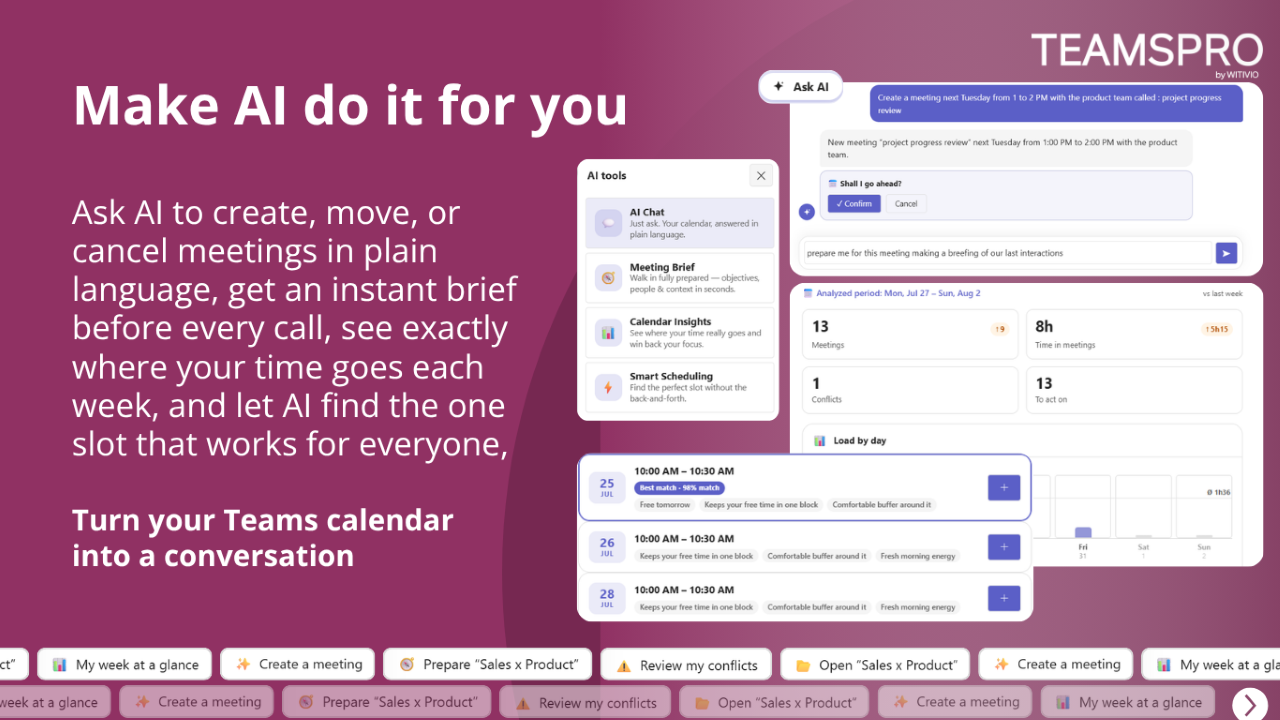
🤖 AI Chat Assistant
Create, edit, search, and analyze events using natural language.
✨ AI Event Creation
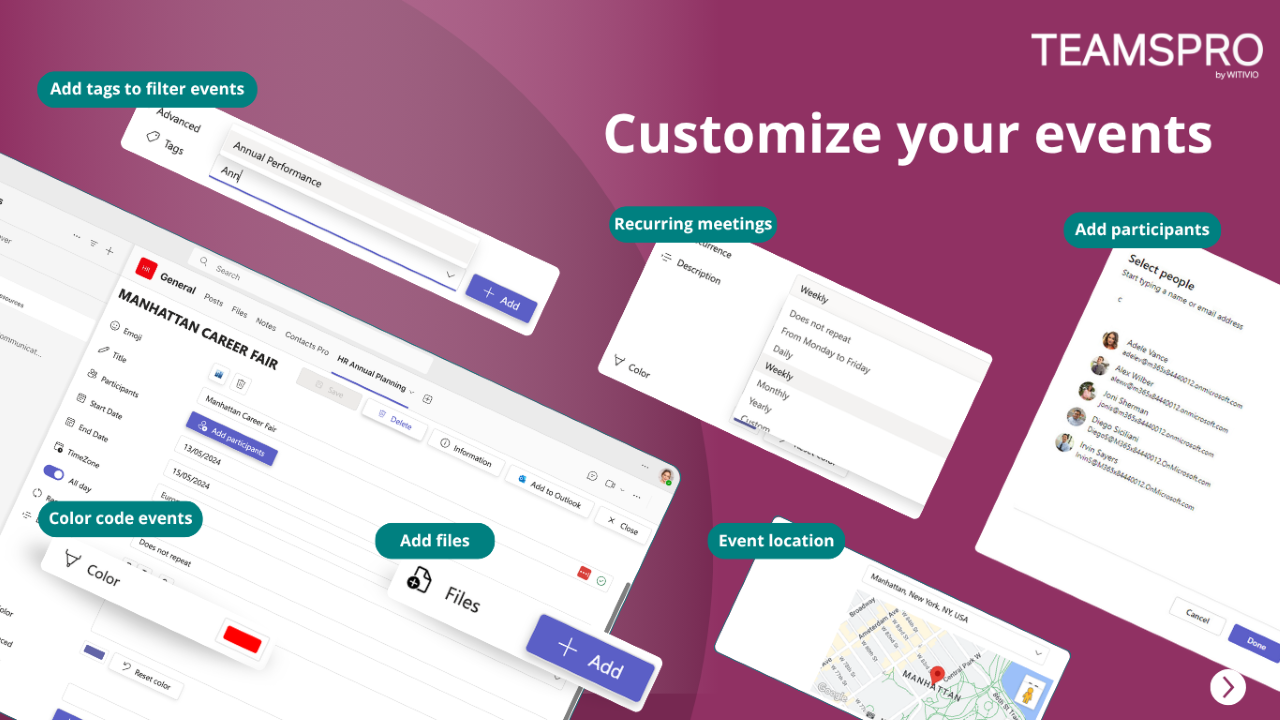
Automatically generate event titles, attendees, locations, and descriptions.
📊 AI Insights
Monitor workloads, availability, and planning trends.
⚠️ Risk Detection
Identify conflicts, overlaps, and overloaded resources.
Typical use cases
🗓 Team Scheduling
Manage projects, vacations, shifts, and shared calendars.
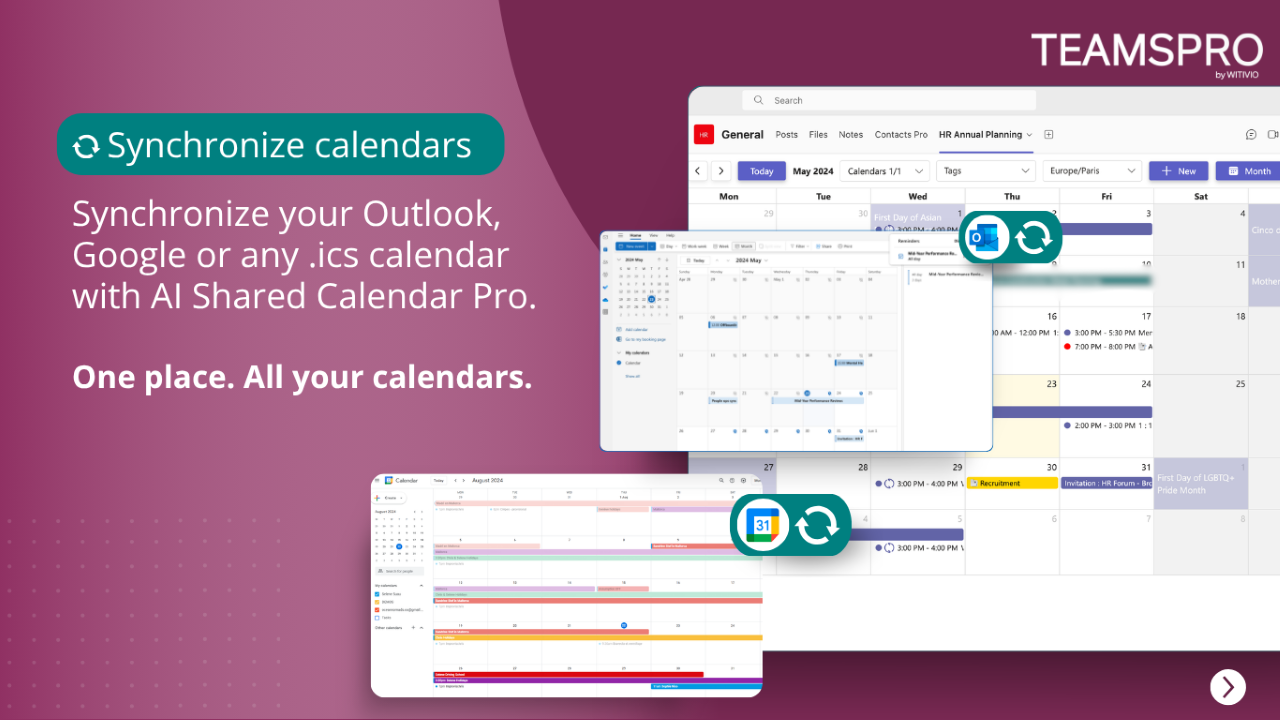
🔄 Calendar Sync
Synchronize with Outlook, Google Calendar, and .ics calendars.
⚙️ Automation
Automate recurring events with Microsoft Power Automate.
📊 Planning Analytics
Gain actionable insights from your calendar data.
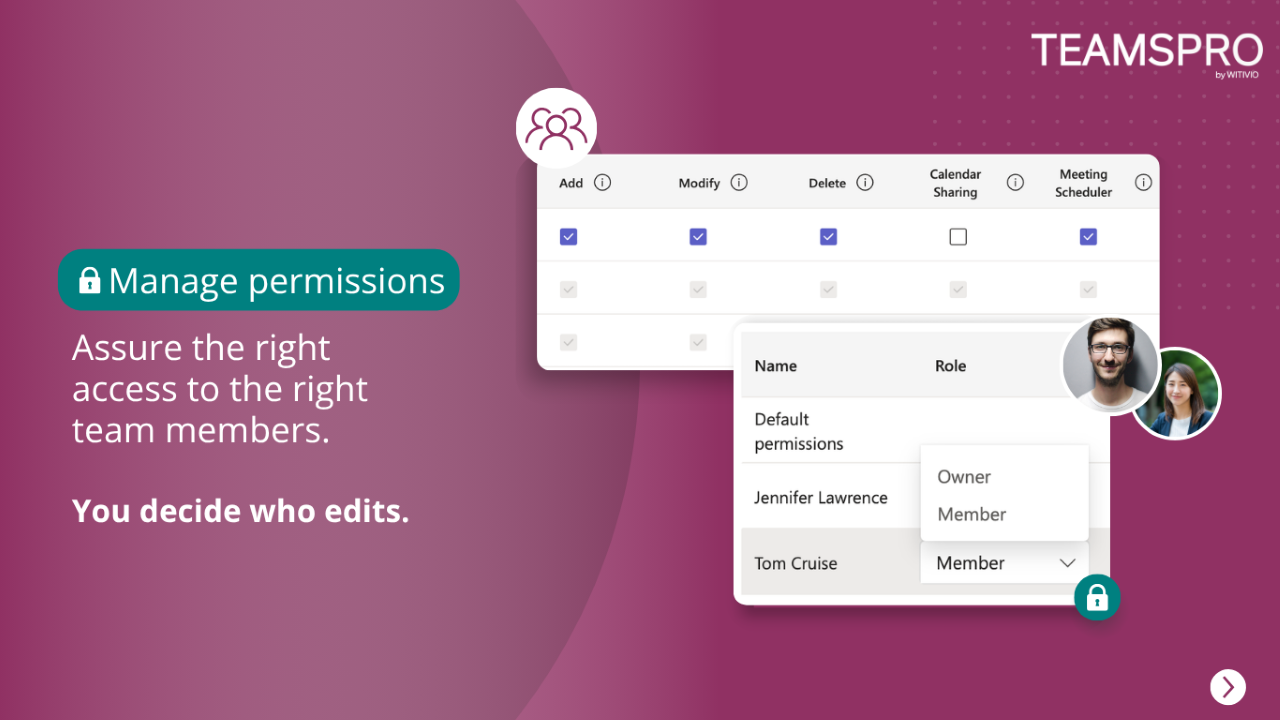
🔐 Advanced Permissions
Control who can view, edit, approve, or manage calendars.
Free plans include essential collaboration features. Premium and Platinum unlock advanced AI, automation, analytics, Outlook synchronization, and enterprise management.
Why choose AI Shared Calendar Pro?
🤖 AI-First Experience
Manage your schedules through natural language.
🔄 Built for Microsoft Teams
Everything happens inside Teams.
📊 Smarter Planning
Turn schedules into actionable insights.
🔐 Enterprise Security
Microsoft 365 Single Sign-On with enterprise-grade security.
Whether you need a shared calendar or an AI scheduling assistant, AI Shared Calendar Pro helps your teams plan smarter.
Get Started
Try AI Shared Calendar Pro for free in Microsoft Teams.
Contact us
Need help? If you experience any issue with AI Shared Calendar Pro, reach out here. For product questions, pricing, or enterprise deployments, contact us.
Preview
5 images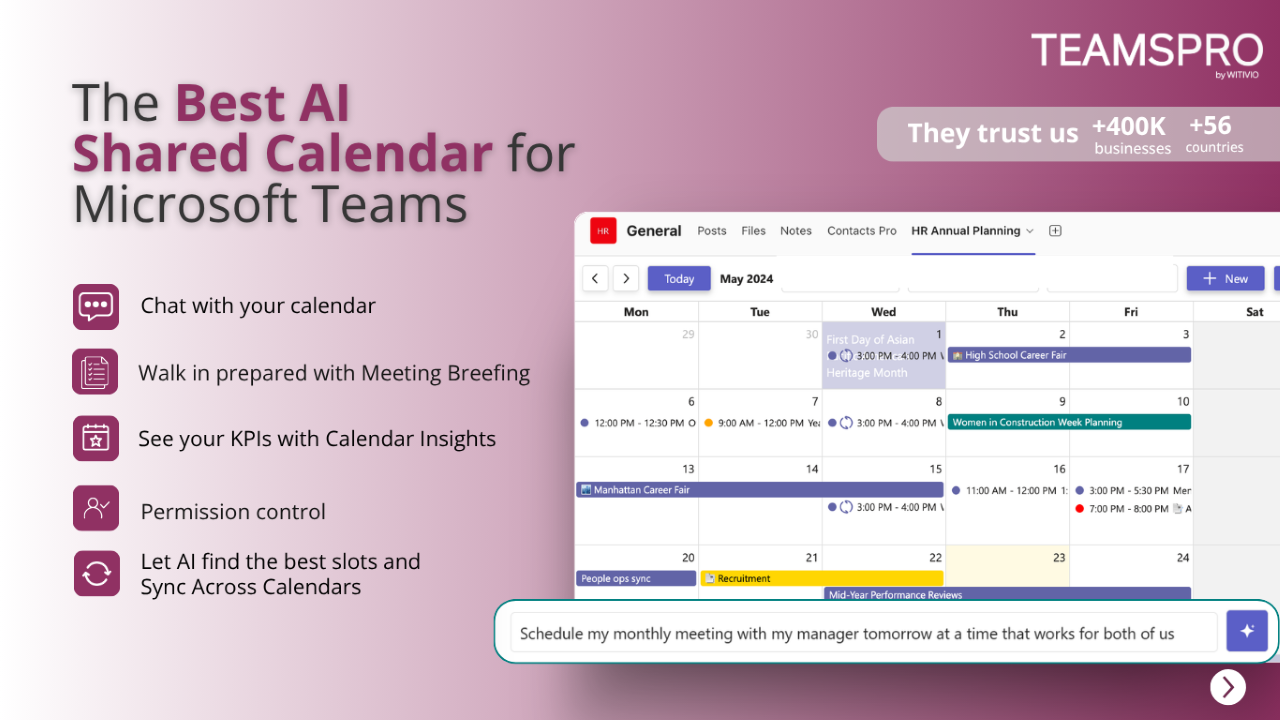
Agent build and provenance
Sign in to see the provenance.
The evidence, the layer-by-layer tracing, the risk basis, and the cross-marketplace links are open to signed-in accounts.
Sign inCompliance
- FedRAMPConfirmedNot listed90%, registry-checkedNo FedRAMP Marketplace entry matched this vendor's domain, checked 2026-08-27registry recordas observed 2026-08-27
Confirmed means matched to a public authoritative registry. Claimed means the vendor or its listing states it, not yet cross-checked. A framework not shown was not found in any source we hold, which is not evidence against it. Not listed means a scoped registry check found no match for this vendor's domain: a No is a scoped registry check, not a compliance judgment. Confidence bands: 95% domain-verified, 90% registry-checked, 80% self-attested, 70% weak signal. Self-attested items marked “vendor's site” are gathered from the vendor's own website and are not verified by us.
Vendor
External enrichment · as of 2026-08-29
Plans and pricing as listed
1 listedSources
Publisher resources
1 linkEvidence risk is the share of the build you cannot see before you deploy, not a security rating. Sign in to see the layer-by-layer basis for this band.