

Tealdroid AI
tealdroid · Operations & Productivity
Certification per Microsoft Marketplace.
Evidence tier Source Confirmed · 7 captures on record
What the publisher says
As described on Microsoft Marketplace.
Tealdroid AI brings the power of Azure OpenAI, Azure Translator, and Azure AI Speech
into Microsoft Teams, Word, Excel, PowerPoint, Outlook, and SharePoint—helping organizations
Show the rest of the publisher’s description (64 more lines)
instantly understand conversations, emails, documents, pages, and meetings through AI-powered
summaries, translation, voice interaction, and intelligent insights.
Everything runs securely inside your Microsoft 365 tenant using your own Azure resources:
no external data storage, no unnecessary permissions, and full alignment with Microsoft 365
security and compliance controls.
One subscription, two apps:
- Tealdroid AI for Microsoft 365 Apps — works inside Microsoft Teams, Word, Excel, PowerPoint, and Outlook
- Tealdroid AI for SharePoint — works inside modern SharePoint sites and pages
Both apps share the same Tealdroid AI subscription, the same Azure resources, and the same security posture.
💬 Tealdroid AI in Microsoft Teams
- Summarize long messages, threads, channels, and meeting transcripts instantly
- Generate insights from documents shared in chats or channels
- Ask follow-up questions about past meetings and calls using natural language
- Extract key points and action items from any conversation
📝 Tealdroid AI in Word
- Draft full documents, outlines, and proposals from natural language prompts
- Populate structured Word templates with AI-generated content
- Rewrite selected text for clarity, conciseness, or tone
- Convert paragraphs into formatted tables, and vice versa
- Summarize long documents into executive briefs or bulleted takeaways
📊 Tealdroid AI in Excel
- Generate and explain advanced formulas from conversational requests
- Create bar charts, line graphs, and pivot tables on demand
- Clean data, flag anomalies, and fix formatting errors automatically
- Surface trends, correlations, and top/bottom performers across your data
- Run what-if scenarios to model business outcomes
🎬 Tealdroid AI in PowerPoint
- Build presentations from prompts or convert Word documents into structured decks
- Preserve your company theme, fonts, and master slide styles
- Condense wordy slides into concise bullets and reorganize sections
- Redesign visual layouts while adhering to brand guidelines
- Summarize long decks into core narrative points
✉️ Tealdroid AI in Outlook
- Summarize long email threads into key points, decisions, and tasks
- Draft contextual replies with adjustable length and tone
- Receive coaching on clarity, professionalism, and perceived tone before sending
- Flag priority messages that need immediate attention
- Turn email discussions into formatted meeting invitations
🌐 Tealdroid AI in SharePoint
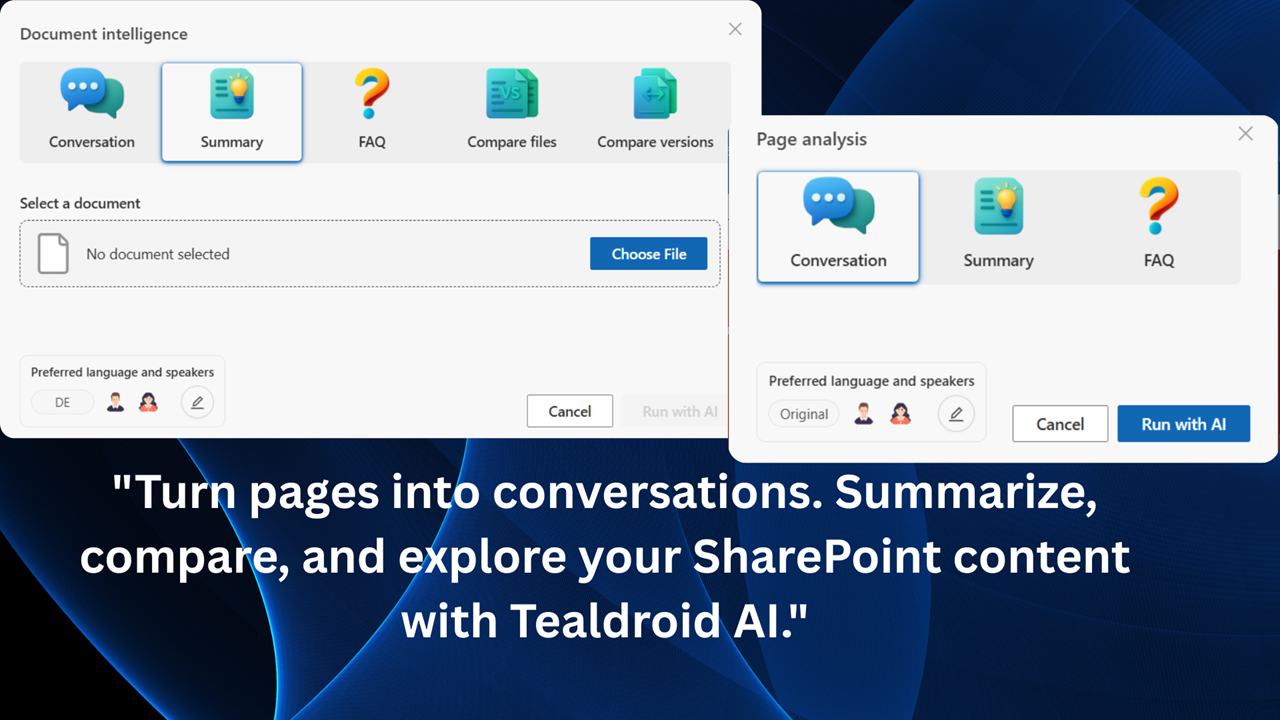
- Summarize SharePoint pages, news posts, and document libraries instantly
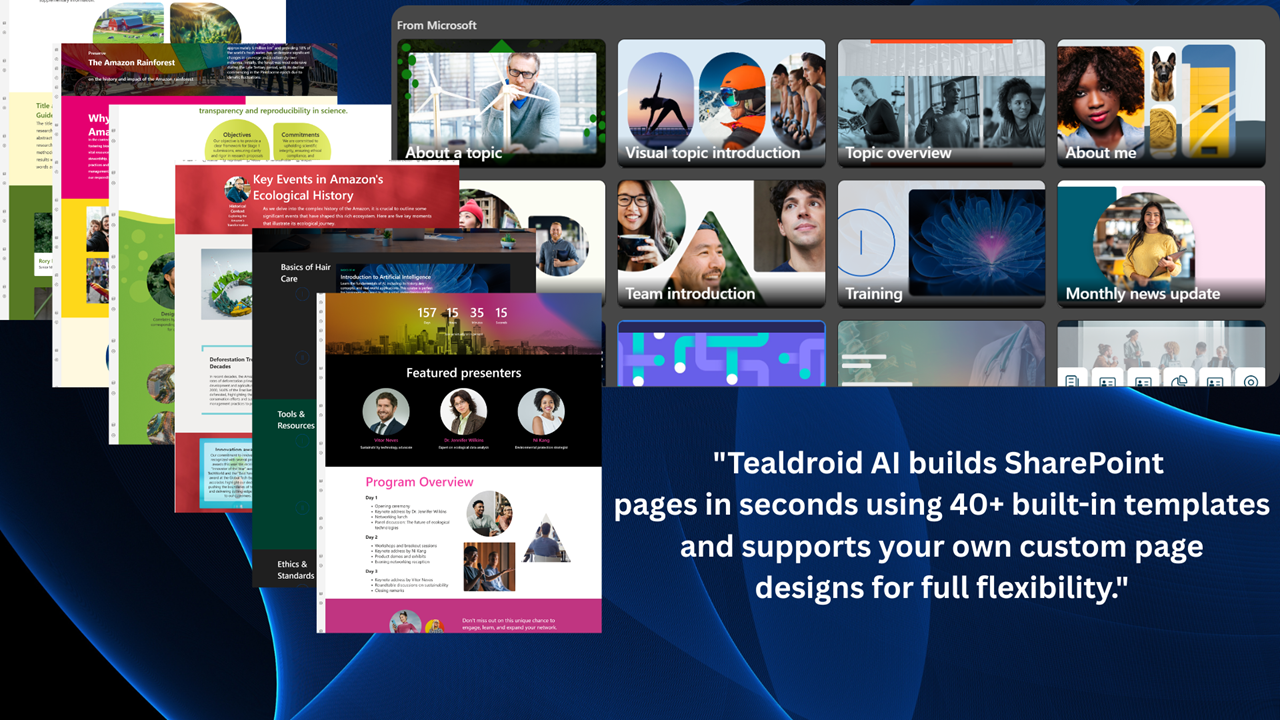
- Create and enhance page content with AI assistance
- Generate insights from files stored across your sites
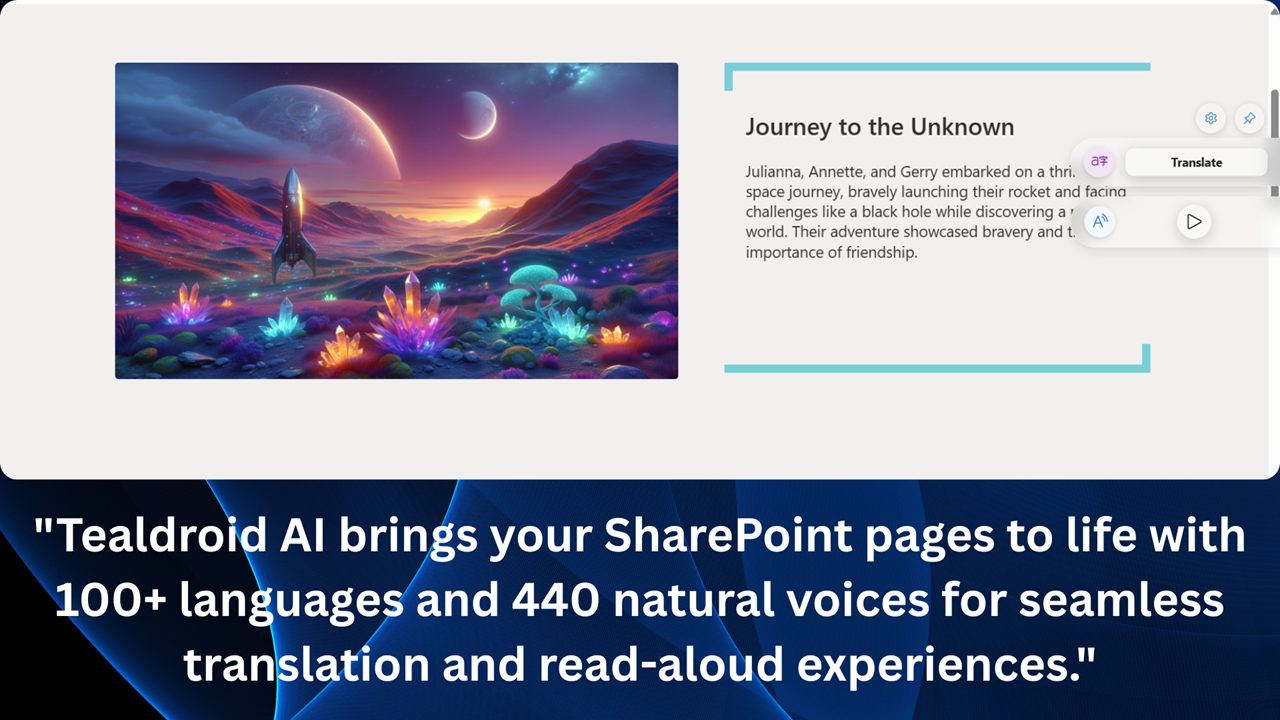
- Translate pages and documents into 100+ languages for global teams
🎙️ Live Voice AI — Talk to Your Work Content
- Have real-time voice conversations with AI across Teams, Office apps, and SharePoint
- Ask questions about messages, emails, pages, documents, or meetings using natural speech
- Speak in your preferred language — AI understands and responds automatically
- Switch seamlessly between voice and chat interactions
📊 Meeting & Call Intelligence
- Access transcripts and recordings from Teams meetings and calls
- Automatically generate summaries, key highlights, and action items
- Ask questions about previous meetings using natural language
- Review meeting insights directly inside the app without context switching
🌍 Translation & Read Aloud
- Translate messages, emails, documents, SharePoint pages, and meeting insights into 100+ languages
- Listen to content using natural neural voices for immersive read aloud experiences
- Choose voices based on preferred language and region
- Enable accessible and multilingual collaboration across your organization
🔒 Secure by Design
- All AI services run within your own Azure subscription (Bring Your Own Azure)
- Microsoft 365 and SharePoint content never leaves your tenant
- No external storage of organizational content
- Fully aligned with Microsoft 365 security and compliance controls
⚡ Key Benefit
Preview
4 images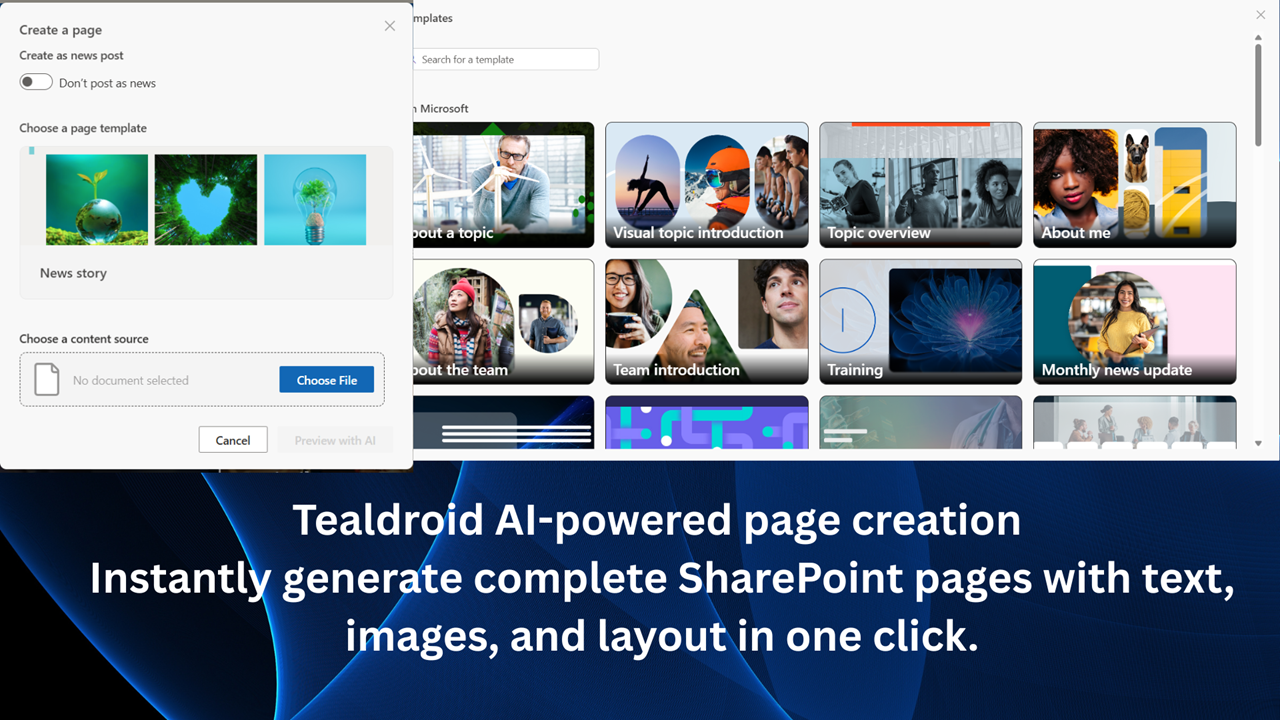
Agent build and provenance
See the full provenance
The layer-by-layer build, the evidence behind each claim, the risk basis and the cross-marketplace links are open to any account. Some rows are disclosed, some the source leaves Unknown; a free account shows you which.
Compliance
- FedRAMPConfirmedNot listed90%, registry-checkedNo FedRAMP Marketplace entry matched this vendor's domain, checked 2026-08-27registry recordas observed 2026-08-27
Confirmed means matched to a public authoritative registry. Claimed means the vendor or its listing states it, not yet cross-checked. A framework not shown was not found in any source we hold, which is not evidence against it. Not listed means a scoped registry check found no match for this vendor's domain: a No is a scoped registry check, not a compliance judgment. Confidence bands: 95% domain-verified, 90% registry-checked, 80% self-attested, 70% weak signal. Self-attested items marked “vendor's site” are gathered from the vendor's own website and are not verified by us.
Plans and pricing as listed
1 listedSources
Publisher resources
3 linksLinked repositories
Unknown means this listing does not publish a repository. It is not a statement that the code is closed, and a linked repository is not a claim that the publisher wrote it: the registry computes that relationship privately and does not publish it.
Evidence risk is the share of the build you cannot see before you deploy, not a security rating. Sign in to see the layer-by-layer basis for this band.