

Talview Secure Browser
Talview · Cybersecurity & IT
Certification per Microsoft Marketplace.
Evidence tier Source Confirmed · 7 captures on record
What the publisher says
As described on Microsoft Marketplace.
About Talview Secure Browser:
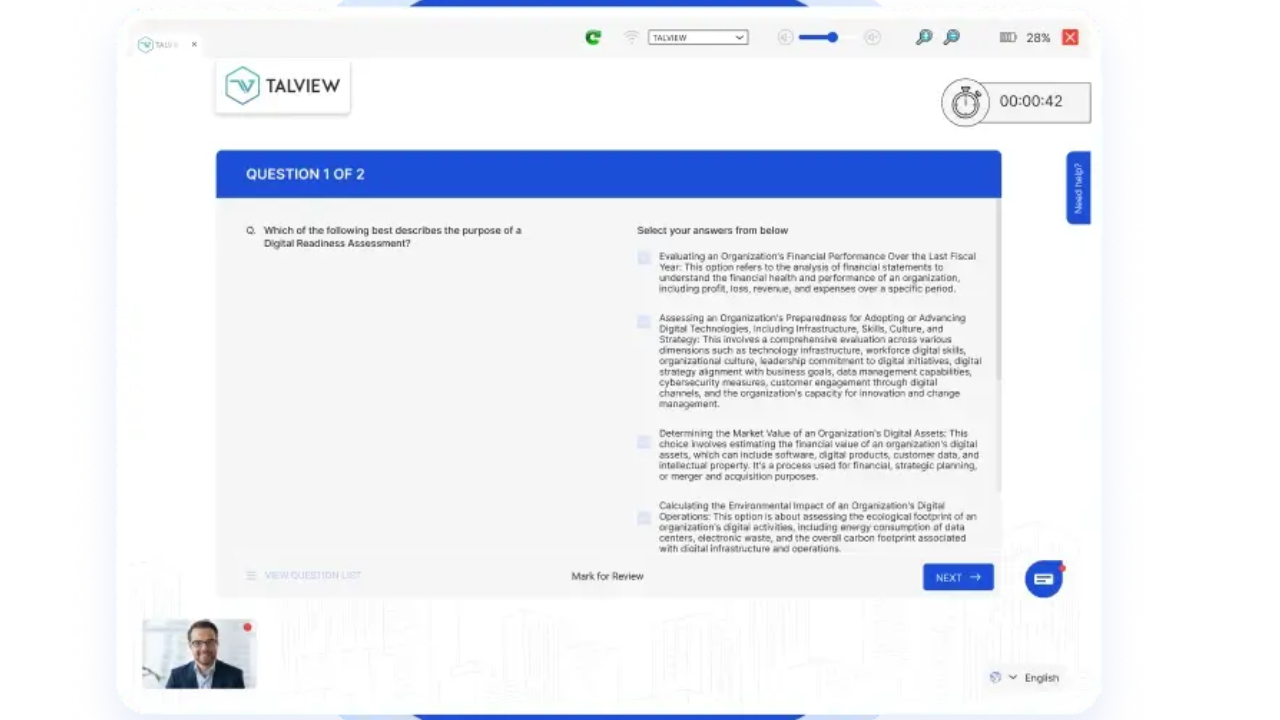
Talview Secure Browser (TSB) is a purpose-built lockdown browser that delivers a tamper-proof, controlled environment for online assessments. Available on Windows and macOS, Talview Secure Browser takes full command of the test environment the moment a candidate launches their exam — blocking unauthorized applications, preventing screen capture, and locking the exam window until submission. Unlike generic browsers or lightweight restrictions, Talview Secure Browser is engineered specifically for high-stakes assessment and exam delivery. It operates as the first line of defense in a layered exam security strategy — addressing endpoint threats before AI proctoring even enters the picture.
Show the rest of the publisher’s description (32 more lines)
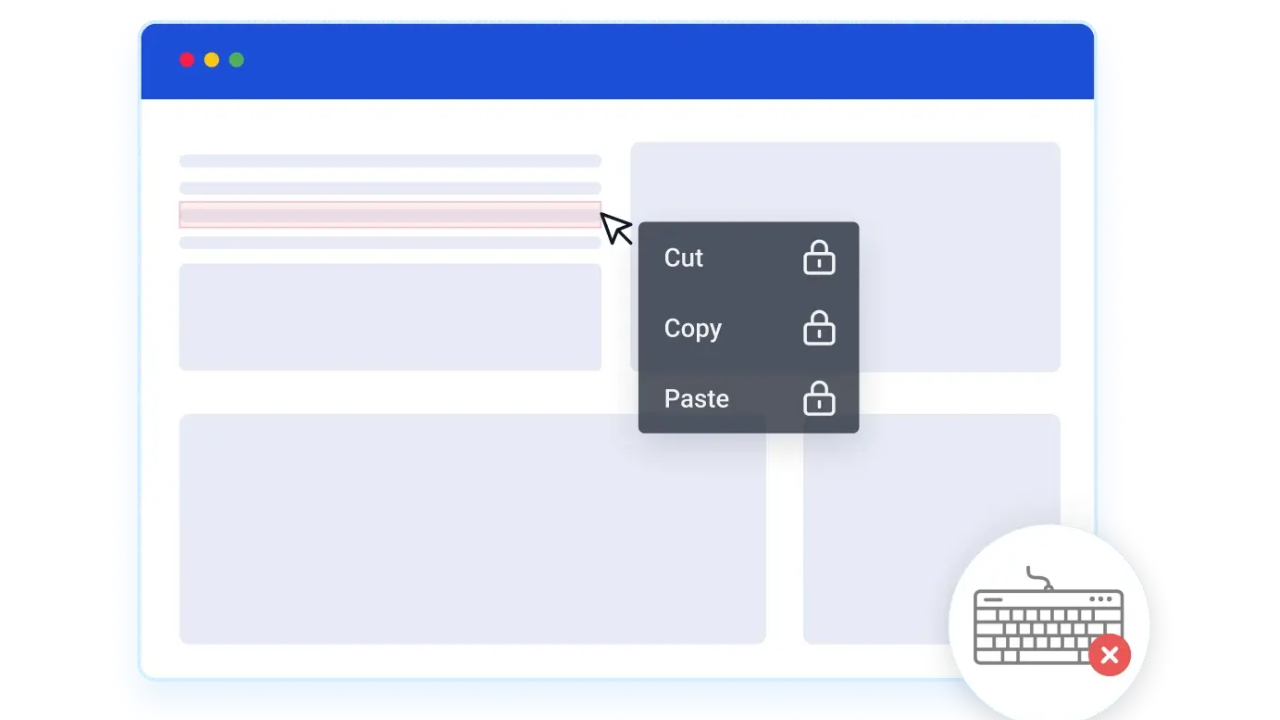
Once launched, TSB takes full command of the testing environment. It restricts access to unauthorized applications, disables screen recording and screenshots, and prevents candidates from navigating away from the exam window. TSB is purpose-built to uphold exam integrity, trust, and fairness — making it a critical layer of security for organizations administering high-stakes assessments.
Why Talview Secure Browser?
Organizations running certifications, entrance exams, licensure tests, or recruitment assessments face growing threats from candidate malpractice. TSB addresses these threats at the endpoint level — before AI proctoring even enters the picture. It is the first line of defense in a layered exam security strategy.
Key Capabilities:
The Talview lockdown browser enforces exam integrity at the endpoint, before AI proctoring comes into play.
- Unauthorized App Blocking — Automatically detects and terminates blacklisted applications running on the candidate's system before and during the exam.
- Exam Window Lock — Test-taker cannot switch tabs, open new windows, or access other applications once the exam begins.
- Screen Protection — Blocks screen recording tools and disables screenshot functionality to prevent leakage of sensitive exam content.
- Deep Link Launch Support — Supports direct exam startup via deep linking protocols, enabling candidates to launch TSB and load their assigned exam in a single click — no manual configuration required.
*
Platforms Supported:
Available and easily accessible where your candidates are
- Windows 10 and above
- macOS 11 (Big Sur) and above
Who Is This For?
Designed for Organizations Where Exam Integrity Is Non-Negotiable
- Professional Certification bodies and examination boards
- Nonprofit Organization
- Higher Education, Universities and Colleges
- Enterprises conducting recruitment and skills assessments
- Government and regulatory agencies administering licensure exams
- Digital Assessment Delivery Companies for their clients
- Standardized Testing Organizations
Talview Lockdown Browser integrates seamlessly with the Talview Online Assessment and Proctoring platform and is compatible with third-party LMS and assessment delivery platforms via standard protocols.
Global Deployment at Scale
Talview is trusted by leading organizations globally across certification, higher education, enterprise, and government sectors. Talview Secure Browser (TSB) has been deployed in assessment programs ranging from single-cohort certifications to national-scale licensure exams, across multiple time zones and candidate populations. The platform is architected for high-concurrency delivery — the lockdown guarantees that apply to 100 candidates in a pilot apply identically to 100,000 candidates in a national rollout.
Get Started
Talview works with Microsoft partners to deploy TSB within existing customer environments with minimal integration overhead. Contact us at us@talview.com
Download Talview Secure Browser
- Instructions on how to install Secure Browser: https://pages.talview.com/securebrowser/
- Windows Store: https://apps.microsoft.com/detail/9NCQ0Q33KL48
- Direct Download Link: https://sb.proview.io/prod/Talview-Secure-Browser-Upgraded.exe
Preview
3 images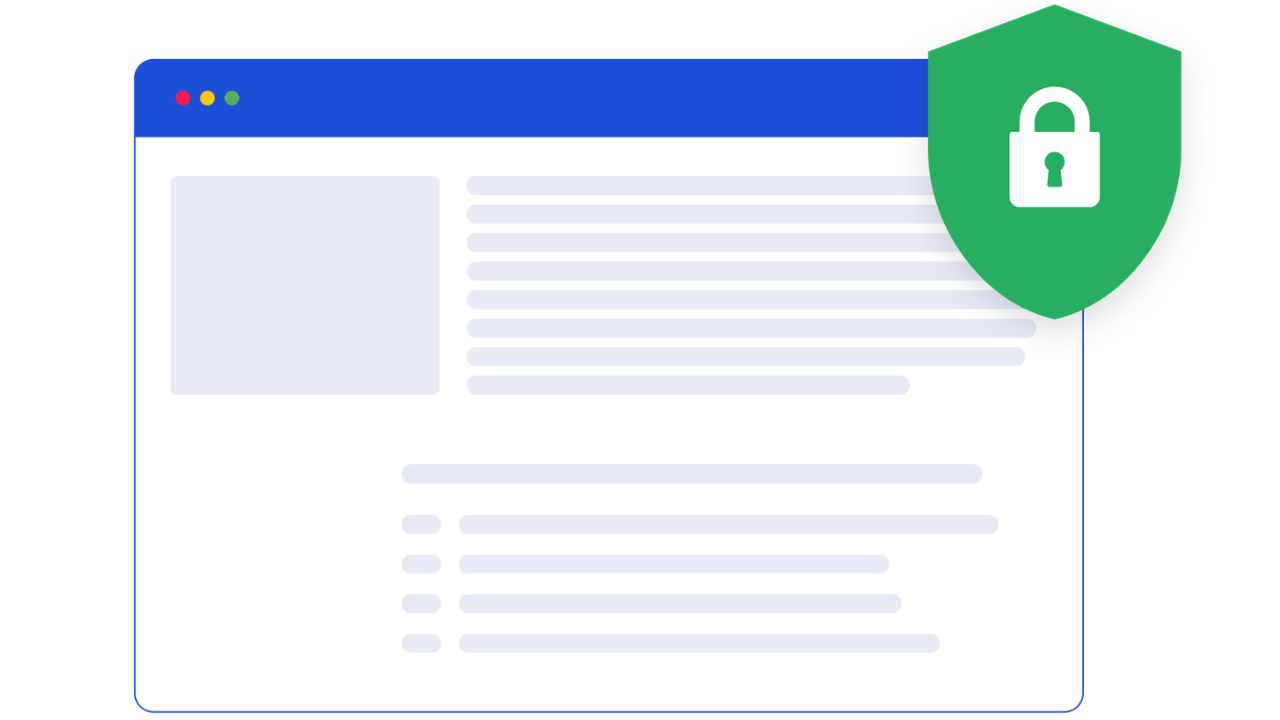
Agent build and provenance
Sign in to see the provenance.
The evidence, the layer-by-layer tracing, the risk basis, and the cross-marketplace links are open to signed-in accounts.
Sign inCompliance
- FedRAMPConfirmedNot listed90%, registry-checkedNo FedRAMP Marketplace entry matched this vendor's domain, checked 2026-08-27registry recordas observed 2026-08-27
Confirmed means matched to a public authoritative registry. Claimed means the vendor or its listing states it, not yet cross-checked. A framework not shown was not found in any source we hold, which is not evidence against it. Not listed means a scoped registry check found no match for this vendor's domain: a No is a scoped registry check, not a compliance judgment. Confidence bands: 95% domain-verified, 90% registry-checked, 80% self-attested, 70% weak signal. Self-attested items marked “vendor's site” are gathered from the vendor's own website and are not verified by us.
Vendor
External enrichment · as of 2026-08-29
Sources
Publisher resources
2 linksEvidence risk is the share of the build you cannot see before you deploy, not a security rating. Sign in to see the layer-by-layer basis for this band.