
DriveIQ AI Agent
Sysfore Technologies Pvt Ltd. · Operations & Productivity
Certification per Microsoft Marketplace.
Evidence tier Source Confirmed · 8 captures on record
What the publisher says
As described on Microsoft Marketplace.
Executive Summary
DriveIQ AI Agent gives Microsoft 365 users a
Show the rest of the publisher’s description (38 more lines)
natural-language interface to their OneDrive — eliminating manual folder
navigation and enabling instant file search, document summarisation, and
content retrieval through Microsoft Teams or Copilot. The solution is built on
a multi-tier, cloud-native architecture deployed entirely in the customer's
Azure subscription, connecting an Azure AI Foundry agent to an MCP server that
exposes 15 OneDrive management operations."
Business Value
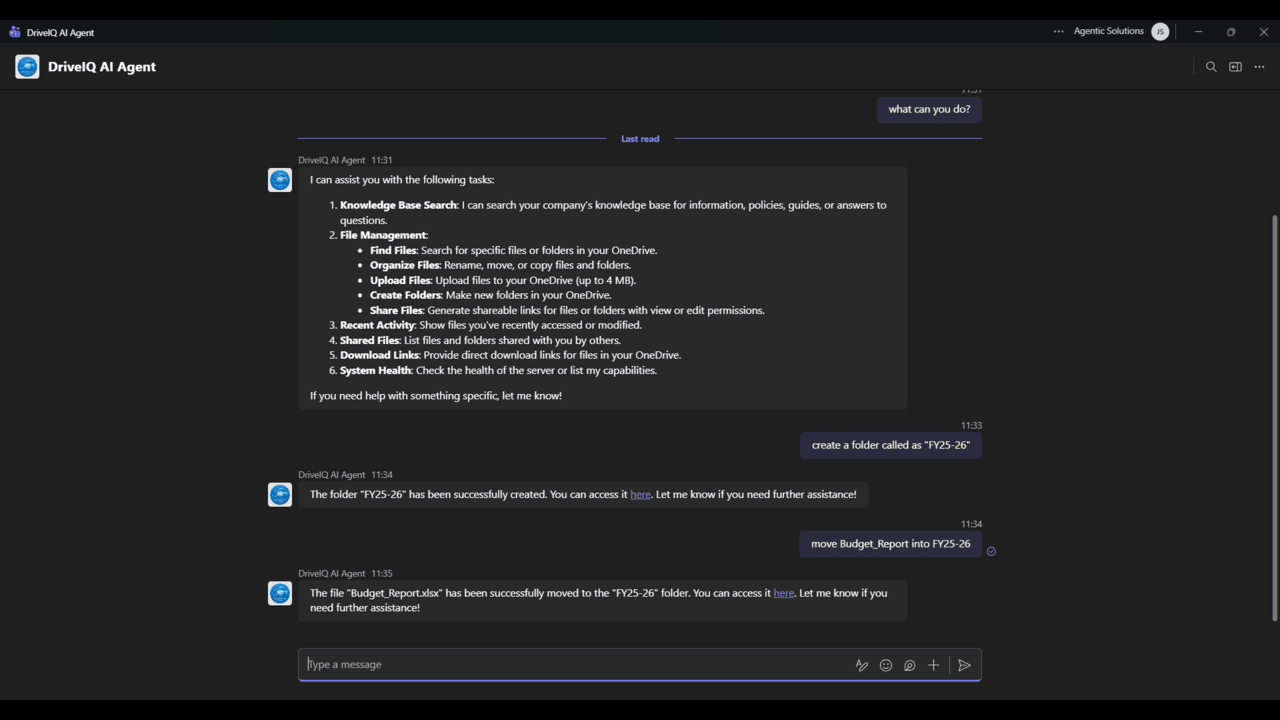
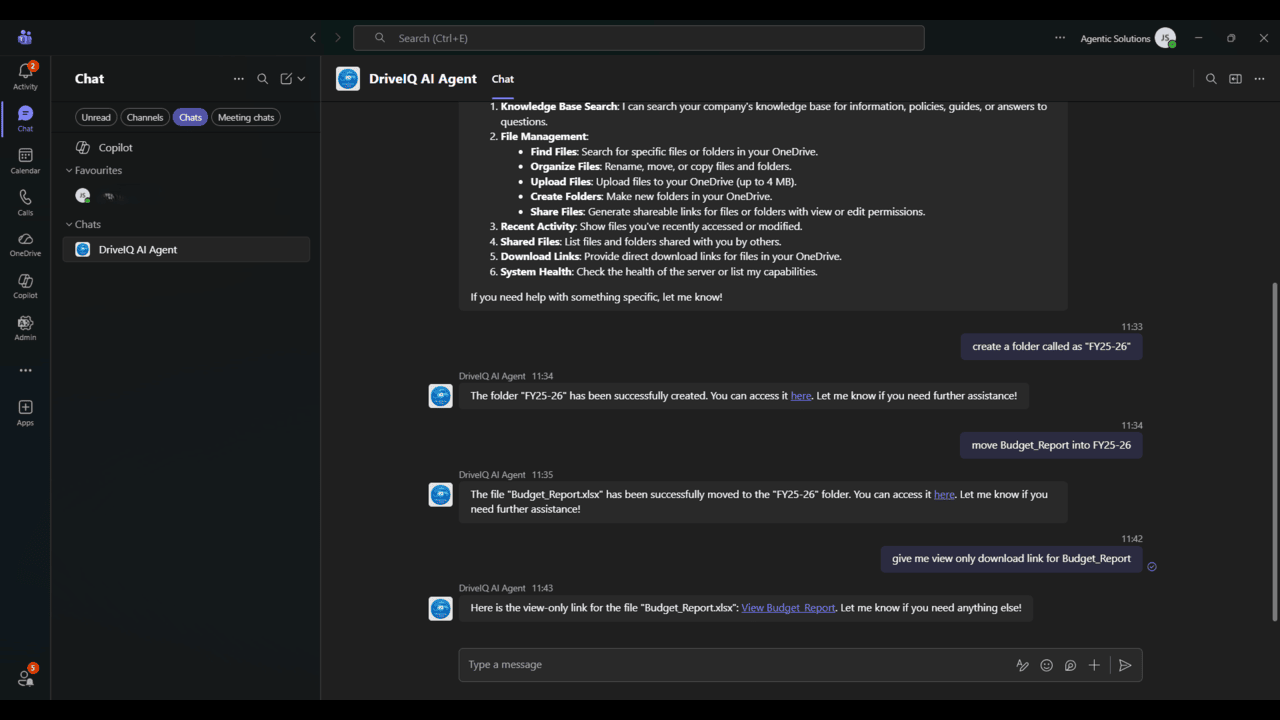
- Enhanced Productivity: Reduces context switching by combining 15 OneDrive management tools into a single, intuitive chat interface powered by an internal MCP server.
- Enterprise-Grade Security: Operates strictly using delegated user permissions via Microsoft Entra ID, ensuring the system executes actions solely on behalf of the authenticated user with no elevated app-level permissions.
- Cost Efficiency: Utilises a serverless Azure infrastructure with consumption-based billing that automatically scales to zero replicas when idle, eliminating costs during downtime.
Key Features & Capabilities
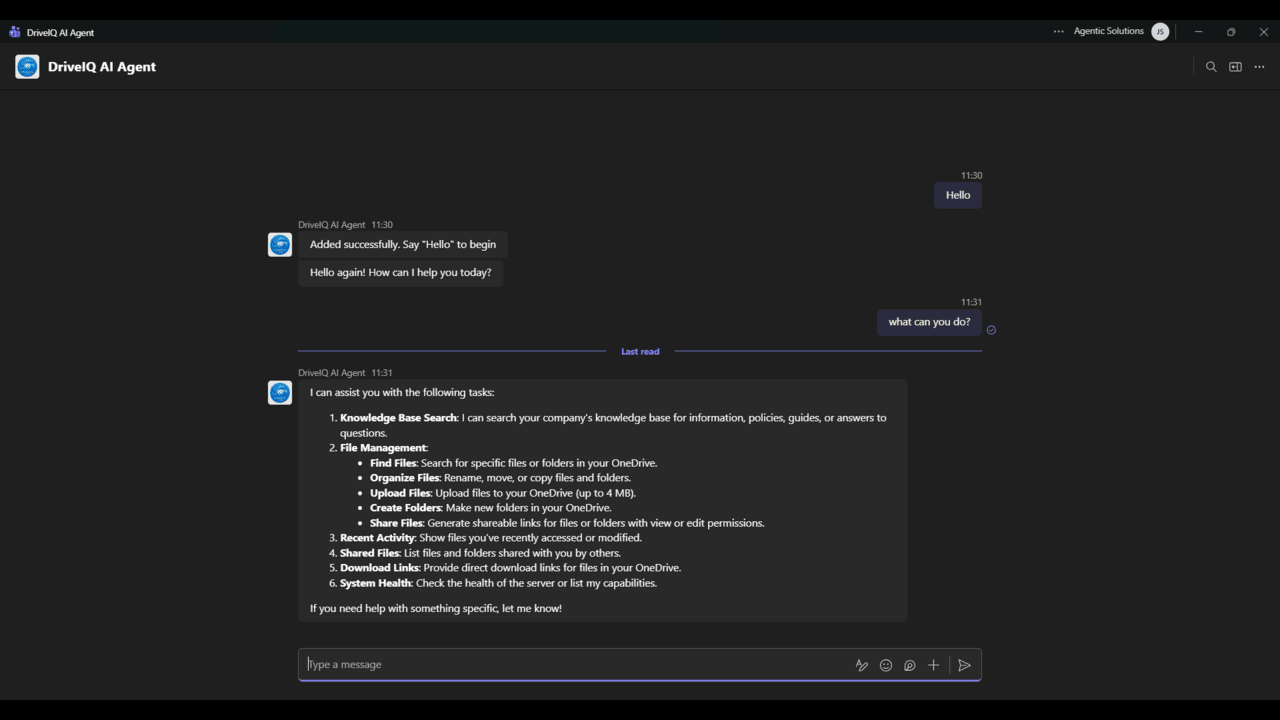
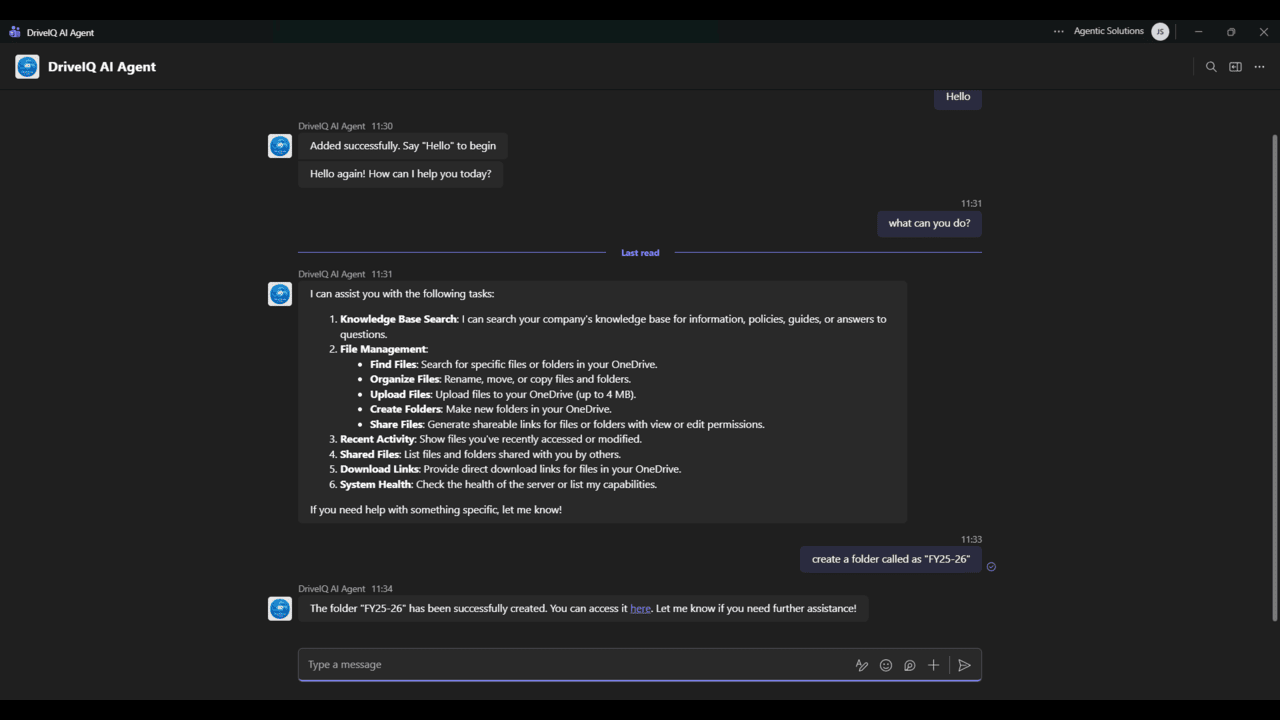
- Conversational File Management: Exposes various distinct OneDrive management tools through a secure, internal MCP server.
- Document Reading and Summarization: Enables users to read and summarise their own OneDrive documents — PDFs, Word files, and plain text — through natural language queries.
- Robust Authentication: Enforces OAuth 2.0 login followed by an MSAL device-code flow, safely storing tokens in an Azure Files share for silent, persistent user sessions.
- Dynamic Governance: Administrators can use a centralised registry to individually enable or disable specific tools without requiring any code changes.
Target Audience
Designed for Microsoft 365 enterprise and
business users who manage files in OneDrive for Business, DriveIQ AI Agent is
ideal for knowledge workers, project teams, and administrators who want to
interact with their file storage through conversational AI rather than
traditional folder navigation.
Prerequisites
To deploy and use
DriveIQ AI Agent, the following are required:
- An active
Microsoft 365 Business Standard, Business Premium, E3, or E5 subscription with
OneDrive for Business enabled.
- An active
Microsoft Azure subscription with sufficient quota to deploy two Azure
Container Apps and one Azure Storage Account in your selected region.
- A Microsoft
Entra ID (Azure AD) tenant with permission to register an application and grant
delegated Microsoft Graph permissions.
- Microsoft Teams
or a supported web browser to access the conversational interface.
- Note: A Microsoft Copilot for Microsoft 365 licence
is not required; however, the solution can optionally be surfaced as a Teams
message extension.
Preview
5 images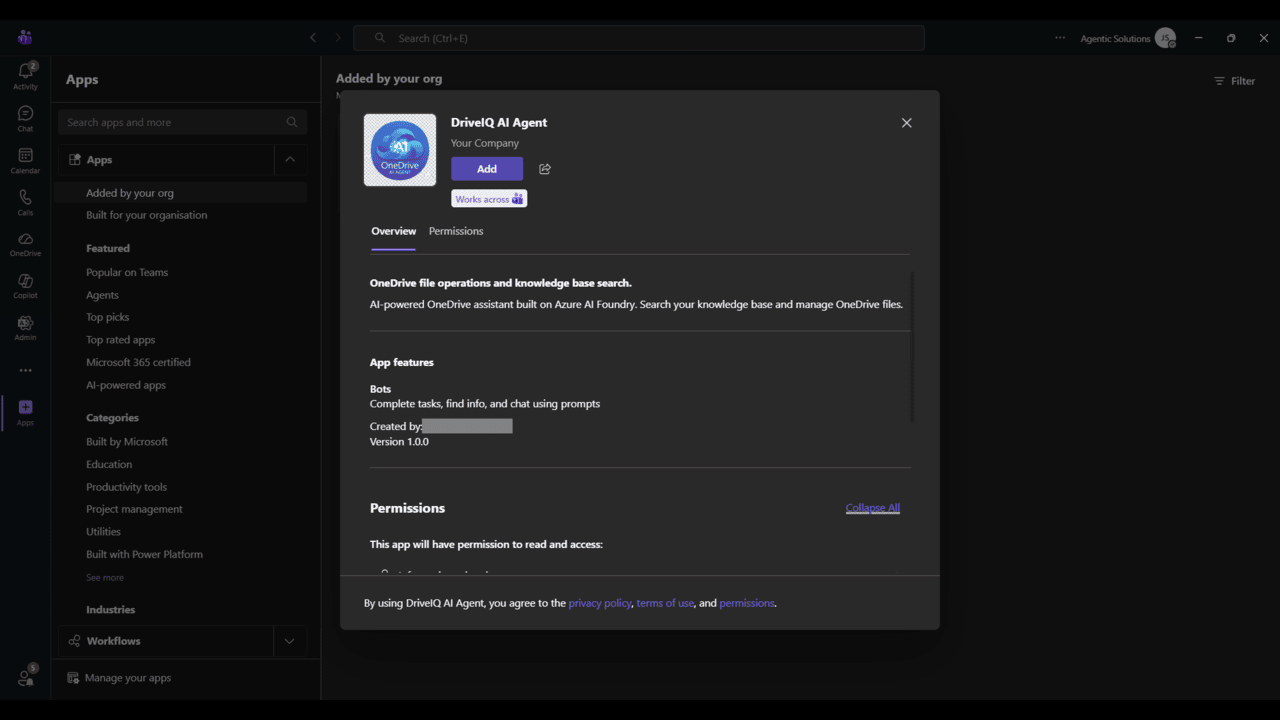
Agent build and provenance
See the full provenance
The layer-by-layer build, the evidence behind each claim, the risk basis and the cross-marketplace links are open to any account. Some rows are disclosed, some the source leaves Unknown; a free account shows you which.
Compliance
- FedRAMPConfirmedNot listed90%, registry-checkedNo FedRAMP Marketplace entry matched this vendor's domain, checked 2026-08-27registry recordas observed 2026-08-27
Confirmed means matched to a public authoritative registry. Claimed means the vendor or its listing states it, not yet cross-checked. A framework not shown was not found in any source we hold, which is not evidence against it. Not listed means a scoped registry check found no match for this vendor's domain: a No is a scoped registry check, not a compliance judgment. Confidence bands: 95% domain-verified, 90% registry-checked, 80% self-attested, 70% weak signal. Self-attested items marked “vendor's site” are gathered from the vendor's own website and are not verified by us.
Sources
Publisher resources
1 linkLinked repositories
Unknown means this listing does not publish a repository. It is not a statement that the code is closed, and a linked repository is not a claim that the publisher wrote it: the registry computes that relationship privately and does not publish it.
Evidence risk is the share of the build you cannot see before you deploy, not a security rating. Sign in to see the layer-by-layer basis for this band.