
Rambim AI Meeting Facilitator - Notetaker, Transcription and Meeting Minutes
rambim · Operations & Productivity
Certification per Microsoft Marketplace.
Evidence tier Source Confirmed · 5 captures on record
What the publisher says
As described on Microsoft Marketplace.
Meeting minutes, written for you — with your content under your control
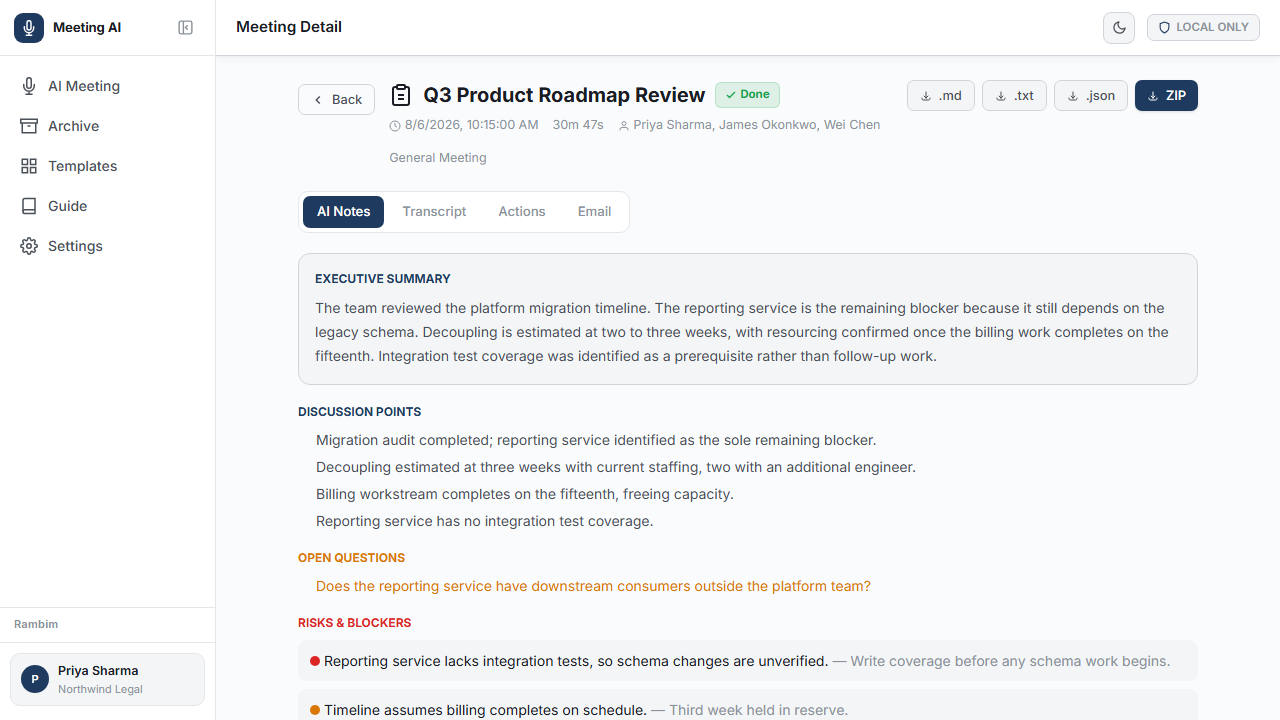
AI Meeting Facilitator turns a meeting into a finished record: a live transcript as the conversation happens, then an executive summary, the decisions taken, and action items with owners and due dates. No additional participant appears in your meeting, and your meeting content is never sent to Rambim.
Show the rest of the publisher’s description (28 more lines)
What you get
- Live transcription with speaker attribution across Microsoft Teams, Google Meet and Zoom.
- Finished minutes in eight sections: executive summary, discussion points, decisions, action items with owners and due dates, risks, open questions, notable quotes, and a follow-up email ready to send.
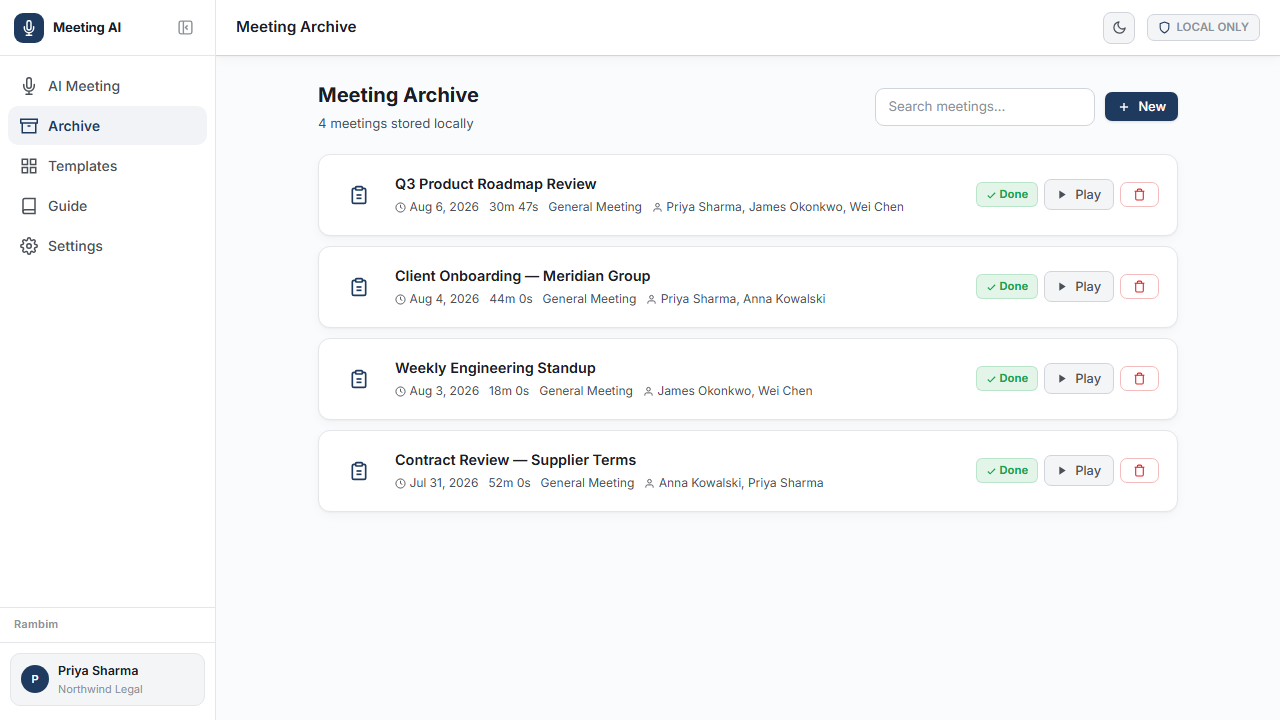
- A complete meeting record — a searchable archive with playback, and export to Word, PDF, Markdown, plain text or JSON.
- Attention alerts that tell you the moment a topic you care about is raised.
- Works on calls and in the room, wherever the meeting takes place.
Your meeting content stays yours
Most AI notetakers upload your recording to the vendor's servers and add a bot to your meeting. This one does neither. Recordings, transcripts and notes remain on your own device under encryption, and meeting content travels only between your organisation and the Azure OpenAI resource you control. Nothing is hosted by Rambim.
Engineered for multilingual enterprises
Meetings that move between Hindi and English mid-sentence are a first-class case rather than an afterthought. Rambim's proprietary language handling keeps Hindi correctly rendered in Devanagari instead of drifting into other scripts, and suppresses the spurious text that speech recognition generates during silence. Both are failures that make general-purpose transcription unusable for real enterprise meetings.
Built for long meetings
Sessions of ten hours and beyond are fully supported. Capture is continuously protected against interruption, and long transcripts are summarised in their entirety rather than truncated.
Editions
- Standard — free. Recording, live transcription, speaker labelling, AI minutes and export.
- Premium — one-time fee, unlimited users. Everything in Standard, plus offline capture: record with no connectivity at all, on a flight, in a basement meeting room or at a site visit, and transcription completes automatically once you reconnect.
- Business Premium — priced on application. Everything in Premium, with the AI connection managed centrally by an administrator, so staff never handle credentials of their own.
- Enterprise — in development. Single sign-on and Microsoft Teams integration. Not yet available for purchase.
Who uses it
Board meetings, client and consulting engagements, legal attendance notes, sales reviews, hiring interviews, research interviews, lectures, and site visits with no connectivity.
Common questions
Does a bot join my meeting? No. Other attendees see no extra participant, and nothing is added to your calendar invitation.
Do I need my own Azure OpenAI resource? Yes, and it stays entirely under your control. Deployed into your own subscription, the AI connection is configured once by an administrator, after which staff simply sign in with their Microsoft work account. Individuals can alternatively use their own.
Who can use it once deployed? Only the people you authorise: named individuals, a Microsoft Entra security group, or everyone at your domain. Everyone else is refused, including personal Microsoft accounts, and the list can be changed at any time without redeploying.
Can I record without connectivity? Yes, on Premium and Business Premium. The meeting is captured offline and transcribed automatically when the connection returns.
Requirements and deployment
- Microsoft Edge or Google Chrome on Windows or macOS. Mobile devices are not supported.
- An Azure OpenAI resource with a speech-to-text model and a chat model, or let the deployment provision one for you.
- Deploy from this listing into your own Azure subscription. Provisioning takes about five minutes and needs Contributor access to a resource group. All meeting data remains inside your subscription.
Preview
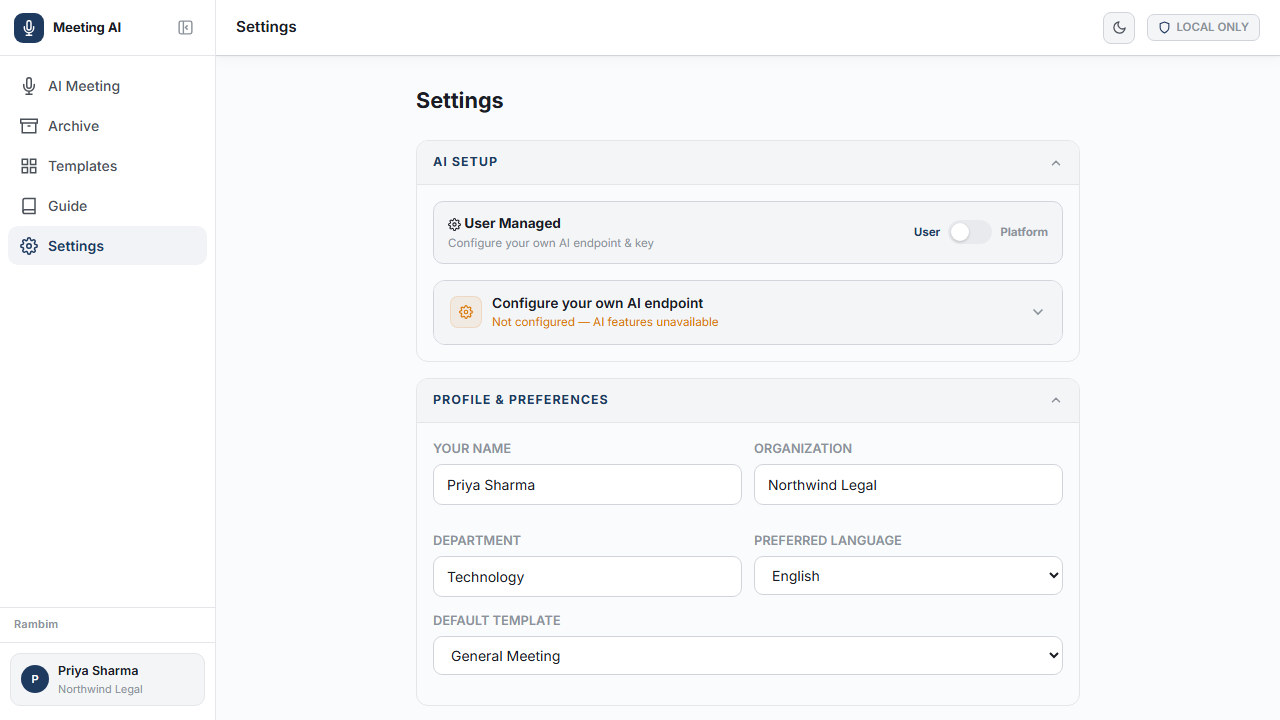
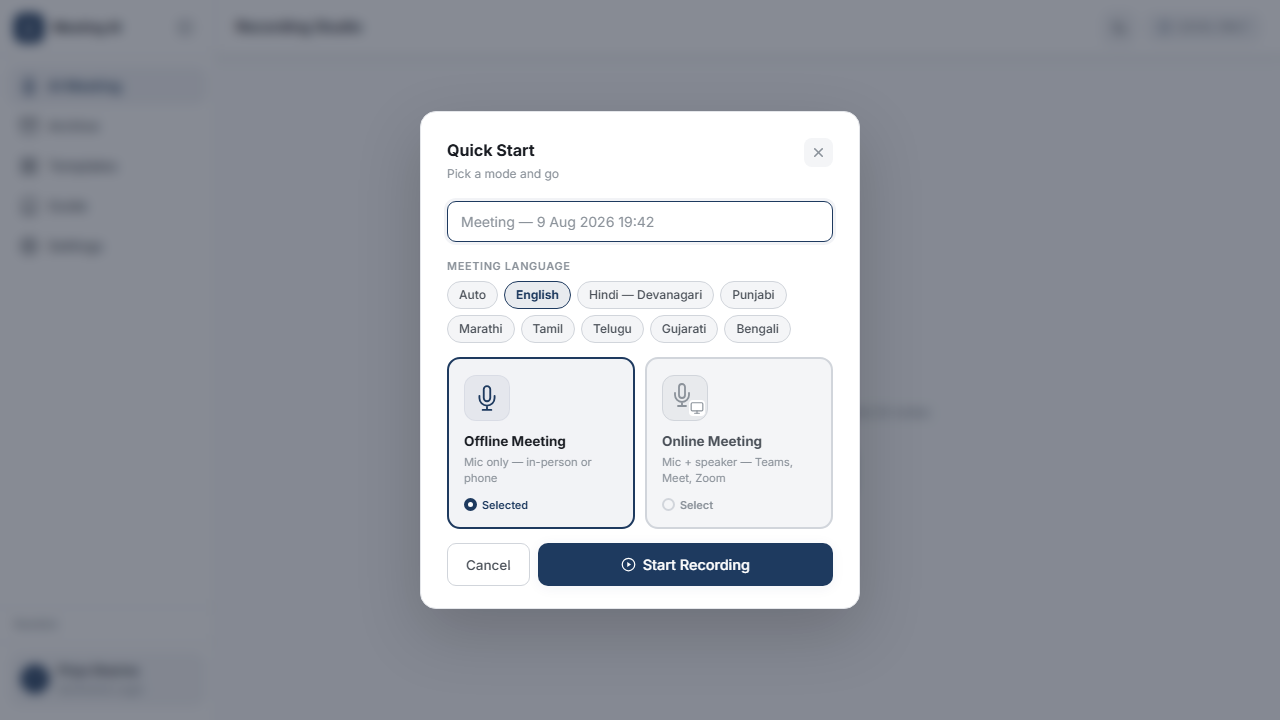
5 images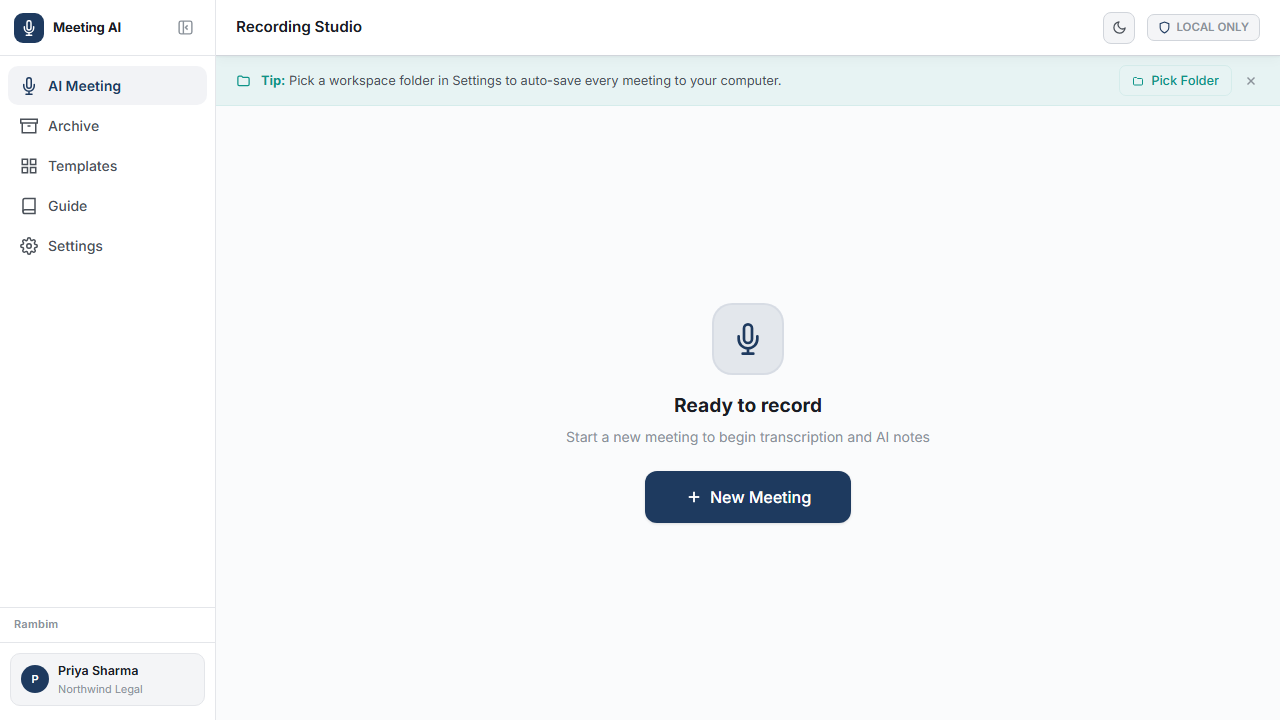
Agent build and provenance
See the full provenance
The layer-by-layer build, the evidence behind each claim, the risk basis and the cross-marketplace links are open to any account. Some rows are disclosed, some the source leaves Unknown; a free account shows you which.
Compliance
- FedRAMPConfirmedNot listed90%, registry-checkedNo FedRAMP Marketplace entry matched this vendor's domain, checked 2026-08-27registry recordas observed 2026-08-27
Confirmed means matched to a public authoritative registry. Claimed means the vendor or its listing states it, not yet cross-checked. A framework not shown was not found in any source we hold, which is not evidence against it. Not listed means a scoped registry check found no match for this vendor's domain: a No is a scoped registry check, not a compliance judgment. Confidence bands: 95% domain-verified, 90% registry-checked, 80% self-attested, 70% weak signal. Self-attested items marked “vendor's site” are gathered from the vendor's own website and are not verified by us.
Vendor
External enrichment
Sources
Publisher resources
1 linkLinked repositories
Unknown means this listing does not publish a repository. It is not a statement that the code is closed, and a linked repository is not a claim that the publisher wrote it: the registry computes that relationship privately and does not publish it.
Evidence risk is the share of the build you cannot see before you deploy, not a security rating. Sign in to see the layer-by-layer basis for this band.