
RiverScript – Record & Transcribe with AI
RiverScript · Operations & Productivity
Certification per Microsoft Marketplace.
Evidence tier Source Confirmed · 7 captures on record
What the publisher says
As described on Microsoft Marketplace.
RiverScript is a European AI platform for turning audio and video into accurate, useful text. Record or upload, transcribe, edit, translate, summarise, share and export – everything in one place.
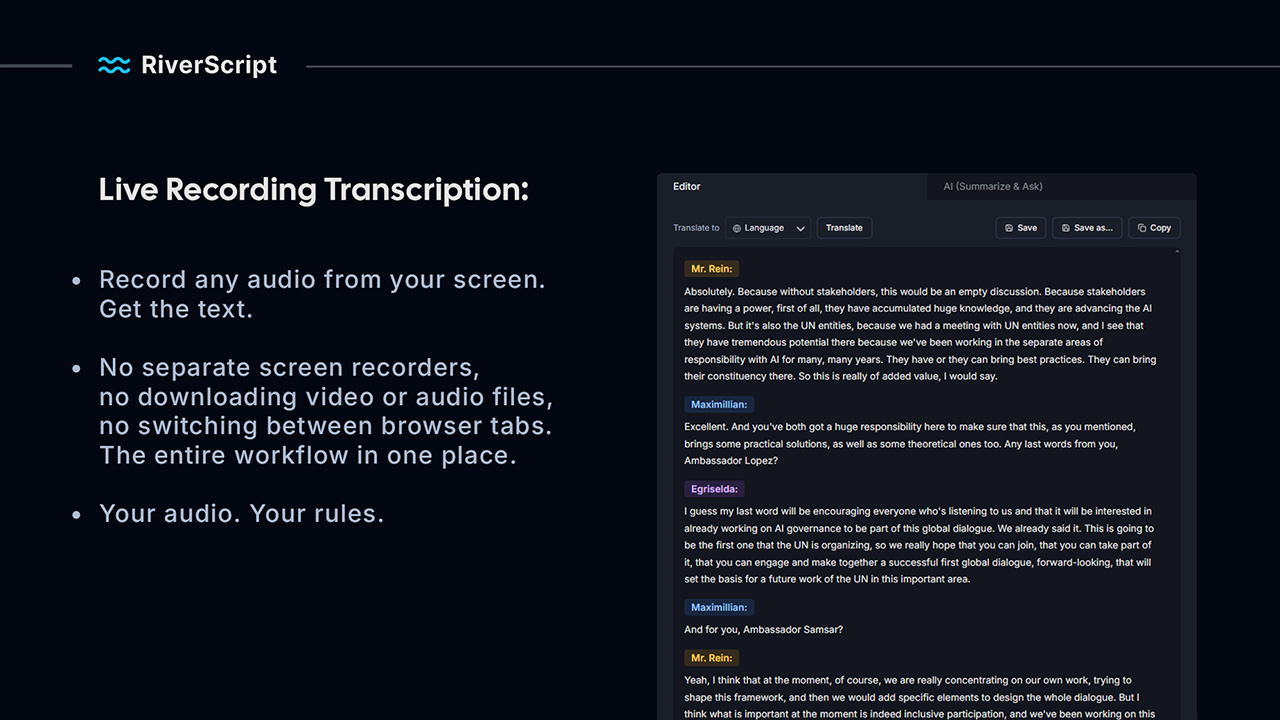
Live Recording Transcription – everything you can hear on your computer
Show the rest of the publisher’s description (26 more lines)
Record and transcribe meetings, calls, webinars, podcasts, videos, browser audio and someone else’s screen share. RiverScript captures system audio directly from your computer, regardless of which application is playing it. It does not depend on meeting bots, browser extensions or app-specific integrations, and no additional participant joins your meeting.
Instead of using a separate screen recorder, locating and converting the recording, uploading it elsewhere and moving between several tools, you can record and transcribe the audio in one workflow.
Audio and video files up to 50 GB and 8 hours
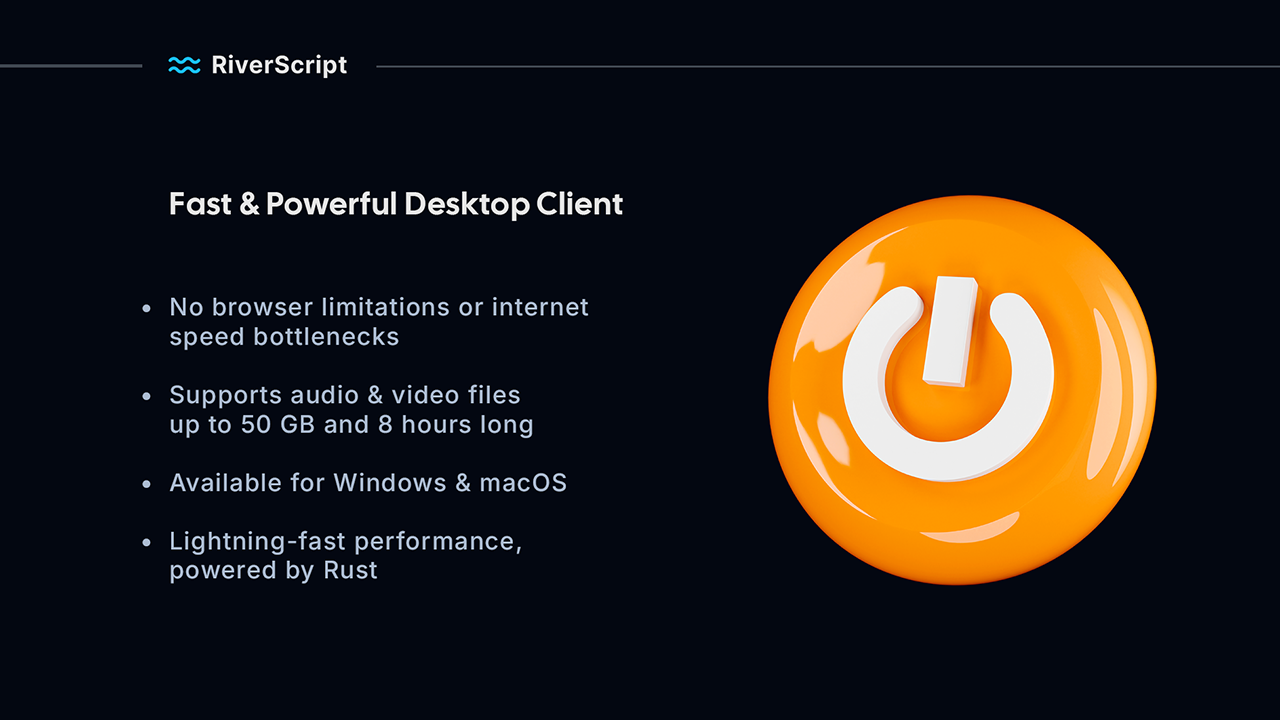
Upload audio and video files individually or in batches. RiverScript is built for long recordings, including lectures, hearings, interviews, conferences, webinars, podcasts and other multi-hour material. Files can be up to 50 GB and 8 hours long.
Transcripts you can work with
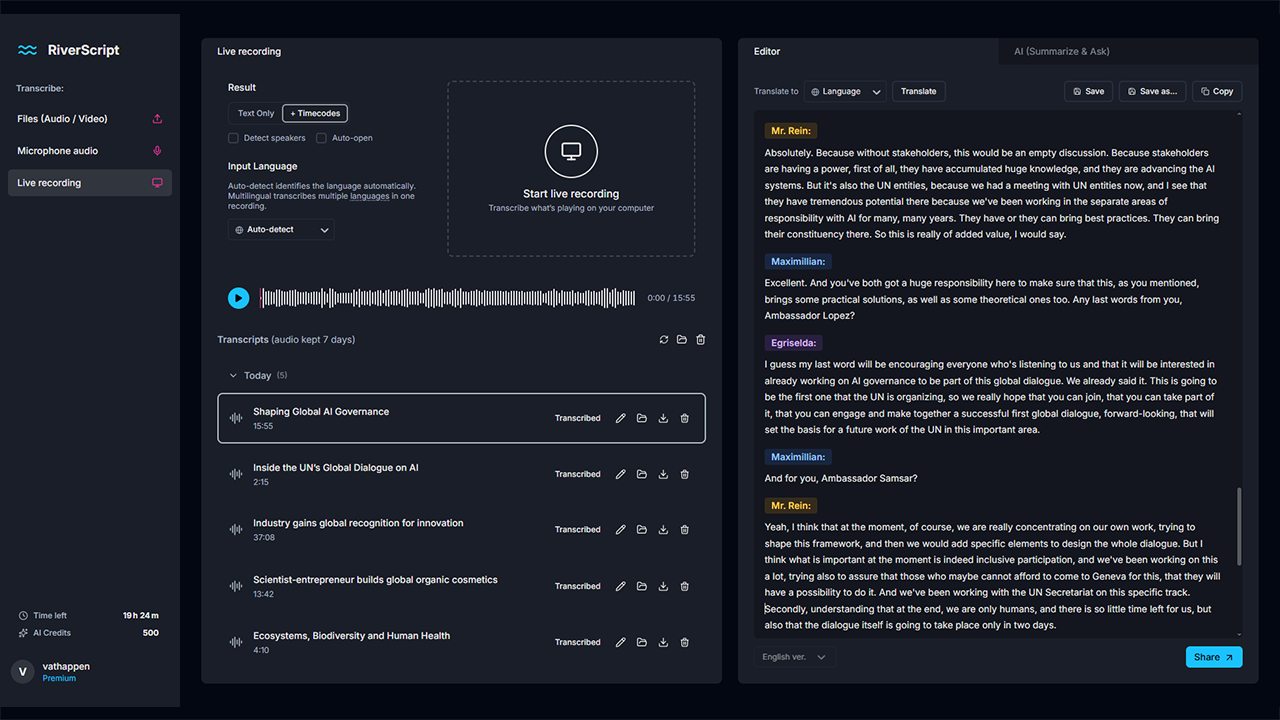
- Interactive editor with audio and video playback synchronised to the text
- Clickable timecodes for navigating directly to any moment
- Speaker diarisation with clear, colour-coded labels
- AI-generated summaries and key moments
- An AI assistant that can answer questions about your transcripts
- Shareable transcript links
- Export to DOCX, PDF, TXT, SRT and VTT
AI-quality translation without chat-length limits
Translate complete transcripts using an OpenAI model. You get the quality of AI translation without having to divide long transcripts into smaller sections to fit inside a chat window. Even multi-hour transcripts can be translated as complete documents while preserving their structure and context.
RiverScript supports transcription in more than 100 languages and translation into 100 languages.
A multi-model AI architecture
RiverScript combines leading speech recognition models from ElevenLabs, OpenAI and Deepgram instead of relying on a single provider. This multi-model architecture allows the platform to handle different languages, recording conditions and types of audio more effectively.
Built for people who work with spoken content
RiverScript is designed for journalists working with interviews, lawyers and healthcare professionals handling dictation and long sessions, researchers and students transcribing lectures and webinars, content creators producing subtitles, and consultants and teams documenting calls and meetings.
It solves a simple but persistent problem: valuable information is often locked inside hours of audio and video. RiverScript turns that material into searchable, editable and reusable text.
Sign in with your Microsoft account
RiverScript supports Microsoft Entra ID single sign-on. Work and school accounts from organisations using Microsoft Entra ID can sign in directly, as can personal Microsoft accounts. There is no separate password to create or manage, and sign-in requires only basic profile access.
European by default
RiverScript is built and operated in Finland by a registered Finnish business. Transcripts and account data are stored in the EU on servers in Helsinki. Source audio is deleted automatically after seven days.
Free to start
Get it now creates a free RiverScript account with one hour of transcription per month and 25 AI credits. No payment card is required, and the free allowance renews monthly.
Preview
5 images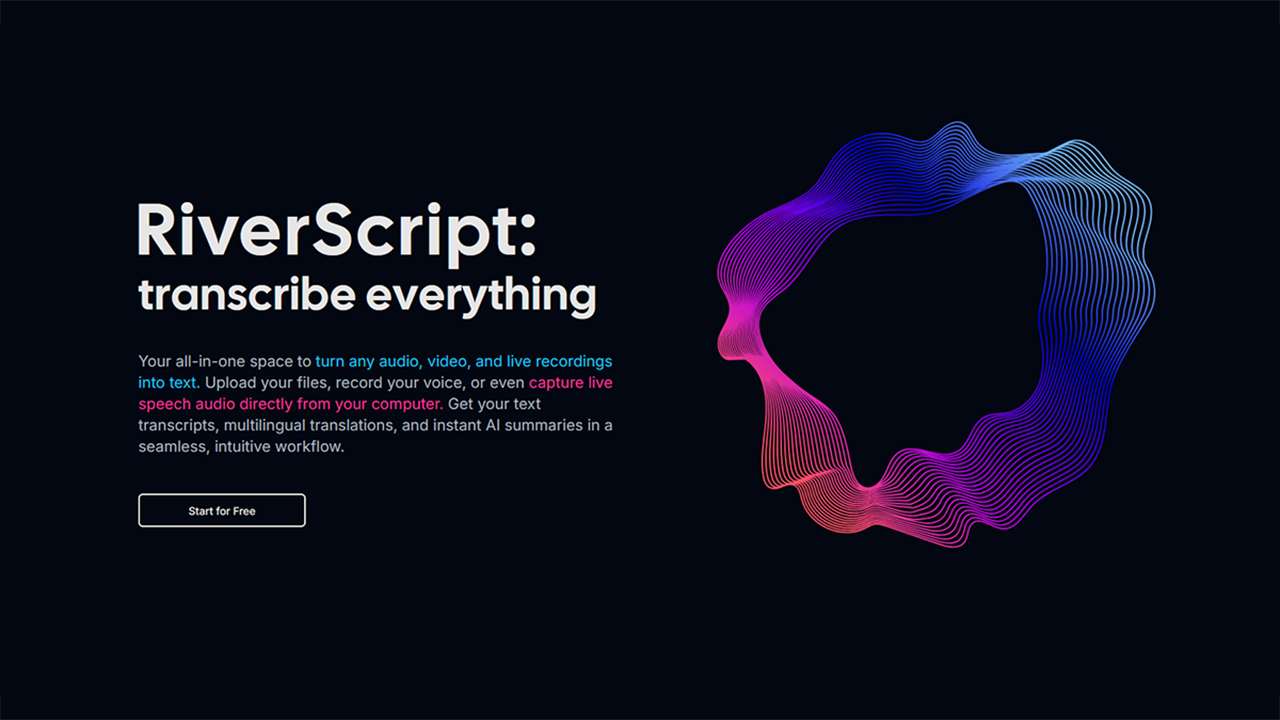
Agent build and provenance
See the full provenance
The layer-by-layer build, the evidence behind each claim, the risk basis and the cross-marketplace links are open to any account. Some rows are disclosed, some the source leaves Unknown; a free account shows you which.
Compliance
- FedRAMPConfirmedNot listed90%, registry-checkedNo FedRAMP Marketplace entry matched this vendor's domain, checked 2026-08-27registry recordas observed 2026-08-27
Confirmed means matched to a public authoritative registry. Claimed means the vendor or its listing states it, not yet cross-checked. A framework not shown was not found in any source we hold, which is not evidence against it. Not listed means a scoped registry check found no match for this vendor's domain: a No is a scoped registry check, not a compliance judgment. Confidence bands: 95% domain-verified, 90% registry-checked, 80% self-attested, 70% weak signal. Self-attested items marked “vendor's site” are gathered from the vendor's own website and are not verified by us.
Vendor
External enrichment
Sources
Publisher resources
8 linksLinked repositories
Unknown means this listing does not publish a repository. It is not a statement that the code is closed, and a linked repository is not a claim that the publisher wrote it: the registry computes that relationship privately and does not publish it.
Evidence risk is the share of the build you cannot see before you deploy, not a security rating. Sign in to see the layer-by-layer basis for this band.