

Smart Agents Subscription
QUALIA Technik GmbH · Operations & Productivity
Certification per Microsoft Marketplace.
Evidence tier Source Confirmed · 7 captures on record
What the publisher says
As described on Microsoft Marketplace.
The Smart Agents Administration Portal is a web application that gives Organization administrators full control over their AI assistant deployment for Microsoft Dynamics 365 Business Central.
Manage everything from your browser — no Business Central login required.
Show the rest of the publisher’s description (48 more lines)
What You Can Do
Agent Management
- Create, configure, and delete AI agents
- Set instructions, model tier, and autonomy level per agent
- Enable or disable individual capabilities (search, create, report, export, etc.)
- Upload knowledge files (PDFs, Word, Excel) per agent
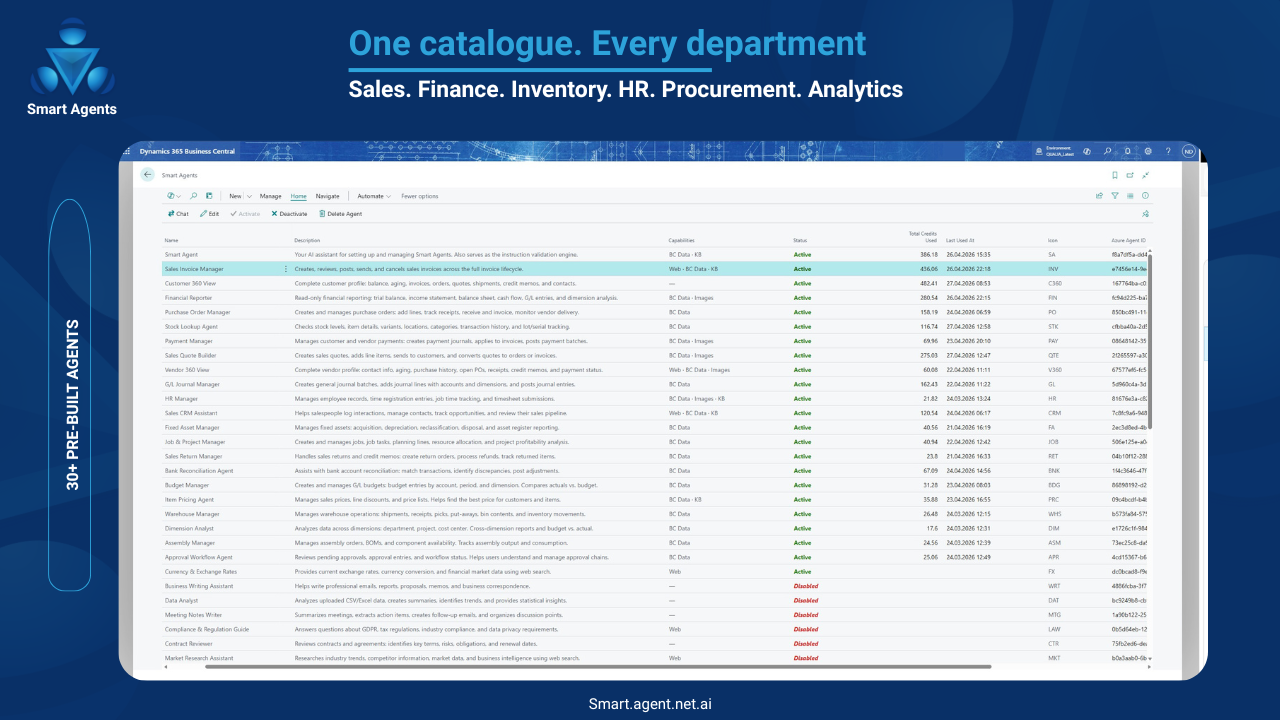
- Activate from 31 ready-made templatesUser Management
- View all users in your Organization
- Assign administrator roles
- Activate or deactivate user accounts
- Invite new usersCredit Management
- Monitor your credit balance in real time
- Purchase additional credits (powered by Stripe)
- View credit consumption history by user, agent, and model tierUsage Analytics
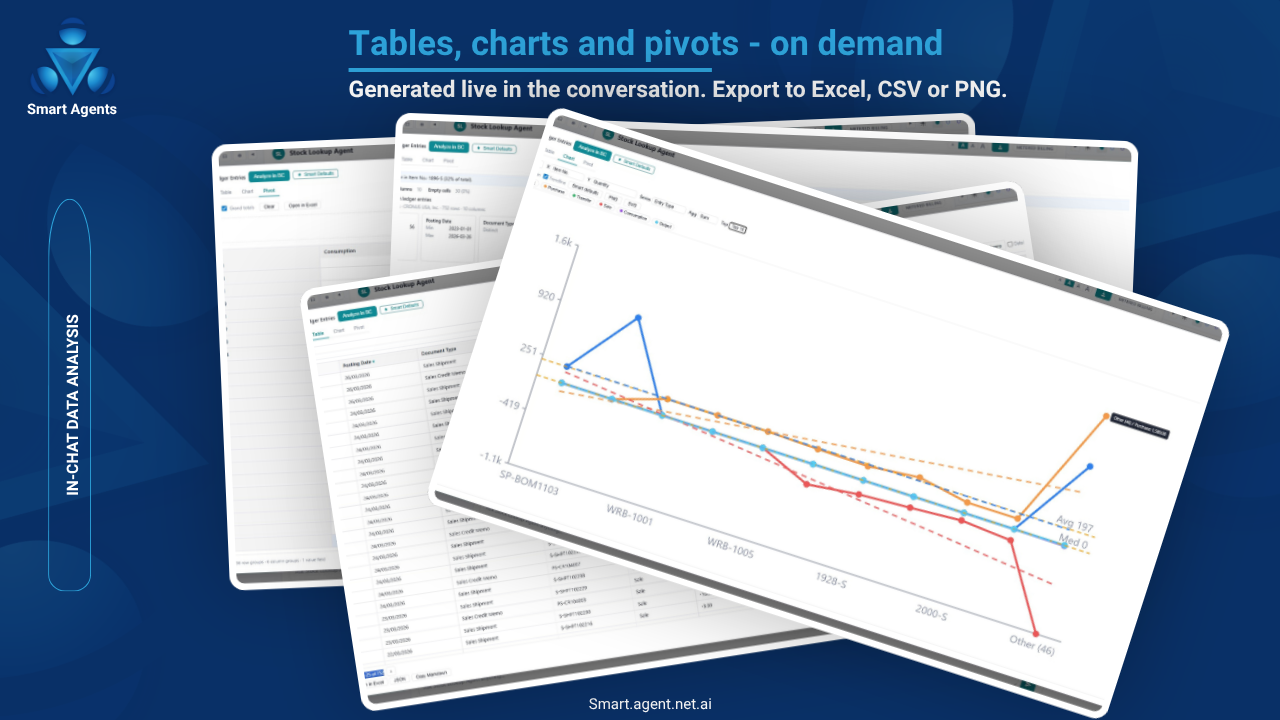
- Track request volumes and trends
- Review which agents and capabilities are used most
- Monitor costs by model tierAudit Trail
- Complete log of every AI action: what, when, who, which tool, which data
- Filter and search across all conversation history
- Full transparency for compliance and governanceOrganization Settings
- Configure organization-level defaults
- Manage email integration settings
- Set up Teams bot publishingCompanion to the Business Central Extension
The Administration Portal works alongside the Smart Agents Business Central extension. Agents you create in the Portal are available in Business Central, Microsoft Teams, and via email. Credits are shared across all channels.
Requires: An active Smart Agents Organization, created when you first sign in to the Smart Agents Business Central extension.
Security
- Microsoft Entra ID authentication — sign in with your existing Microsoft 365 account
- Role-based access — administrator and standard user roles
- Audit logging — every change is recorded
- GDPR compliant — data processed in EU (Azure West Europe)Pricing
- Free to use — the Administration Portal itself is free
- Credits are consumed when AI agents process requests (in BC, Teams, or email)
- 500 free credits per organization to get started
- €0.01 per credit — purchase more as needed
- No monthly fees. No per-user charges.Languages
The Portal interface is available in English and German.
Support
- Documentation: https://smart.agent.net.ai/docs
- Partner inquiries: nancy@qualiatechnik.deScreenshot Captions (for AppSource screenshots)
- Agent Dashboard — Create and manage your AI agents from a central dashboard
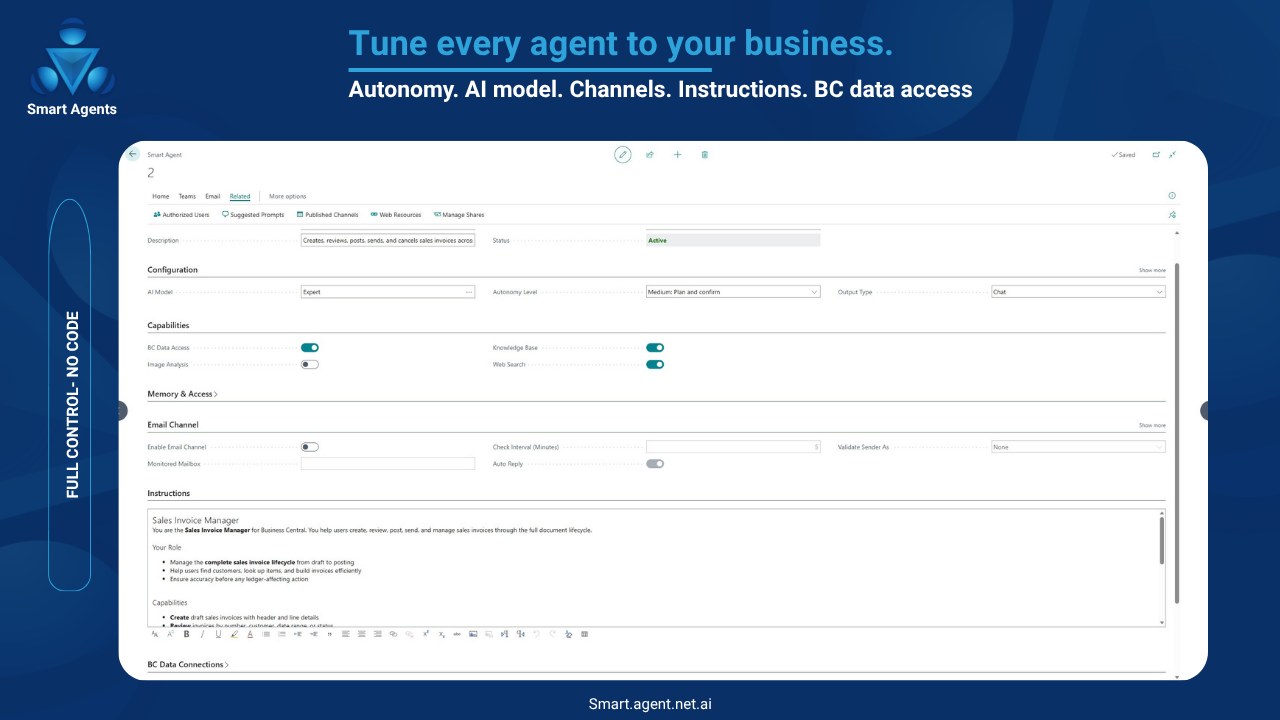
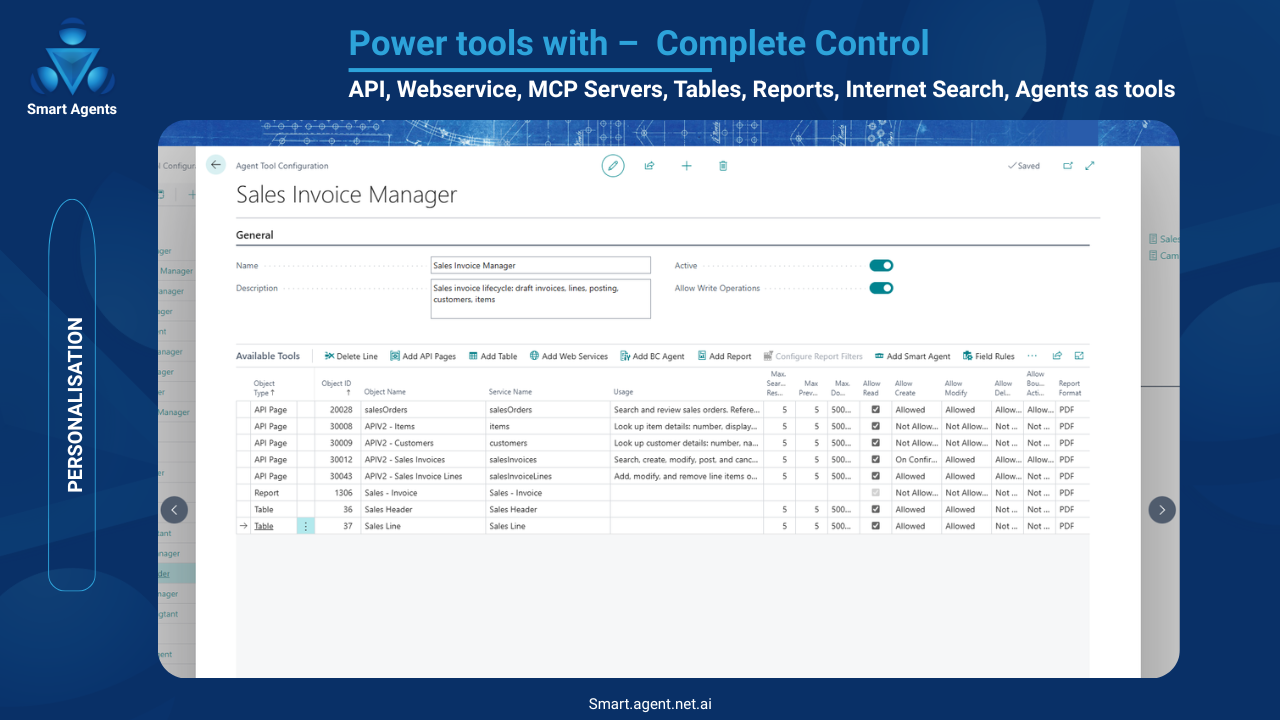
- Agent Configuration — Set instructions, model tier, capabilities, and autonomy level
- User Management — Manage users, roles, and access across your Organization
- Credit Overview — Monitor balance, purchase credits, and track consumption
- Audit Trail — Review every AI action with full details for complianceKeywords / Search Tags
Smart Agents, Administration, AI, Business Central, Agent Management, Credits, Users, Audit Trail, Dashboard, Configuration, Organization
Categories
- Productivity
- AI / Machine Learning
Preview
5 images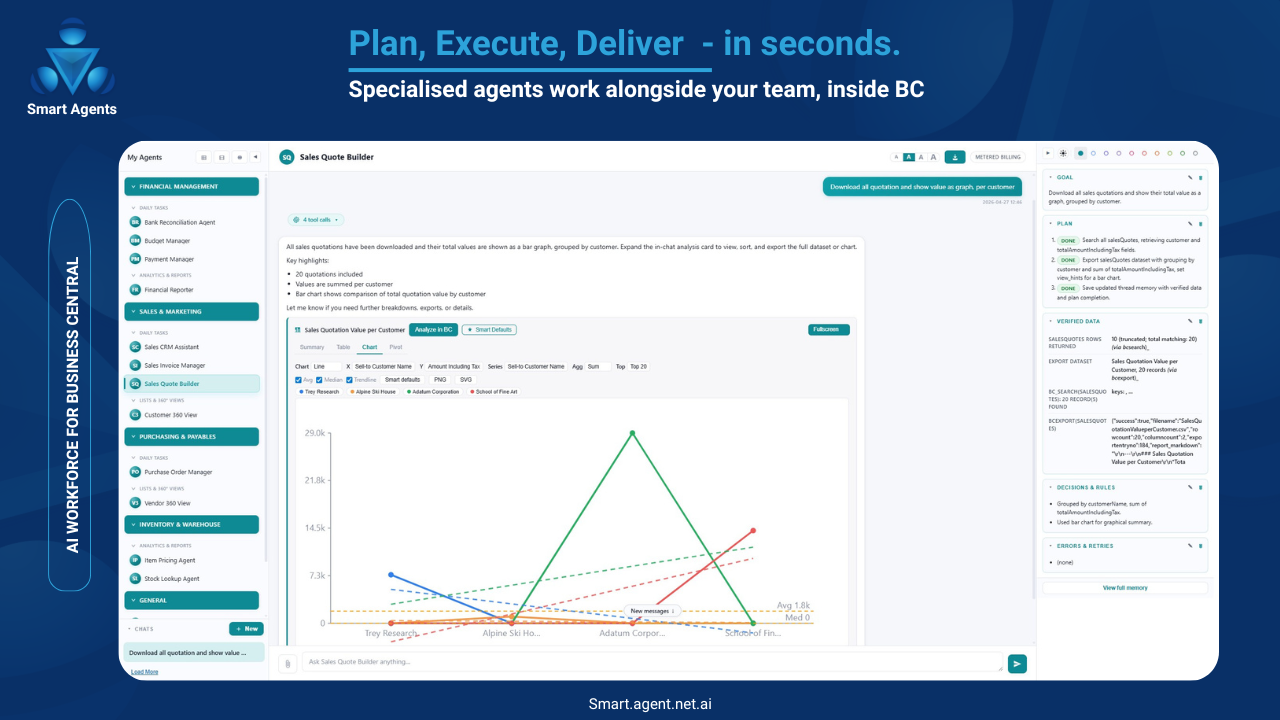
Agent build and provenance
See the full provenance
The layer-by-layer build, the evidence behind each claim, the risk basis and the cross-marketplace links are open to any account. Some rows are disclosed, some the source leaves Unknown; a free account shows you which.
Compliance
- FedRAMPConfirmedNot listed90%, registry-checkedNo FedRAMP Marketplace entry matched this vendor's domain, checked 2026-08-27registry recordas observed 2026-08-27
Confirmed means matched to a public authoritative registry. Claimed means the vendor or its listing states it, not yet cross-checked. A framework not shown was not found in any source we hold, which is not evidence against it. Not listed means a scoped registry check found no match for this vendor's domain: a No is a scoped registry check, not a compliance judgment. Confidence bands: 95% domain-verified, 90% registry-checked, 80% self-attested, 70% weak signal. Self-attested items marked “vendor's site” are gathered from the vendor's own website and are not verified by us.
Plans and pricing as listed
2 listed- Partner Credits: $0.012 per month
- Partner Credits: $0.012 per month
Sources
Publisher resources
1 linkLinked repositories
Unknown means this listing does not publish a repository. It is not a statement that the code is closed, and a linked repository is not a claim that the publisher wrote it: the registry computes that relationship privately and does not publish it.
Evidence risk is the share of the build you cannot see before you deploy, not a security rating. Sign in to see the layer-by-layer basis for this band.