

Intelligent Support Agent
MAZIK GLOBAL LIMITED · Operations & Productivity
Certification per Microsoft Marketplace.
Evidence tier Publisher Attested · 7 captures on record
What the publisher says
As described on Microsoft Marketplace.
Customer Support Management with AI
What This Solution Does
Show the rest of the publisher’s description (52 more lines)
The Intelligent Support Agent automates ticket creation, priority detection and status updates using email as the primary intake channel. It converts incoming messages into complete CRM tickets and routes them through your existing support process. The solution reduces manual effort, improves accuracy and helps teams respond to support requests more consistently.
Key Problems It Solves
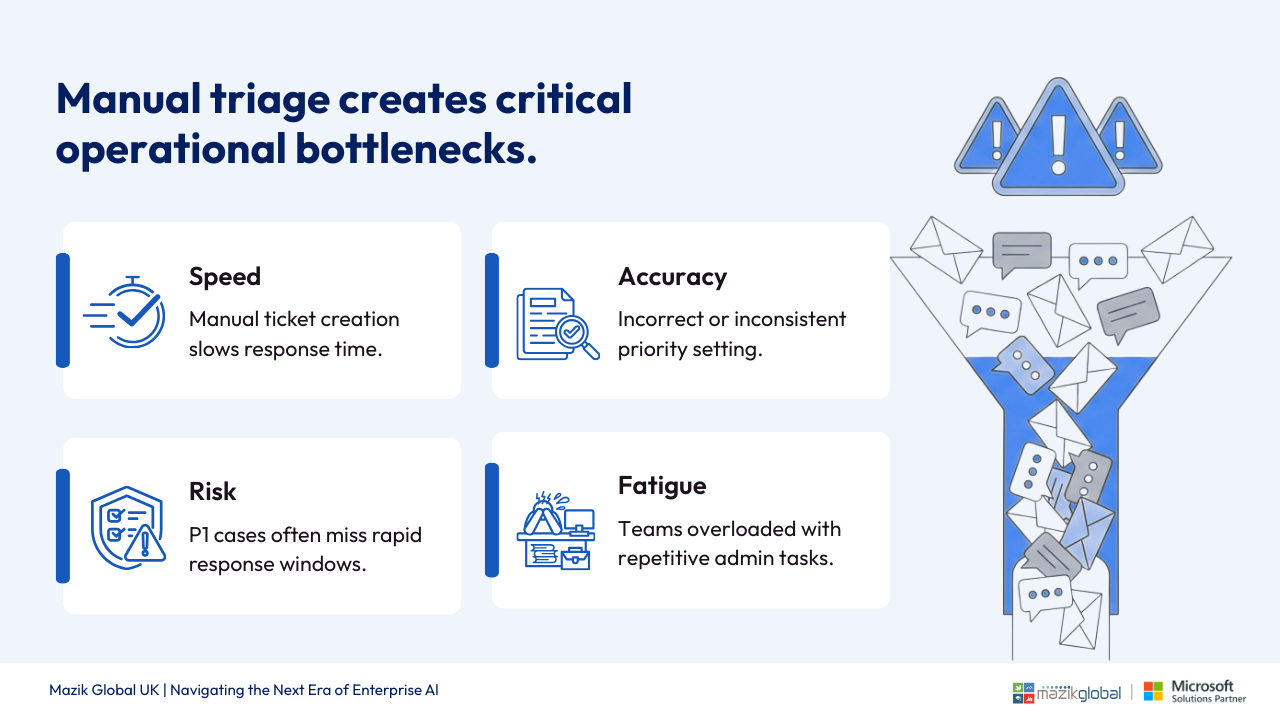
- Manual review of emails to create support tickets
- Inconsistent or incorrect priority assignment
- Re-keying errors when entering ticket details
- Delayed updates to users and internal teams
- Limited visibility into critical or ageing issuesHow It Works (Simple Flow)
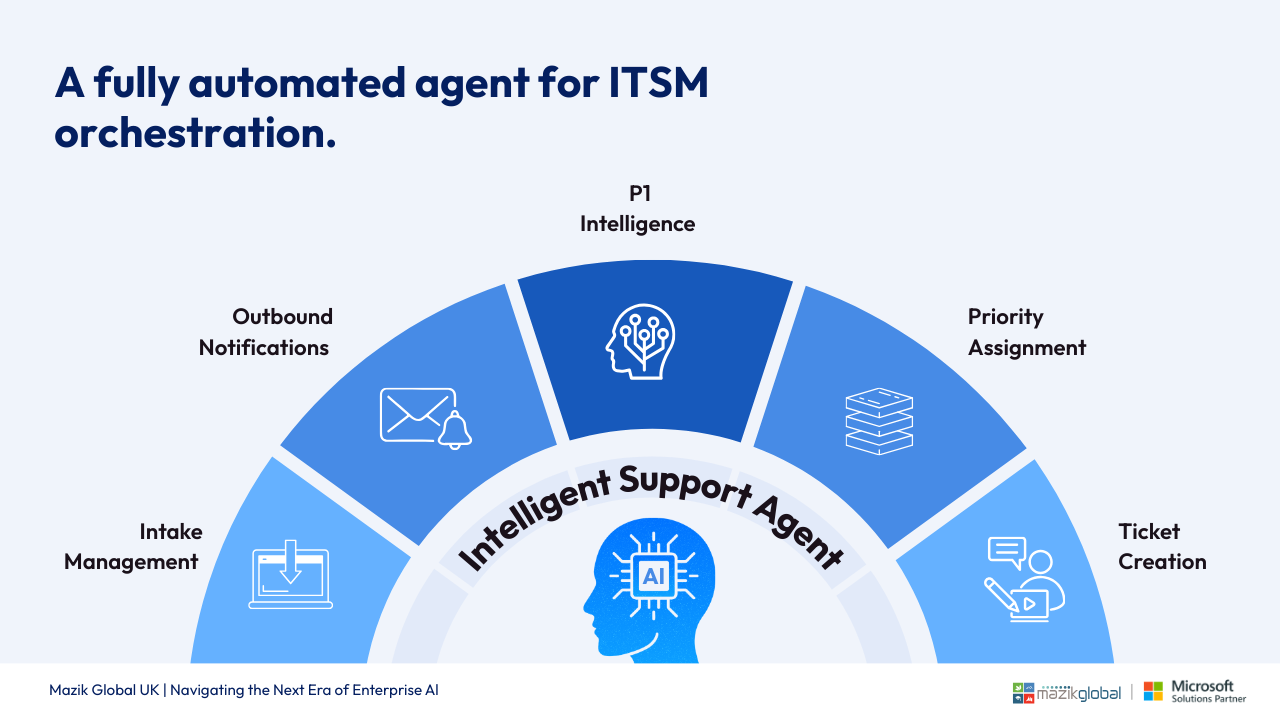
Email → Content Extraction → Priority Check → Ticket Creation → Notifications
- Users send a support request by email
- The agent extracts the message content and attachments
- Priority is identified based on your support rules
- A CRM ticket is created with a clear title and description
- Users receive confirmation and can request status updates by email
Core Capabilities
- Create CRM support tickets directly from incoming emails
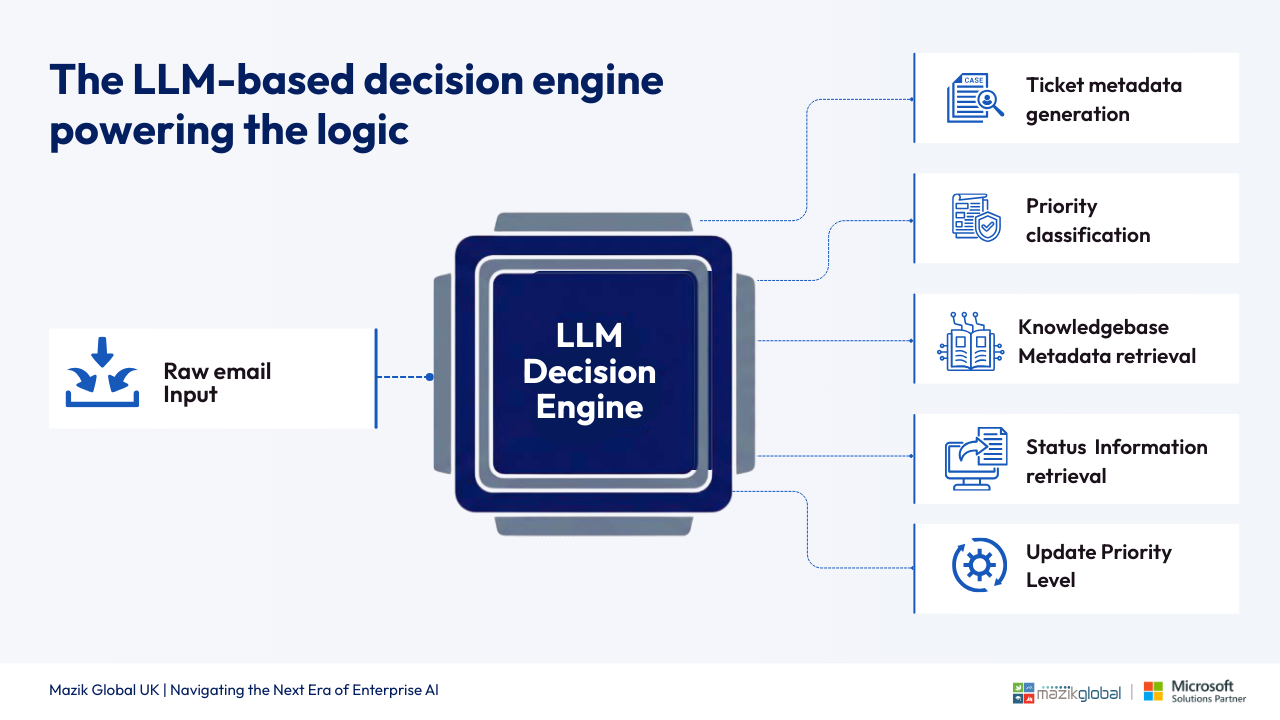
- Priority identification for P1, P2 and P3 tickets
- Automatic confirmation and status update emails
- Similar case lookup for high priority issues
- Complete ticket metadata creation with no workflow disruption
- Audit trail stored inside Dynamics 365
- Notification routing to the correct support teams
- Policy aligned ticket handling for structured support operationsBuilt on Microsoft Copilot & Power
Platform
The solution is delivered as a Copilot Studio agent for support operations in Dynamics 365, using:
- Dynamics 365 CRM or support module integration
- Agent flows to manage the intake and ticket creation steps
- Secure data capture and storage through Dataverse
- Policy based logic for priority and update rulesThis ensures secure, scalable and dependable support automation.
Business Outcomes
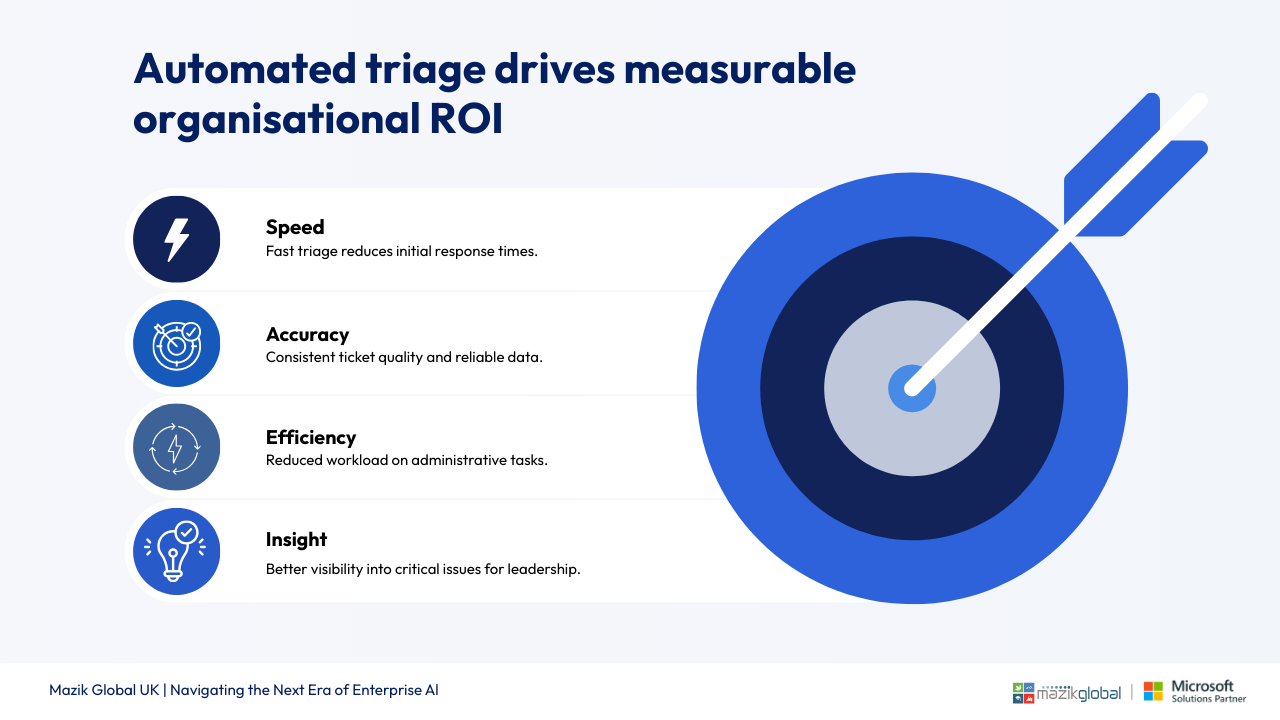
- Faster and more accurate ticket creation
- Consistent priority handling across all requests
- Reduced manual effort for support teams
- Clear ownership and improved visibility of critical issues
- Better user experience through simple email based updatesIdeal For
- Organisations using Dynamics 365 for support operations
- Teams working primarily with email based support requests
- Enterprises seeking structured automation without ERP customisation
- Regulated environments needing clear audit and activity trackingTechnology Stack
- Outlook
- Copilot Studio
- Dataverse
- Dynamics 365 (CRM or Service Management)What Is Included
- Requirements discovery and process mapping
- Copilot Studio agent configuration
- Email listener setup and validation rules
- Priority logic, policy checks and routing rules
- Ticket creation flow inside Dynamics 365
- Notification and update configuration
- Testing, UAT support and documentation
Perquisite
- A Dynamics 365 power platform environment with support or case management enabled
- Exchange mailbox for email intake
Preview
5 images
Agent build and provenance
See the full provenance
The layer-by-layer build, the evidence behind each claim, the risk basis and the cross-marketplace links are open to any account. Some rows are disclosed, some the source leaves Unknown; a free account shows you which.
Compliance
- FedRAMPConfirmedNot listed90%, registry-checkedNo FedRAMP Marketplace entry matched this vendor's domain, checked 2026-08-27registry recordas observed 2026-08-27
Confirmed means matched to a public authoritative registry. Claimed means the vendor or its listing states it, not yet cross-checked. A framework not shown was not found in any source we hold, which is not evidence against it. Not listed means a scoped registry check found no match for this vendor's domain: a No is a scoped registry check, not a compliance judgment. Confidence bands: 95% domain-verified, 90% registry-checked, 80% self-attested, 70% weak signal. Self-attested items marked “vendor's site” are gathered from the vendor's own website and are not verified by us.
Vendor
External enrichment
Sources
Publisher resources
3 linksLinked repositories
Unknown means this listing does not publish a repository. It is not a statement that the code is closed, and a linked repository is not a claim that the publisher wrote it: the registry computes that relationship privately and does not publish it.
Evidence risk is the share of the build you cannot see before you deploy, not a security rating. Sign in to see the layer-by-layer basis for this band.