
Prodware AI User Insights for Microsoft Dynamics 365 apps
Prodware Group · Operations & Productivity
Certification per Microsoft Marketplace.
Evidence tier Source Confirmed · 8 captures on record
What the publisher says
As described on Microsoft Marketplace.
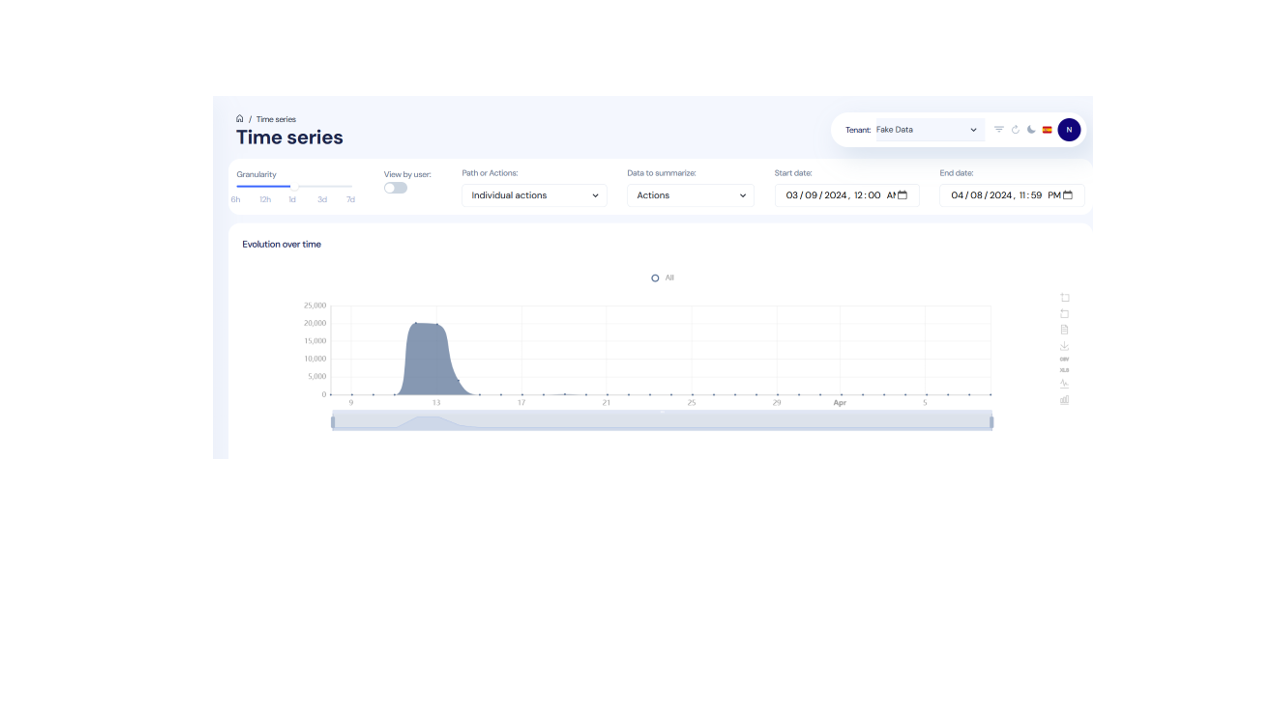
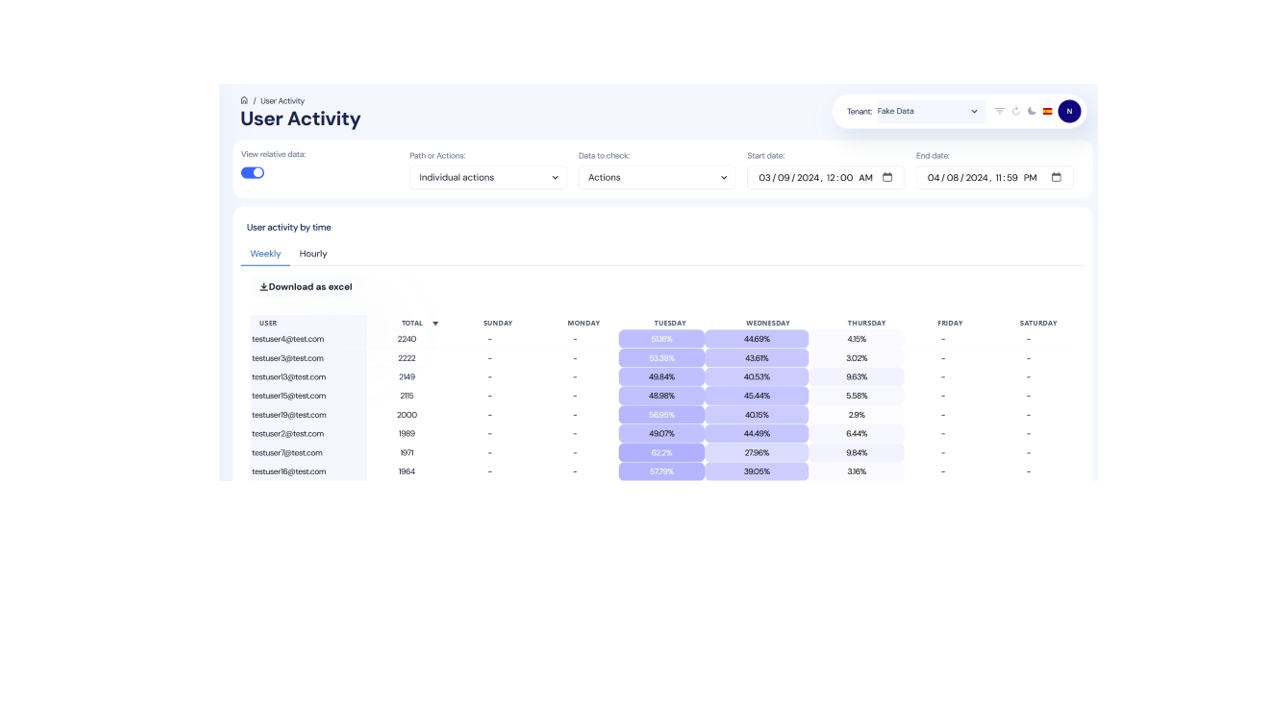
AI User Insights is integrated with Microsoft Dynamics 365 apps (Business Central, Finance and Supply Chain Management plus all Customer Engagement applications) that automatically records user activities aligned with business workflows to provide an interactive platform with easy-to-use views and reports.
The investment you gain from implementing leading business applications such as Microsoft Dynamics 365 is how your employees adopt and use the functionalities to improve their daily processes, productivity and efficiency.
Show the rest of the publisher’s description (11 more lines)
But how can you get those insights from the data you already hold in terms of how employees are using the tools your company provides and how these applications align with your business processes?
At any stage of an IT project, from scoping, migration, pilots, Proof of Concepts to roll-outs; user behavior is a key part of your analysis to understand priorities, ROI and future user training needs.
AI User Insights is the answer.
Features and benefits of using AI User Insights
AI User Insights supports IT implementations and business process optimization:
- DETECT UNUSUAL USER BEHAVIOR PATTERNS - Outliers and Anomalies can signal potential issues or improvement opportunities
- DETECT TRENDS AND USAGE PATTERNS - Visualizations and metrics to identify trends, serving as benchmarks for process improvement and automation
- PERSONALIZE USER EXPERIENCE - Admins can give tailored recommendations to each user based on usage trends, enhancing productivity and user satisfaction
- ENHANCE APPLICATION DEVELOPMENT - Reveal pain points, feature preferences, and usage patterns. Businesses can prioritize enhancements and drive effective innovation
Next steps
If you would like to define and refine business processes and gain actionable insights of user behavior with your business software, please review and download the materials on this page, then contact Prodware to find out more.
Preview
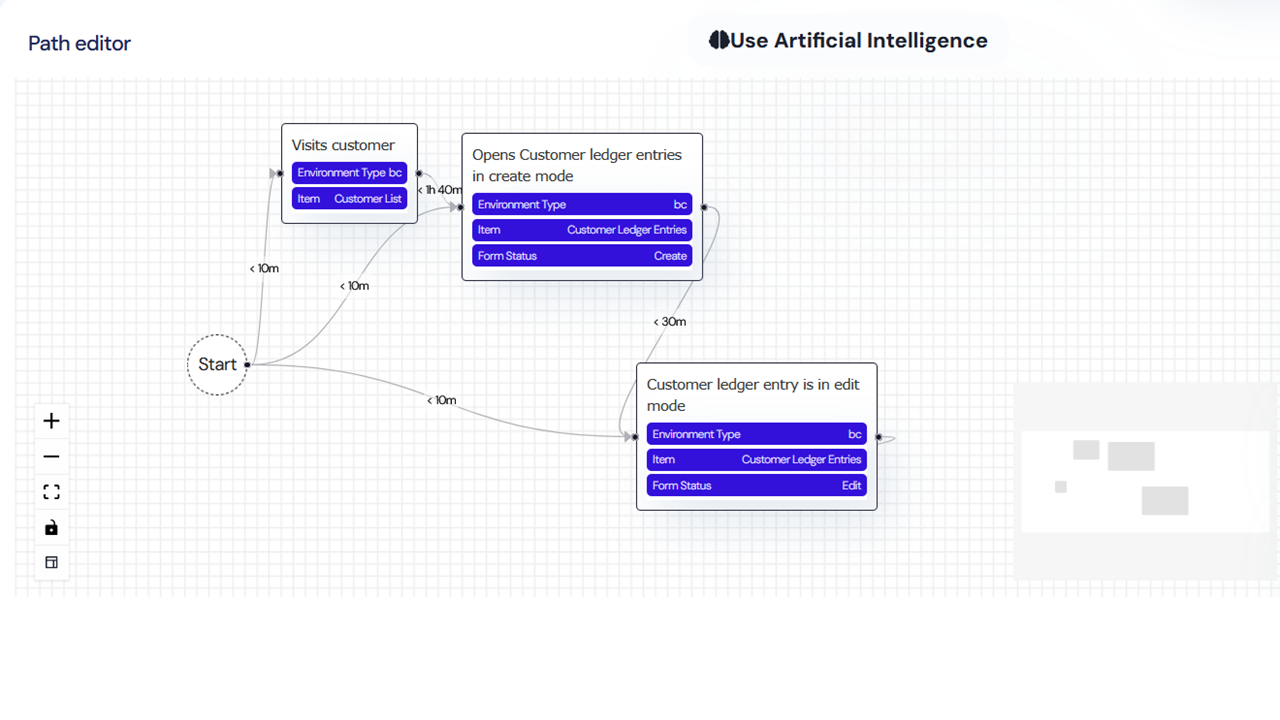
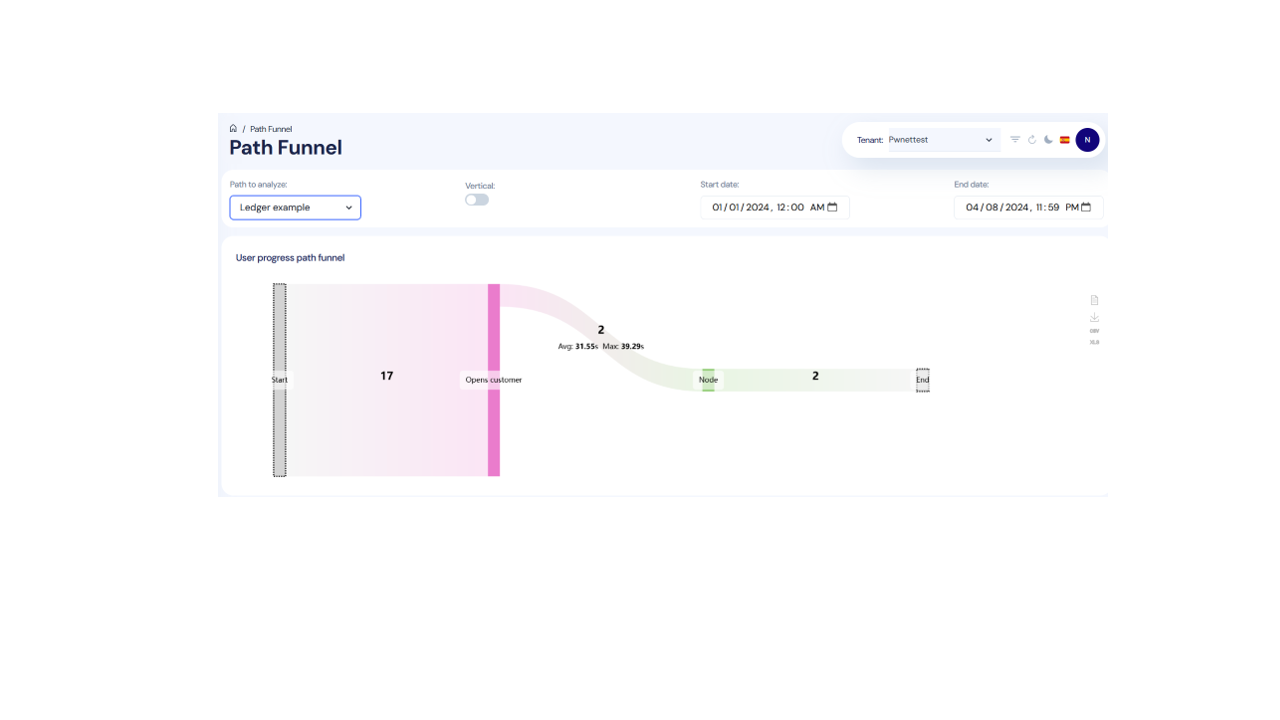
5 images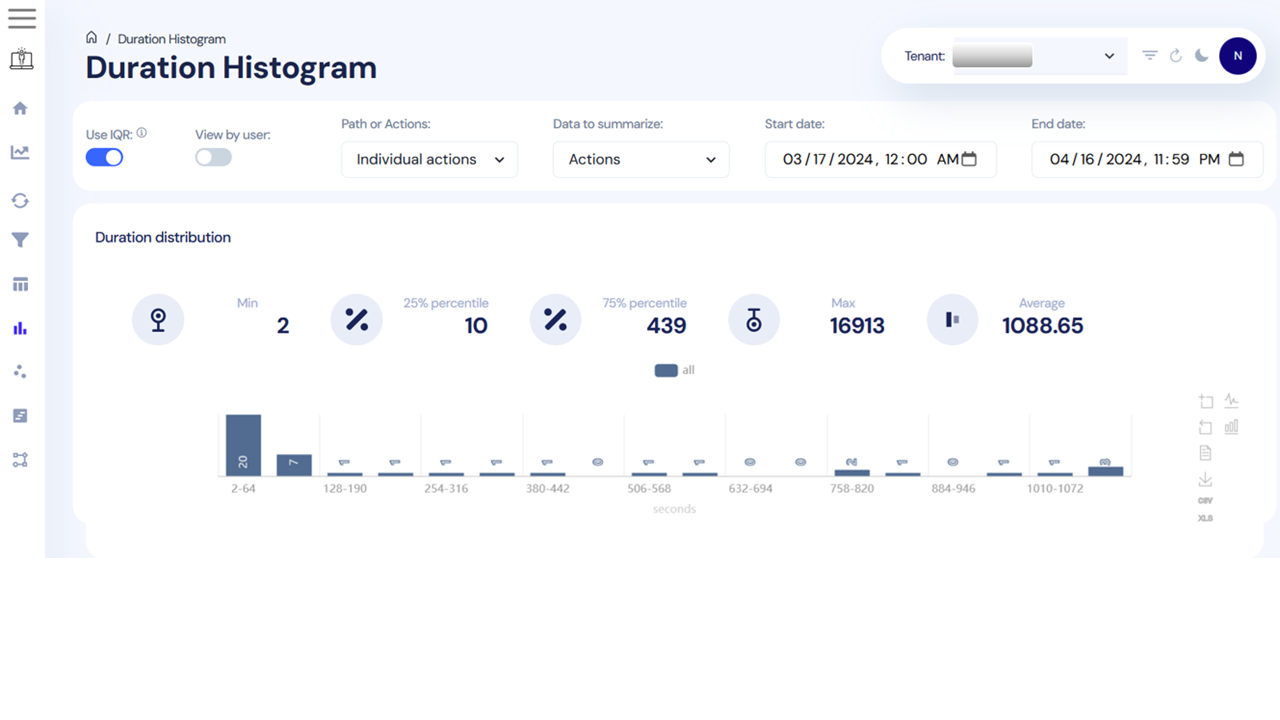
Agent build and provenance
See the full provenance
The layer-by-layer build, the evidence behind each claim, the risk basis and the cross-marketplace links are open to any account. Some rows are disclosed, some the source leaves Unknown; a free account shows you which.
Compliance
- FedRAMPConfirmedNot listed90%, registry-checkedNo FedRAMP Marketplace entry matched this vendor's domain, checked 2026-08-27registry recordas observed 2026-08-27
Confirmed means matched to a public authoritative registry. Claimed means the vendor or its listing states it, not yet cross-checked. A framework not shown was not found in any source we hold, which is not evidence against it. Not listed means a scoped registry check found no match for this vendor's domain: a No is a scoped registry check, not a compliance judgment. Confidence bands: 95% domain-verified, 90% registry-checked, 80% self-attested, 70% weak signal. Self-attested items marked “vendor's site” are gathered from the vendor's own website and are not verified by us.
Sources
Publisher resources
3 linksLinked repositories
Unknown means this listing does not publish a repository. It is not a statement that the code is closed, and a linked repository is not a claim that the publisher wrote it: the registry computes that relationship privately and does not publish it.
Evidence risk is the share of the build you cannot see before you deploy, not a security rating. Sign in to see the layer-by-layer basis for this band.