

TeamsMaestro - SaaS offer
MailMaestro · Operations & Productivity
Certification per Microsoft Marketplace.
Evidence tier Source Confirmed · 9 captures on record
What the publisher says
As described on Microsoft Marketplace.
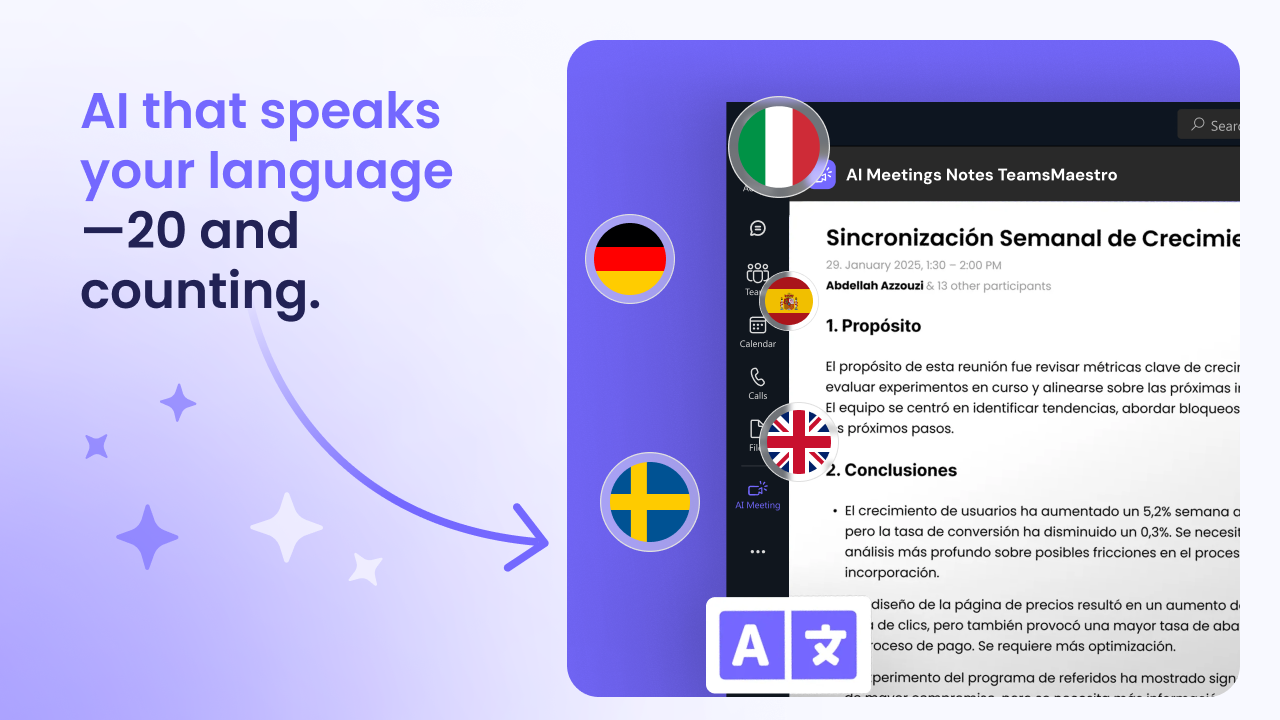
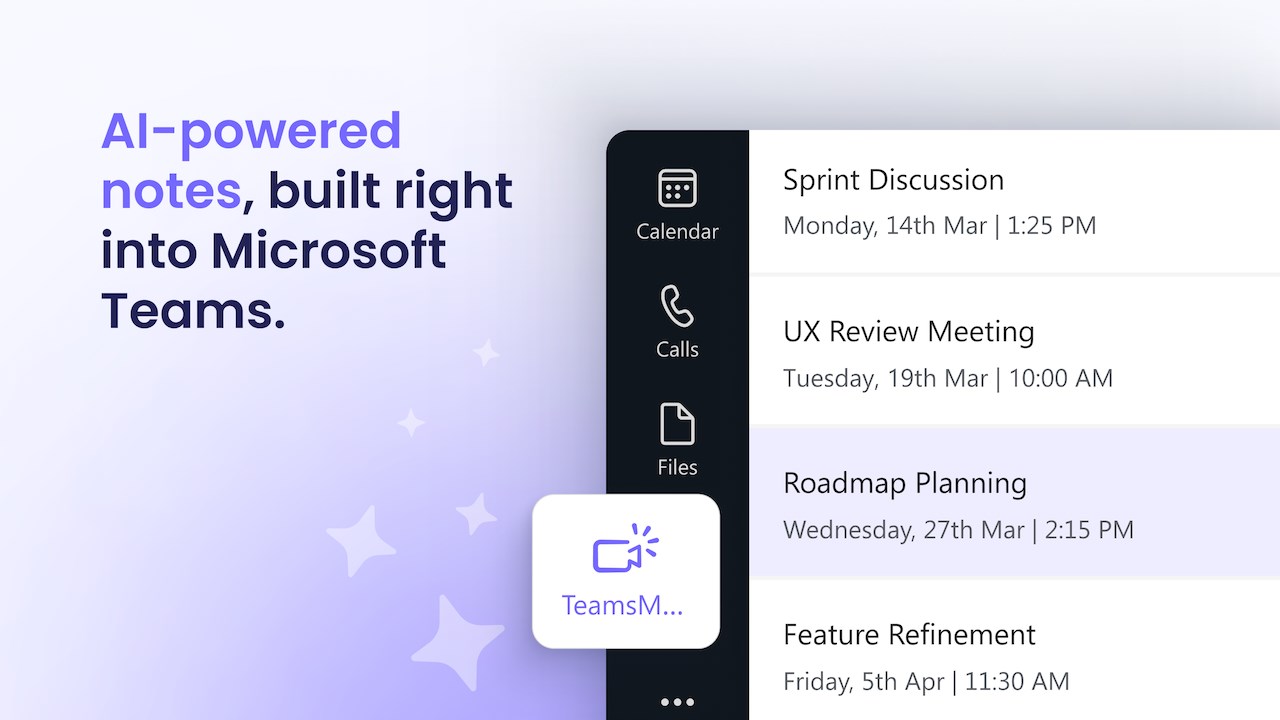
Tired of scrambling to take notes during meetings? TeamsMaestro is your AI-powered meeting assistant that joins every Microsoft Teams call, captures key insights, and sends you a full summary with action items—no effort required. Did we mention it works in 20+ languages?
🧐 Built for Busy Teams
Show the rest of the publisher’s description (33 more lines)
Designed for anyone who spends a lot of time in online meetings. Ideal for Product Managers, Project Managers, Sales teams, Customer Success teams, and business leaders, TeamsMaestro is your always-on AI note taker that joins your Microsoft Teams meetings, tracks what matters, and creates an organized archive of meeting notes you can revisit anytime.
✨ Key Benefits of Using TeamsMaestro
- Instant AI Meeting Notes
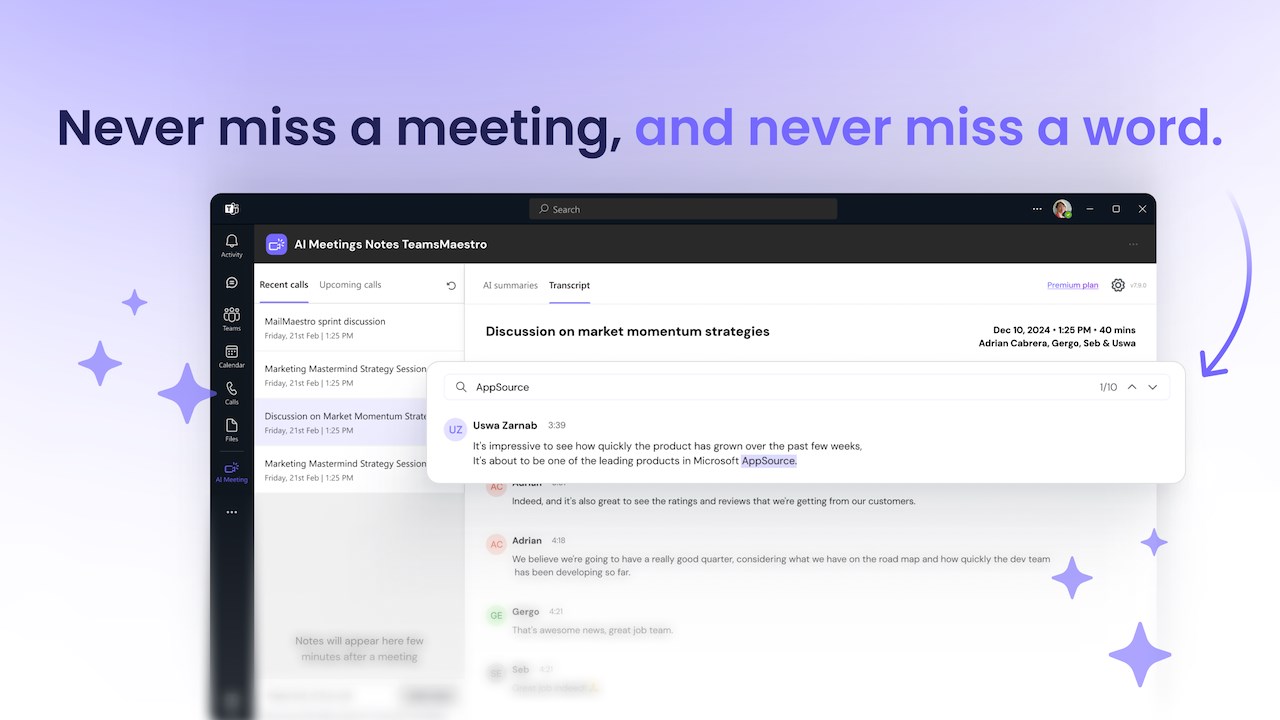
Stop wasting time writing manual summaries. TeamsMaestro automatically generates accurate, transcripts, structured meeting notes and summaries after every Teams call.
- Action Items, Captured Automatically
Get more than just notes, TeamsMaestro extracts to-dos, tasks, and next steps discussed in the meeting, so nothing falls through the cracks.
- Available Wherever You Work
Access your AI-generated notes across Microsoft Teams, Outlook, and Microsoft 365 —on desktop, mobile, or web. One install, endless access.
- Automatic Sharing of Notes
No more chasing follow-ups. TeamsMaestro automatically emails the meeting summary to all participants. Prefer keeping notes to yourself? You’re in full control of who gets what by changing your settings.
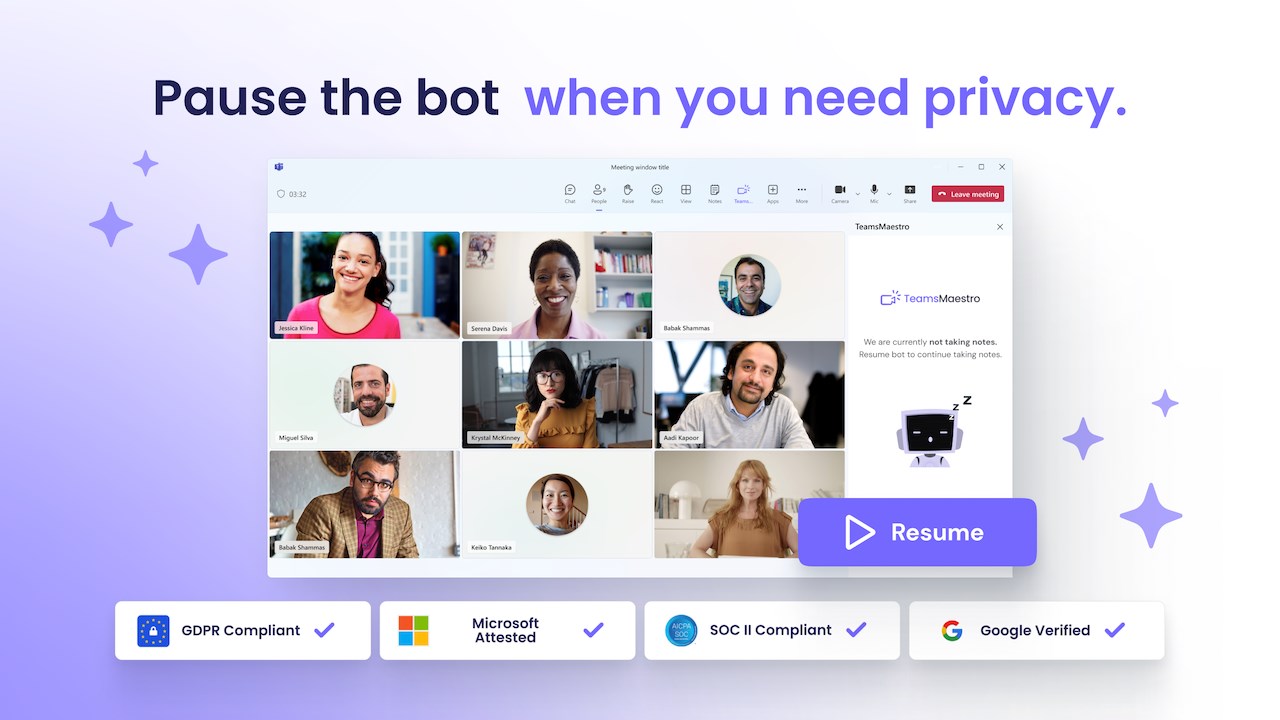
- Pause and Resume Transcription Anytime
Need a moment of privacy mid-call? You can pause TeamsMaestro’s note-taking in real time—then resume when you’re ready. Total control, seamless experience.
🛠️ How It Works
- Install TeamsMaestro to your Microsoft Teams account
- Connect your calendar so it can auto-join your meetings
- Or manually invite teams@maestrolabs.com as a participant when sending the calendar invite
- TeamsMaestro joins a few minutes early, takes notes, and sends a summary after the callForgot to invite TeamsMaestro to the call? No worries, you can request it to join the call when it has started from the apps menu inside the Teams call.
🔄 Seamless Integration with Microsoft Tools
- Fully integrated with Microsoft Teams
- Notes available across Outlook, Microsoft 365, and Teams apps
- TeamsMaestro is accessible from desktop, mobile and web
- Works in the background—no disruption to your workflow
Having trouble launching TeamsMaestro? Reach us at feedback@maestrolabs.com
🔍 Frequently Asked Questions
- What AI powers TeamsMaestro?
TeamsMaestro uses a blend of transcription engines (Gladia, Assembly, Google, AWS, Microsoft) and advanced LLMs (ChatGPT by OpenAI, Claude by Anthropic) to deliver high-quality meeting summaries. It’s constantly optimized to ensure the best AI note taking experience.
- What makes a great AI meeting assistant?
A good AI meeting note taker captures detailed notes, creates clear summaries, and highlights action items accurately. It helps teams stay aligned and improves decisions made after the meeting.
- Is TeamsMaestro secure?
Yes. TeamsMaestro is SOC 2Type2 certified and GDPR compliant, with encryption, regular audits, and penetration testing. Your data stays private, secure, and protected. Check our trust center
Learn more about our AI note taker TeamsMaestro
For support email: support@maestrolabs.com
#AI #meetingnotes #notetaker #aimeetingassistant #productivity #MicrosoftTeams #meetingtool #meetingassistant #claude #automaticnotes #chatgpt #GenAI #OpenAI
Preview
5 images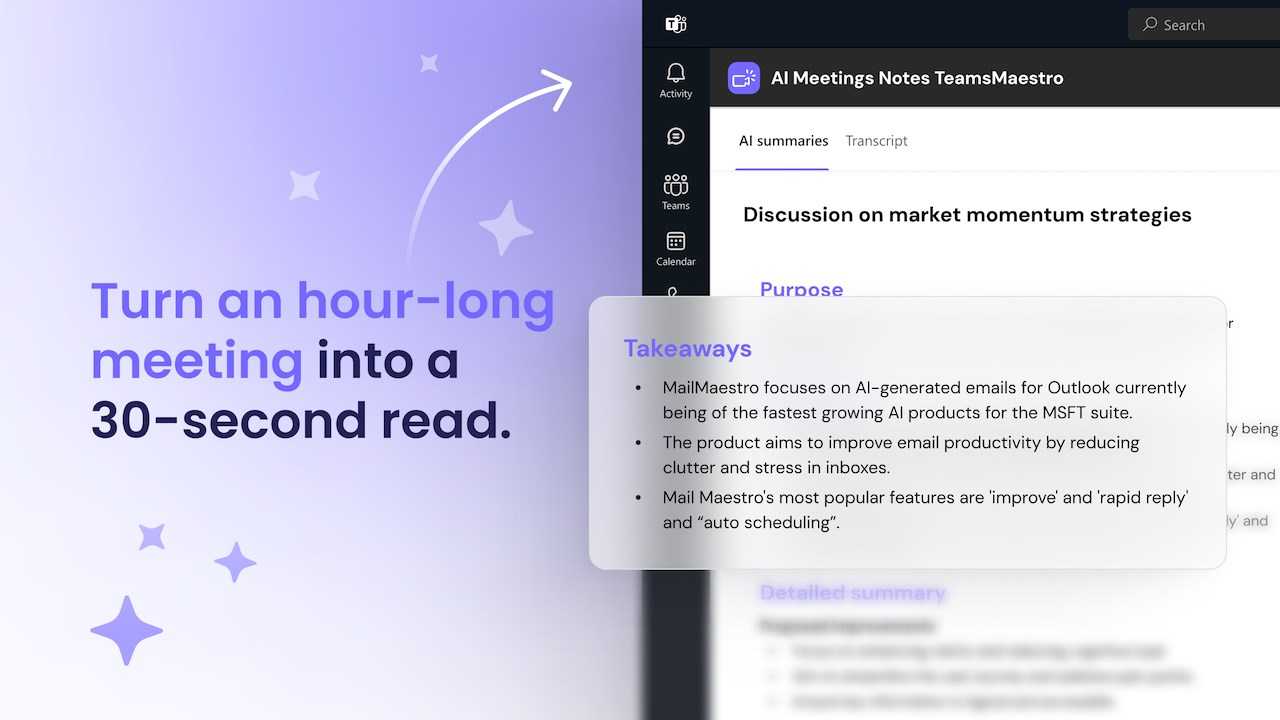
Agent build and provenance
See the full provenance
The layer-by-layer build, the evidence behind each claim, the risk basis and the cross-marketplace links are open to any account. Some rows are disclosed, some the source leaves Unknown; a free account shows you which.
Compliance
- FedRAMPConfirmedNot listed90%, registry-checkedNo FedRAMP Marketplace entry matched this vendor's domain, checked 2026-08-27registry recordas observed 2026-08-27
Confirmed means matched to a public authoritative registry. Claimed means the vendor or its listing states it, not yet cross-checked. A framework not shown was not found in any source we hold, which is not evidence against it. Not listed means a scoped registry check found no match for this vendor's domain: a No is a scoped registry check, not a compliance judgment. Confidence bands: 95% domain-verified, 90% registry-checked, 80% self-attested, 70% weak signal. Self-attested items marked “vendor's site” are gathered from the vendor's own website and are not verified by us.
Vendor
External enrichment · as of 2026-08-29
Plans and pricing as listed
2 listedSources
Publisher resources
1 linkLinked repositories
Unknown means this listing does not publish a repository. It is not a statement that the code is closed, and a linked repository is not a claim that the publisher wrote it: the registry computes that relationship privately and does not publish it.
Evidence risk is the share of the build you cannot see before you deploy, not a security rating. Sign in to see the layer-by-layer basis for this band.