
Copilot Agent for Intelligent SharePoint Search - SharePoint Knowledge AI Search
Inogic · Operations & Productivity
Certification per Microsoft Marketplace.
Evidence tier Source Confirmed · 8 captures on record
What the publisher says
As described on Microsoft Marketplace.
SharePoint Knowledge AI Search transforms the way organizations discover and utilize business-critical knowledge in SharePoint. Going beyond traditional keyword-based search, it leverages semantic and contextual search, enabling users to ask natural language queries on SharePoint documents and instantly receive accurate, relevant, and meaningful answers - all while fully respecting SharePoint’s native security and permissions.
Powered by Azure AI Search with Semantic Indexing, it provides secure, scalable, and intelligent access to SharePoint content. Its Cognitive SharePoint Search Solutions integrate seamlessly with Teams, Outlook, Dynamics 365, and the SharePoint Copilot Agent Search, making it effortless to locate, preview, and act on relevant documents.
Show the rest of the publisher’s description (25 more lines)
SharePoint Knowledge AI Search overcomes the limitations of cross-document analysis by delivering accurate, detailed answers and insights, ranging from summaries to in-depth responses based on user requirements, while fully respecting SharePoint’s native permissions and security.
It provides a consolidated, context-aware response with references to relevant SharePoint documents, optimizing information retrieval from minutes to seconds and enhancing user productivity.
Note: Azure AI Search for SharePoint is currently in preview and is not recommended for production use
Features
- Intelligent Copilot Agent for SharePoint: Go beyond keywords with AI-driven semantic search for SharePoint documents. Understand user intent to deliver the most precise results.
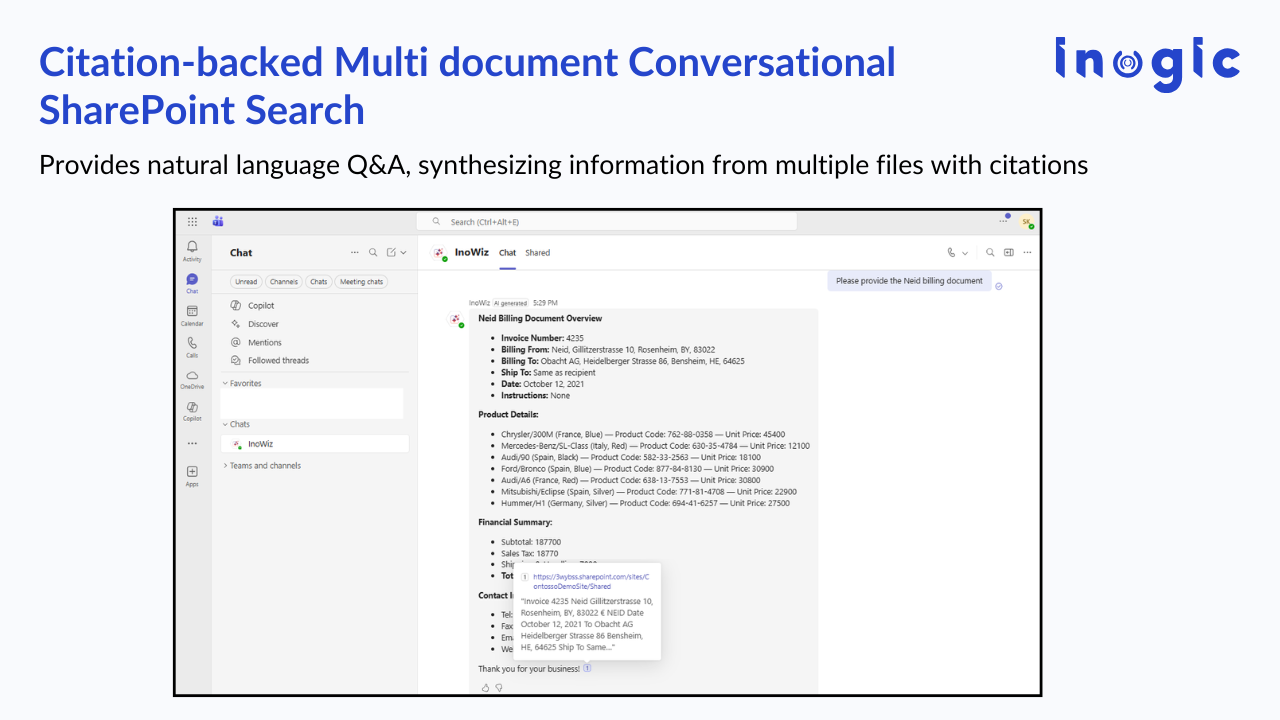
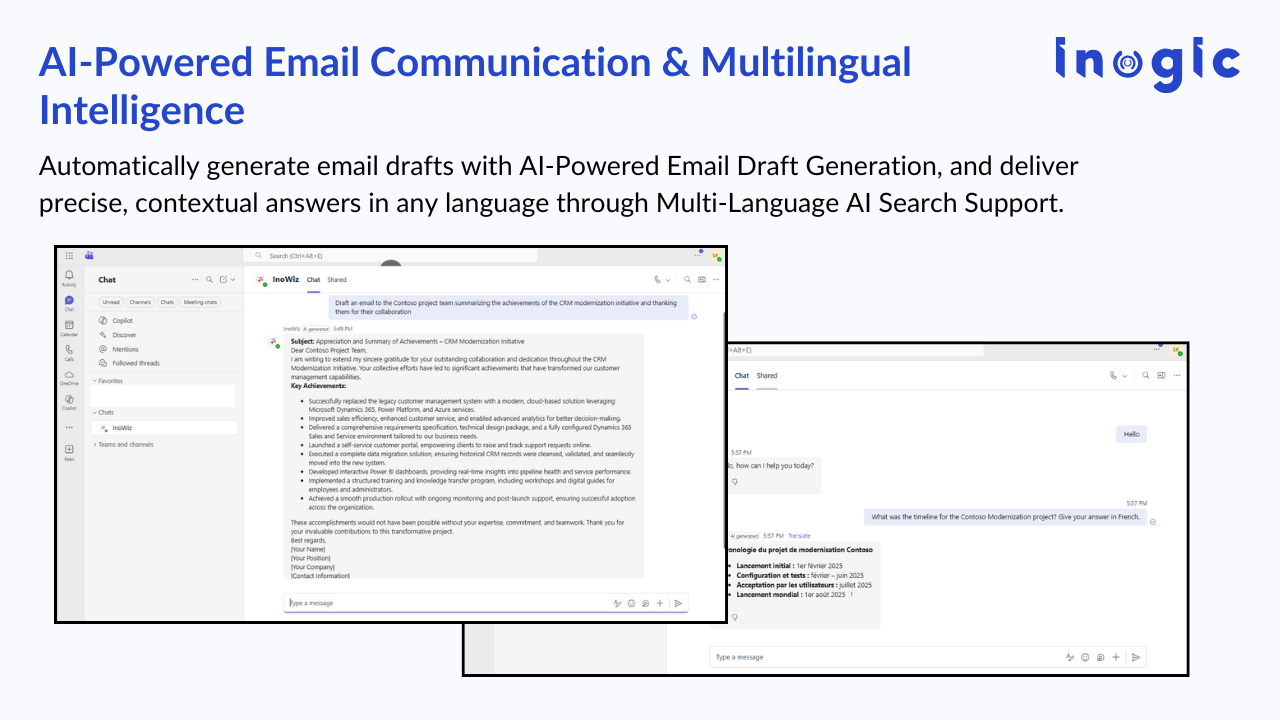
- Conversational Search Across Documents: Retrieve, analyze, and synthesize information from multiple files into a single, context-rich answer. Perfect for research, sales, compliance, or support teams.
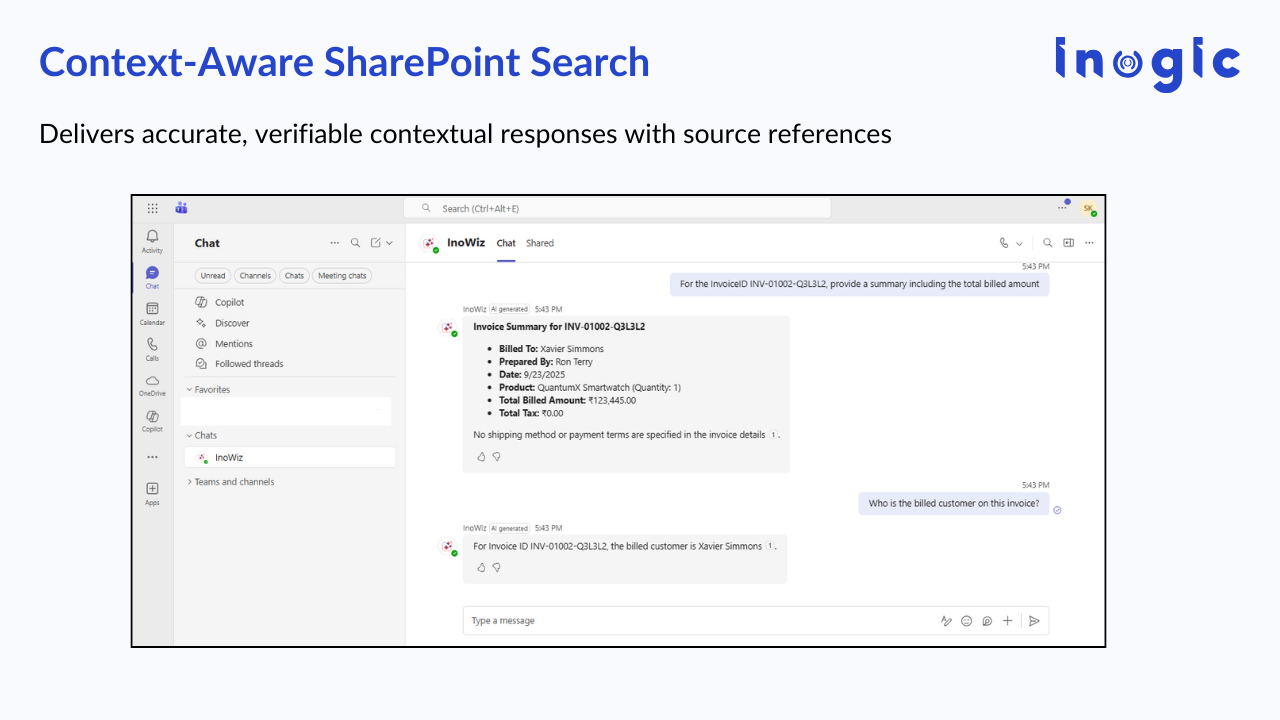
- Context-Aware Responses with Citations: Ensure accuracy and trust with AI-generated answers that always provide references to original SharePoint documents.
- Document Preview in SharePoint & Dynamics 365: View document excerpts instantly within Microsoft 365 apps, eliminating the need to download or switch between files.
- Preconfigured Azure AI Search Setup: Simplifies deployment with ready-to-use AI configurations, reducing complexity and time-to-value.
- Enterprise-Grade Security & Compliance: Search results always respect SharePoint’s native permissions; users only see what they’re authorized to view.
Why Choose SharePoint Knowledge AI Search?
Most organizations face bottlenecks when searching across growing volumes of SharePoint documents. Native search and Copilot often fall short, lacking semantic understanding and cross-document analysis.
With InoWiz, businesses can:
- Boost productivity with instant, conversational answers instead of manual browsing.
- Accelerate decision-making using cognitive insights and AI-powered synthesis.
- Improve knowledge sharing with contextual, permission-aware search across SharePoint.
- Ensure compliance and trust with secure, reference-based document answers.
- Scale effortlessly across Teams, Outlook, Dynamics 365, and Microsoft 365 Copilot.
Key Benefits
- AI-powered semantic search for SharePoint documents
- Conversational, personalized results with context-rich answers
- Instant document preview in Dynamics 365 and SharePoint
- Secure access to documents, ensuring sensitive information is protected.
- Cognitive search solutions that drive smarter decisions
- Consistent experience across Microsoft 365 apps
Preview
4 images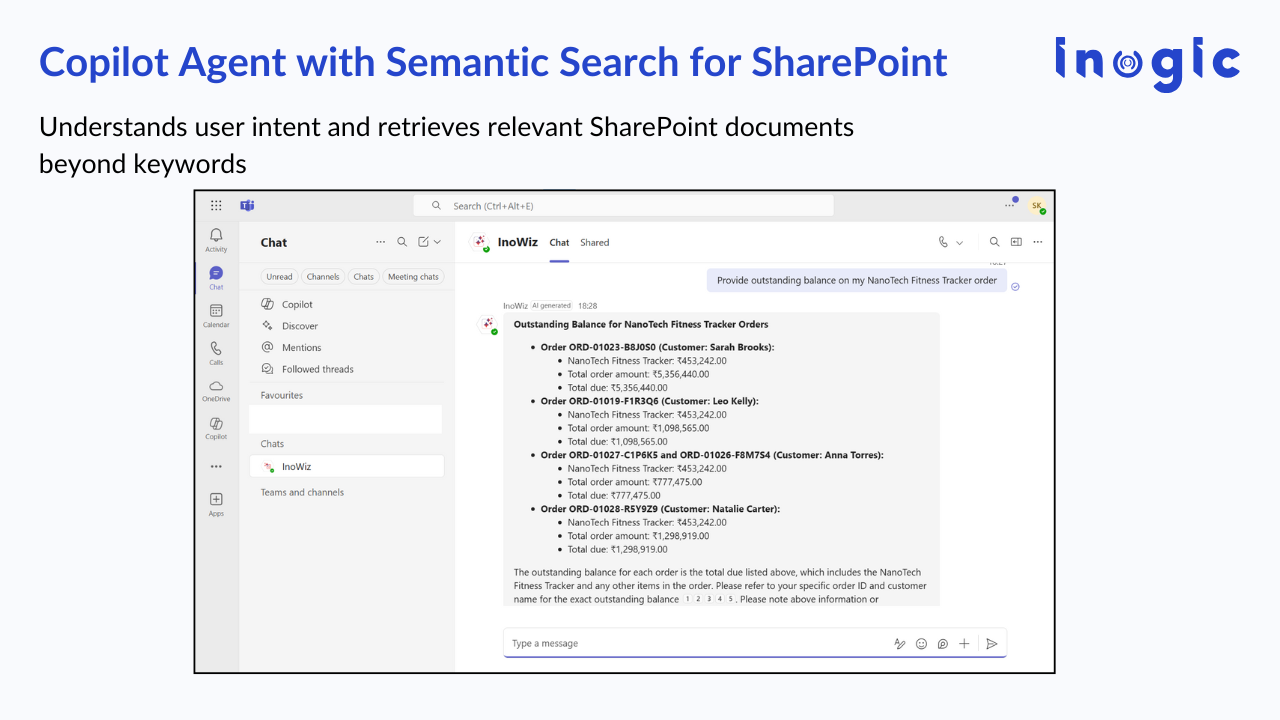
Agent build and provenance
See the full provenance
The layer-by-layer build, the evidence behind each claim, the risk basis and the cross-marketplace links are open to any account. Some rows are disclosed, some the source leaves Unknown; a free account shows you which.
Compliance
- FedRAMPConfirmedNot listed90%, registry-checkedNo FedRAMP Marketplace entry matched this vendor's domain, checked 2026-08-27registry recordas observed 2026-08-27
Confirmed means matched to a public authoritative registry. Claimed means the vendor or its listing states it, not yet cross-checked. A framework not shown was not found in any source we hold, which is not evidence against it. Not listed means a scoped registry check found no match for this vendor's domain: a No is a scoped registry check, not a compliance judgment. Confidence bands: 95% domain-verified, 90% registry-checked, 80% self-attested, 70% weak signal. Self-attested items marked “vendor's site” are gathered from the vendor's own website and are not verified by us.
Vendor
External enrichment
Sources
Publisher resources
3 linksLinked repositories
Unknown means this listing does not publish a repository. It is not a statement that the code is closed, and a linked repository is not a claim that the publisher wrote it: the registry computes that relationship privately and does not publish it.
Evidence risk is the share of the build you cannot see before you deploy, not a security rating. Sign in to see the layer-by-layer basis for this band.