
SCOM AI Rules & Monitors Tracker
iLink Systems, Inc. · Operations & Productivity
Certification per Microsoft Marketplace.
Evidence tier Source Confirmed · 8 captures on record
What the publisher says
As described on Microsoft Marketplace.
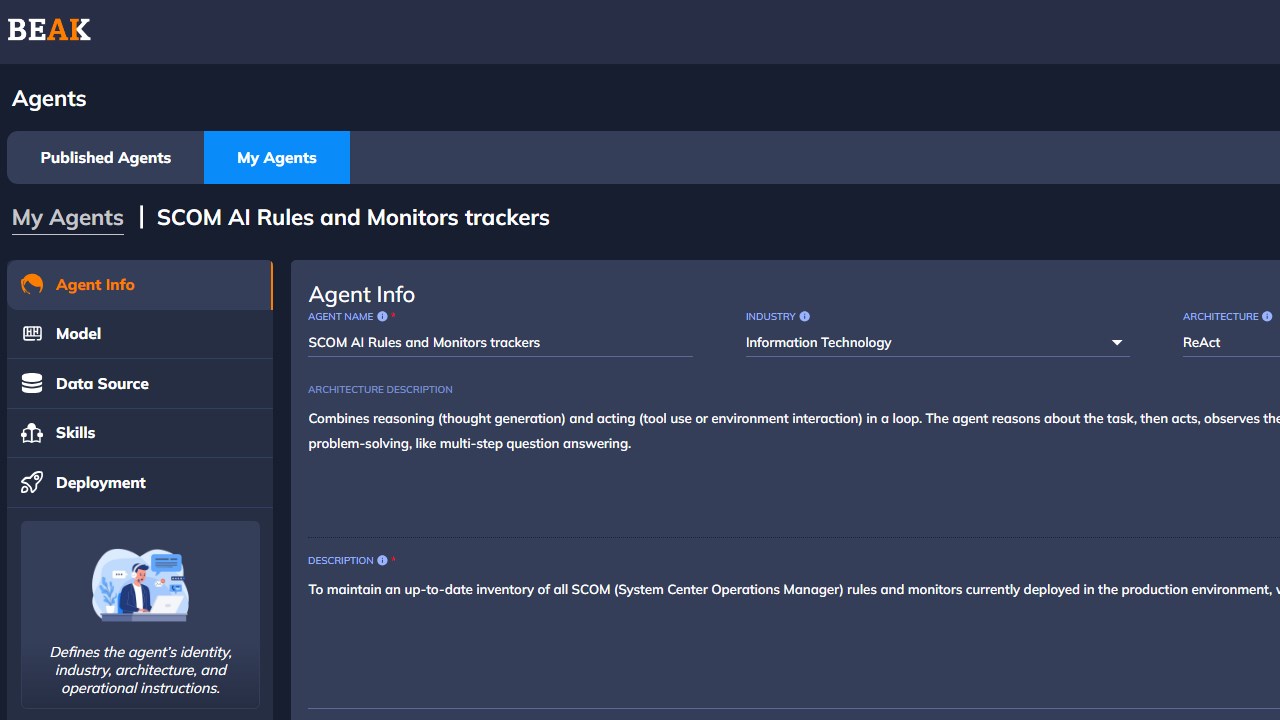
The SCOM AI Rules & Monitors Tracker is an intelligent assistant designed to enhance visibility and governance within Microsoft System Centre Operations Manager (SCOM). This agent provides a unified view of all SCOM workflows — including Rules, Monitors, and Data Sources — empowering IT operations teams to manage complex environments with ease. It aggregates critical metadata such as workflow type, target system, category, enabled status, and detailed description, transforming SCOM’s internal configurations into a structured, searchable dataset.
Through AI-driven insights and natural-language querying, administrators can instantly retrieve operational details, count workflows, detect configuration gaps, and identify disabled or redundant monitoring logic. The Tracker simplifies audit readiness, accelerates troubleshooting, and strengthens monitoring governance by making hidden monitoring logic transparent and actionable. It integrates seamlessly with existing SCOM infrastructure, requires no additional agents, and helps teams maintain proactive awareness of their monitoring posture.
Show the rest of the publisher’s description (9 more lines)
The SCOM AI Rules & Monitors Tracker ensures that organizations stay compliant, efficient, and fully informed — turning operational data into intelligence for better decisions and service continuity.
Agent Description:
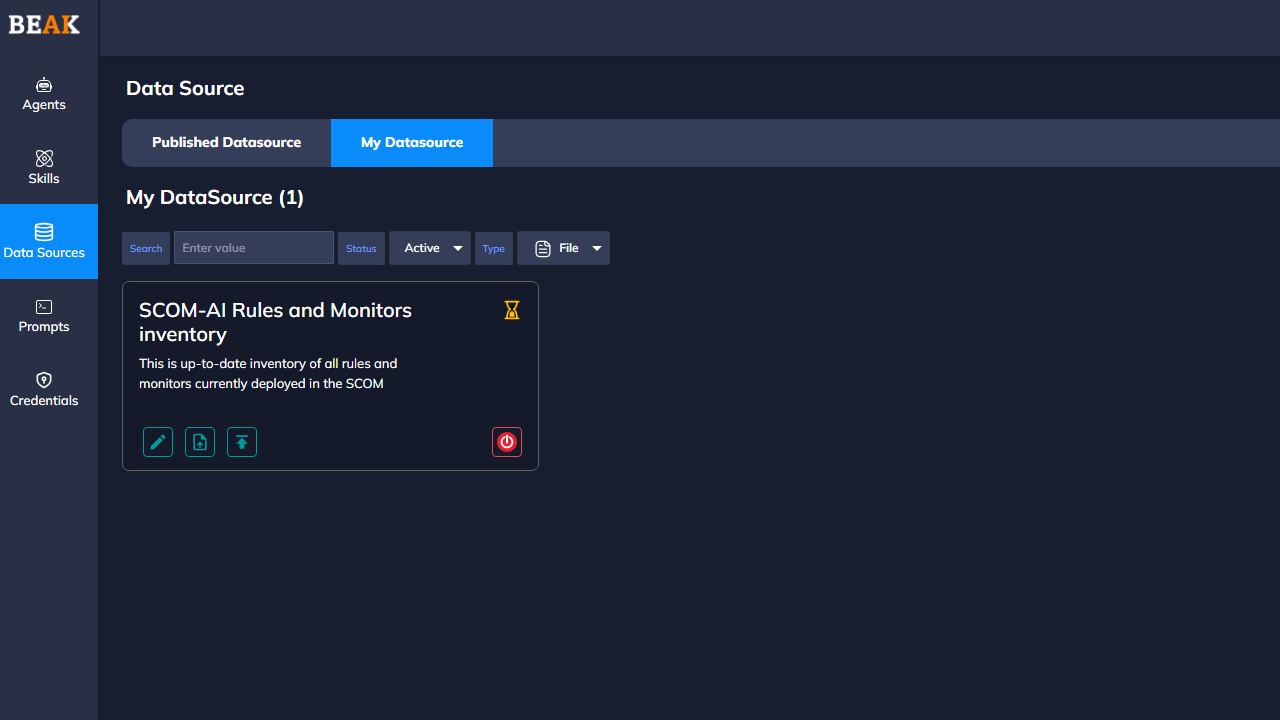
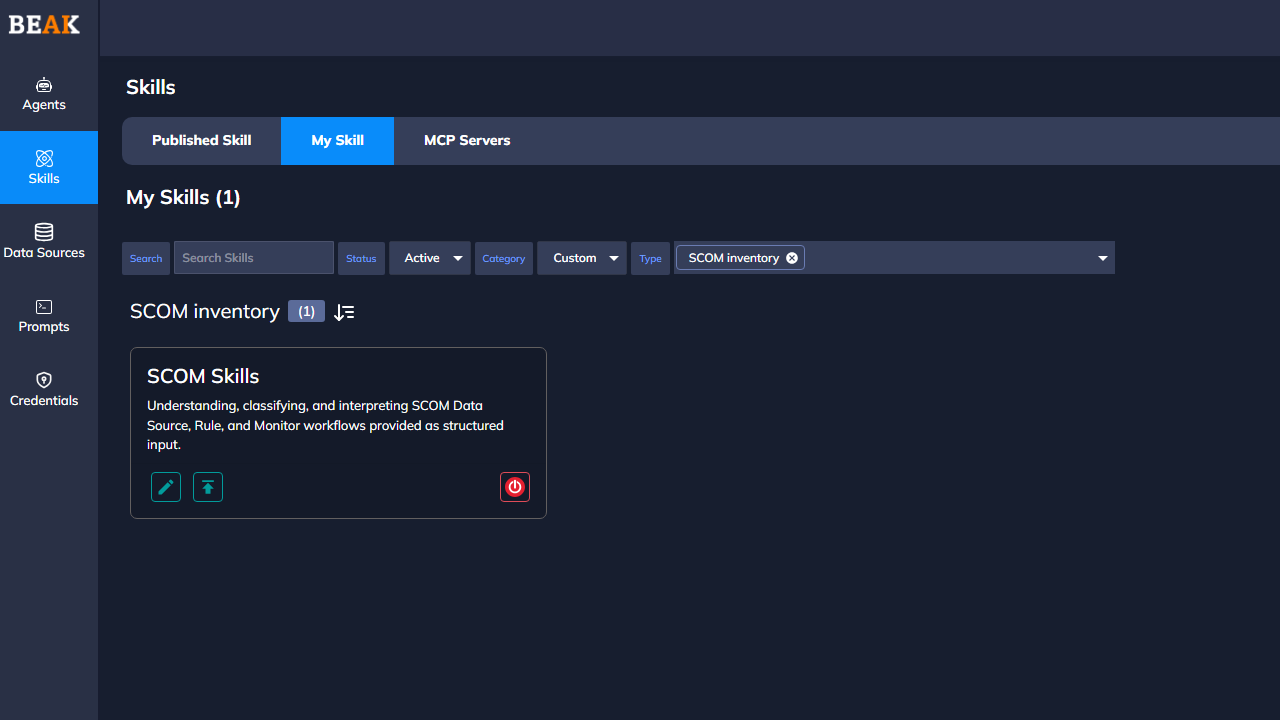
SCOM AI Rules & Monitors Tracker is an intelligent companion for your SCOM environment. It consolidates your “Data Sources, Rules, and Monitors” into a searchable, AI-driven inventory — enabling administrators, security & compliance teams to gain immediate visibility, perform natural-language queries, monitor configuration drift, and maintain operational governance.
Key features:
· Instantly locate workflows by name, target, category, status, or custom keywords
· Filter and sort by Enabled/Disabled status, Rule versus Monitor, target system (e.g., SQL, Windows Server, Network), or collection type (Performance, Event, Alert)
· Detect gaps, redundant workflows, silent monitoring logic or unused rules
· Support audit and compliance by documenting your active coverage of infrastructure health, security events, insider-risk scenarios, and service availability
· Preserve knowledge across teams by converting hidden SCOM logic into structured metadata and intuitive queries
Preview
4 images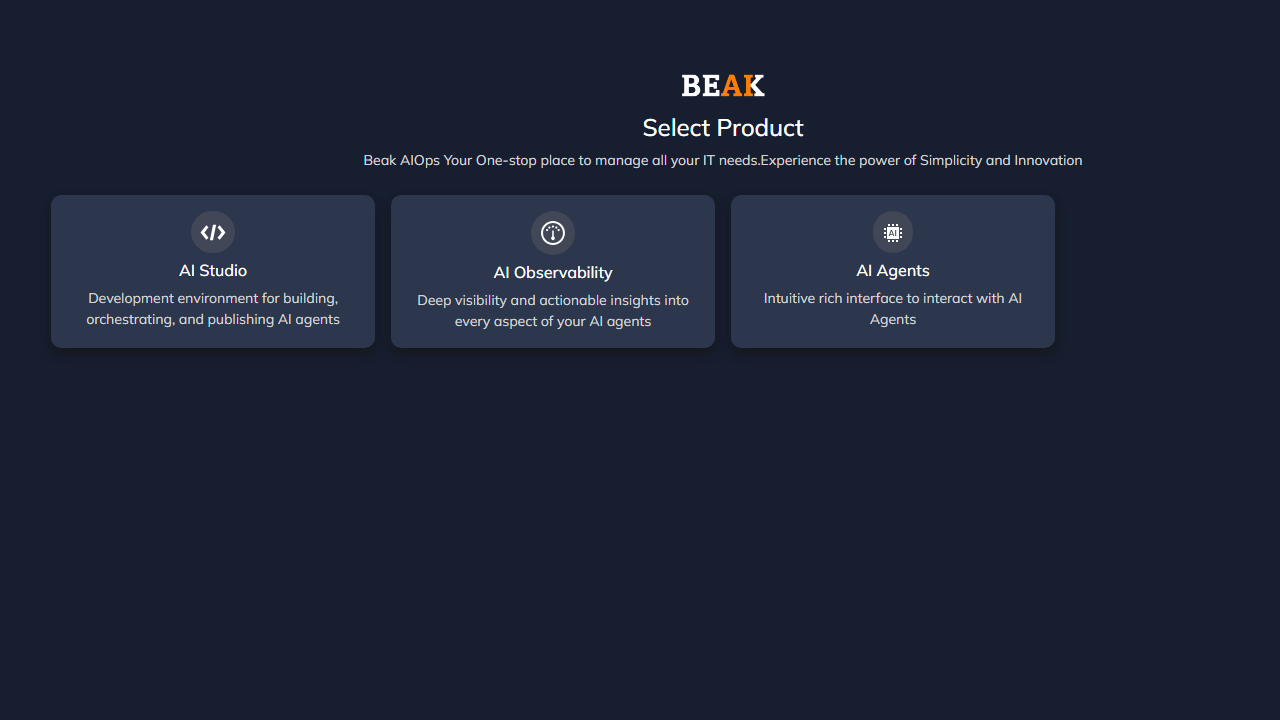
Agent build and provenance
Sign in to see the provenance.
The evidence, the layer-by-layer tracing, the risk basis, and the cross-marketplace links are open to signed-in accounts.
Sign inCompliance
- FedRAMPConfirmedNot listed90%, registry-checkedNo FedRAMP Marketplace entry matched this vendor's domain, checked 2026-08-27registry recordas observed 2026-08-27
Confirmed means matched to a public authoritative registry. Claimed means the vendor or its listing states it, not yet cross-checked. A framework not shown was not found in any source we hold, which is not evidence against it. Not listed means a scoped registry check found no match for this vendor's domain: a No is a scoped registry check, not a compliance judgment. Confidence bands: 95% domain-verified, 90% registry-checked, 80% self-attested, 70% weak signal. Self-attested items marked “vendor's site” are gathered from the vendor's own website and are not verified by us.
Vendor
External enrichment
Sources
Publisher resources
1 linkLinked repositories
Unknown means this listing does not publish a repository. It is not a statement that the code is closed, and a linked repository is not a claim that the publisher wrote it: the registry computes that relationship privately and does not publish it.
Evidence risk is the share of the build you cannot see before you deploy, not a security rating. Sign in to see the layer-by-layer basis for this band.