

Ollama with OpenWebUI on Ubuntu 24.04 LTS
Home & Office Improvements Ltd · Software Development
Certification per Microsoft Marketplace.
Evidence tier Source Confirmed · 9 captures on record
What the publisher says
As described on Microsoft Marketplace.
AI Chat Platform
body{font-family:Segoe UI,Arial,sans-serif;background:#f0f2f5;padding:15px;margin:0}.container{max-width:800px;margin:auto;background:#fff;padding:20px;border-radius:10px;box-shadow:0 2px 10px rgba(0,0,0,.1)}h1{color:#0078d4;font-size:22px;margin:0 0 4px}h2{font-size:17px;margin:10px 0 6px;color:#2c3e50}p{margin:5px 0;font-size:14px;line-height:1.4}.badge{display:inline-block;background:#0078d4;color:#fff;padding:2px 10px;border-radius:12px;font-size:12px;margin:2px}.code{background:#1e2a3a;color:#e4e4e4;padding:8px;border-radius:6px;font-family:monospace;font-size:13px;overflow:auto;white-space:pre-wrap;word-break:break-all;margin:6px 0}hr{border:0;border-top:1px solid #ddd;margin:10px 0}.footer{background:#2c3e50;color:#fff;padding:10px;border-radius:8px;text-align:center;font-size:14px}ol,ul{font-size:14px;margin:4px 0;padding-left:20px}
Show the rest of the publisher’s description (40 more lines)
Self-Hosted AI Chat (Open WebUI + Ollama)
Private, secure AI on Ubuntu 24.04. No external APIs. Docker-based.
Azure ReadyPrivateFlexible
🔍 What you get
- Open WebUI – chat interface (like ChatGPT, self-hosted).
- Ollama – runtime for Llama, Mistral, Phi, etc.
- Auto-start – systemd service starts at boot.
🚀 First-Run Setup
- Open TCP port 3000 in Azure Network Security Group (inbound).
- Connect via SSH to the VM.
- Start the service (if not already running):
sudo systemctl enable --now hoiltd-ollama-openwebui.service
Step 4: Access the web UI – http://<your-vm-ip>:3000 – and start chatting!
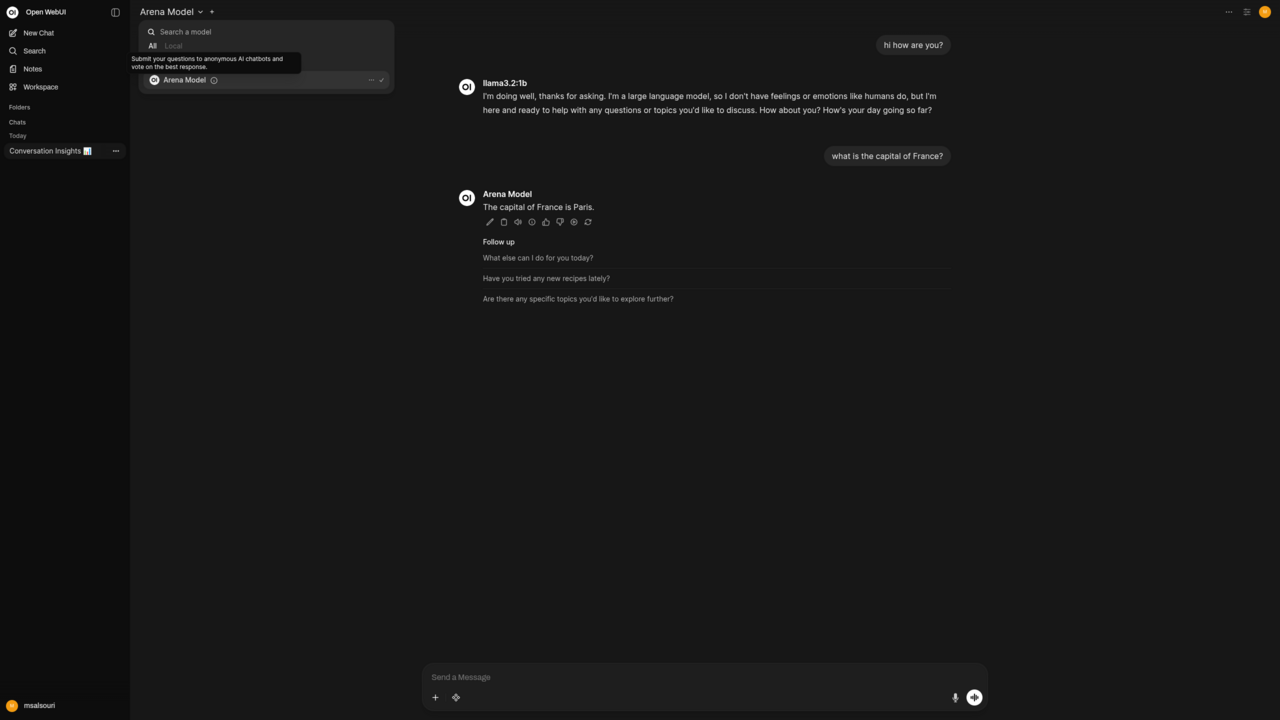
✅ UI is all you need – model selection, chat history, RAG (document upload).
🧑💻 Advanced – Ollama CLI
SSH in and use docker exec:
# Pull model (e.g., llama3.2:3b)
sudo docker exec -it hoiltd-ollama ollama pull llama3.2:3b
# List models
sudo docker exec hoiltd-ollama ollama list
# Interactive chat
sudo docker exec -it hoiltd-ollama ollama run llama3.2:3b
💡 Models persist across reboots inside the container volume.
🔧 Remove `sudo` for Docker (optional)
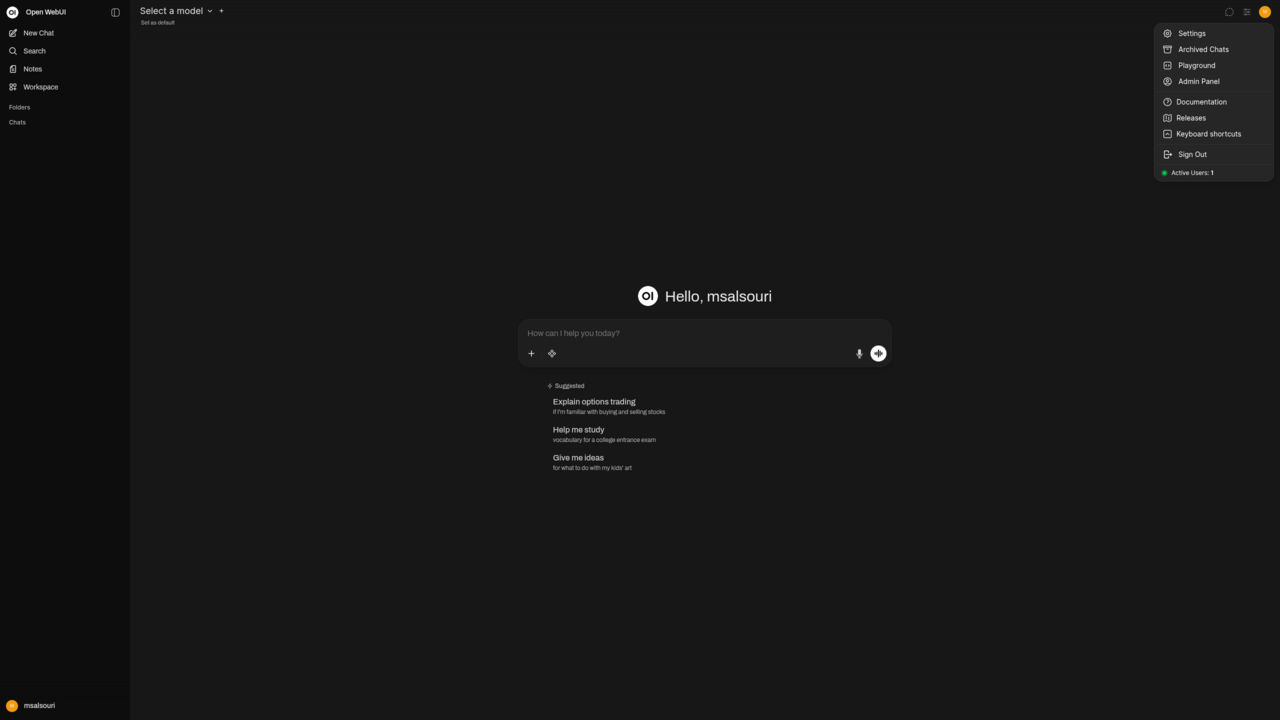
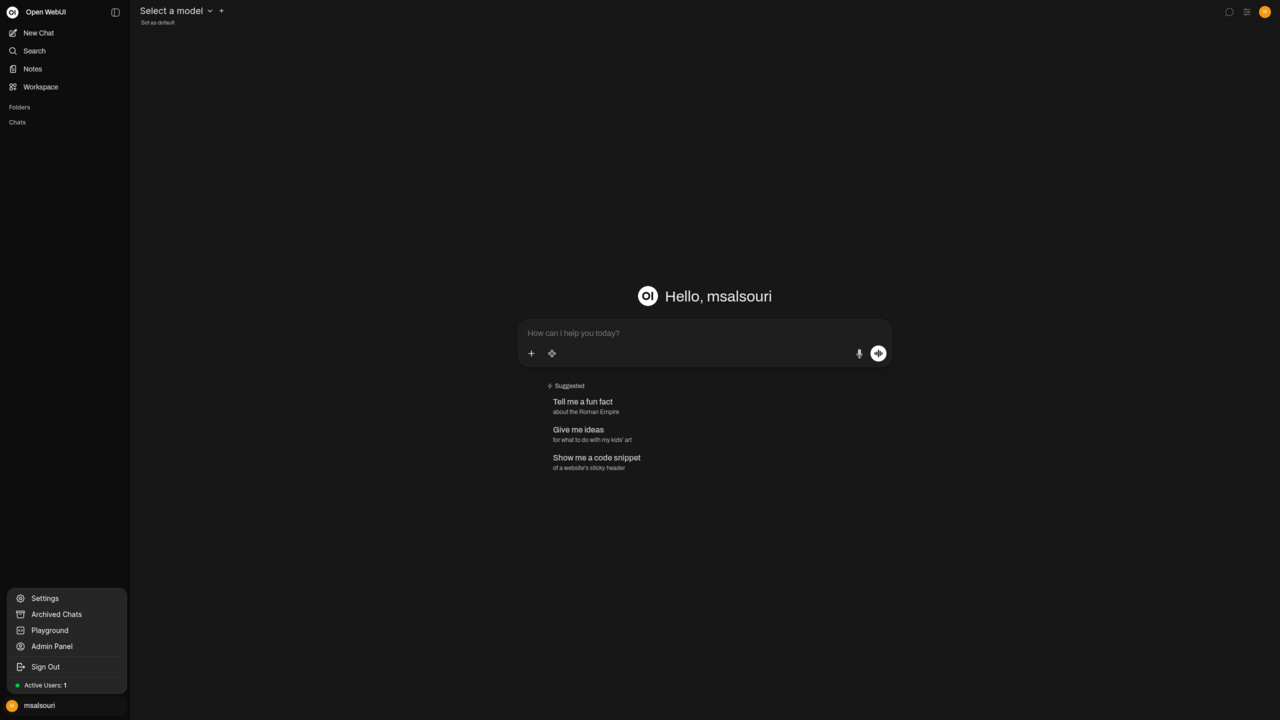
To run Docker commands without sudo, add your user to the docker group:
sudo usermod -aG docker $USER
Then log out and back in (or run newgrp docker). After that, use docker exec ... without sudo.
🛠️ Service management
sudo systemctl status hoiltd-ollama-openwebui.service
sudo journalctl -u hoiltd-ollama-openwebui.service -f
sudo systemctl restart hoiltd-ollama-openwebui.service
📋 Which interface?
- Non-tech users: Web UI only.
- Developers: Web UI for daily use, CLI for pulling models / scripting.
❓ FAQs
Q: Start after boot? No – auto-starts.
Q: Add models? Via UI (if enabled) or SSH + docker exec ... pull.
Q: Data private? Yes – all runs in your VM.
Home & Office Improvements Ltd.
Cloud & AI Solutions • info@hoiltd.com
Preview
5 images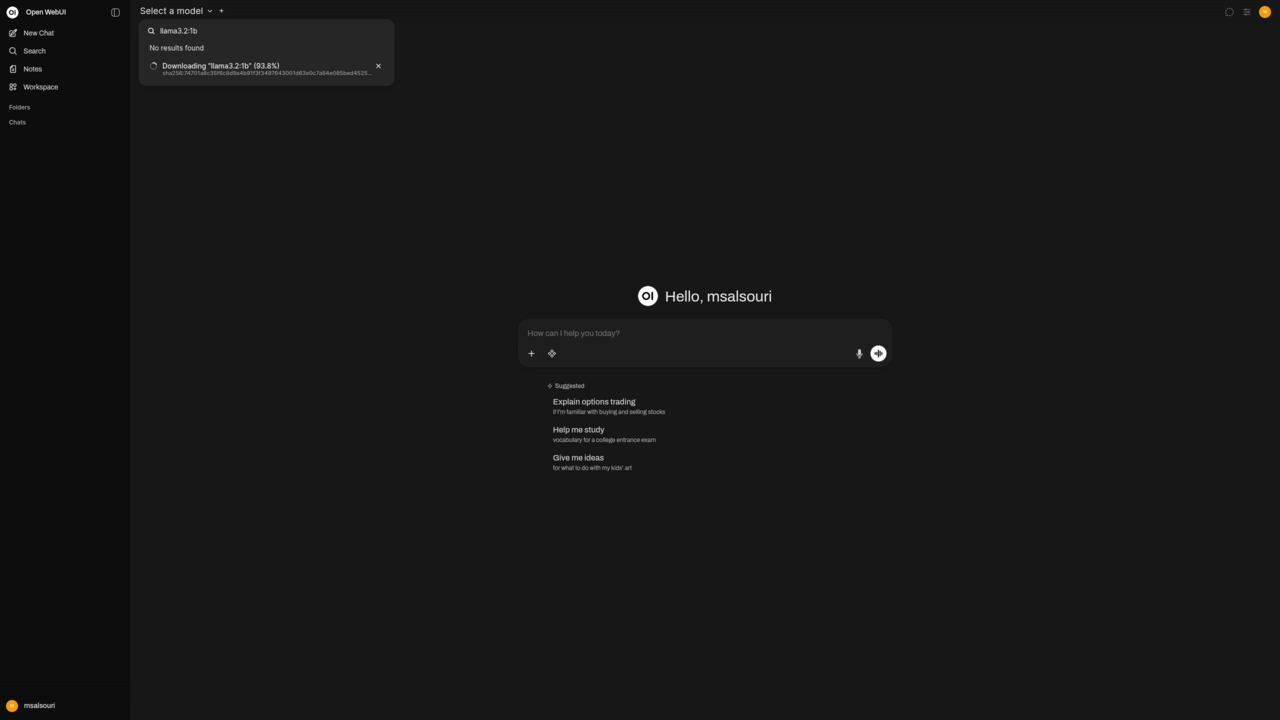
Agent build and provenance
See the full provenance
The layer-by-layer build, the evidence behind each claim, the risk basis and the cross-marketplace links are open to any account. Some rows are disclosed, some the source leaves Unknown; a free account shows you which.
Compliance
- FedRAMPConfirmedNot listed90%, registry-checkedNo FedRAMP Marketplace entry matched this vendor's domain, checked 2026-08-27registry recordas observed 2026-08-27
Confirmed means matched to a public authoritative registry. Claimed means the vendor or its listing states it, not yet cross-checked. A framework not shown was not found in any source we hold, which is not evidence against it. Not listed means a scoped registry check found no match for this vendor's domain: a No is a scoped registry check, not a compliance judgment. Confidence bands: 95% domain-verified, 90% registry-checked, 80% self-attested, 70% weak signal. Self-attested items marked “vendor's site” are gathered from the vendor's own website and are not verified by us.
Sources
Publisher resources
6 linksLinked repositories
1 repoUnknown means this listing does not publish a repository. It is not a statement that the code is closed, and a linked repository is not a claim that the publisher wrote it: the registry computes that relationship privately and does not publish it.
Evidence risk is the share of the build you cannot see before you deploy, not a security rating. Sign in to see the layer-by-layer basis for this band.