

Sentinel Health Check Agent
Grant Thornton · Cybersecurity & IT
Certification per Microsoft Marketplace.
Evidence tier Source Confirmed · 8 captures on record
What the publisher says
As described on Microsoft Marketplace.
An AI-powered agent that automatically evaluates and optimizes the health of a Microsoft Sentinel workspace. It monitors log ingestion, configuration, and performance. Beyond monitoring, it can create detailed remediation steps to resolve problems, generate KQL queries to assist with investigations, and provide intelligent troubleshooting guidance to accelerate root cause analysis of health-related issues. This functionality is trained on Microsoft documentation and is designed to enhance operational efficiency through proactive health checks and automated recommendations.
A Microsoft Security Copilot agent that performs a comprehensive health and configuration assessment of Microsoft Sentinel environments. The agent analyzes data ingestion, detection rules, incidents, and logging configuration to identify operational issues, misconfigurations, and optimization opportunities. Findings are presented with clear, actionable remediation guidance aligned to Microsoft best practices and official documentation.
Show the rest of the publisher’s description (32 more lines)
Who it’s for:
Security operations teams, SIEM administrators, detection engineers, and security leaders responsible for operating, maintaining, and optimizing Microsoft Sentinel environments.
The problem it solves:
Microsoft Sentinel health and configuration signals are spread across multiple logs, tables, and settings, requiring manual investigation and advanced KQL expertise. This makes it difficult to quickly identify ingestion gaps, rule failures, duplication issues, and abnormal incident volumes. The Advanced SIEM Health Check Agent automates this analysis and consolidates results into a single, on-demand health assessment.
How it works:
The agent connects to Microsoft Sentinel and executes targeted KQL queries against Log Analytics and Sentinel tables. Based on prompts, the agent selects relevant diagnostic modules, retrieves telemetry, evaluates results against expected states, and generates a unified health report with remediation guidance referenced to Microsoft documentation.
Inputs:
- Microsoft Sentinel workspace configuration and metadata
- Log Analytics tables including Heartbeat, SentinelHealth, SecurityIncident, Syslog, and CommonSecurityLog
- Analytic rule audit and health signals
- Incident creation data
- Syslog and CEF ingestion data
Outputs:
- Sentinel environment health overview
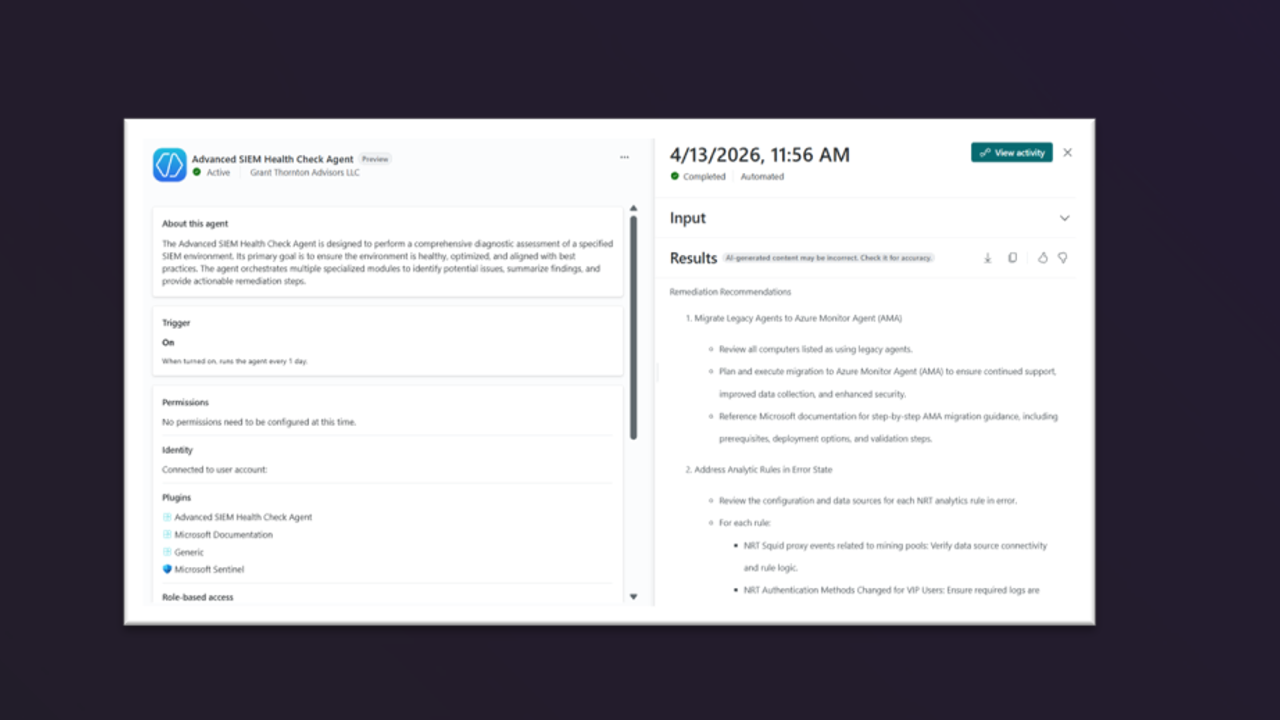
- List of hosts using legacy agents with Azure Monitor Agent (AMA) migration guidance
- Detection rules in error states with error details and remediation recommendations
- Incident volume summary highlighting abnormal activity levels
- Identification of potential Syslog and CEF log duplication
- Consolidated health report including executive summary, findings, remediation actions, and Microsoft documentation references
Agent tasks:
- Identify hosts using legacy data ingestion agents and recommend migration to Azure Monitor Agent (AMA)
- Detect analytic rules in error or failed states and provide rule-specific remediation guidance
- Count and assess newly created incidents to identify potential operational issues
- Analyze Syslog and CEF data to detect ingestion duplication or misconfiguration
- Aggregate results from all diagnostic modules into a unified report
- Generate clear, plain-language summaries suitable for operational review or executive reporting
Security Copilot Units (SCU) consumption
Advanced SIEM Health Check Agent is designed with predictable and optimized SCU consumption.
Estimated SCU consumption per execution:
- Small Business environments: ~1.0 – 2.5 SCUs
- Medium environments: ~2.6 – 4.9 SCUs
- Enterprise environments: ~5.0 – 9.9+ SCUs
Preview
2 images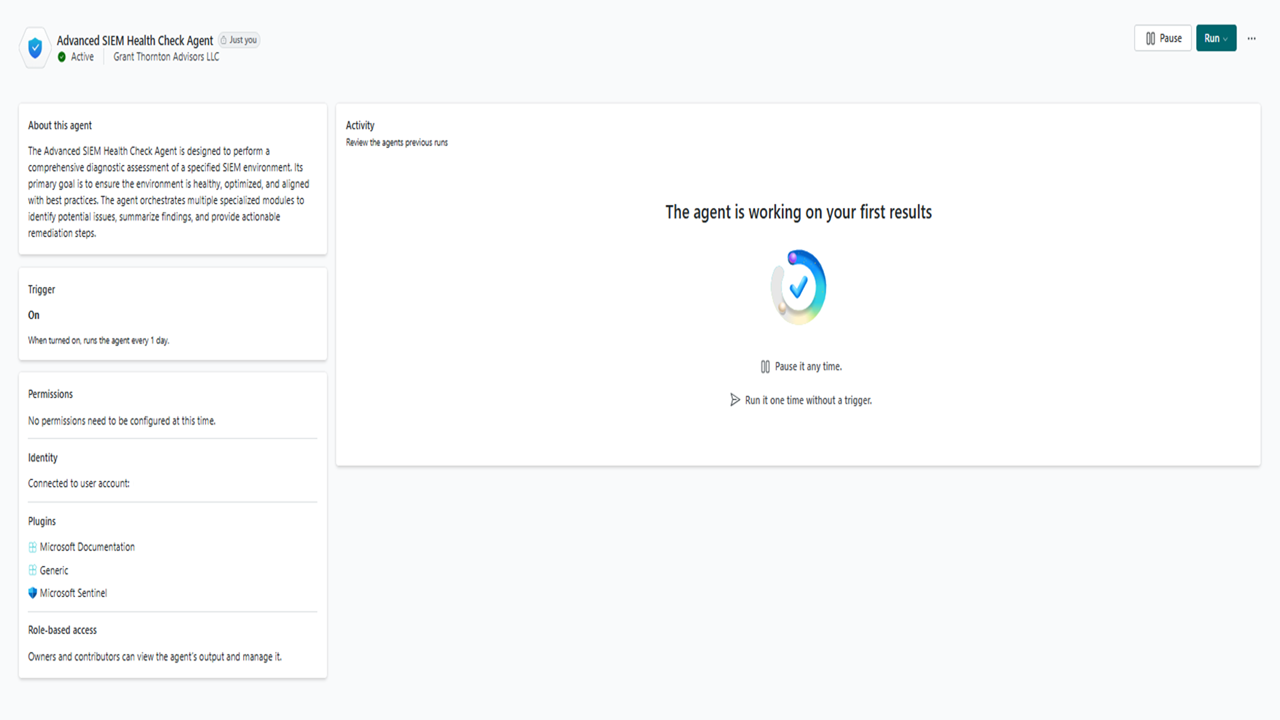
Agent build and provenance
See the full provenance
The layer-by-layer build, the evidence behind each claim, the risk basis and the cross-marketplace links are open to any account. Some rows are disclosed, some the source leaves Unknown; a free account shows you which.
Compliance
- FedRAMPConfirmedNot listed90%, registry-checkedNo FedRAMP Marketplace entry matched this vendor's domain, checked 2026-08-27registry recordas observed 2026-08-27
Confirmed means matched to a public authoritative registry. Claimed means the vendor or its listing states it, not yet cross-checked. A framework not shown was not found in any source we hold, which is not evidence against it. Not listed means a scoped registry check found no match for this vendor's domain: a No is a scoped registry check, not a compliance judgment. Confidence bands: 95% domain-verified, 90% registry-checked, 80% self-attested, 70% weak signal. Self-attested items marked “vendor's site” are gathered from the vendor's own website and are not verified by us.
Sources
Publisher resources
2 linksLinked repositories
Unknown means this listing does not publish a repository. It is not a statement that the code is closed, and a linked repository is not a claim that the publisher wrote it: the registry computes that relationship privately and does not publish it.
Evidence risk is the share of the build you cannot see before you deploy, not a security rating. Sign in to see the layer-by-layer basis for this band.