

EasePage | Dashboard & Page Builder for Dynamics 365
EASEAPP · Customer Service
Certification per Microsoft Marketplace.
Evidence tier Source Confirmed · 7 captures on record
What the publisher says
As described on Microsoft Marketplace.
EasePage – No-Code Page Builder for Microsoft Dynamics 365
EasePage is a no-code, data-driven Dashboard & page builder designed specifically to enhance Microsoft Dynamics 365 Customer Engagement (CE) applications, including Sales and Customer Service. It enables organizations to create custom dashboards, forms, and interactive pages directly inside Dynamics 365—without writing custom code.
Show the rest of the publisher’s description (27 more lines)
Built exclusively for the Dynamics 365 and Power Platform ecosystem, EasePage embeds seamlessly into model-driven apps and works natively with Dataverse. All pages and dashboards created with EasePage respect existing security roles, permissions, and governance, ensuring enterprise-grade compliance and performance.
What problem does EasePage solve?
While Dynamics 365 is a powerful platform, its native customization tools can be time-consuming and often require JavaScript or advanced Power Apps skills for richer UI/UX scenarios. This slows down delivery, increases dependency on developers, and limits adoption.
EasePage closes this gap by providing a visual, drag-and-drop experience for building rich user interfaces, allowing teams to deliver advanced layouts and data interactions in hours instead of weeks.
Key capabilities
- Drag-and-Drop Page Builder
Design custom pages visually with layouts, sections, buttons, tabs, and reusable components.
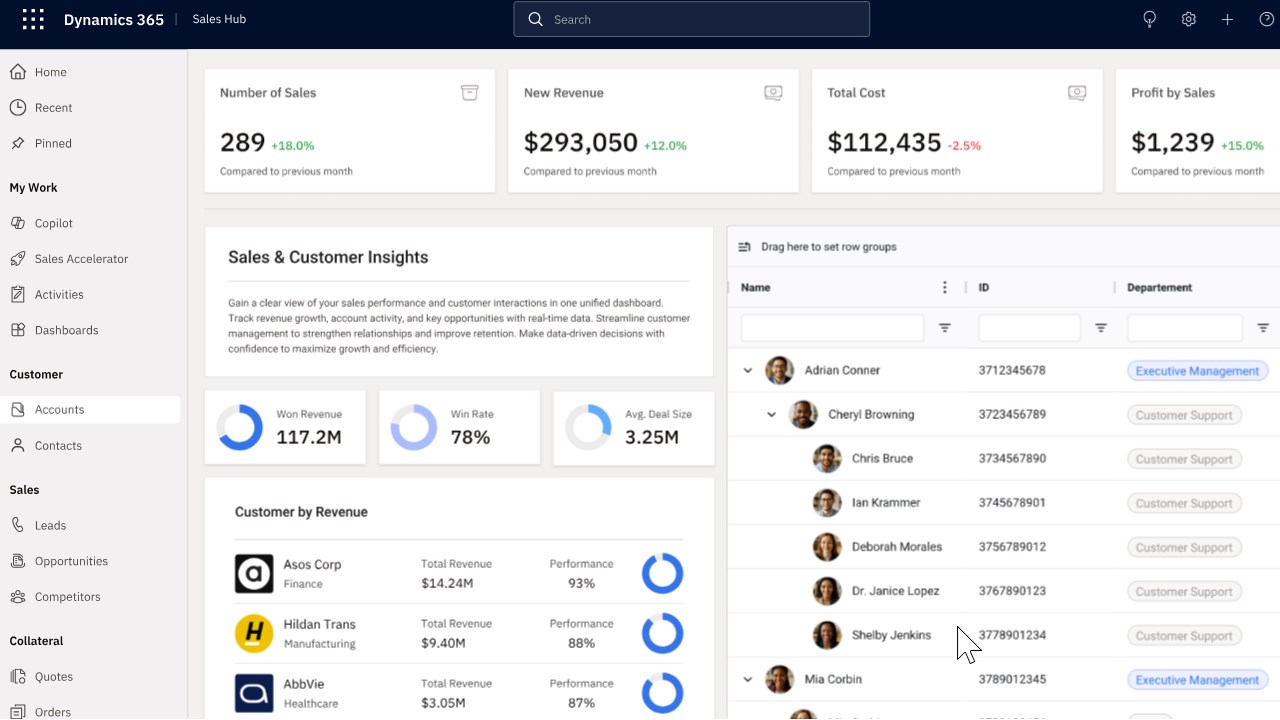
- Advanced Editable Data Grids
Enable inline editing, bulk updates, filtering, and sorting for Dynamics 365 data, far beyond standard views.
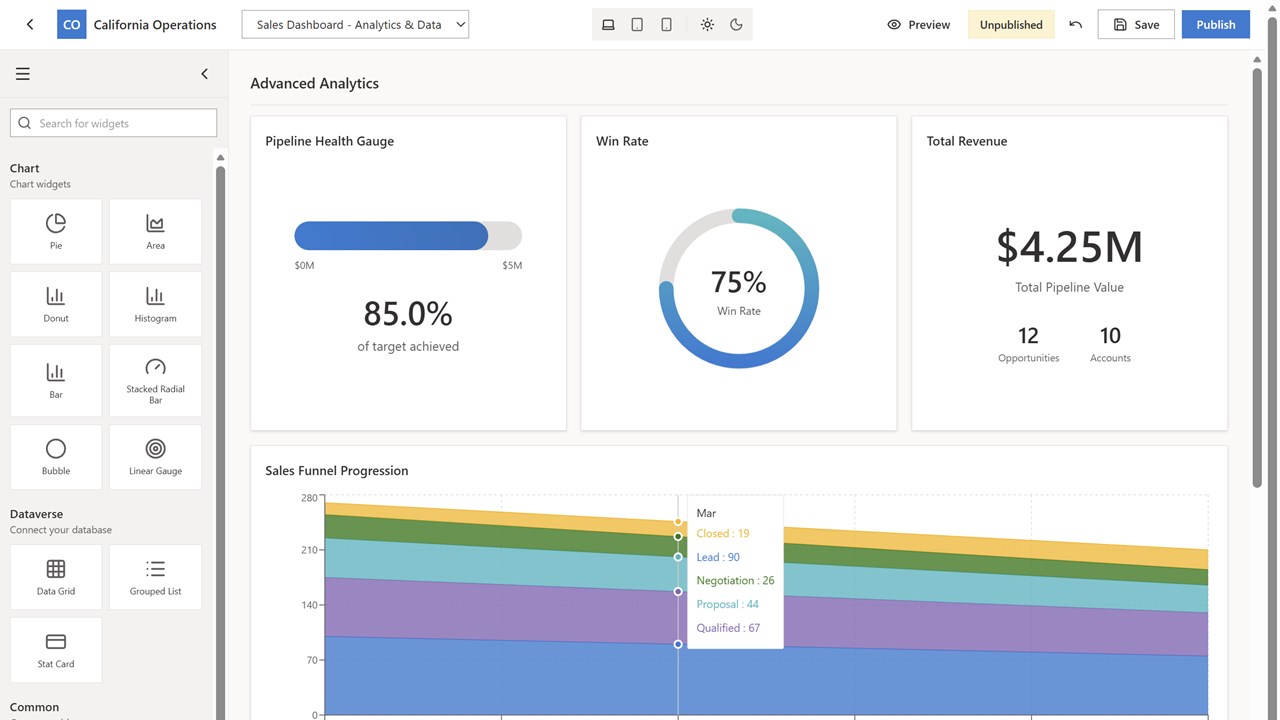
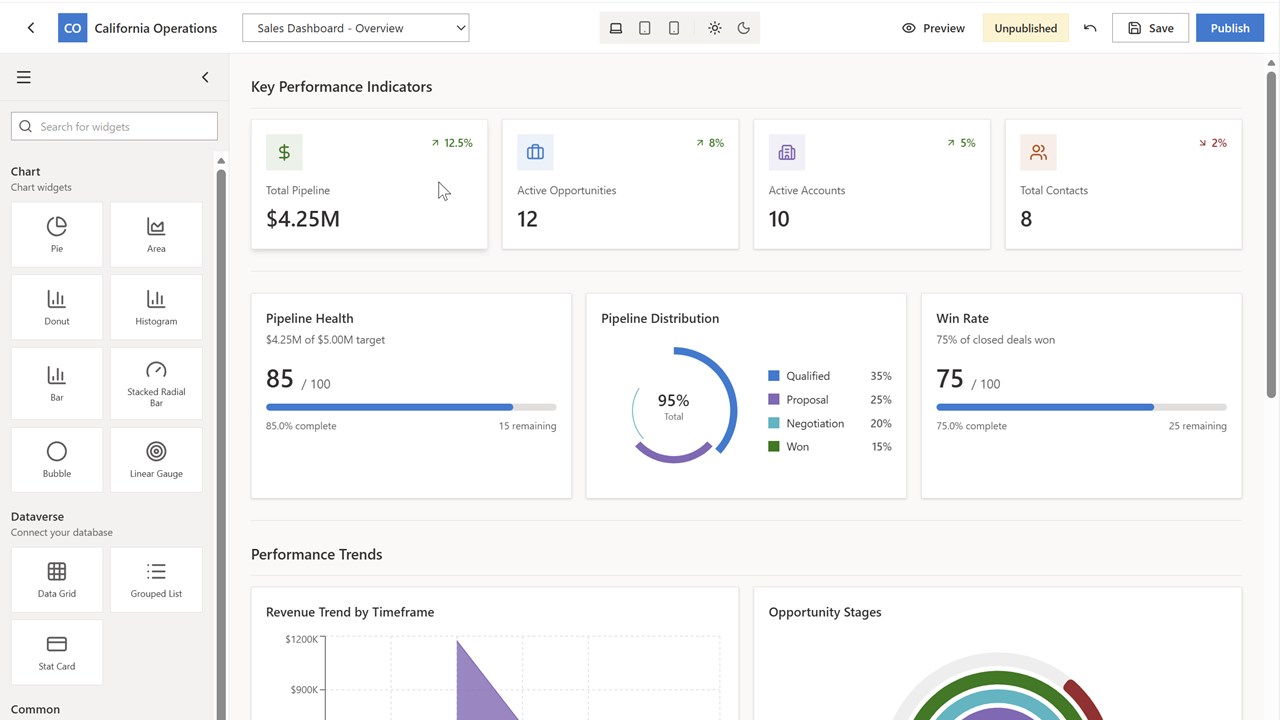
- Interactive Dashboards & Charts
Build real-time dashboards with charts, KPIs, and visual components that update live from Dataverse.
- Form Builder (coming soon)
Create custom forms with multi-column layouts, tabs, and conditional visibility—without JavaScript.
- Template Library (coming soon)
- Start quickly with prebuilt templates such as Customer 360 views, sales pipelines, and service agent consoles.
- AI-Assisted Design (roadmap)
AI-driven suggestions for layouts, data visualization, and page design to accelerate configuration and improve usability.
Who is EasePage for?
- Dynamics 365 administrators and customizers who want faster UI delivery without code
- Departmental managers and power users who need tailored screens for their teams
- Microsoft partners and consultants looking to reduce delivery time and increase project value
- Organizations already invested in Dynamics 365 CE seeking higher adoption and ROI
Deployment & governance
EasePage is delivered as a managed solution through Microsoft AppSource. It installs directly into Dynamics 365, supports standard ALM practices, and moves cleanly across development, test, and production environments. No external infrastructure is required.
Why EasePage?
EasePage does not replace Power Apps or Dynamics 365—it enhances them. By focusing exclusively on Dynamics 365 CE scenarios, EasePage provides a faster, simpler way to deliver rich user experiences, reduce customization costs, and maximize the value of existing CRM investments.
** Annual plans include a discount and are available via Microsoft Marketplace private offers — contact us to receive your custom subscription link.
Preview
4 images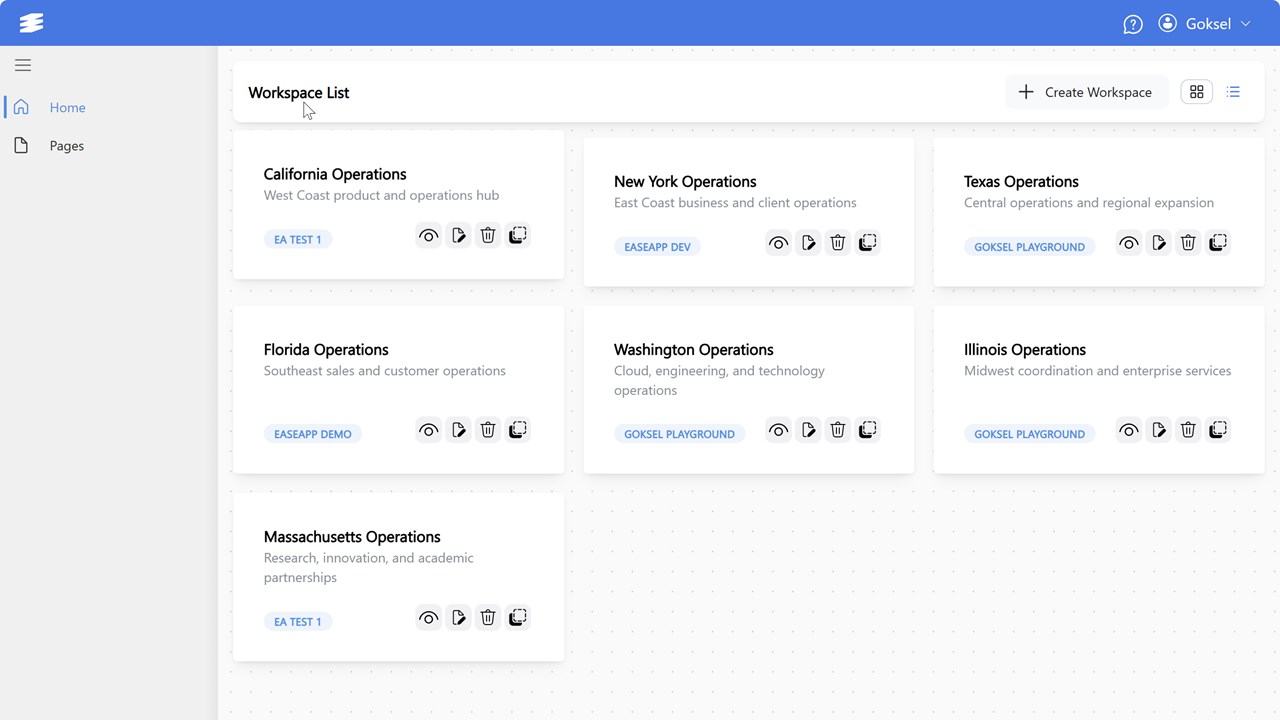
Agent build and provenance
See the full provenance
The layer-by-layer build, the evidence behind each claim, the risk basis and the cross-marketplace links are open to any account. Some rows are disclosed, some the source leaves Unknown; a free account shows you which.
Compliance
- FedRAMPConfirmedNot listed90%, registry-checkedNo FedRAMP Marketplace entry matched this vendor's domain, checked 2026-08-27registry recordas observed 2026-08-27
Confirmed means matched to a public authoritative registry. Claimed means the vendor or its listing states it, not yet cross-checked. A framework not shown was not found in any source we hold, which is not evidence against it. Not listed means a scoped registry check found no match for this vendor's domain: a No is a scoped registry check, not a compliance judgment. Confidence bands: 95% domain-verified, 90% registry-checked, 80% self-attested, 70% weak signal. Self-attested items marked “vendor's site” are gathered from the vendor's own website and are not verified by us.
Vendor
External enrichment
Plans and pricing as listed
3 listedSources
Publisher resources
5 linksLinked repositories
Unknown means this listing does not publish a repository. It is not a statement that the code is closed, and a linked repository is not a claim that the publisher wrote it: the registry computes that relationship privately and does not publish it.
Evidence risk is the share of the build you cannot see before you deploy, not a security rating. Sign in to see the layer-by-layer basis for this band.