
NITRO Help Desk for HR
Crow Canyon Software · HR & Talent
Certification per Microsoft Marketplace.
Evidence tier Source Confirmed · 7 captures on record
What the publisher says
As described on Microsoft Marketplace.
NITRO Help Desk for HR is a modern HR ticketing system and employee service desk built specifically for organizations using Microsoft 365, Microsoft Teams, and SharePoint. Unlike traditional HR case management platforms, NITRO Help Desk runs directly within your Microsoft environment, allowing HR teams to manage employee requests, HR cases, onboarding, offboarding, policy questions, benefits inquiries, leave requests, and confidential employee services without leaving the Microsoft tools employees already use.
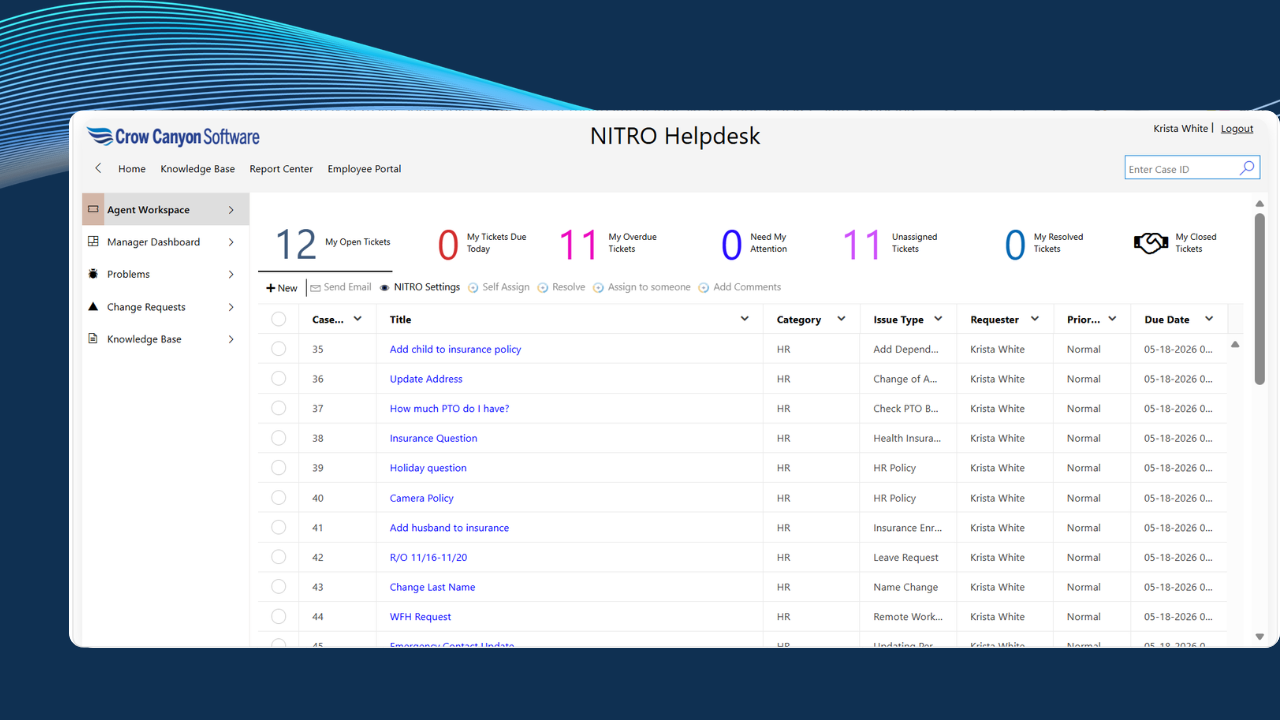
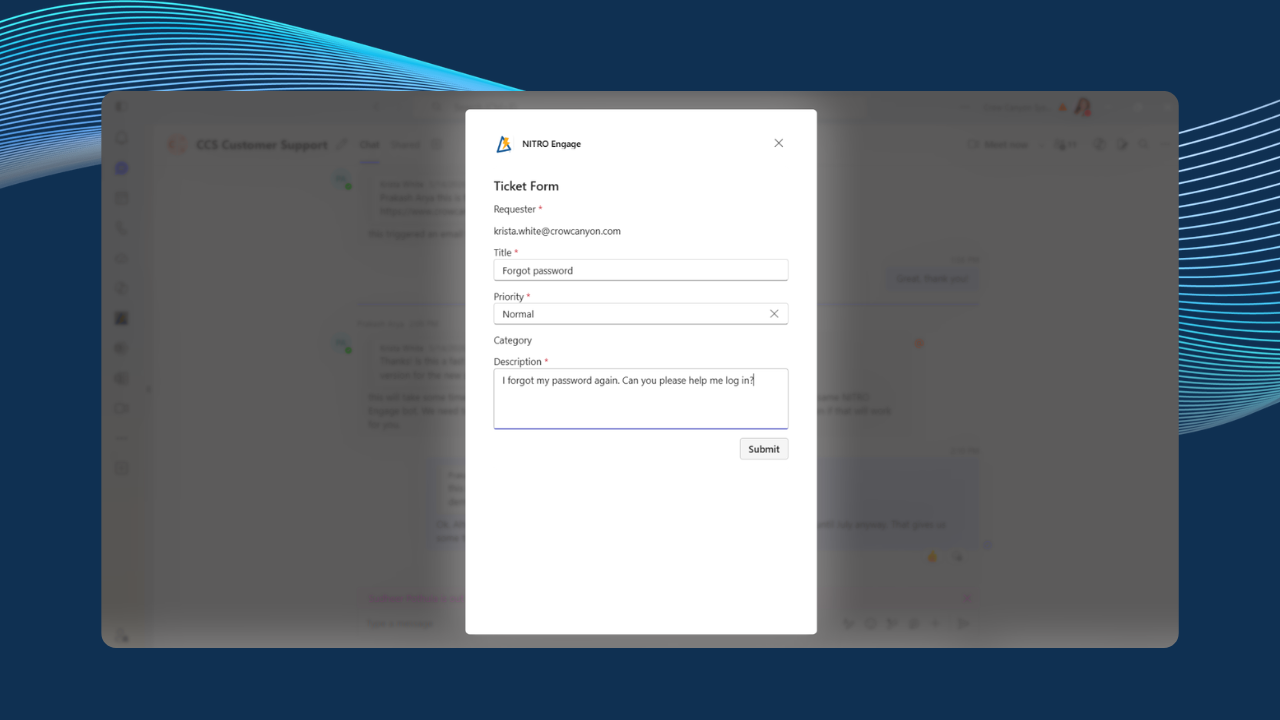
Employees can submit and track HR requests directly from Microsoft Teams, while HR staff can manage cases, collaborate securely, automate workflows, and resolve employee requests without switching between multiple applications. Teams conversations can be converted into HR tickets with just two clicks, ensuring employee requests are captured, tracked, and resolved efficiently.
Show the rest of the publisher’s description (58 more lines)
Deployment
NITRO Help Desk supports a wide range of deployment and security requirements:
- On-Premises. NITRO Studio is installed inside your own SharePoint
Server environment.
- Normal
Mode.
- Air-gapped via NITRO
Secure• SharePoint
Online and Microsoft 365. Your process data stays in
your own Microsoft 365 tenant, while the NITRO Studio engine is hosted in
one of four ways.
- Shared
(Crow Canyon Azure).
- Commercial
or Public Azure (Dedicated).
- Microsoft
GCC (Dedicated).
- Microsoft
GCC High (Dedicated).
Because employee data remains inside your Microsoft environment, organizations maintain greater control over privacy, compliance, governance, and data ownership while meeting internal HR security requirements.
NITRO Help Desk is ideal for Human Resources departments, People Operations teams, employee service centers, government agencies, healthcare organizations, educational institutions, financial services organizations, highly regulated industries, and any organization standardized on Microsoft 365 and Microsoft Teams.
Benefits
Many organizations struggle with HR requests arriving through emails, Teams chats, phone calls, and spreadsheets, making employee service difficult to track and measure. NITRO Help Desk helps solve these challenges by:
*
Providing a native HR ticketing system within Microsoft Teams
*
Enabling two-click conversion of Teams messages into HR cases
*
Centralizing employee requests in a secure HR service portal
*
Keeping sensitive employee data inside Microsoft 365 or SharePoint
*
Supporting cloud, dedicated Azure, GCC, GCC High, on-premises, and air-gapped deployments
*
Automating HR workflows such as onboarding, offboarding, approvals, and employee requests
*
Improving HR response times and employee satisfaction
*
Reducing manual processes and administrative workload
*
Supporting optional AI capabilities to assist employees and HR teams
*
Meeting strict compliance requirements, including SOC 2, ISO 27001:2022, CMMC 2.0 Level 1, and HIPAA
NITRO Help Desk enables HR teams to deliver faster, more consistent employee service while maximizing their Microsoft 365 investment and protecting sensitive employee information.
Key Features
- HR Ticketing System for Microsoft Teams
- • Two-Click Teams Message Conversion
- • Employee Self-Service Portal
- • HR Knowledge Base
- • Employee Onboarding & Offboarding Workflows
- • Case Management
- • Automated HR Workflows
- • AI-Powered Employee & HR Assistance
- • Email-to-Case Processing
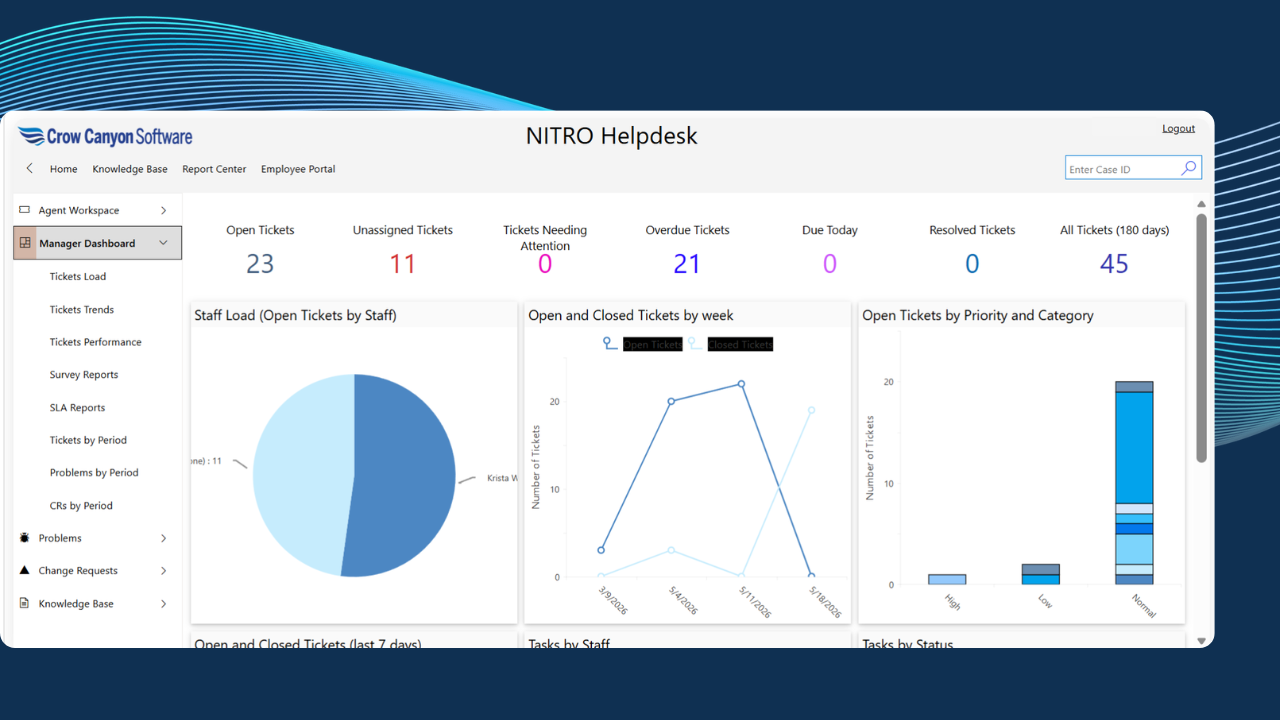
- • Reporting and Dashboards
- • Mobile-Friendly Experience
- • Multi-Department Support
- • Flexible Deployment Options
Preview
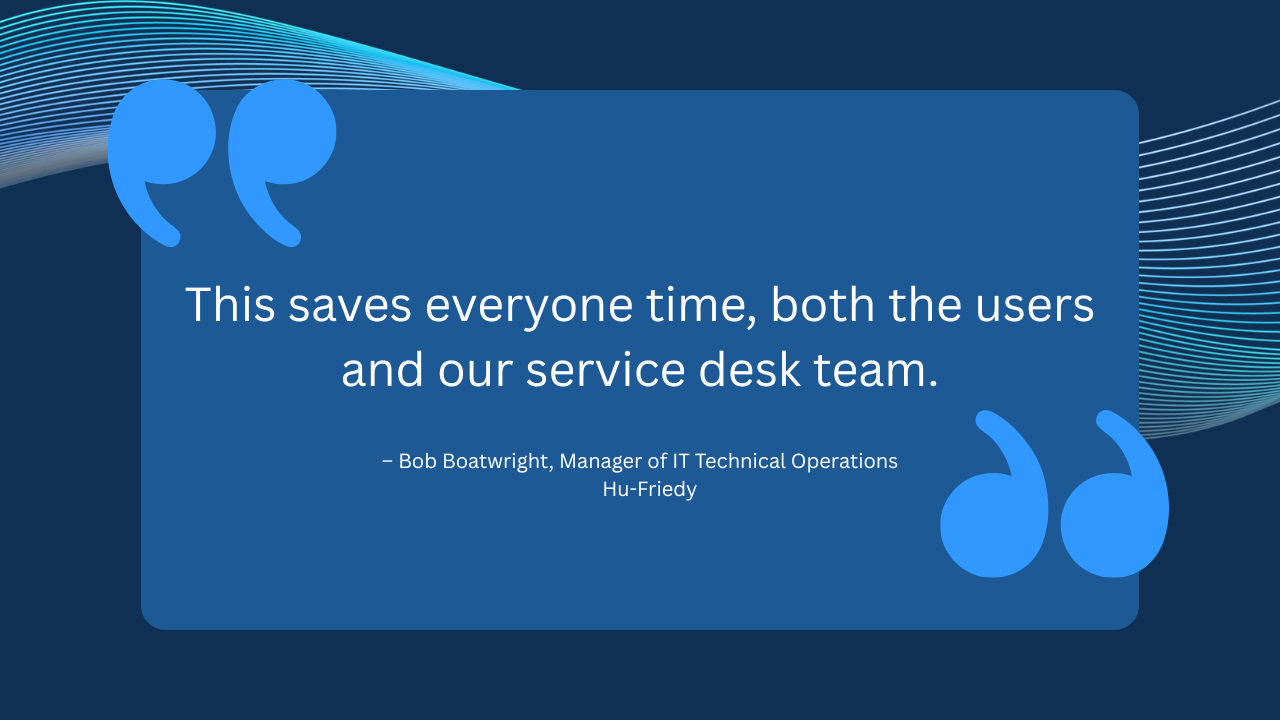
5 images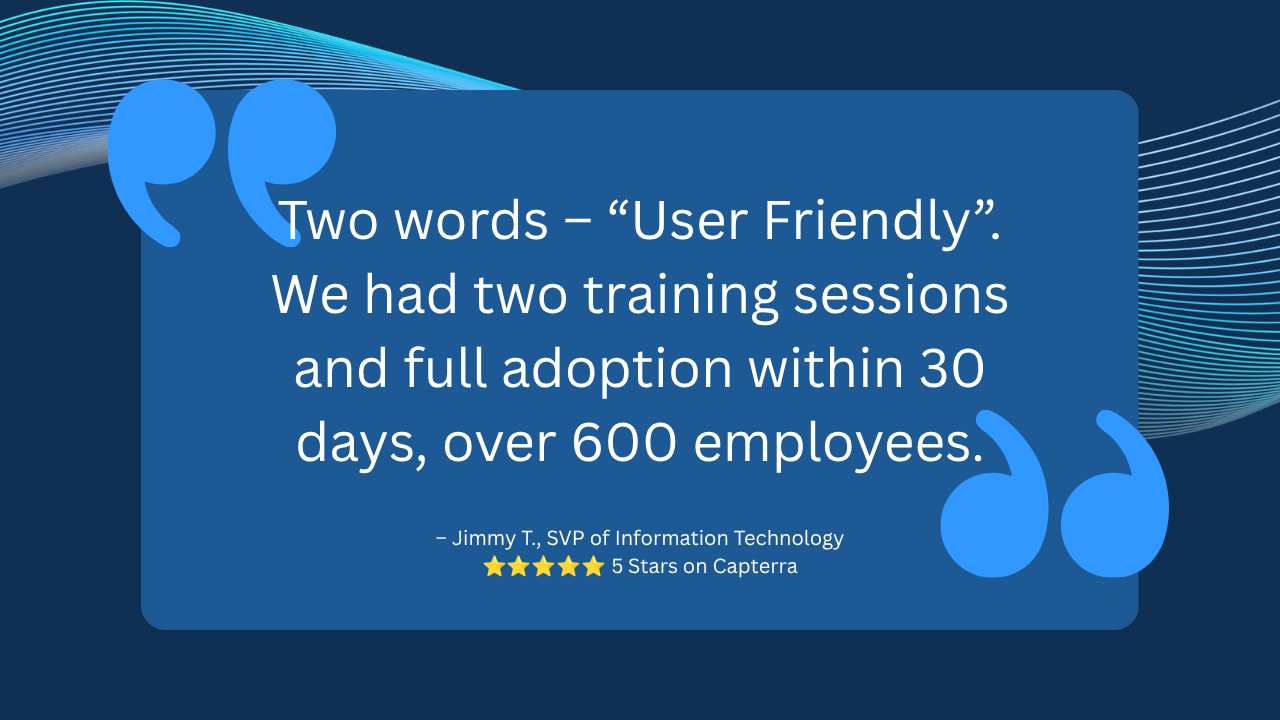
Agent build and provenance
See the full provenance
The layer-by-layer build, the evidence behind each claim, the risk basis and the cross-marketplace links are open to any account. Some rows are disclosed, some the source leaves Unknown; a free account shows you which.
Compliance
- FedRAMPConfirmedNot listed90%, registry-checkedNo FedRAMP Marketplace entry matched this vendor's domain, checked 2026-08-27registry recordas observed 2026-08-27
Confirmed means matched to a public authoritative registry. Claimed means the vendor or its listing states it, not yet cross-checked. A framework not shown was not found in any source we hold, which is not evidence against it. Not listed means a scoped registry check found no match for this vendor's domain: a No is a scoped registry check, not a compliance judgment. Confidence bands: 95% domain-verified, 90% registry-checked, 80% self-attested, 70% weak signal. Self-attested items marked “vendor's site” are gathered from the vendor's own website and are not verified by us.
Vendor
External enrichment
Sources
Publisher resources
3 linksLinked repositories
Unknown means this listing does not publish a repository. It is not a statement that the code is closed, and a linked repository is not a claim that the publisher wrote it: the registry computes that relationship privately and does not publish it.
Evidence risk is the share of the build you cannot see before you deploy, not a security rating. Sign in to see the layer-by-layer basis for this band.