

Free Expense Management AI Agent on Microsoft 365 Copilot
Compusoft · Finance & Accounting
Certification per Microsoft Marketplace.
Evidence tier Source Confirmed · 1 capture on record
What the publisher says
As described on Microsoft Marketplace.
Introduction
Managing employee expenses often involves multiple forms, spreadsheets, emails, receipts, approval follow-ups, and manual policy checks. These fragmented processes can increase administrative effort for employees, managers, and finance teams while making it difficult to track the progress of expense claims.
Show the rest of the publisher’s description (20 more lines)
Problem Statement :
Traditional expense management processes can create several challenges, including:
- Time-consuming manual expense entry
- Missing or incomplete receipts and supporting documents
- Delayed approvals and repeated follow-ups
- Inconsistent application of expense policies
- Limited visibility into claim status
- Difficulty maintaining structured records for governance and audit requirements
- Dependence on separate applications and disconnected processesAs organisations grow, managing employee reimbursements, business travel expenses, field expenses, and other claims can become increasingly complex and inefficient.
Solution Provided by Compusoft Advisors :
Compusoft Advisors' Expense Management AI Agent with multi-lingual support is developed in Microsoft 365 Copilot to transform expense management into a simple and conversational experience.
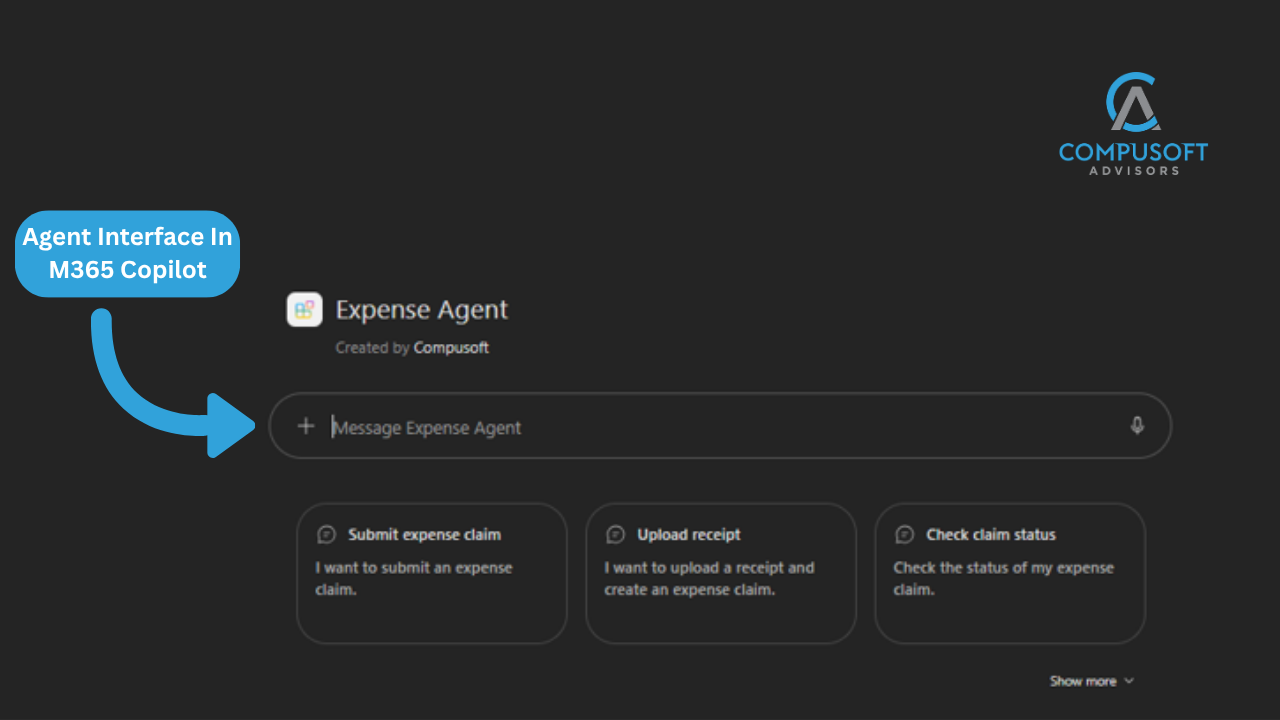
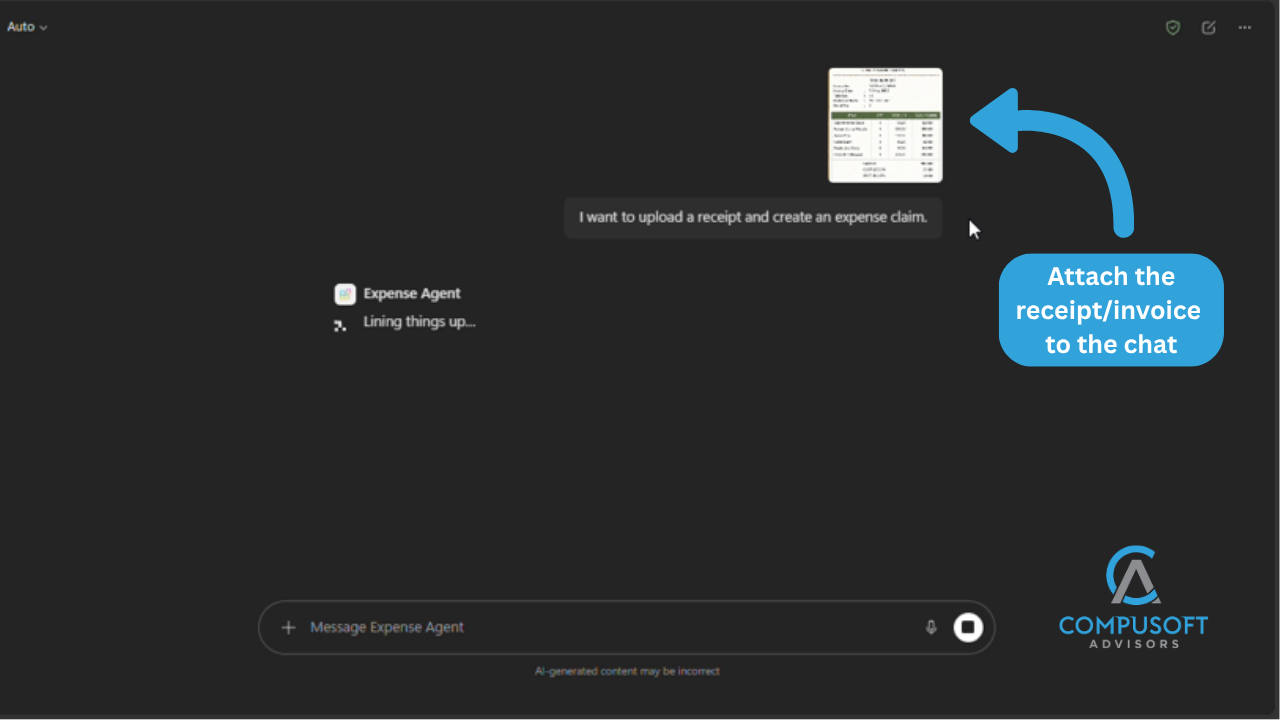
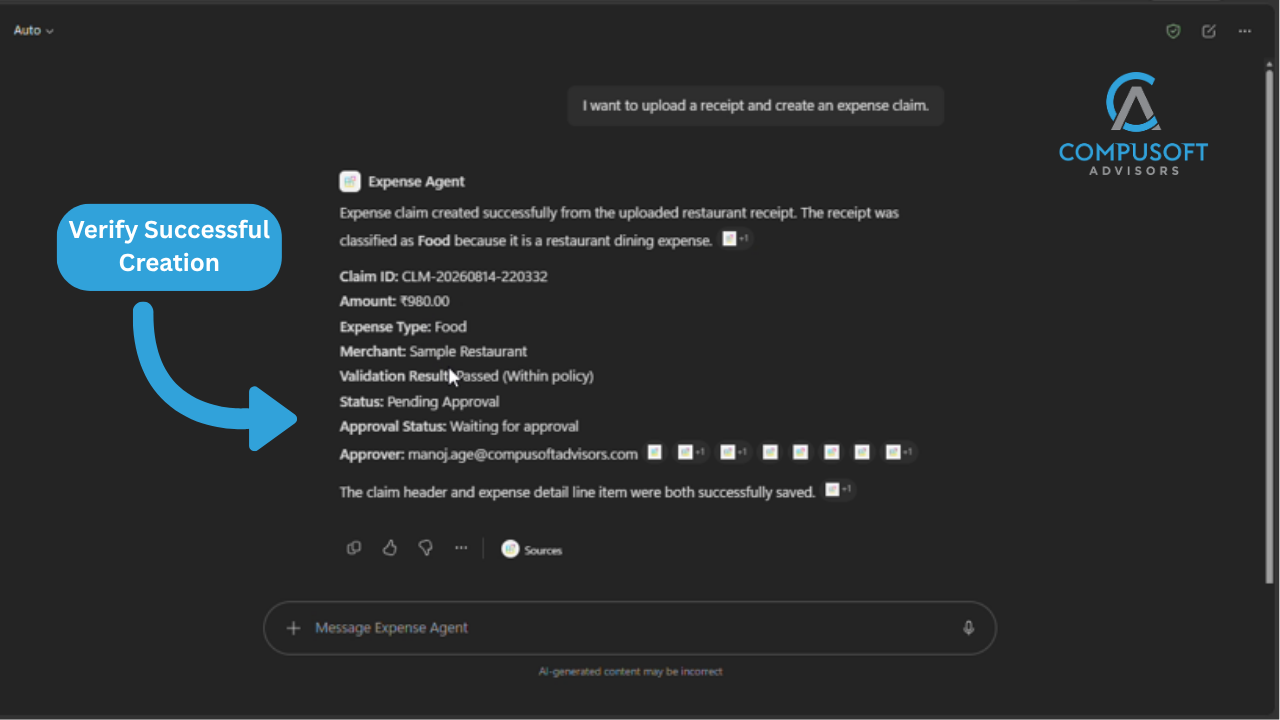
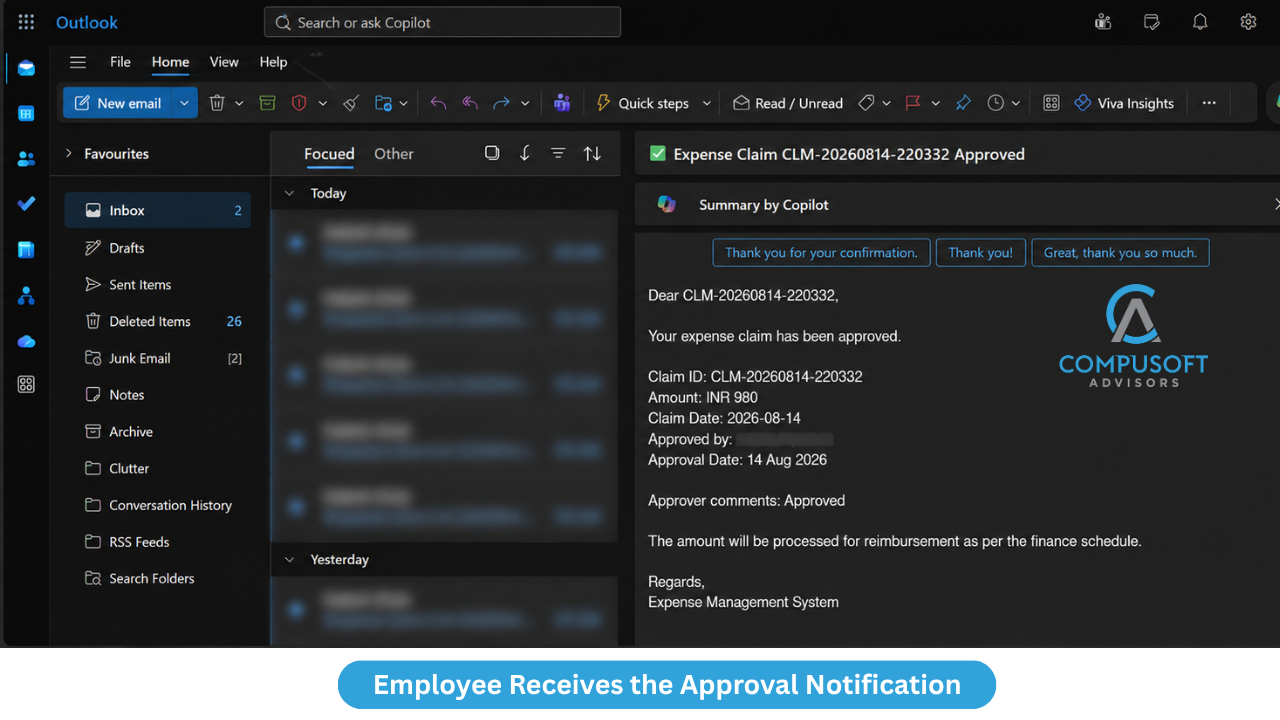
Employees can interact with the AI Agent to submit expenses, upload receipts, check claim status, view pending claims, and access expense history through familiar Microsoft experiences. The AI Agent can capture relevant information from receipts, validate claims against predefined business policies, trigger approval workflows, and route requests to the appropriate stakeholders.
The solution helps automate key stages of the expense management lifecycle:
- Conversational Expense Submission in multi-language: Submit and manage expense claims using natural language.
- Intelligent Receipt Processing: Extract information such as amount, vendor, transaction date, and expense category from uploaded receipts.
- Policy Validation: Check claims against predefined limits, receipt requirements, expense categories, and business rules.
- Smart Approval Routing: Route claims based on employee role, claim amount, approval thresholds, organisational hierarchy, and configured criteria.
- Real-Time Claim Tracking: Enable employees to check claim status, pending expenses, and expense history through conversation.
- Improved Governance: Support policy compliance, internal controls, and audit requirements with a structured and traceable process.Developed within the Microsoft 365 Copilot ecosystem, the Expense Management AI Agent can be configured around an organisation's specific expense policies, approval workflows, and business processes.
By reducing manual effort and simplifying the expense claim experience, Compusoft Advisors helps organisations create a faster, more intelligent, and connected approach to expense management using Microsoft 365 Copilot.
Preview
5 images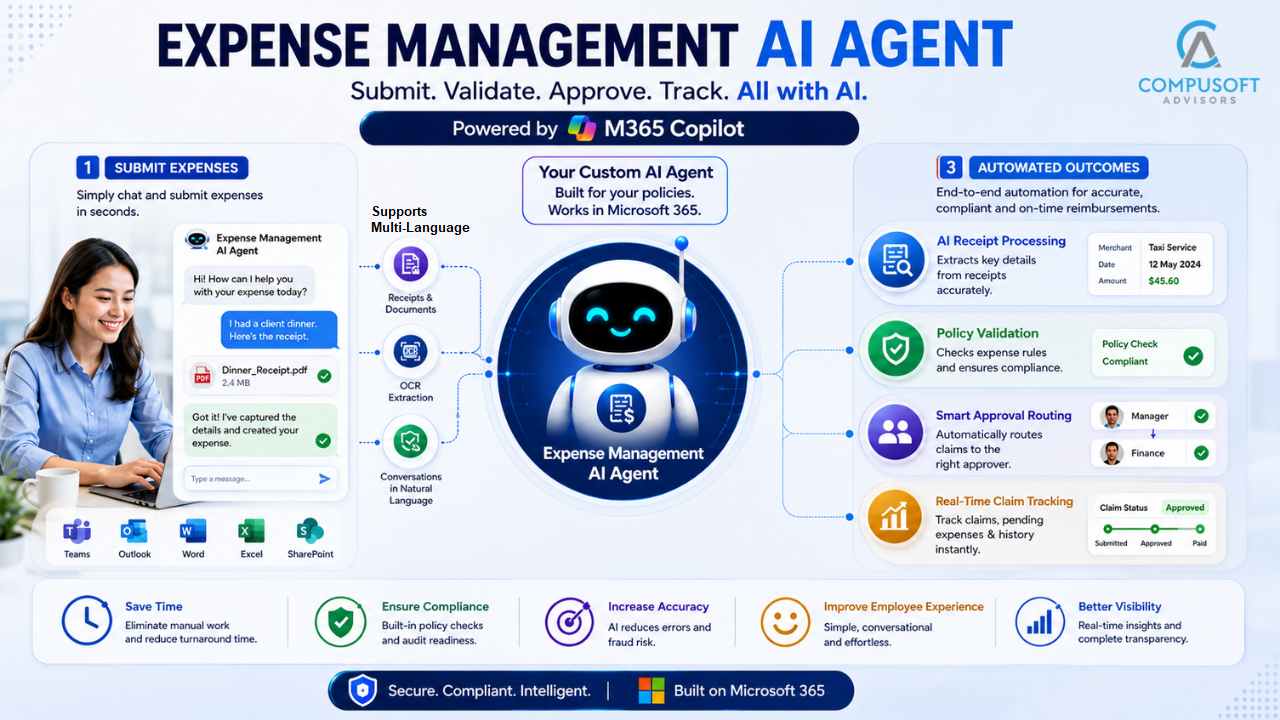
Agent build and provenance
See the full provenance
The layer-by-layer build, the evidence behind each claim, the risk basis and the cross-marketplace links are open to any account. Some rows are disclosed, some the source leaves Unknown; a free account shows you which.
Compliance
- FedRAMPConfirmedNot listed90%, registry-checkedNo FedRAMP Marketplace entry matched this vendor's domain, checked 2026-08-27registry recordas observed 2026-08-27
Confirmed means matched to a public authoritative registry. Claimed means the vendor or its listing states it, not yet cross-checked. A framework not shown was not found in any source we hold, which is not evidence against it. Not listed means a scoped registry check found no match for this vendor's domain: a No is a scoped registry check, not a compliance judgment. Confidence bands: 95% domain-verified, 90% registry-checked, 80% self-attested, 70% weak signal. Self-attested items marked “vendor's site” are gathered from the vendor's own website and are not verified by us.
Vendor
External enrichment
Sources
Publisher resources
3 linksLinked repositories
Unknown means this listing does not publish a repository. It is not a statement that the code is closed, and a linked repository is not a claim that the publisher wrote it: the registry computes that relationship privately and does not publish it.
Evidence risk is the share of the build you cannot see before you deploy, not a security rating. Sign in to see the layer-by-layer basis for this band.