

Worksnip
Business Dynamics Pro Inc. · Operations & Productivity
Certification per Microsoft Marketplace.
Evidence tier Source Confirmed · 1 capture on record
What the publisher says
As described on Microsoft Marketplace.
worksnip turns real work into documentation. Record a process once in your browser and worksnip produces a narrated, step-by-step guide - screenshots, callouts, voice-over and video export - in minutes instead of days.
Built for Microsoft Dynamics 365 Business Central. worksnip extends Microsoft Dynamics 365 Business Central by capturing real user sessions in the Business Central web client and turning them into process guides. The worksnip browser extension records every interaction - the page, the action, the field - while worksnip's knowledge base is grounded in the Business Central Base App, so generated steps cite real Business Central pages, fields and actions rather than generic instructions. Sign-in uses Microsoft Entra ID single sign-on, so your Business Central users reach worksnip with the work account they already have.
Show the rest of the publisher’s description (11 more lines)
What you can do
- Capture - record a process step by step straight from the browser, with no screen-recording software.
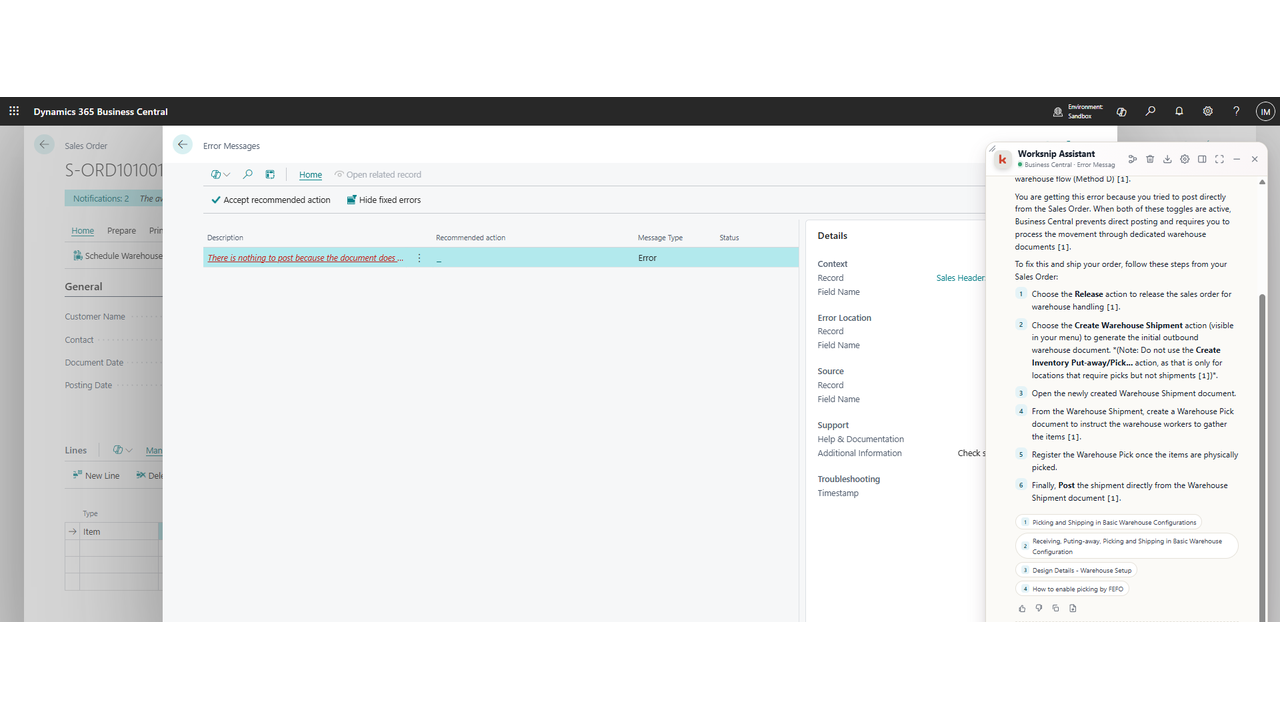
- Generate - AI writes the narration, titles and step descriptions from what it saw.
- Edit - refine steps, blur sensitive data and add callouts in the studio.
- Narrate - add text-to-speech voice-over in multiple languages.
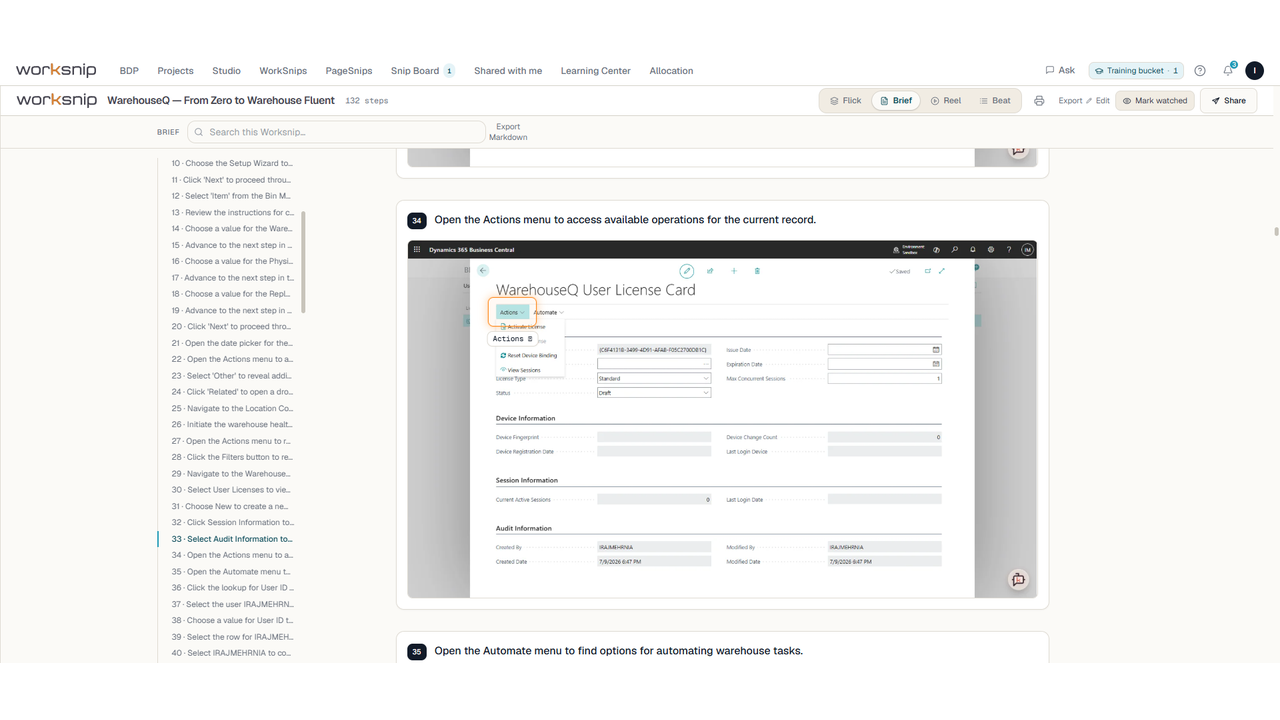
- Publish - three viewing modes (Slides, Scroll, Movie) plus export to MP4 and WebM.
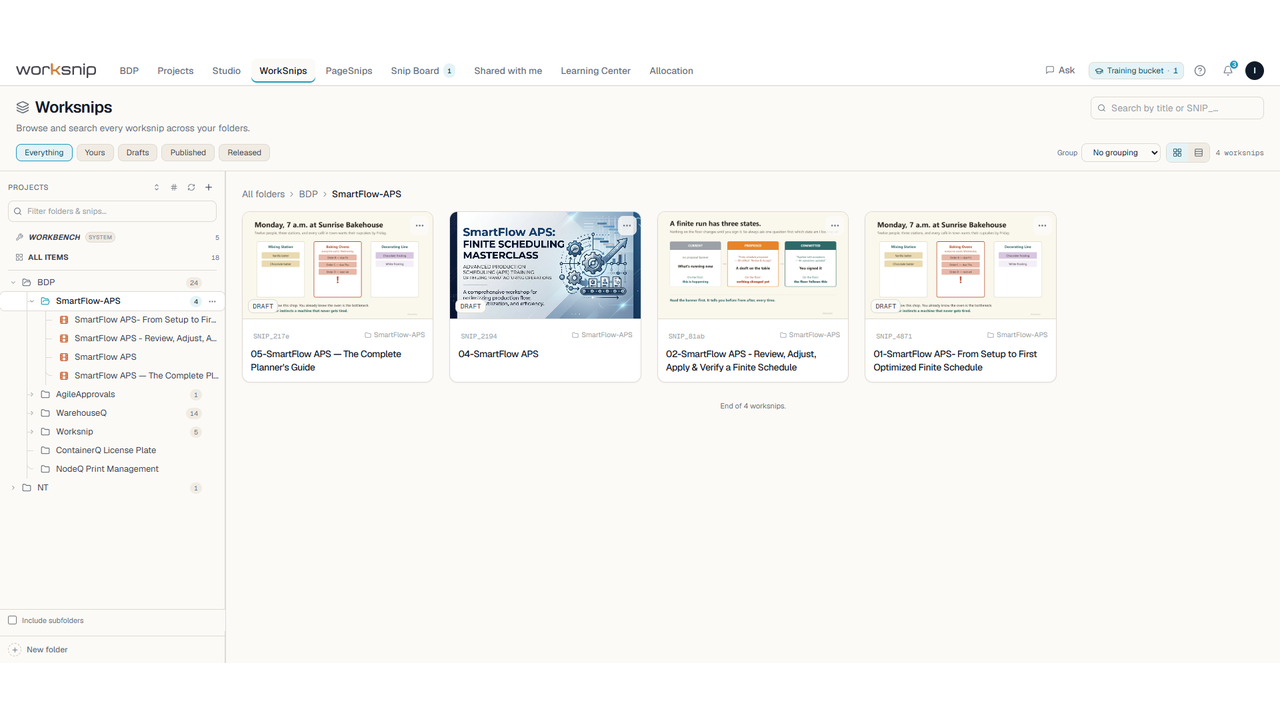
- Share - organise guides into workspaces, control access by team, and see who has viewed what.Typical uses
- Go-live and end-user training for a Business Central implementation
- Standard operating procedures that stay current because they are cheap to re-record
- Consultant handover documentation and client deliverables
- Internal onboarding for finance, warehouse and operations teamsworksnip is part of the BDP suite from Business Dynamics Pro Inc., publisher of ForecastQ, SmartFlow APS, DocumentQ, WarehouseQ and ContainerQ for Microsoft Dynamics 365 Business Central.
Preview
5 images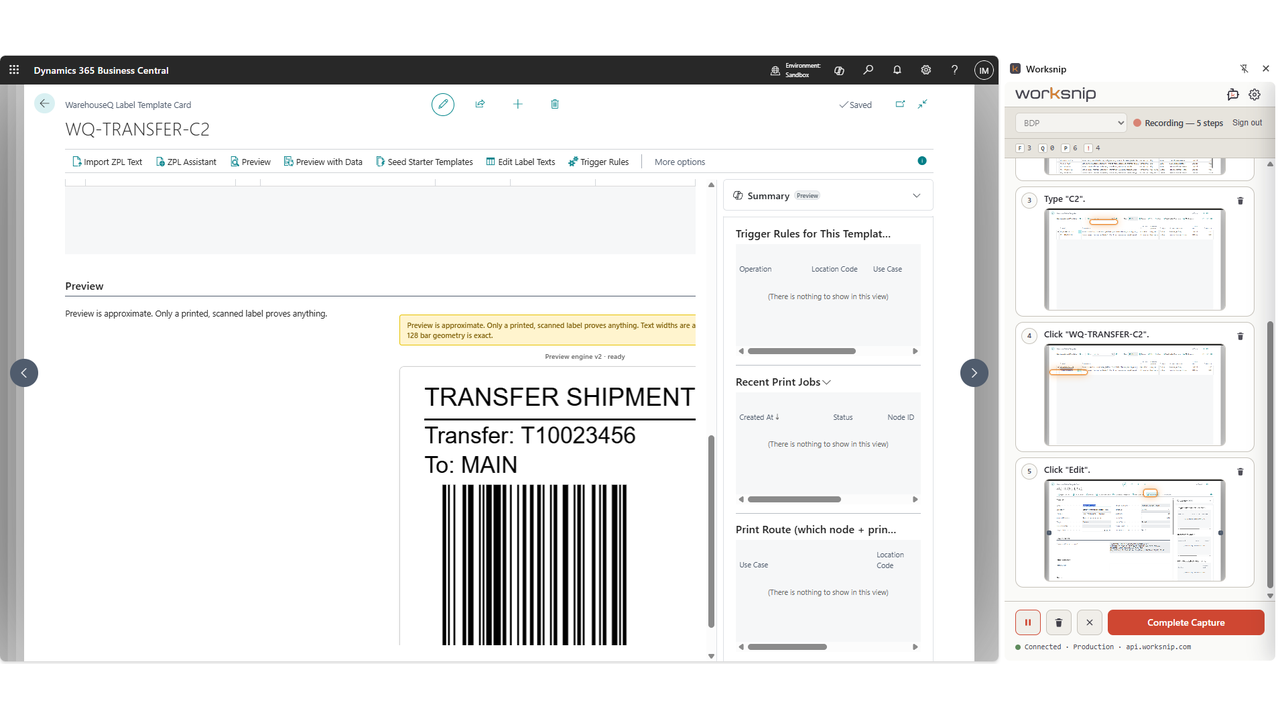
Agent build and provenance
See the full provenance
The layer-by-layer build, the evidence behind each claim, the risk basis and the cross-marketplace links are open to any account. Some rows are disclosed, some the source leaves Unknown; a free account shows you which.
Compliance
- FedRAMPConfirmedNot listed90%, registry-checkedNo FedRAMP Marketplace entry matched this vendor's domain, checked 2026-08-27registry recordas observed 2026-08-27
Confirmed means matched to a public authoritative registry. Claimed means the vendor or its listing states it, not yet cross-checked. A framework not shown was not found in any source we hold, which is not evidence against it. Not listed means a scoped registry check found no match for this vendor's domain: a No is a scoped registry check, not a compliance judgment. Confidence bands: 95% domain-verified, 90% registry-checked, 80% self-attested, 70% weak signal. Self-attested items marked “vendor's site” are gathered from the vendor's own website and are not verified by us.
Sources
Publisher resources
2 linksLinked repositories
Unknown means this listing does not publish a repository. It is not a statement that the code is closed, and a linked repository is not a claim that the publisher wrote it: the registry computes that relationship privately and does not publish it.
Evidence risk is the share of the build you cannot see before you deploy, not a security rating. Sign in to see the layer-by-layer basis for this band.