

Auto Healing Assistant Agent for Azure Infrastructure
atQor · Operations & Productivity
Certification per Microsoft Marketplace.
Evidence tier Source Confirmed · 8 captures on record
What the publisher says
As described on Microsoft Marketplace.
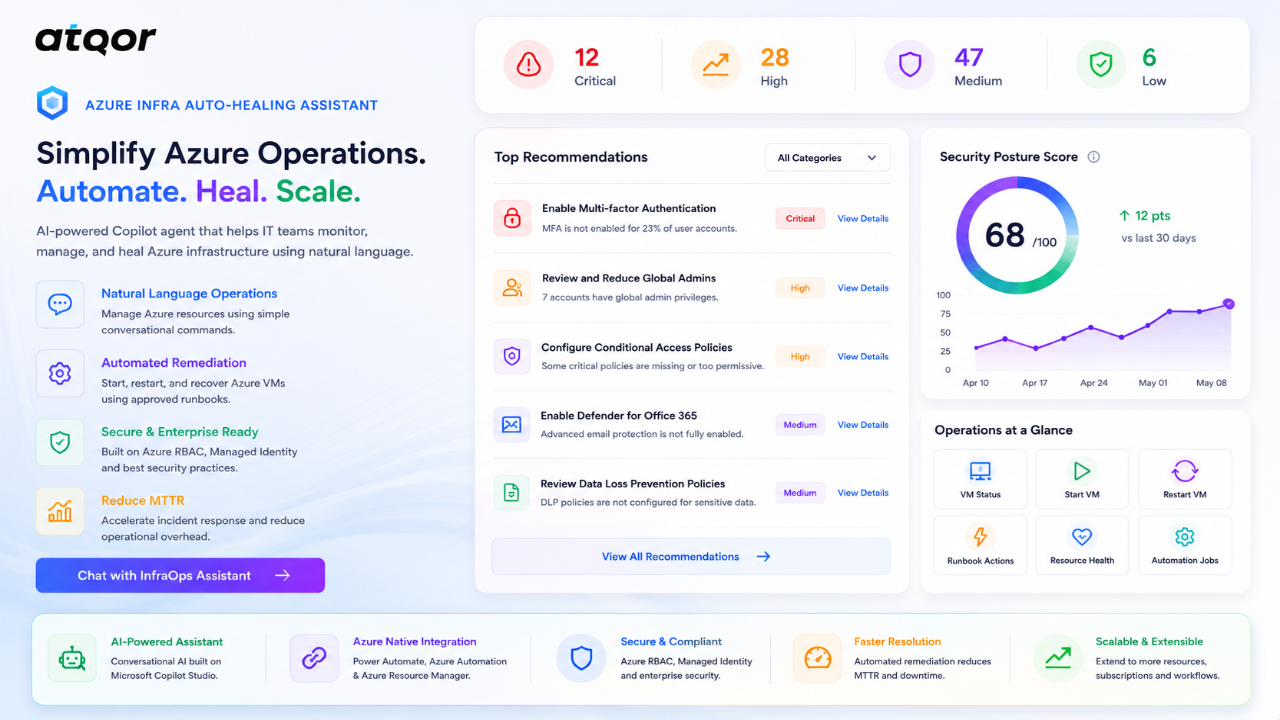
Azure Infra Auto-Healing Assistant by atQor is an AI-powered infrastructure operations agent built on Microsoft Copilot Studio that enables IT administrators, Cloud Operations teams, and Azure engineers to monitor and manage Azure resources instantly through natural language conversations.
No Azure Portal navigation. No PowerShell execution. No manual operational tasks.
Show the rest of the publisher’s description (73 more lines)
The agent provides real-time infrastructure visibility and enables operational actions such as virtual machine management, health checks, automation execution, and remediation workflows directly from Microsoft Teams or Copilot Studio.
HOW IT WORKS
The agent guides users through a simple conversational experience, collects resource details, validates requests, and automatically executes Azure operational tasks using Power Automate and Azure Automation Runbooks in the background.
Users can simply ask:
- Check VM Status
- Start Virtual Machine
- Restart Virtual Machine
- Show VM Information
- Execute Infrastructure AutomationThe agent handles the underlying Azure operations automatically.
WHAT YOU CAN MANAGE
Azure Virtual Machines
- Check VM status and availability
- Start stopped virtual machines
- Restart running virtual machines
- Retrieve VM operational information
- Execute approved remediation actions
Infrastructure Automation
- Trigger Azure Automation Runbooks
- Execute operational workflows
- Perform guided infrastructure actions
- Support operational remediation scenarios
Infrastructure Visibility
- View infrastructure health information
- Access resource operational details
- Monitor Azure environment status
- Retrieve real-time Azure resource information
KEY CAPABILITIES
✔ Conversational AI interface for Azure operations
✔ Built on Microsoft Copilot Studio
✔ Powered by Power Automate and Azure Automation
✔ Azure-native infrastructure management
✔ Automated VM start and restart operations
✔ Real-time Azure infrastructure visibility
✔ RBAC-secured operational execution
✔ No manual Azure Portal navigation required
✔ Extensible architecture for future auto-healing workflows
✔ Works within your existing Azure environment
TECHNOLOGY STACK
- Microsoft Copilot Studio — Conversational AI Agent
- Power Automate — Workflow Orchestration
- Azure Automation — Runbook Execution
- Azure Virtual Machines — Infrastructure Management
- Azure Resource Manager — Resource Operations
- Microsoft Entra ID — Authentication & Authorization
IDEAL FOR
- Azure Administrators
- Cloud Operations Teams
- DevOps Engineers
- Managed Service Providers (MSPs)
- Infrastructure Support Teams
- Enterprise IT Operations
CURRENT CAPABILITIES
Virtual Machine Operations
✔ VM Status Check
✔ VM Start
✔ VM Restart
✔ Runbook-Based Automation
FUTURE ROADMAP
Planned enhancements include:
- VM Stop Operations
- Resource Health Monitoring
- Subscription-wide Resource Discovery
- Auto-Healing Workflows
- Azure Cost Optimization
- Azure Advisor Recommendations
- Azure Backup Monitoring
- Resource Compliance Validation
- Service Health Monitoring
- Monitoring Tool Integrations
- Incident Management Integration
- Multi-Subscription Support
Azure operations can be executed directly from Microsoft Teams or Copilot Studio within minutes after deployment.
For assistance: info@atqor.com
Preview
2 images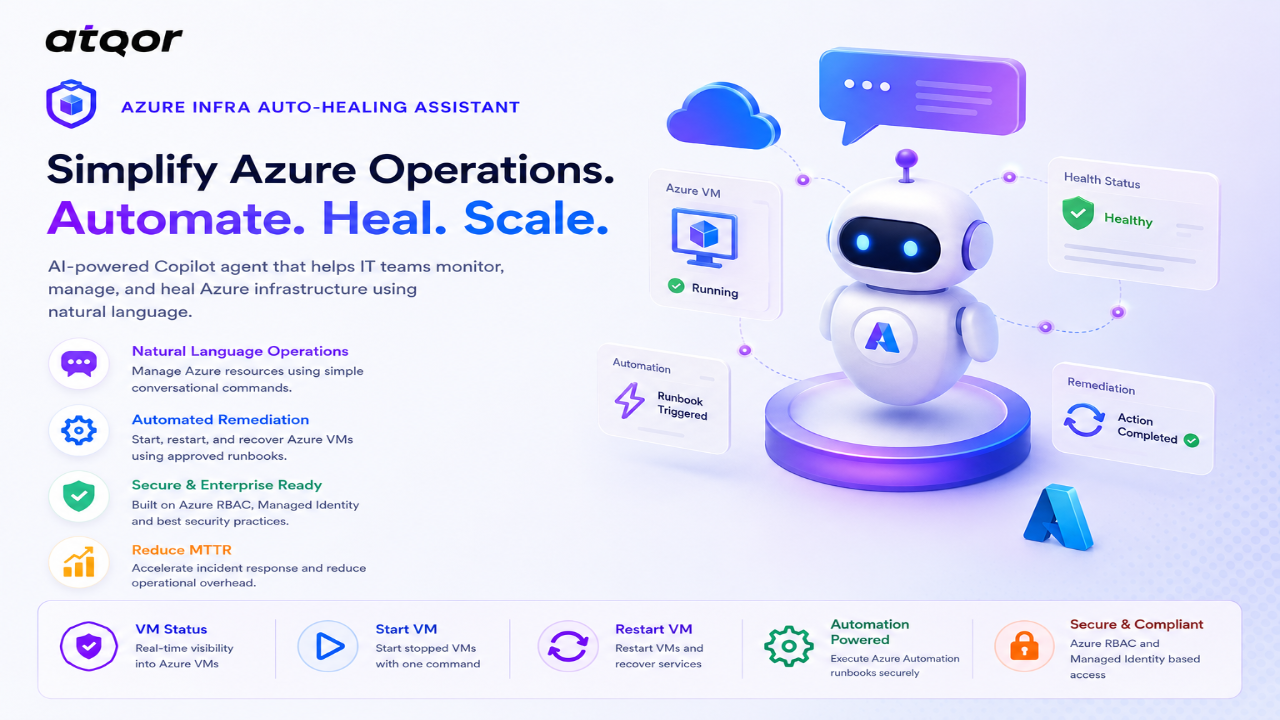
Agent build and provenance
See the full provenance
The layer-by-layer build, the evidence behind each claim, the risk basis and the cross-marketplace links are open to any account. Some rows are disclosed, some the source leaves Unknown; a free account shows you which.
Compliance
- FedRAMPConfirmedNot listed90%, registry-checkedNo FedRAMP Marketplace entry matched this vendor's domain, checked 2026-08-27registry recordas observed 2026-08-27
Confirmed means matched to a public authoritative registry. Claimed means the vendor or its listing states it, not yet cross-checked. A framework not shown was not found in any source we hold, which is not evidence against it. Not listed means a scoped registry check found no match for this vendor's domain: a No is a scoped registry check, not a compliance judgment. Confidence bands: 95% domain-verified, 90% registry-checked, 80% self-attested, 70% weak signal. Self-attested items marked “vendor's site” are gathered from the vendor's own website and are not verified by us.
Vendor
External enrichment · as of 2026-08-29
Sources
Publisher resources
1 linkLinked repositories
Unknown means this listing does not publish a repository. It is not a statement that the code is closed, and a linked repository is not a claim that the publisher wrote it: the registry computes that relationship privately and does not publish it.
Evidence risk is the share of the build you cannot see before you deploy, not a security rating. Sign in to see the layer-by-layer basis for this band.