

DevCopilot AI Coding Assistant for Azure DevOps Agent
atQor · Software Development
Certification per Microsoft Marketplace.
Evidence tier Source Confirmed · 8 captures on record
What the publisher says
As described on Microsoft Marketplace.
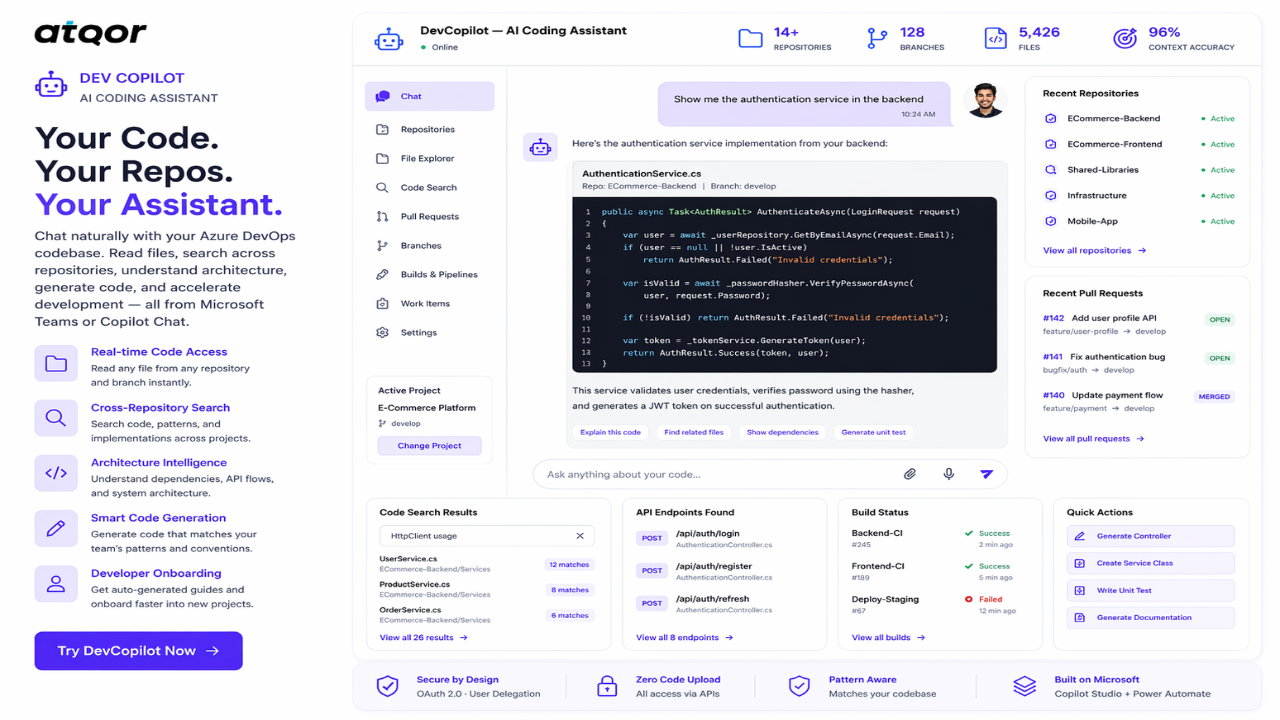
DevCopilot by atQor is an AI-powered coding
assistant built on Microsoft Copilot Studio that enables software developers to
Show the rest of the publisher’s description (62 more lines)
interact with their entire Azure DevOps codebase through natural language
conversation.
No file uploads. No copy-pasting code. No
switching between multiple AI tools.
HOW IT WORKS:
The agent connects to Azure DevOps via
Power Automate flows and a custom OAuth connector. Developers simply ask
questions in Teams or Copilot Chat, and the agent fetches code, searches
repositories, analyzes patterns, and generates context-aware responses — all in
real time.
WHAT YOU CAN DO:
Code Access and Browsing
Read any file from any repository and
branch in real time
Browse complete folder and file structures
View file content with syntax-highlighted
code blocks
Navigate across multiple repositories
seamlessly
Code Search
and Discovery
Search code text across all repositories in
the organization
Find implementations, patterns, and usage
of any function or class
Locate configuration files, connection
strings, and API endpoints
Identify TODO comments and technical debt
across projects
Code Understanding and Analysis
Explain architecture and data flow of any
project
Map frontend service calls to backend
controller endpoints
Analyze API call inventory within
components
Identify design patterns, naming
conventions, and coding standards
Code Generation and Modification
Generate new code that matches existing
team patterns
Suggest precise code changes with before
and after comparison
Create new components, services, and
controllers following established conventions
Generate project documentation, README
files, and API docs
DevOps Intelligence
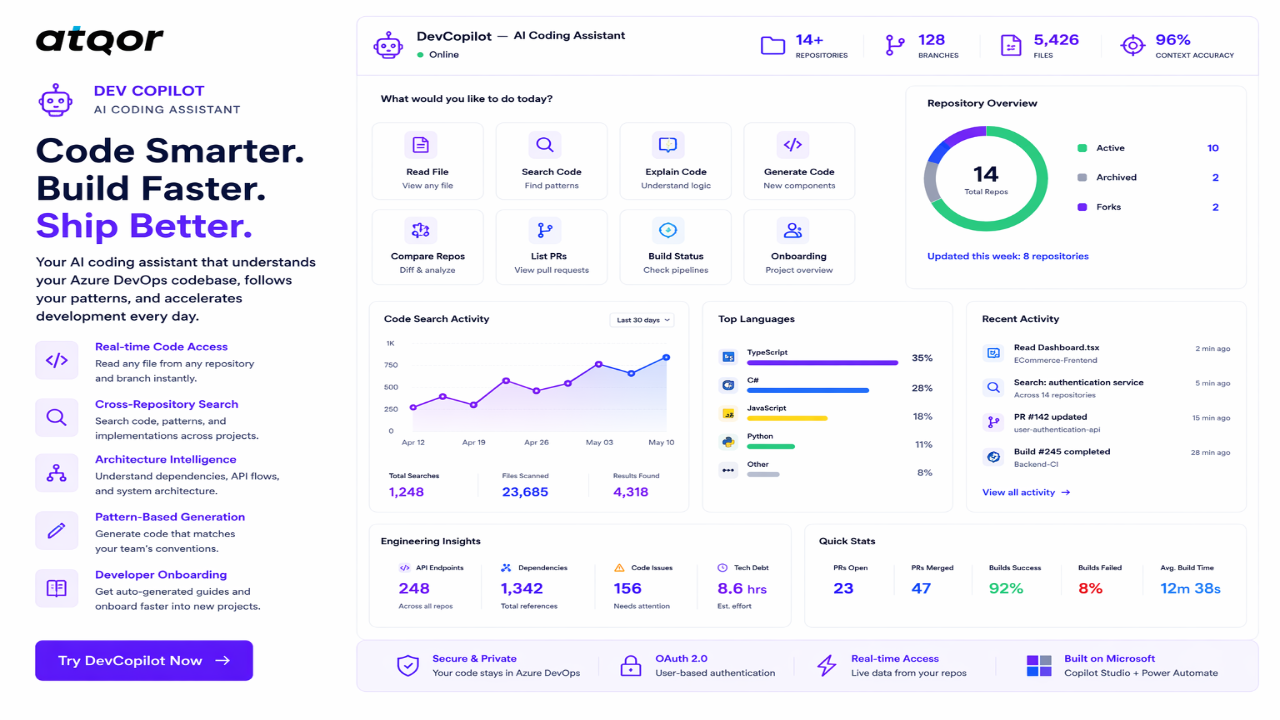
List and filter pull requests by status,
source branch, and target branch
Track branches across repositories
View build status and pipeline
configurations
Access work item details and project
management data
Developer Onboarding
Generate complete onboarding guides from
codebase analysis
Explain tech stack, folder structure, key
files, and setup instructions
Reduce onboarding time from hours to
minutes
Preview
3 images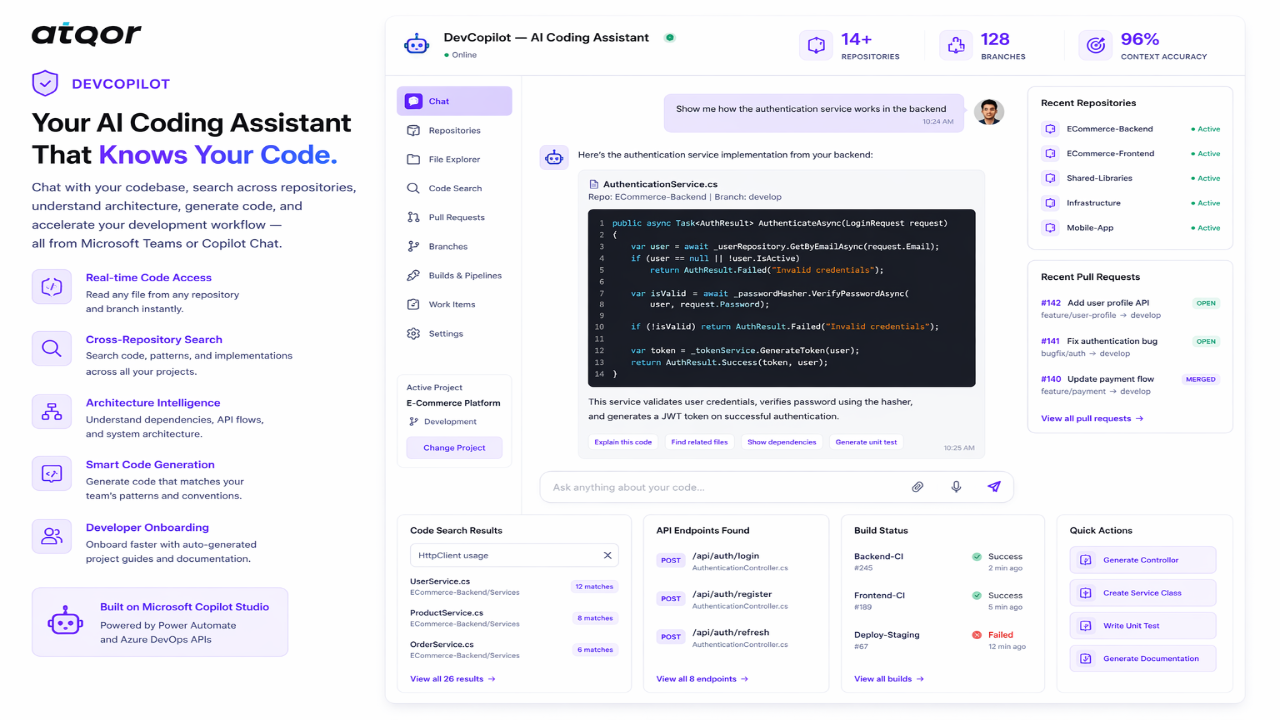
Agent build and provenance
See the full provenance
The layer-by-layer build, the evidence behind each claim, the risk basis and the cross-marketplace links are open to any account. Some rows are disclosed, some the source leaves Unknown; a free account shows you which.
Compliance
- FedRAMPConfirmedNot listed90%, registry-checkedNo FedRAMP Marketplace entry matched this vendor's domain, checked 2026-08-27registry recordas observed 2026-08-27
Confirmed means matched to a public authoritative registry. Claimed means the vendor or its listing states it, not yet cross-checked. A framework not shown was not found in any source we hold, which is not evidence against it. Not listed means a scoped registry check found no match for this vendor's domain: a No is a scoped registry check, not a compliance judgment. Confidence bands: 95% domain-verified, 90% registry-checked, 80% self-attested, 70% weak signal. Self-attested items marked “vendor's site” are gathered from the vendor's own website and are not verified by us.
Vendor
External enrichment · as of 2026-08-29
Sources
Publisher resources
1 linkLinked repositories
Unknown means this listing does not publish a repository. It is not a statement that the code is closed, and a linked repository is not a claim that the publisher wrote it: the registry computes that relationship privately and does not publish it.
Evidence risk is the share of the build you cannot see before you deploy, not a security rating. Sign in to see the layer-by-layer basis for this band.