
Employee Dashboard
Bafflesol Technologies · HR & Talent
Certification per Microsoft Marketplace.
Evidence tier Source Confirmed · 8 captures on record
What the publisher says
As described on Microsoft Marketplace.
The Employee Dashboard for Microsoft Dynamics 365 HR provides real-time workforce analytics in a single, unified view. HR managers and business leaders can instantly track active and terminated employees, gender distribution, marital status, department-wise headcount, and state-wise workforce distribution — all filtered by Company ID and Financial Year. Natively integrated with D365 HR data, it eliminates manual reporting effort and empowers HR teams, CHROs, and payroll managers to make faster, data-driven decisions."
Key Benefits
Show the rest of the publisher’s description (13 more lines)
- Eliminate manual HR reporting — real-time data directly from D365 HR with no exports needed
- Instant workforce visibility — active vs. terminated headcount by company and financial year at a glance
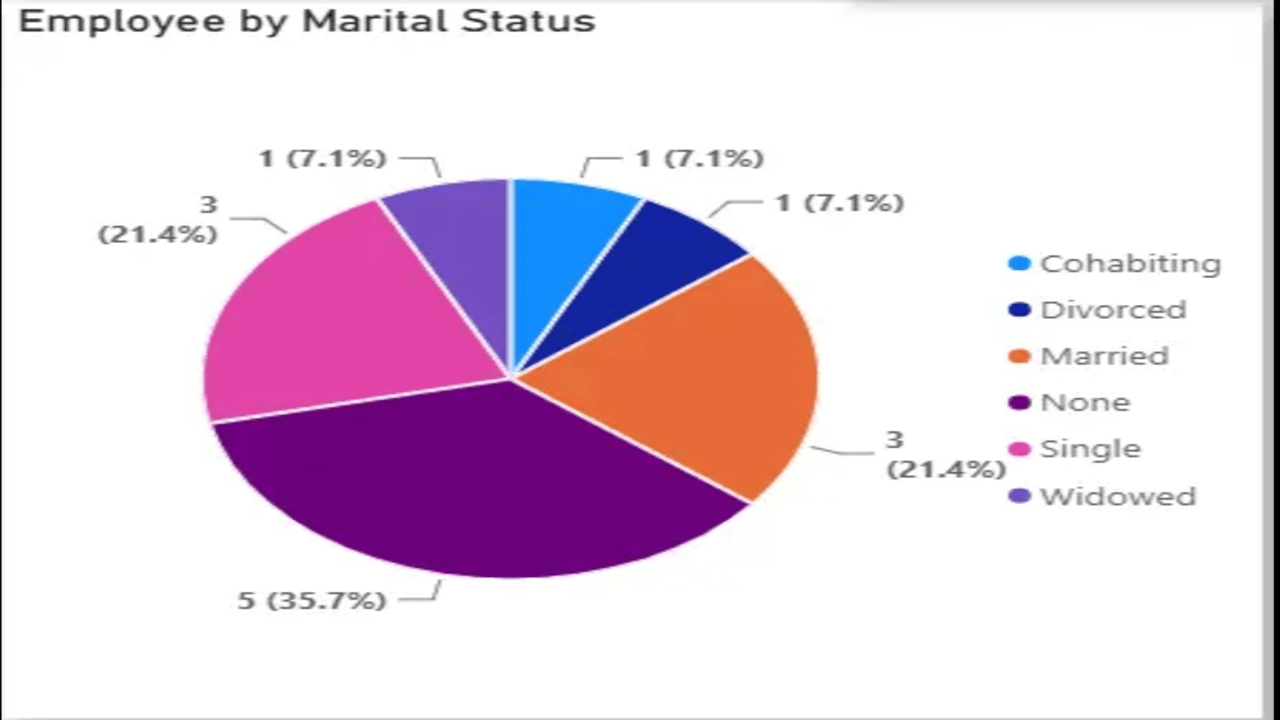
- Multi-dimensional analytics — gender, marital status, department, and state-wise breakdowns in one screen
- Faster HR decisions — visual charts and KPIs enable leaders to act on workforce insights immediately
- Scalable & configurable — supports multiple company IDs and financial years for group-level reporting
Features
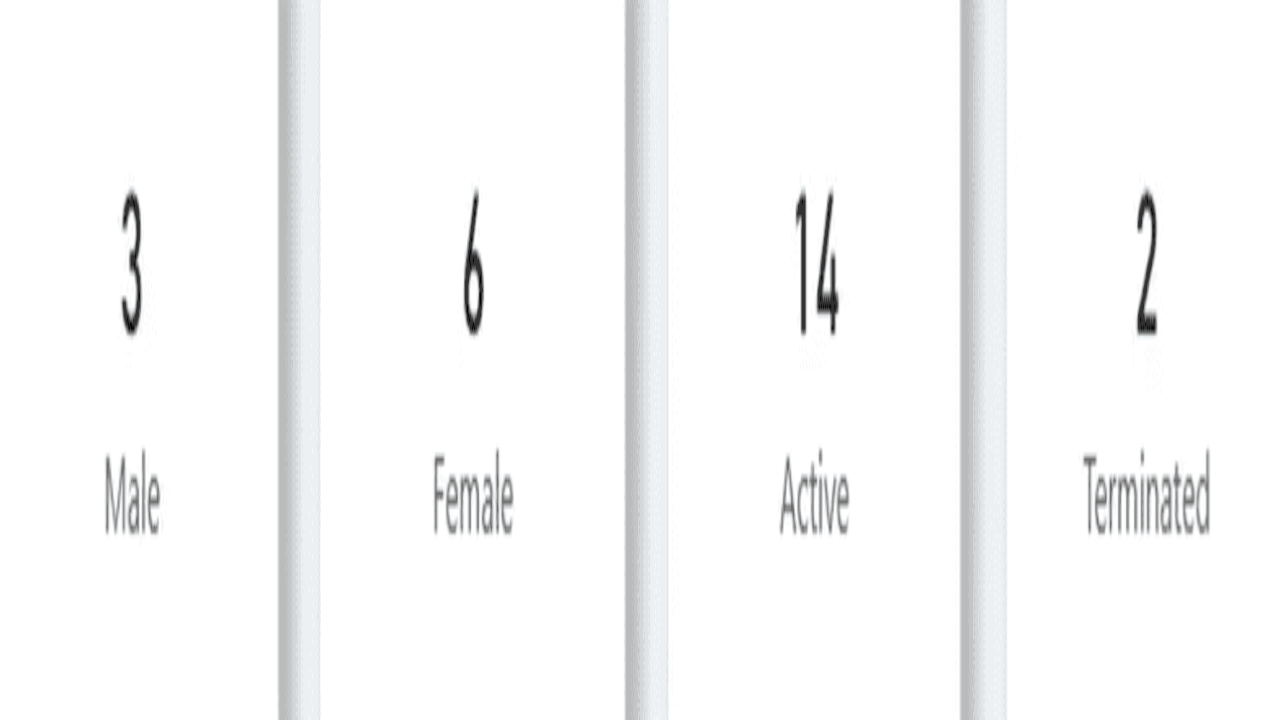
- Active & Terminated Employee Count — real-time KPI cards showing workforce status by financial year
- Gender Distribution Tracking — male/female headcount displayed as summary metrics
- Marital Status Breakdown — interactive pie chart with percentage split across all marital categories
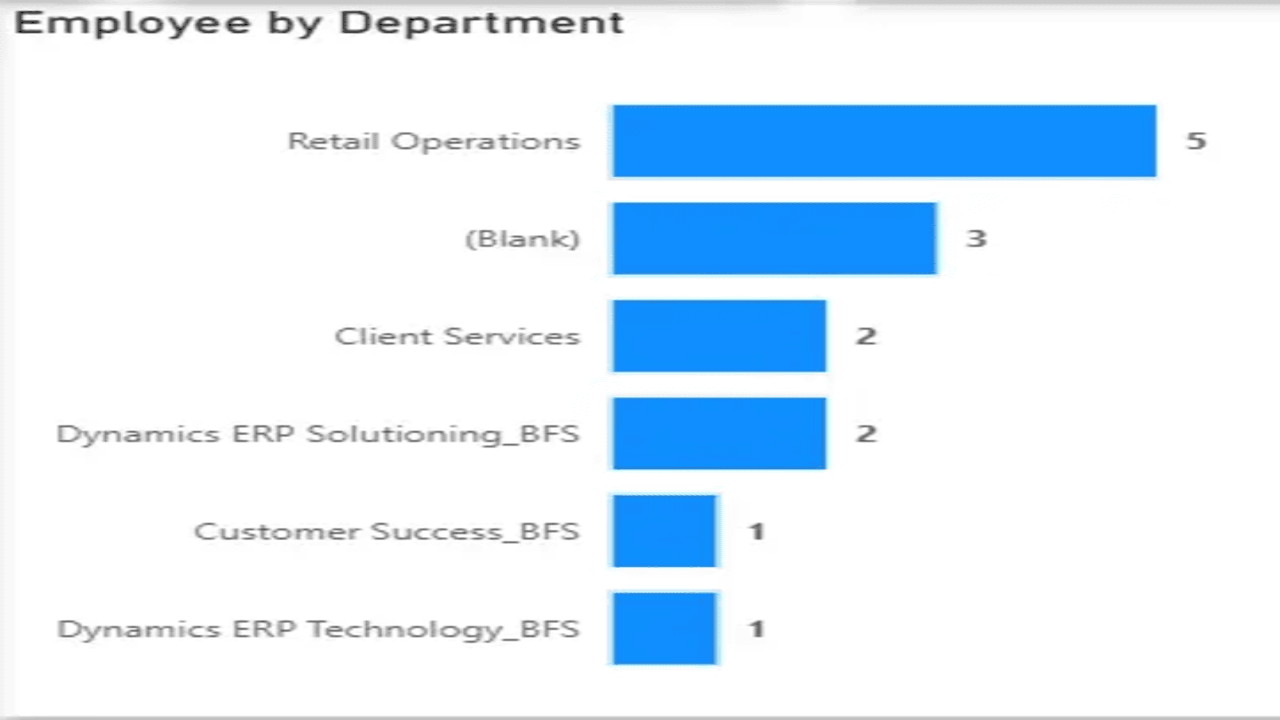
- Department-wise Headcount — horizontal bar chart covering all departments within the organization
- State-wise Headcount Table — location-based employee distribution with totals for regional HR teams
- Company ID & Financial Year Filters — dynamic slicers to filter all visuals simultaneously
- Native D365 HR Integration — live data connection with no manual data entry or file uploads
Preview
5 images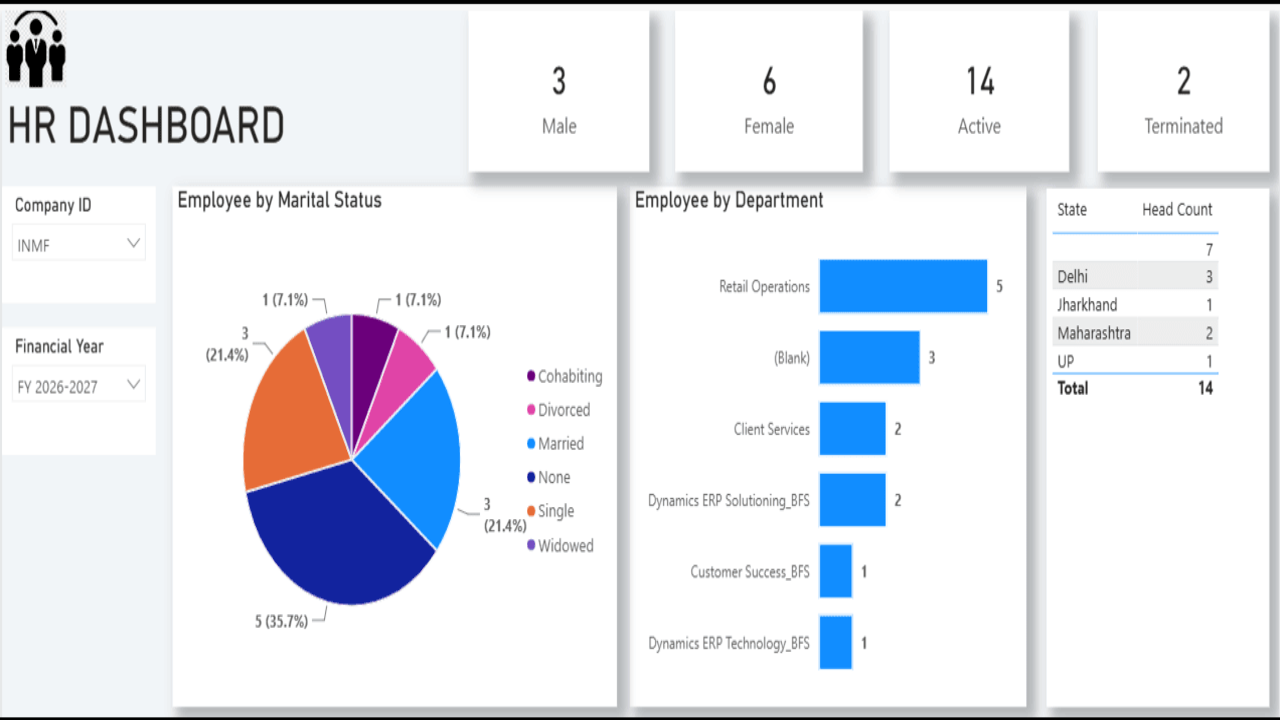
Agent build and provenance
See the full provenance
The layer-by-layer build, the evidence behind each claim, the risk basis and the cross-marketplace links are open to any account. Some rows are disclosed, some the source leaves Unknown; a free account shows you which.
Compliance
- FedRAMPConfirmedNot listed90%, registry-checkedNo FedRAMP Marketplace entry matched this vendor's domain, checked 2026-08-27registry recordas observed 2026-08-27
Confirmed means matched to a public authoritative registry. Claimed means the vendor or its listing states it, not yet cross-checked. A framework not shown was not found in any source we hold, which is not evidence against it. Not listed means a scoped registry check found no match for this vendor's domain: a No is a scoped registry check, not a compliance judgment. Confidence bands: 95% domain-verified, 90% registry-checked, 80% self-attested, 70% weak signal. Self-attested items marked “vendor's site” are gathered from the vendor's own website and are not verified by us.
Vendor
External enrichment
Sources
Publisher resources
2 linksLinked repositories
Unknown means this listing does not publish a repository. It is not a statement that the code is closed, and a linked repository is not a claim that the publisher wrote it: the registry computes that relationship privately and does not publish it.
Evidence risk is the share of the build you cannot see before you deploy, not a security rating. Sign in to see the layer-by-layer basis for this band.