

Kipper for QuickBooks
Kipper Inc · Operations & Productivity
Certification per Microsoft Marketplace.
Evidence tier Source Confirmed · 1 capture on record
What the publisher says
As described on Microsoft Marketplace.
Kipper for QuickBooks is an AI-powered assistant that lets your team ask questions about your business's financial data in plain English — right inside Microsoft Teams. Instead of building reports, exporting CSVs, or waiting on manual analysis, ask Kipper and get clear answers in seconds.
Who it's for
Show the rest of the publisher’s description (19 more lines)
Kipper is built for finance teams, business owners, bookkeepers, accountants, and operators who want fast, self-serve answers about their accounting data without learning complex reporting tools.
What you can do in Microsoft Teams
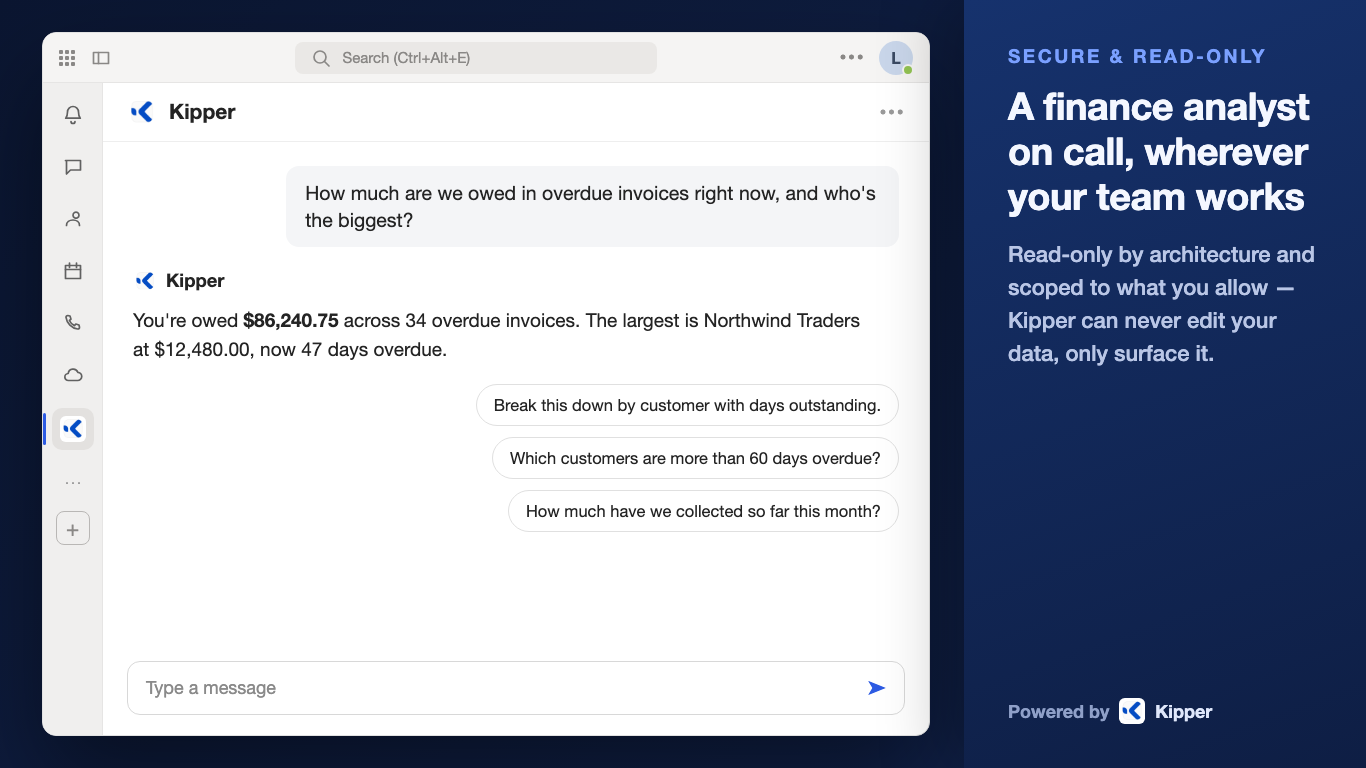
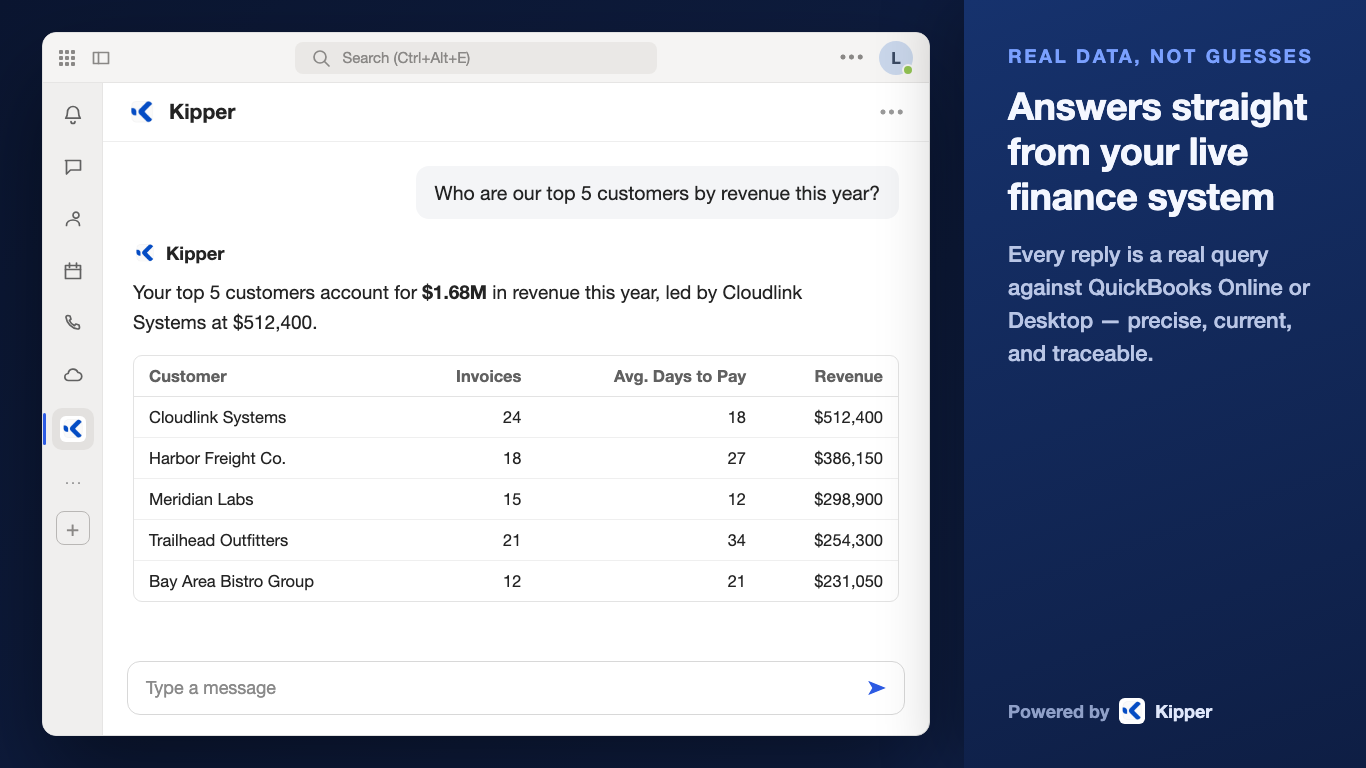
- Ask questions in natural language — "What were our total expenses last quarter?" or "Show me revenue by client this month" — and get answers in the chat you're already in.
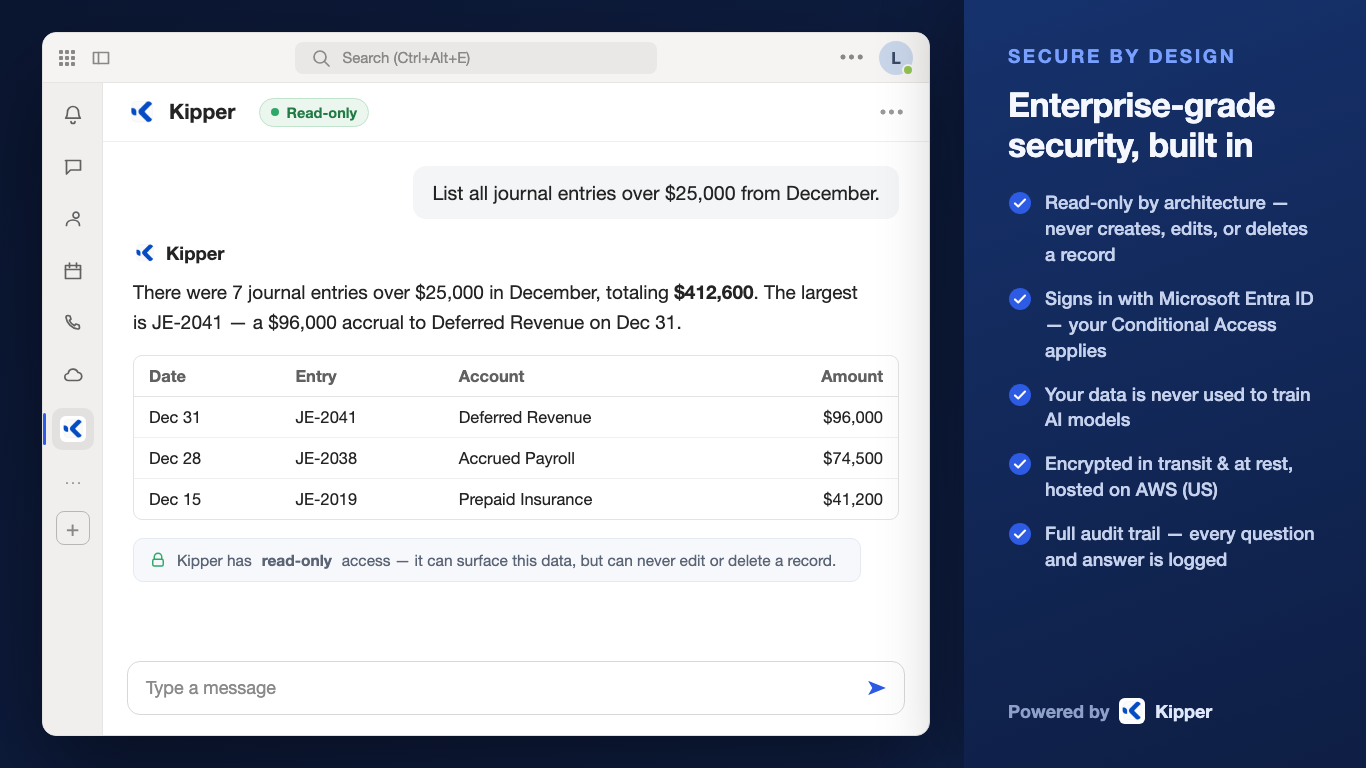
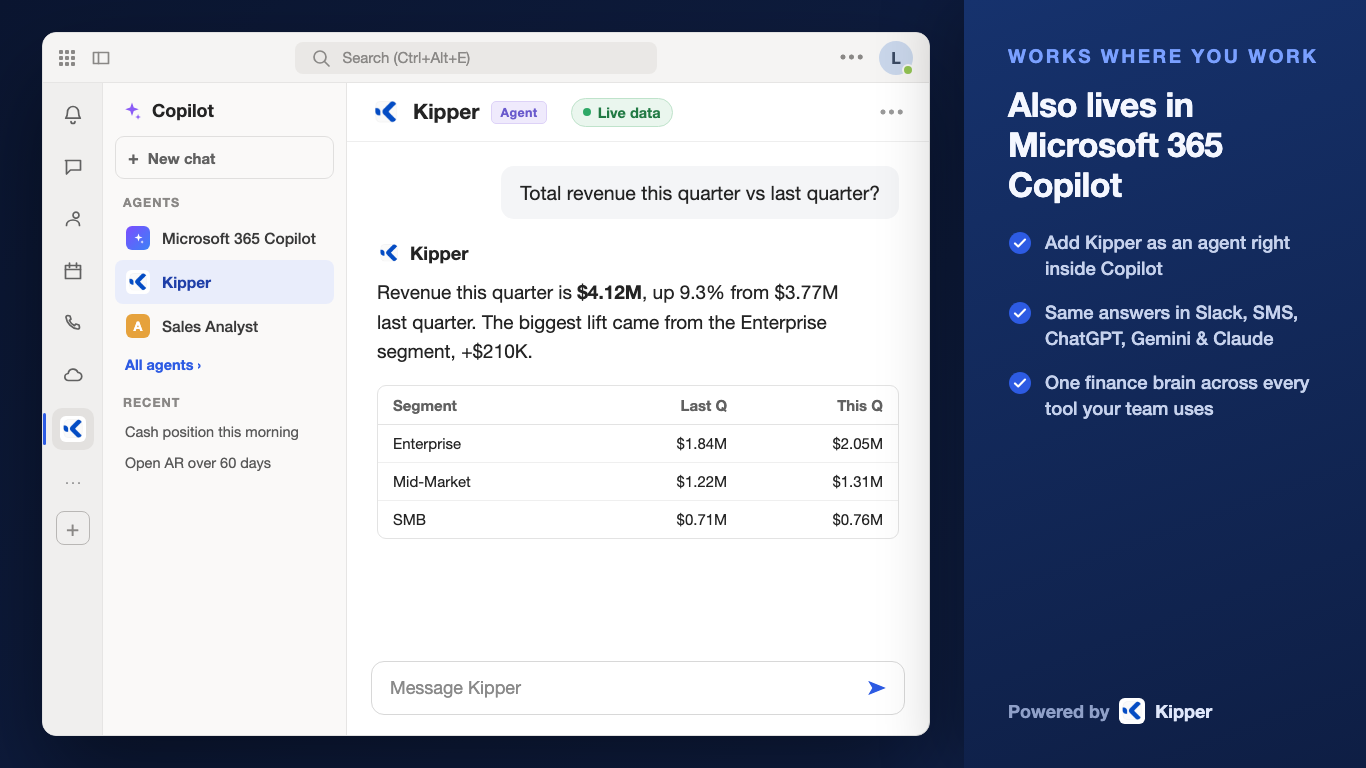
- Get answers formatted for reading in Teams — figures laid out as tables and summaries rather than raw exports.
- Ask follow-up questions that build on the previous answer, moving across income statements, expenses, and balance sheets in one conversation.
- Connect your accounting data from QuickBooks Online or QuickBooks Desktop, and get answers reflecting your current books.
How your data is handled
Kipper reads your accounting data to answer your questions. Your financial data stays private and is never used to train AI models. See our privacy policy at https://kipper.com/privacy.
Why QuickBooks users choose Kipper
- Answers in seconds, not days — no custom reports to build, no spreadsheets to export from QBO or QBD.
- Plain-English queries — skip complex reporting menus and dashboards entirely.
- No bottleneck on one person — anyone on the team can ask, so financial questions don't queue behind whoever knows the reporting tools.
- Decisions stay in the conversation — financial context arrives where your team already discusses the work, instead of in a separate tool nobody opens.
Requirements
Kipper requires an active Kipper account and a connected QuickBooks Online or QuickBooks Desktop company. Accounts are set up in the Kipper web application at https://kipper.com, where pricing and sign-up details are also available.
Getting started
Add Kipper to Microsoft Teams, connect your accounting data in the Kipper web application, then ask your first question in any Teams chat or channel.
Support
Visit https://support.kipper.com/ or contact support@kipper.com.
Preview
5 images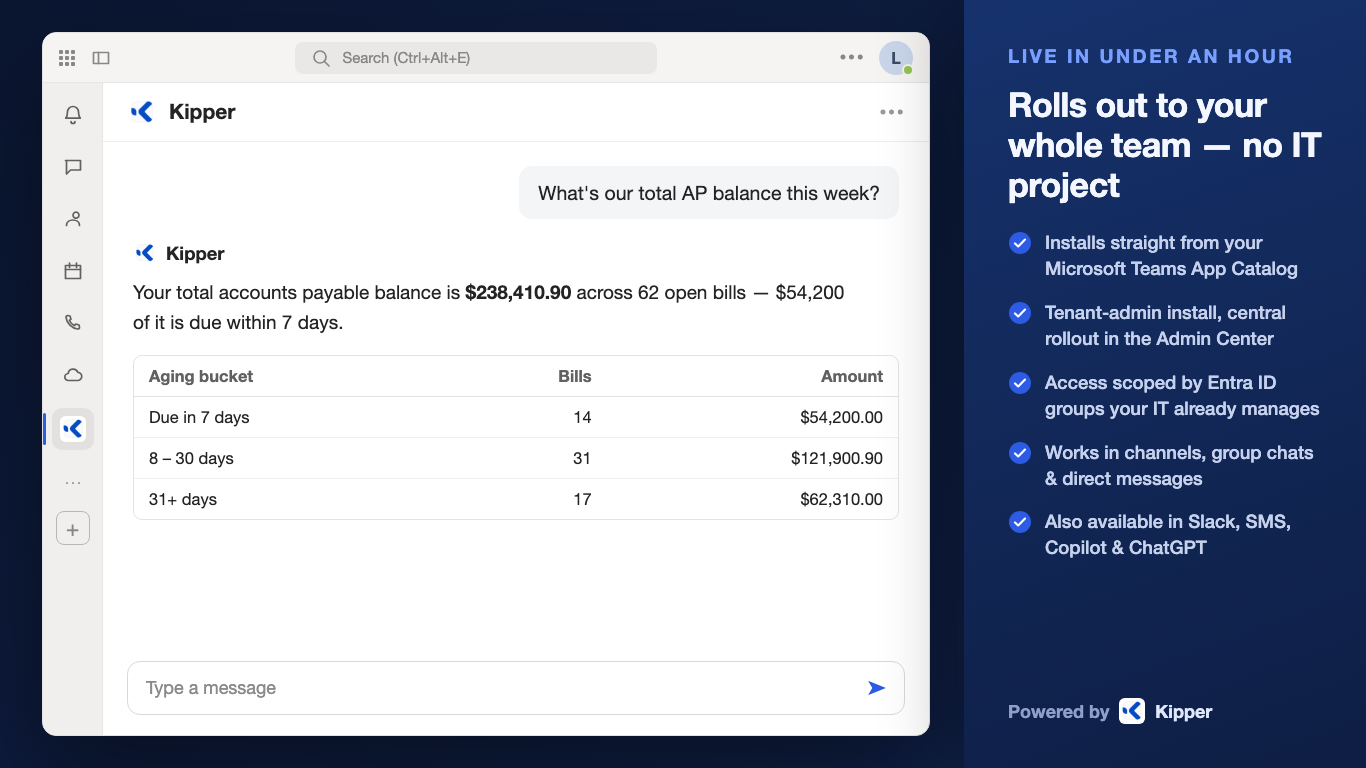
Agent build and provenance
See the full provenance
The layer-by-layer build, the evidence behind each claim, the risk basis and the cross-marketplace links are open to any account. Some rows are disclosed, some the source leaves Unknown; a free account shows you which.
Sources
Publisher resources
1 linkLinked repositories
Unknown means this listing does not publish a repository. It is not a statement that the code is closed, and a linked repository is not a claim that the publisher wrote it: the registry computes that relationship privately and does not publish it.
Evidence risk is the share of the build you cannot see before you deploy, not a security rating. Sign in to see the layer-by-layer basis for this band.