

Asset Vision
Asset Vision · Operations & Productivity
Certification per Microsoft Marketplace.
Evidence tier Publisher Attested · 7 captures on record
What the publisher says
As described on Microsoft Marketplace.
Use Microsoft 365 Copilot to connect to Asset Vision — ask questions in natural language and receive asset management insights. Enterprise Asset Management has never been this easy or intuitive.
Asset Vision gives your team conversational access to reporting data across assets, jobs, inspections, contracts, capital works and custom modules, all automatically scoped to the contracts you're assigned to.
Show the rest of the publisher’s description (8 more lines)
What you can do:
- Ask about assets, jobs, inspections, contracts, capital works and custom modules in plain English.
- Get at-a-glance summaries of open jobs, overdue work, priorities and workload.
- Review your schedule with analysis of overdue items, workload and crew distribution, plus suggestions you can act on.
- Where enabled for your organisation, update job assignments, scheduling and priority from the conversation — each change is confirmed with you first.
Who it's for: asset, operations and maintenance teams who want fast, conversational access to their Asset Vision data.
Account required: You need an active Asset Vision account to use this app; your Subscription ID, username and password are required to sign in. To request access, contact us at https://www.assetvision.com.au/contact.
Availability: Asset Vision is currently available for organisations in the Australia region.
Preview
3 images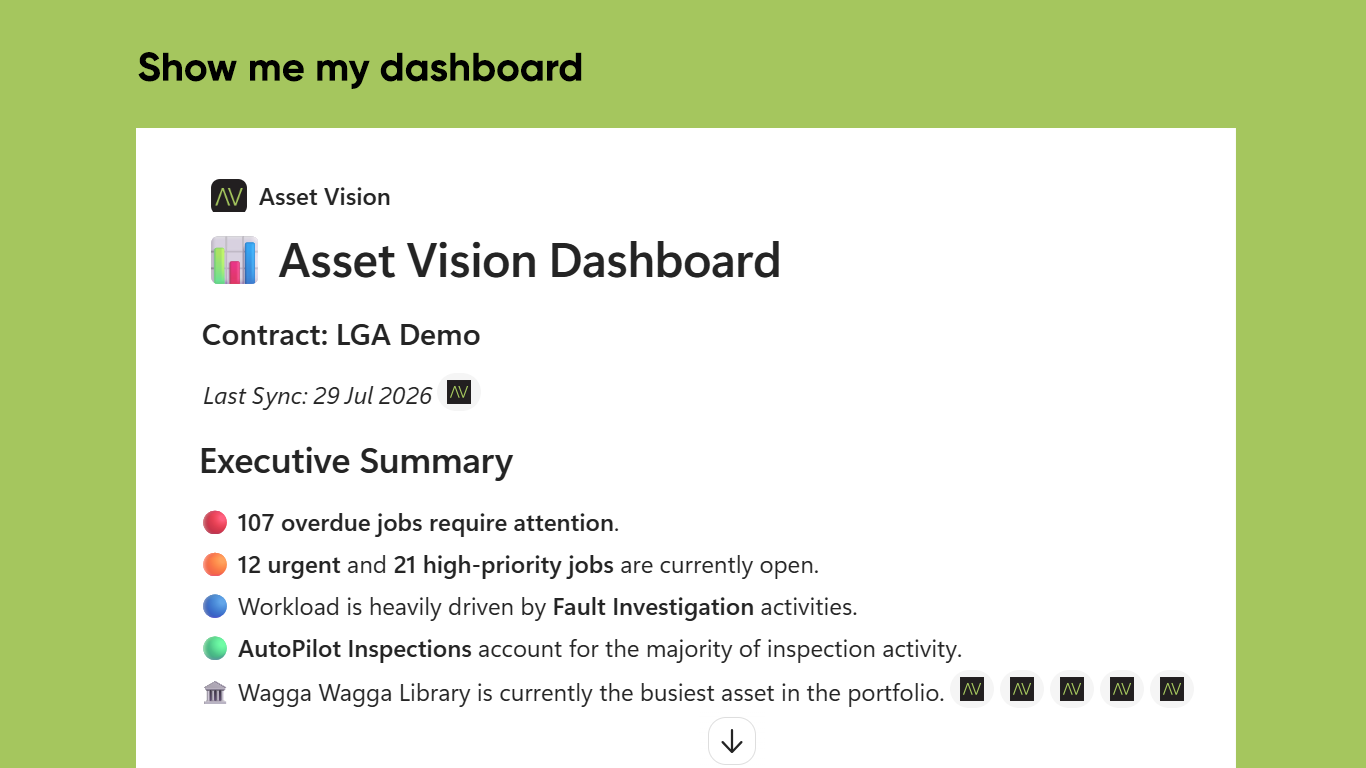
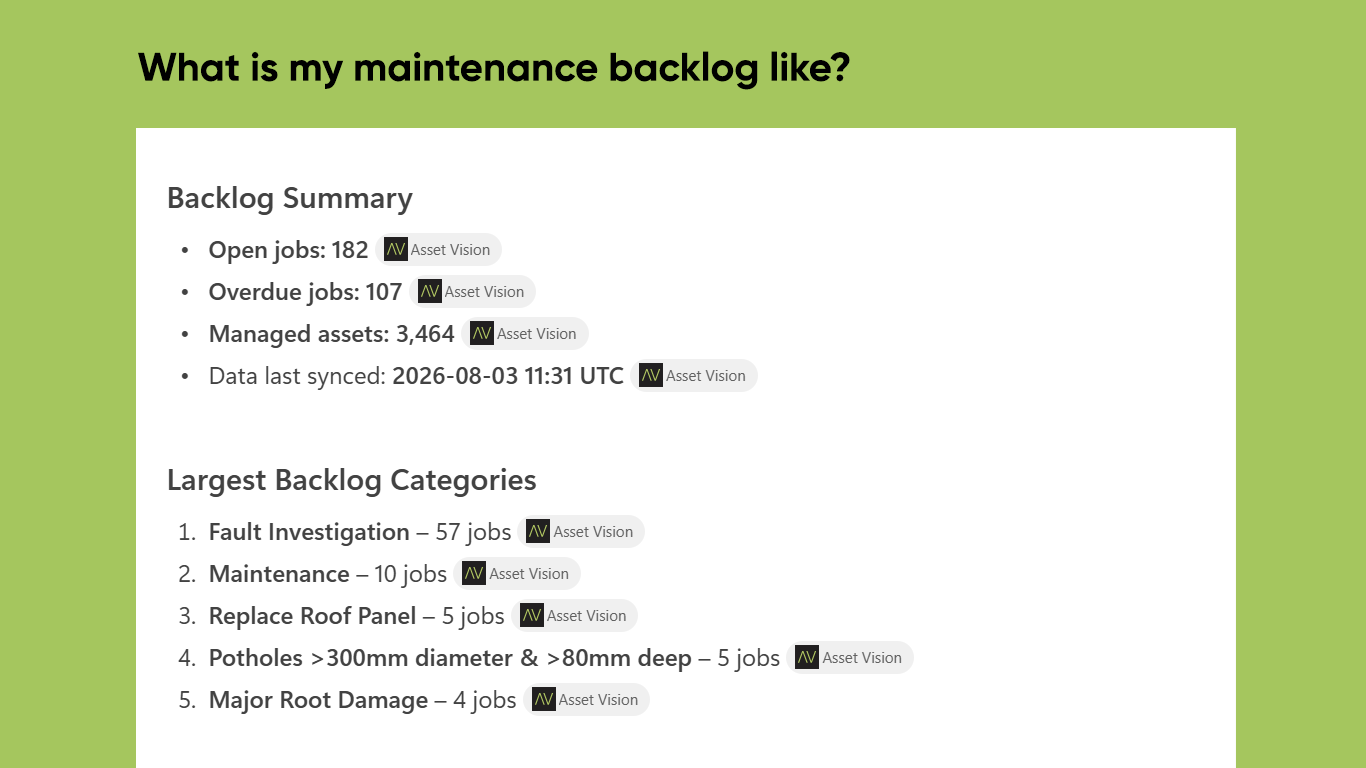
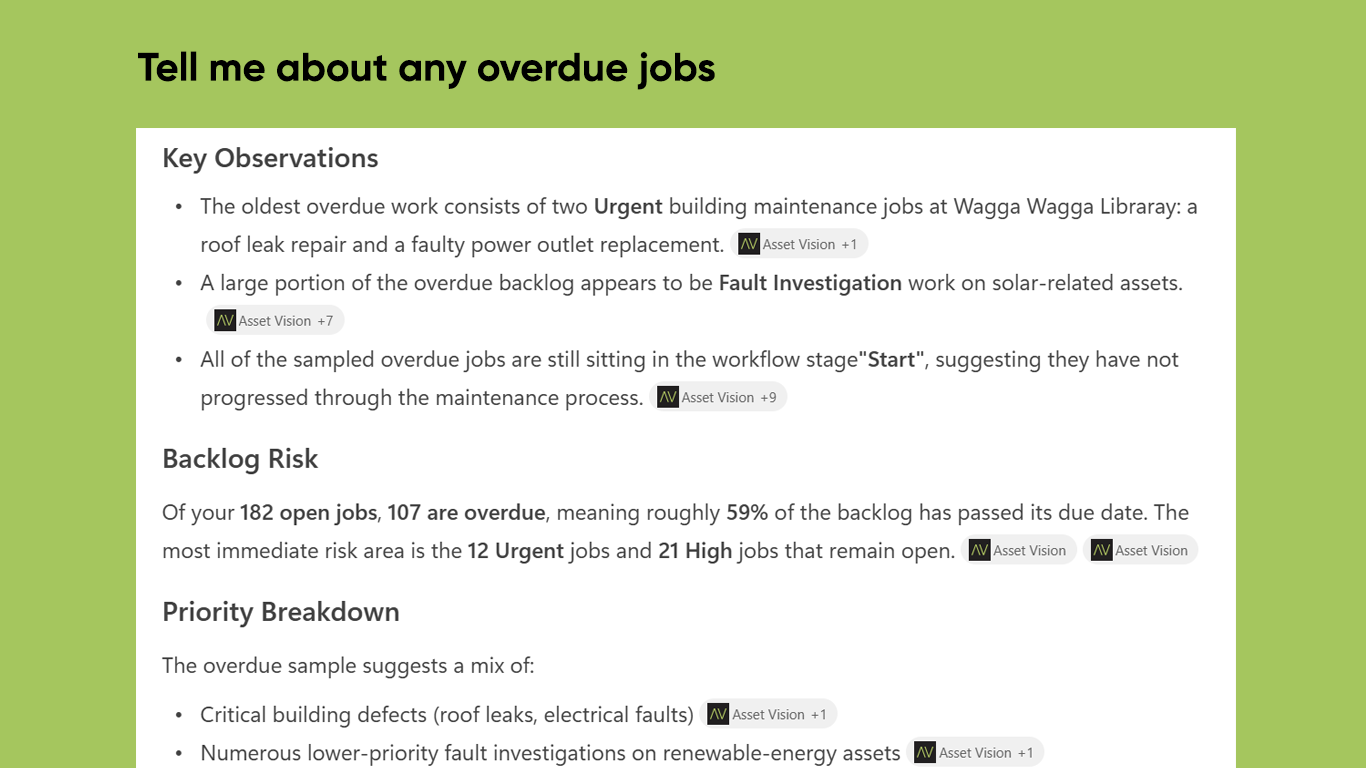
Agent build and provenance
See the full provenance
The layer-by-layer build, the evidence behind each claim, the risk basis and the cross-marketplace links are open to any account. Some rows are disclosed, some the source leaves Unknown; a free account shows you which.
Compliance
- FedRAMPConfirmedNot listed90%, registry-checkedNo FedRAMP Marketplace entry matched this vendor's domain, checked 2026-08-27registry recordas observed 2026-08-27
Confirmed means matched to a public authoritative registry. Claimed means the vendor or its listing states it, not yet cross-checked. A framework not shown was not found in any source we hold, which is not evidence against it. Not listed means a scoped registry check found no match for this vendor's domain: a No is a scoped registry check, not a compliance judgment. Confidence bands: 95% domain-verified, 90% registry-checked, 80% self-attested, 70% weak signal. Self-attested items marked “vendor's site” are gathered from the vendor's own website and are not verified by us.
Vendor
External enrichment
Sources
Publisher resources
1 linkLinked repositories
Unknown means this listing does not publish a repository. It is not a statement that the code is closed, and a linked repository is not a claim that the publisher wrote it: the registry computes that relationship privately and does not publish it.
Evidence risk is the share of the build you cannot see before you deploy, not a security rating. Sign in to see the layer-by-layer basis for this band.