

oNabu AI Team Coach
oNabu · Operations & Productivity
Certification per Microsoft Marketplace.
Evidence tier Publisher Attested · 7 captures on record
What the publisher says
As described on Microsoft Marketplace.
Requirements: An active oNabu account is required. Your workspace administrator must connect oNabu with your Microsoft Teams tenant before use. Contact support@onabu.ai to get started.
Shared channel limitation: This app does not support guest or external users in Microsoft Teams shared channels. Responses posted in shared channels may not be accessible to guest or external users.
Show the rest of the publisher’s description (14 more lines)
This Microsoft Teams app adds a conversational bot and agents for Microsoft Copilot for oNabu, bringing your engineering organization's data directly into Microsoft Teams.
What the oNabu AI agent can do for you in Microsoft Teams:
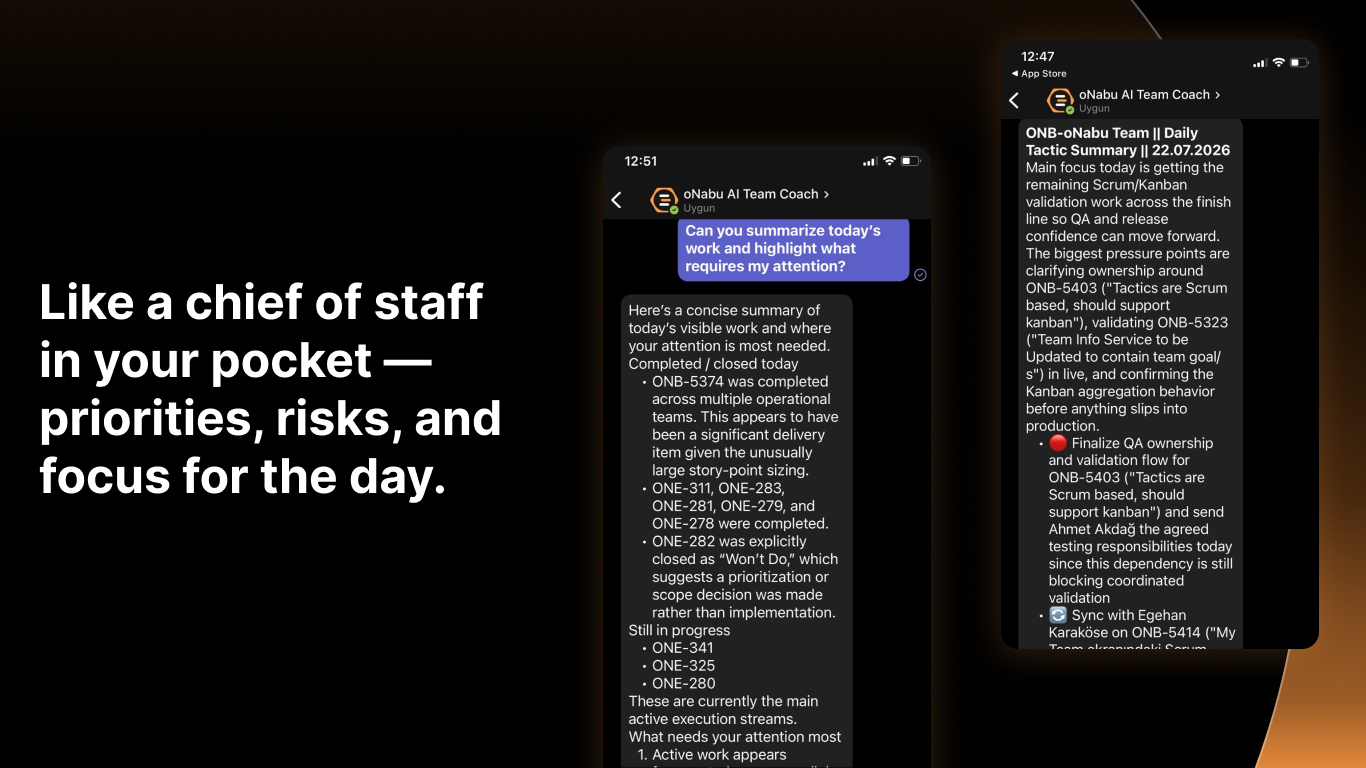
- Answer questions about sprint status, blockers, OKRs, and meeting insights, for your team, or across products, portfolios, and the company, based on your access
- Pull up AI-generated coaching reports: sprint reviews, retrospectives, planning, and team insights
- Update issue statuses and add comments to tasks on your behalf
- Send messages to your team channel through a confirmed action
- Run coaching workflows on demand: standup prep, sprint reports, retrospectives, and blocker radar
- Deliver proactive sprint updates and notifications directly in your Microsoft Teams channels
This integration connects to your oNabu workspace via a secure MCP server. All responses are AI-generated and scoped to the data you have access to.
AI-Generated Content Notice: Responses are generated by AI and may occasionally be inaccurate; please review before acting. To report objectionable content, contact support@onabu.ai.
Get Started: https://app.onabu.ai
Contact Us / Help: https://onabu.ai/contact-us
Privacy Policy: https://onabu.ai/privacy-policy
Terms of Use: https://onabu.ai/terms-of-use
Preview
5 images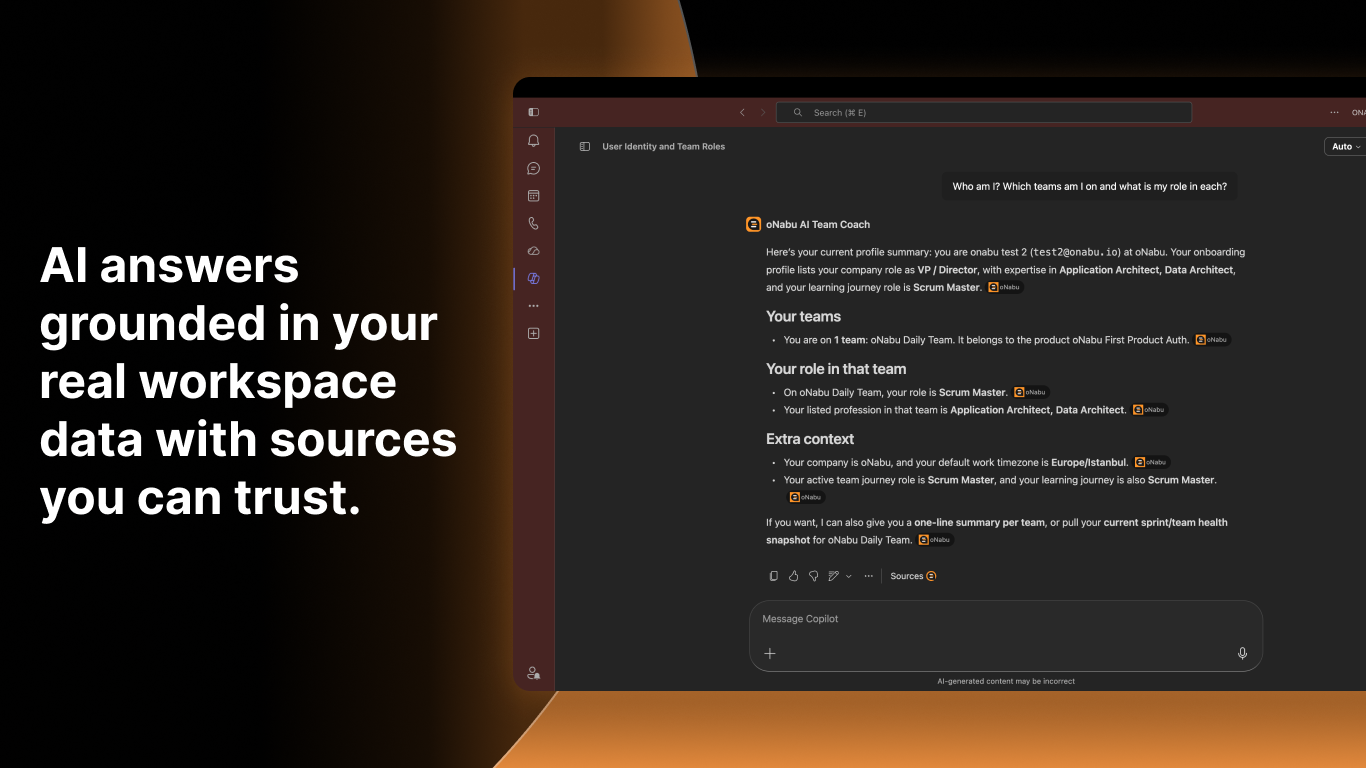
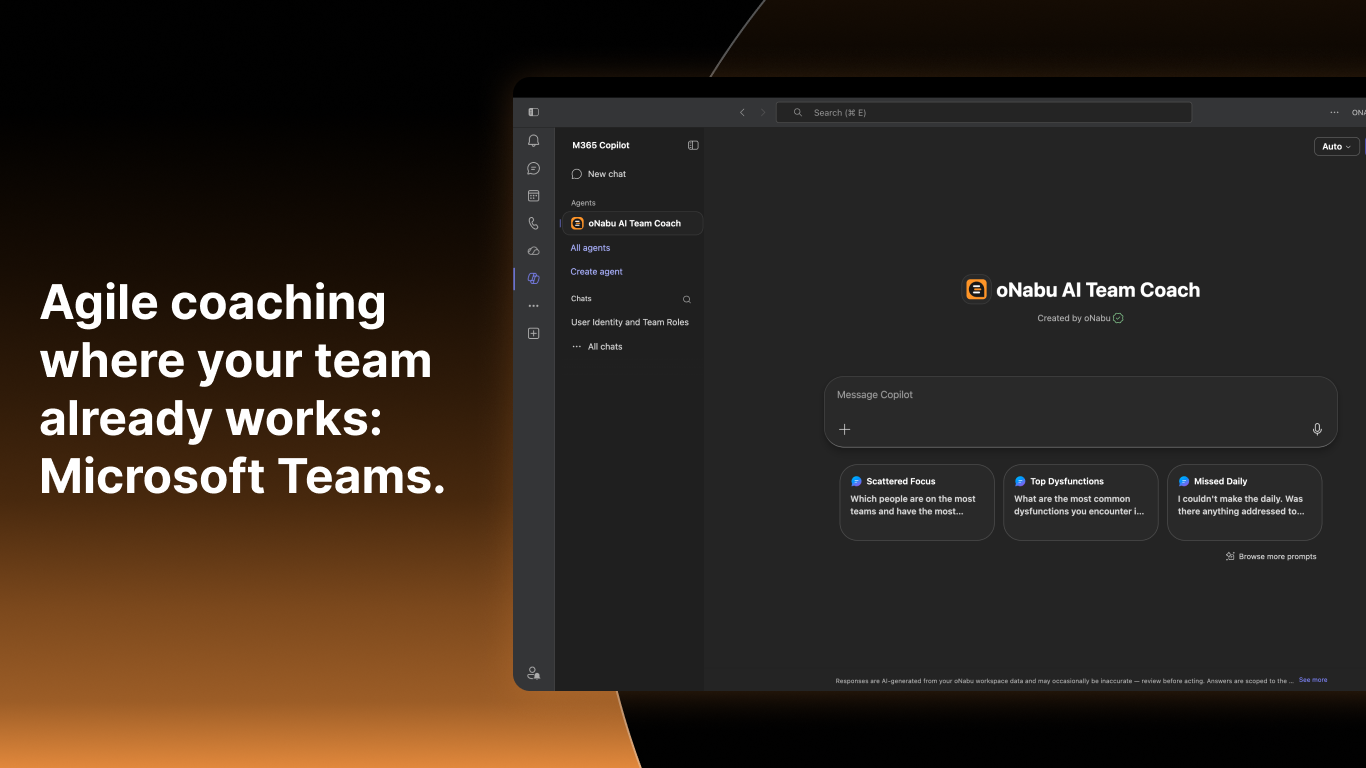
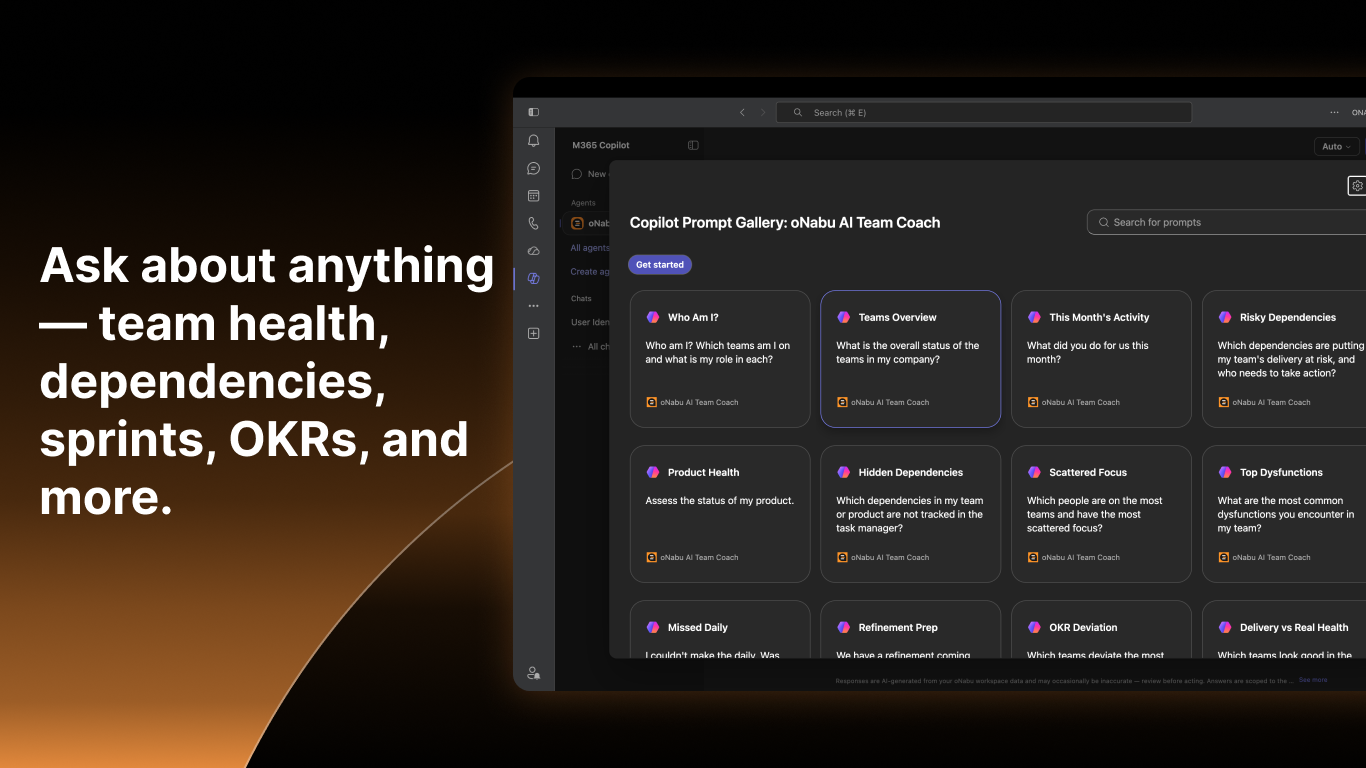
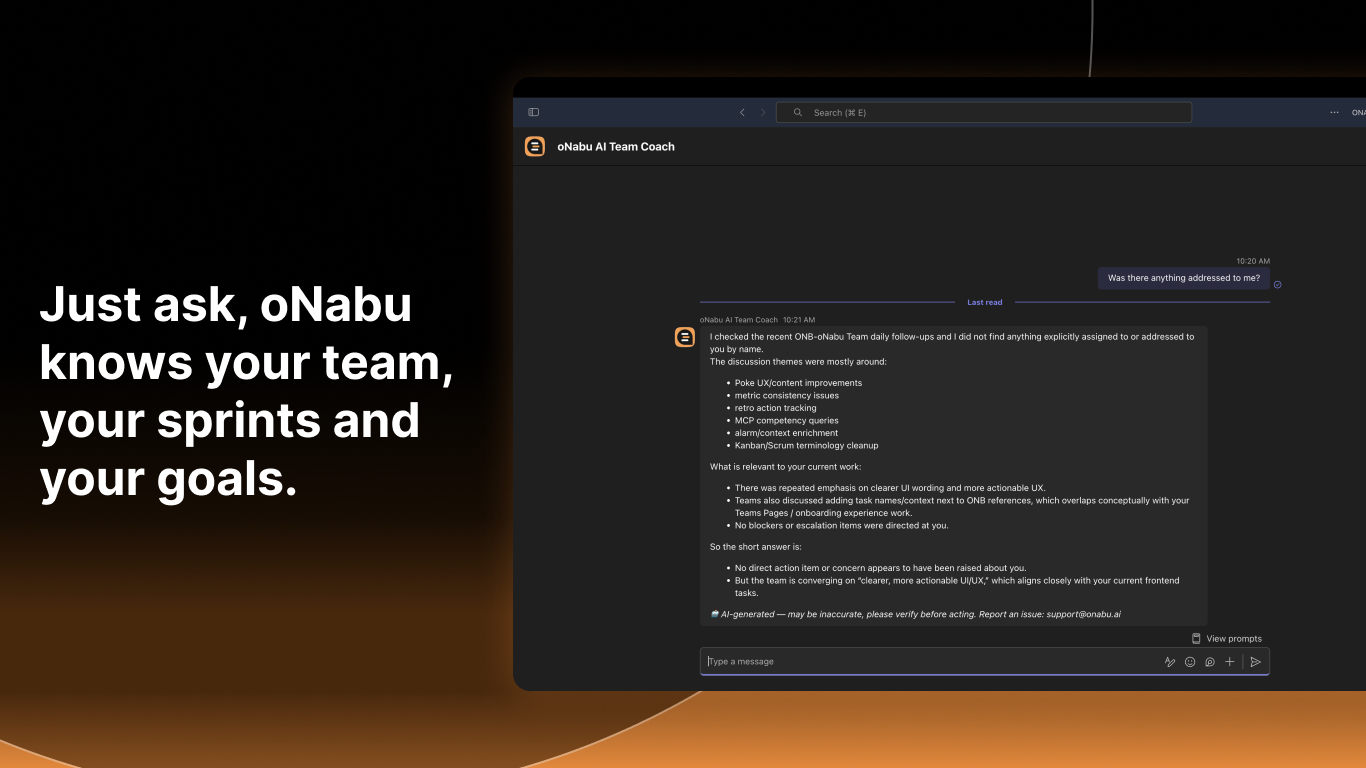
Agent build and provenance
See the full provenance
The layer-by-layer build, the evidence behind each claim, the risk basis and the cross-marketplace links are open to any account. Some rows are disclosed, some the source leaves Unknown; a free account shows you which.
Compliance
- FedRAMPConfirmedNot listed90%, registry-checkedNo FedRAMP Marketplace entry matched this vendor's domain, checked 2026-08-27registry recordas observed 2026-08-27
- ISO/IEC 27001Claimed80%, self-attestedself-attested on the marketplaceas observed 2026-08-25
- SOC 2Claimed80%, self-attestedself-attested on the marketplaceas observed 2026-08-25
Confirmed means matched to a public authoritative registry. Claimed means the vendor or its listing states it, not yet cross-checked. A framework not shown was not found in any source we hold, which is not evidence against it. Not listed means a scoped registry check found no match for this vendor's domain: a No is a scoped registry check, not a compliance judgment. Confidence bands: 95% domain-verified, 90% registry-checked, 80% self-attested, 70% weak signal. Self-attested items marked “vendor's site” are gathered from the vendor's own website and are not verified by us.
Vendor
External enrichment
Sources
Publisher resources
1 linkLinked repositories
Unknown means this listing does not publish a repository. It is not a statement that the code is closed, and a linked repository is not a claim that the publisher wrote it: the registry computes that relationship privately and does not publish it.
Evidence risk is the share of the build you cannot see before you deploy, not a security rating. Sign in to see the layer-by-layer basis for this band.