

Evidence tier Publisher Attested · 10 captures on record
What the publisher says
As described on Microsoft Marketplace.
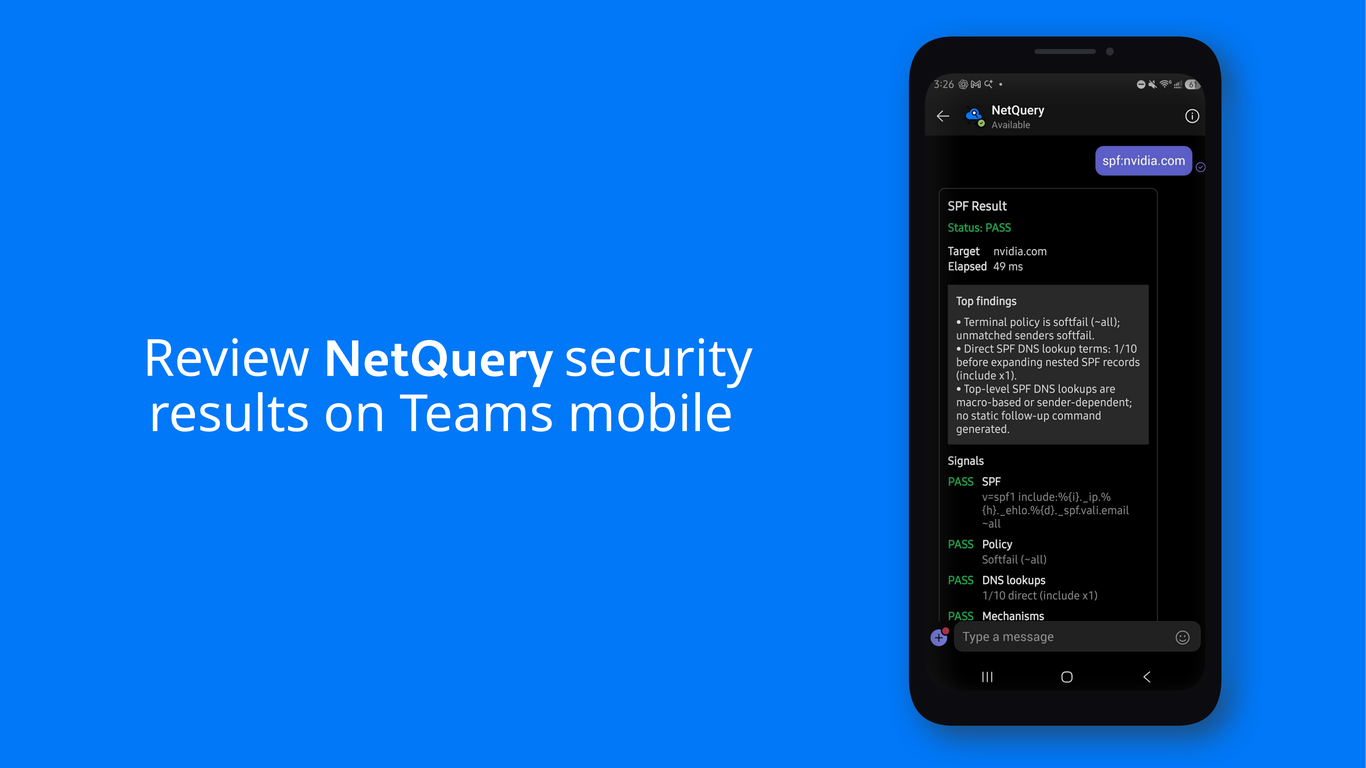
NetQuery brings fast internet-facing diagnostics into Microsoft Teams, Outlook, and Microsoft 365 Copilot for IT administrators, security teams, MSPs, help desk teams, and developers.
Use NetQuery to check DNS, MX, SPF, DKIM, DMARC, CAA, DNSSEC, WHOIS, IP reputation, reverse DNS, TLS certificates, cipher support, blacklist status, and SMTP reachability without leaving a Teams chat, Teams channel, Outlook compose window, or Microsoft 365 Copilot.
Show the rest of the publisher’s description (8 more lines)
The NetQuery message extension accepts natural-language prompts, command:value lookups such as mx:google.com, and quick domain or IP address inputs. It returns concise Adaptive Cards containing diagnostic results and links to detailed reports on NetQuery.
NetQuery is designed for triage, incident response, mail-security reviews, and routine troubleshooting. No NetQuery account is required for supported Teams, Outlook, and Microsoft 365 Copilot lookups. Opening protected web reports requires signing in.
Results are based on public DNS and internet-facing services. Private DNS zones and internal-only hosts are not queried.
Get started with NetQuery:
- Get Started — explore NetQuery and run your first lookup.
- Sign Up — create an account for protected web reports.
- Contact Support — contact the NetQuery team.
- Help — find setup and usage assistance.
Preview
5 images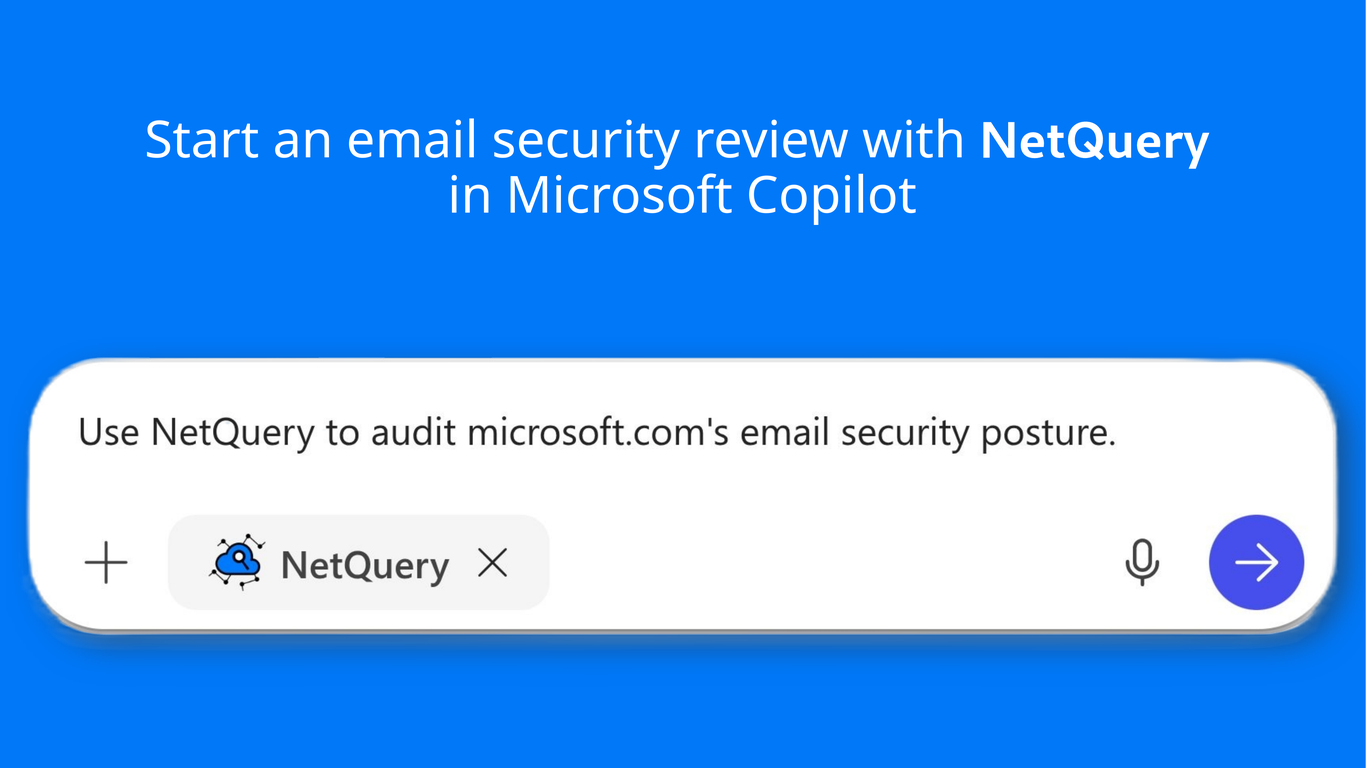
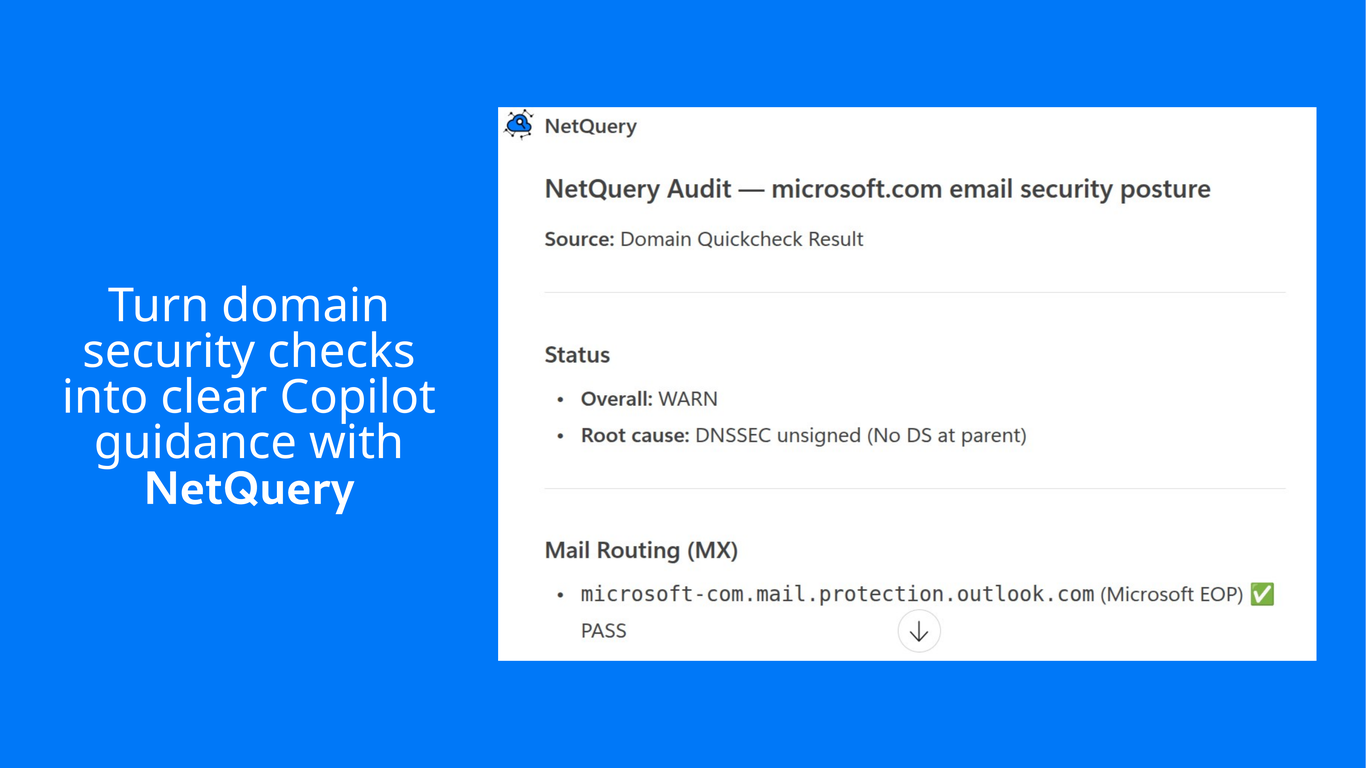
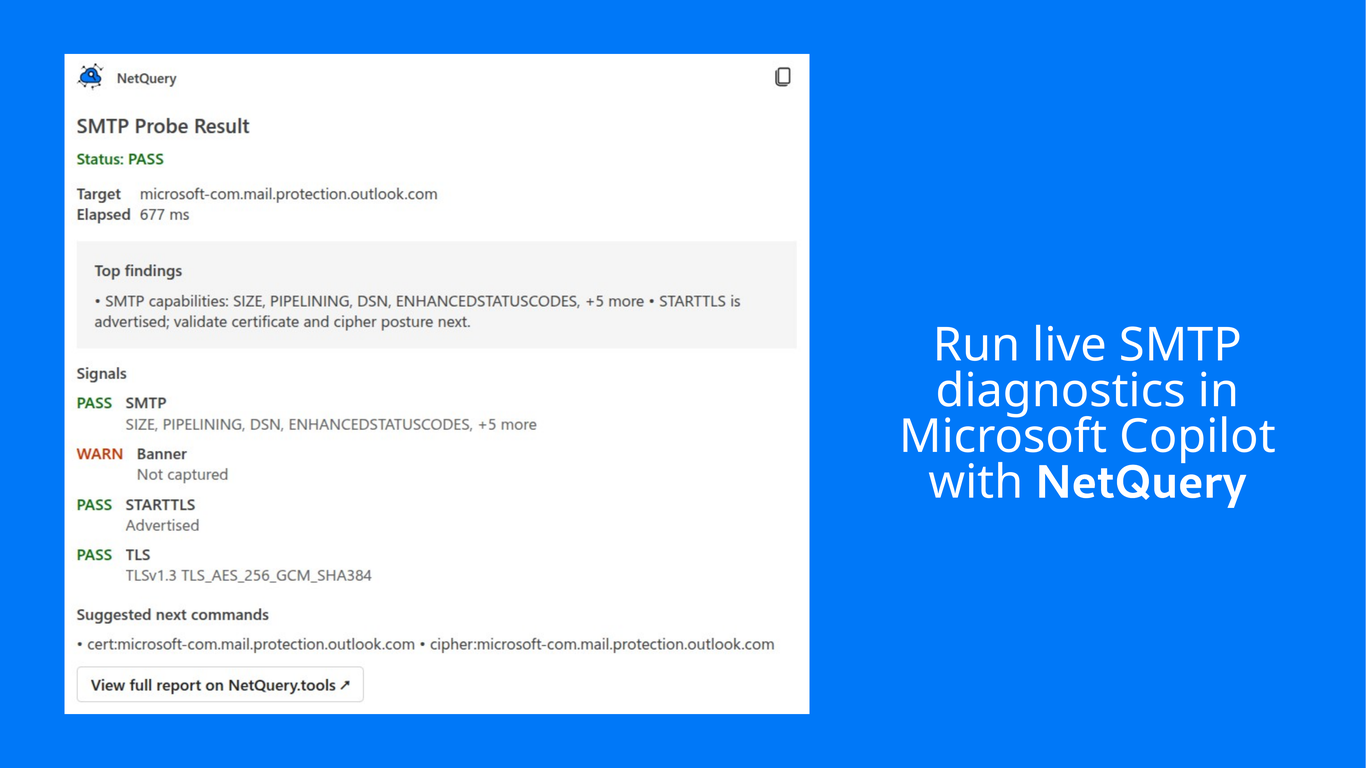
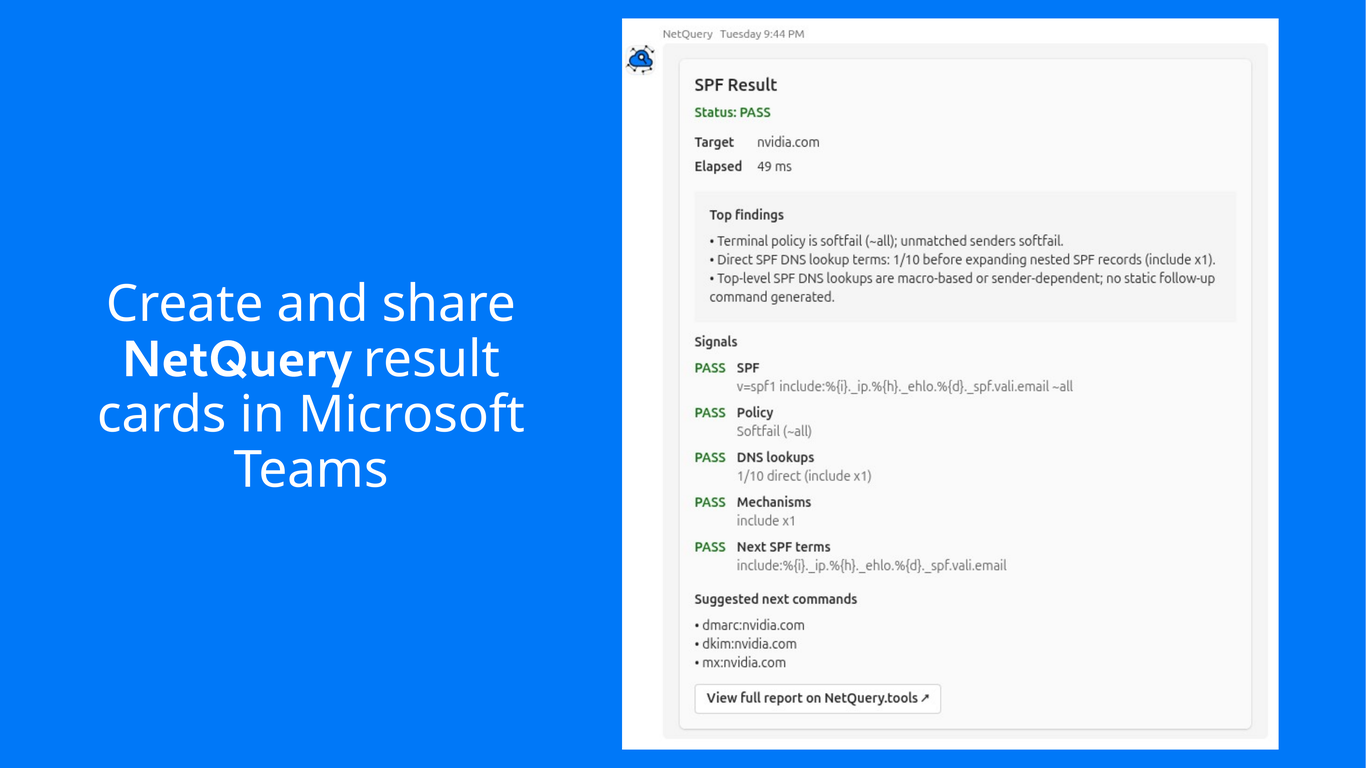
Agent build and provenance
See the full provenance
The layer-by-layer build, the evidence behind each claim, the risk basis and the cross-marketplace links are open to any account. Some rows are disclosed, some the source leaves Unknown; a free account shows you which.
Compliance
- FedRAMPConfirmedNot listed90%, registry-checkedNo FedRAMP Marketplace entry matched this vendor's domain, checked 2026-08-27registry recordas observed 2026-08-27
Confirmed means matched to a public authoritative registry. Claimed means the vendor or its listing states it, not yet cross-checked. A framework not shown was not found in any source we hold, which is not evidence against it. Not listed means a scoped registry check found no match for this vendor's domain: a No is a scoped registry check, not a compliance judgment. Confidence bands: 95% domain-verified, 90% registry-checked, 80% self-attested, 70% weak signal. Self-attested items marked “vendor's site” are gathered from the vendor's own website and are not verified by us.
Sources
Publisher resources
1 linkLinked repositories
Unknown means this listing does not publish a repository. It is not a statement that the code is closed, and a linked repository is not a claim that the publisher wrote it: the registry computes that relationship privately and does not publish it.
Evidence risk is the share of the build you cannot see before you deploy, not a security rating. Sign in to see the layer-by-layer basis for this band.