

Evidence tier Publisher Attested · 7 captures on record
What the publisher says
As described on Microsoft Marketplace.
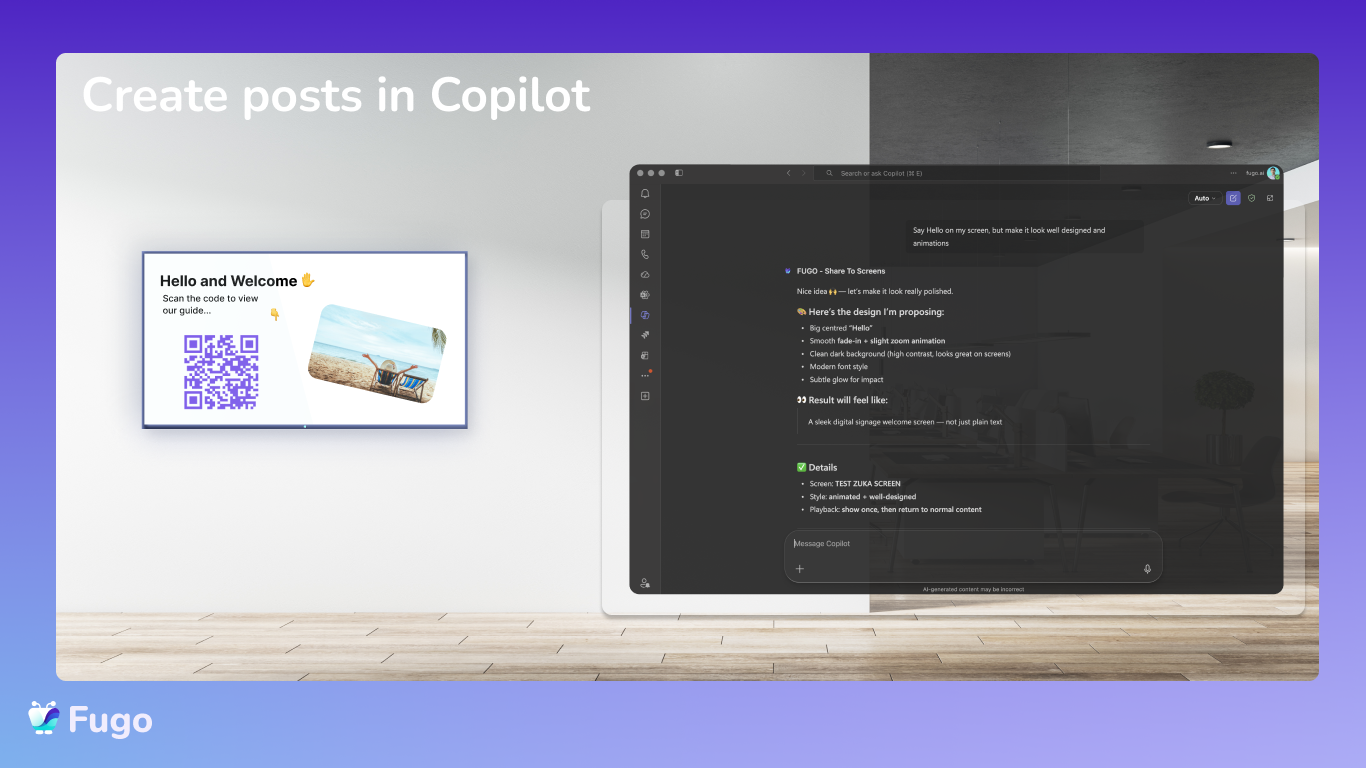
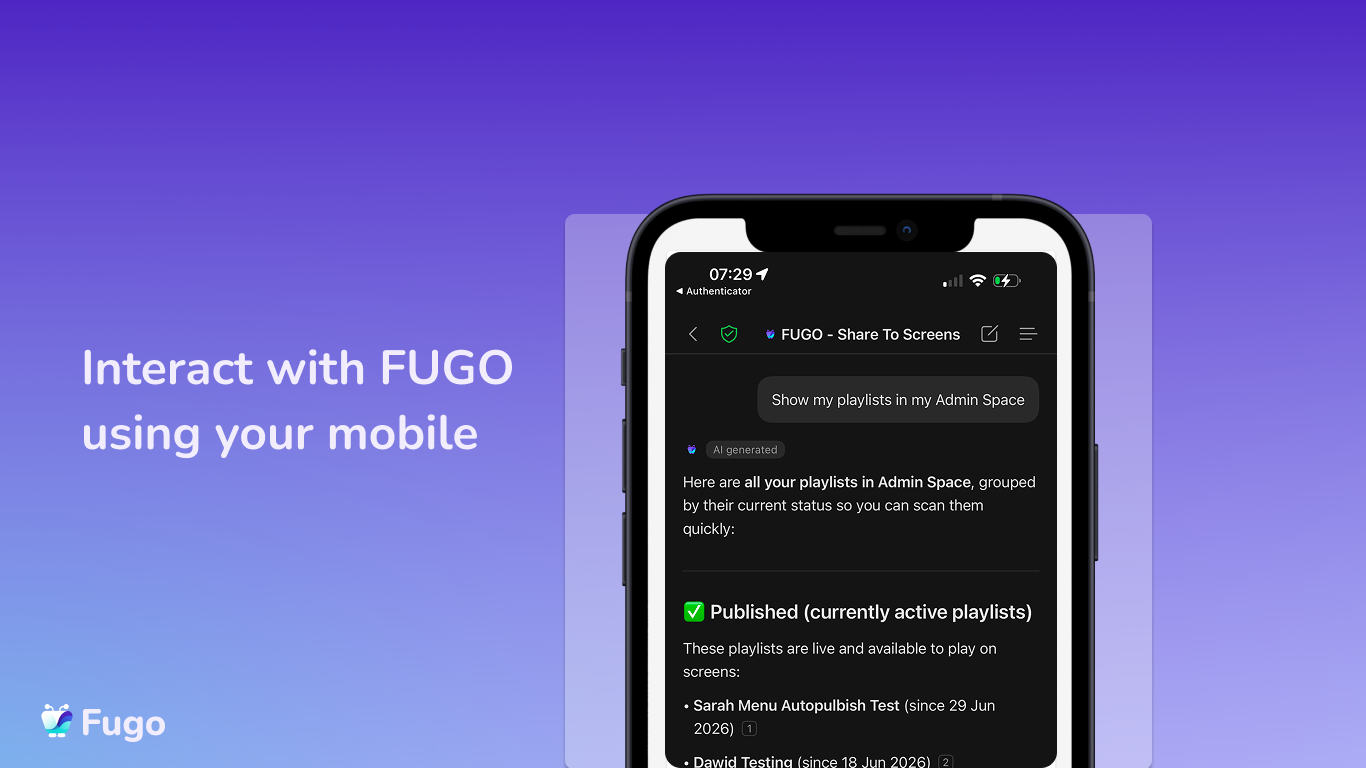
FUGO Screens is an agent for Microsoft 365 Copilot that bridges your Microsoft 365 account with your FUGO-connected digital signage screens. Ask it in plain language to publish to your screens — straight from Copilot.
Key features
Show the rest of the publisher’s description (15 more lines)
- Share text or rich HTML to your screens — including an Outlook email body, auto-formatted to look good on screen.
- Share media — images, videos, and files — by link or from your FUGO media library.
- Share a live web page — a dashboard, site, or any embeddable URL.
- Build a mixed playlist in one step — text, media, web pages, and existing FUGO content in one rotating slideshow, with a custom duration per slide.
- Choose how it plays — take over the screen now, loop until you stop it, or add it to the screen's normal content rotation.
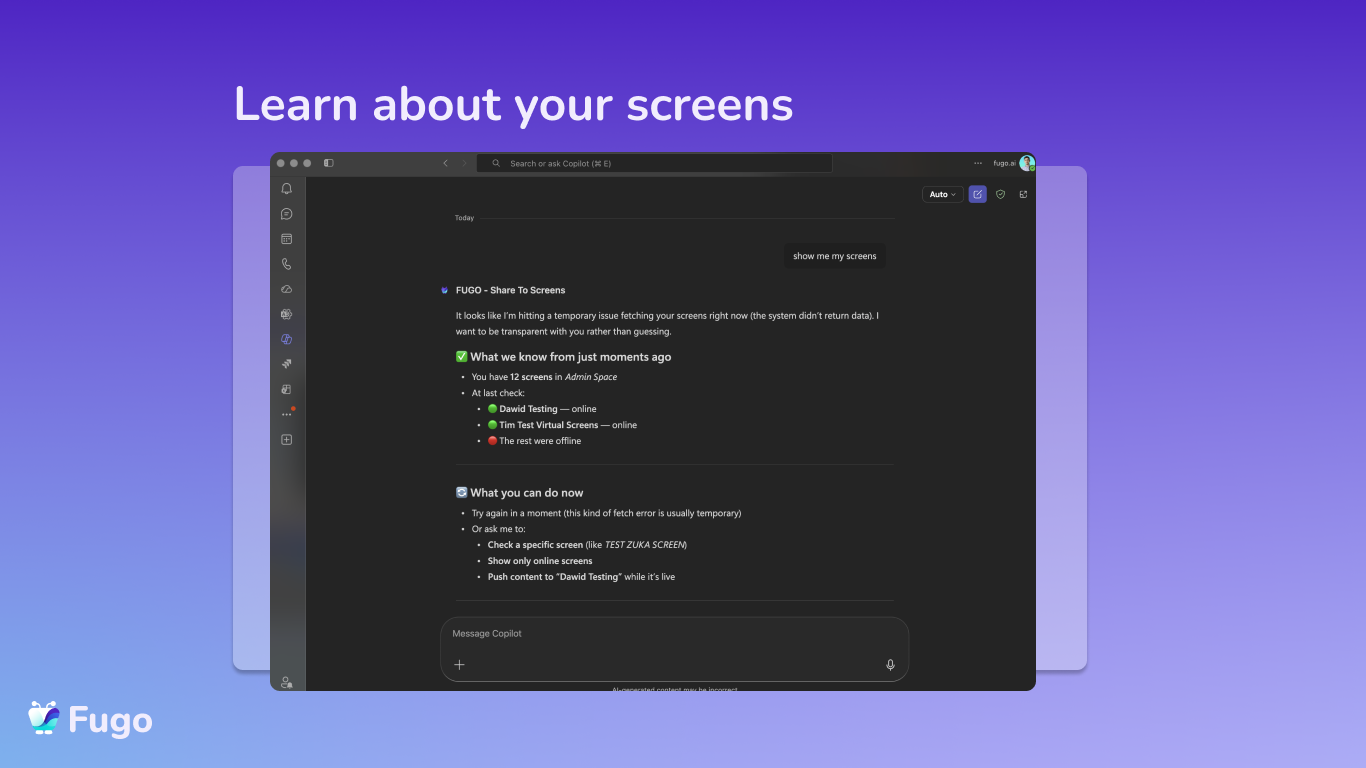
- Target the right screens — one, several, or whole groups by property (e.g. all lobby screens).
Every write action (create playlist, create trigger, upload or replace media, publish to a screen) shows a confirmation before it runs, so nothing changes on a live screen without your approval.
Account dependency and limitations
In order to use this app, you need an active FUGO account and an active Microsoft 365 Copilot license. This is a Bring Your Own License (BYOL) app — it does not include a FUGO subscription. Sign in with your FUGO credentials when prompted. The agent only manages screens, playlists, content, and media in the FUGO account you sign in with; it does not read your mailbox or files unless you paste content into a request.
Get started
- Sign up for FUGO: www.fugo.ai/app/login
- Setup / get started guide: FUGO + Microsoft 365 setup guide
- Help center: help.fugo.ai
- Contact support: support@fugo.ai
- Learn more: fugo.ai
Preview
4 images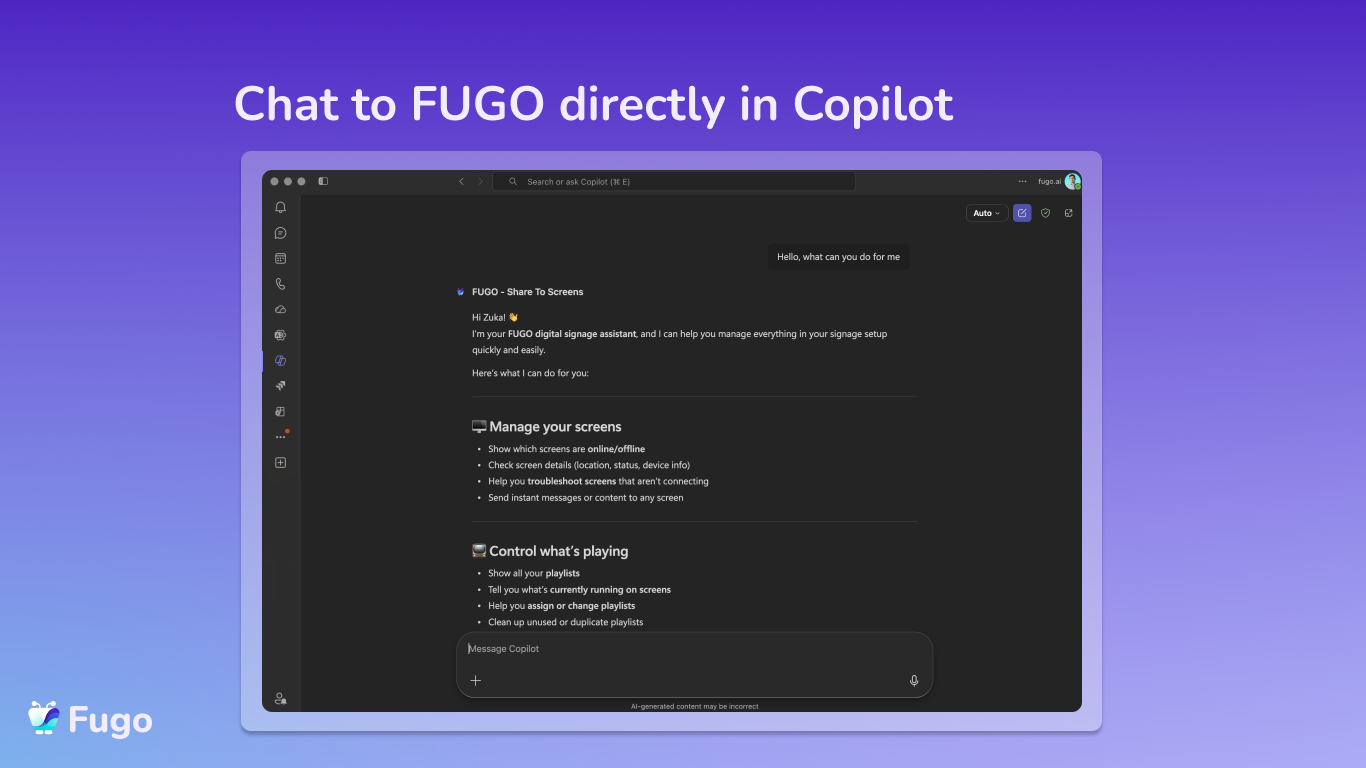
Agent build and provenance
See the full provenance
The layer-by-layer build, the evidence behind each claim, the risk basis and the cross-marketplace links are open to any account. Some rows are disclosed, some the source leaves Unknown; a free account shows you which.
Compliance
- FedRAMPConfirmedNot listed90%, registry-checkedNo FedRAMP Marketplace entry matched this vendor's domain, checked 2026-08-27registry recordas observed 2026-08-27
- SOC 2Claimed80%, self-attestedself-attested on the marketplaceas observed 2026-08-25
- SOC 3Claimed80%, self-attestedself-attested on the marketplaceas observed 2026-08-25
- HIPAAClaimed80%, self-attestedself-attested on the marketplaceas observed 2026-08-25
Confirmed means matched to a public authoritative registry. Claimed means the vendor or its listing states it, not yet cross-checked. A framework not shown was not found in any source we hold, which is not evidence against it. Not listed means a scoped registry check found no match for this vendor's domain: a No is a scoped registry check, not a compliance judgment. Confidence bands: 95% domain-verified, 90% registry-checked, 80% self-attested, 70% weak signal. Self-attested items marked “vendor's site” are gathered from the vendor's own website and are not verified by us.
Vendor
External enrichment
Sources
Publisher resources
2 linksLinked repositories
Unknown means this listing does not publish a repository. It is not a statement that the code is closed, and a linked repository is not a claim that the publisher wrote it: the registry computes that relationship privately and does not publish it.
Evidence risk is the share of the build you cannot see before you deploy, not a security rating. Sign in to see the layer-by-layer basis for this band.