

CommunitycliQ
Mentorcliq, Inc. · Operations & Productivity
Certification per Microsoft Marketplace.
Evidence tier Source Confirmed · 7 captures on record
What the publisher says
As described on Microsoft Marketplace.
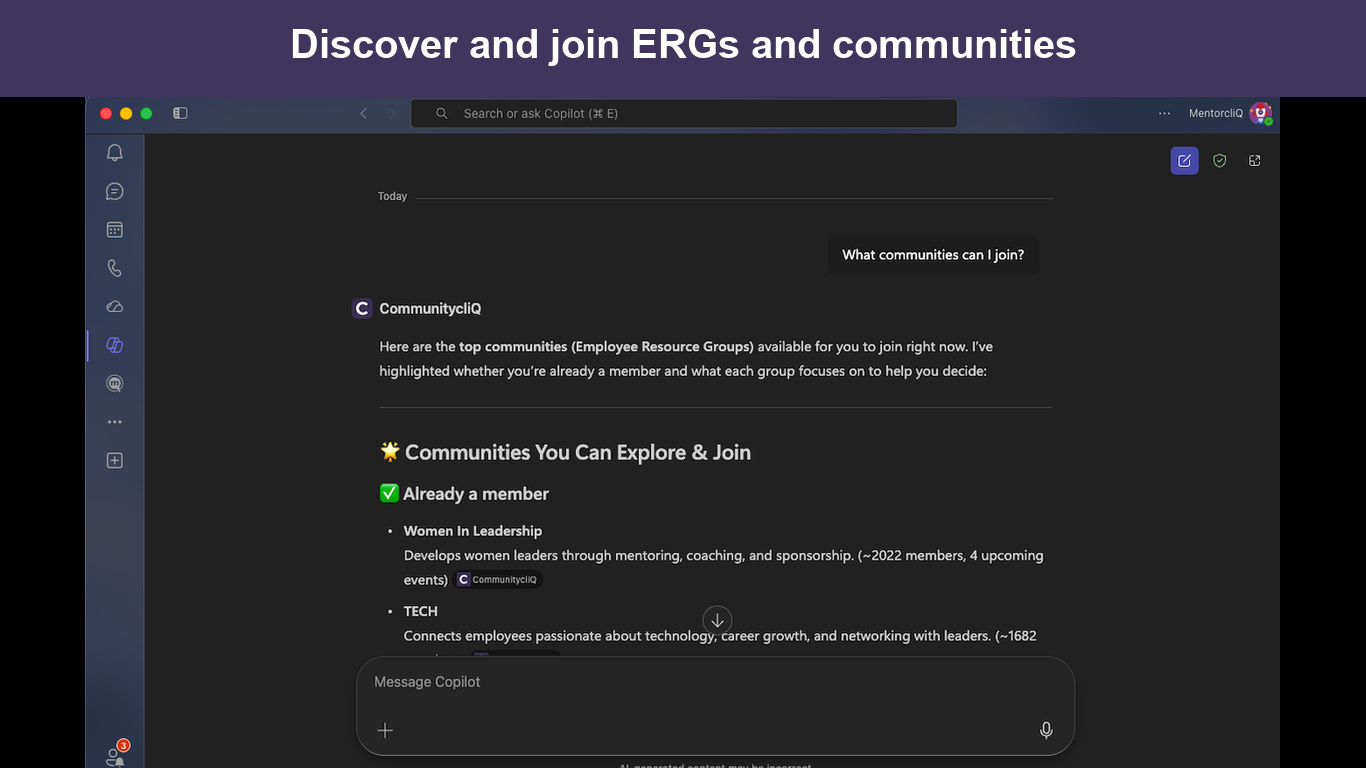
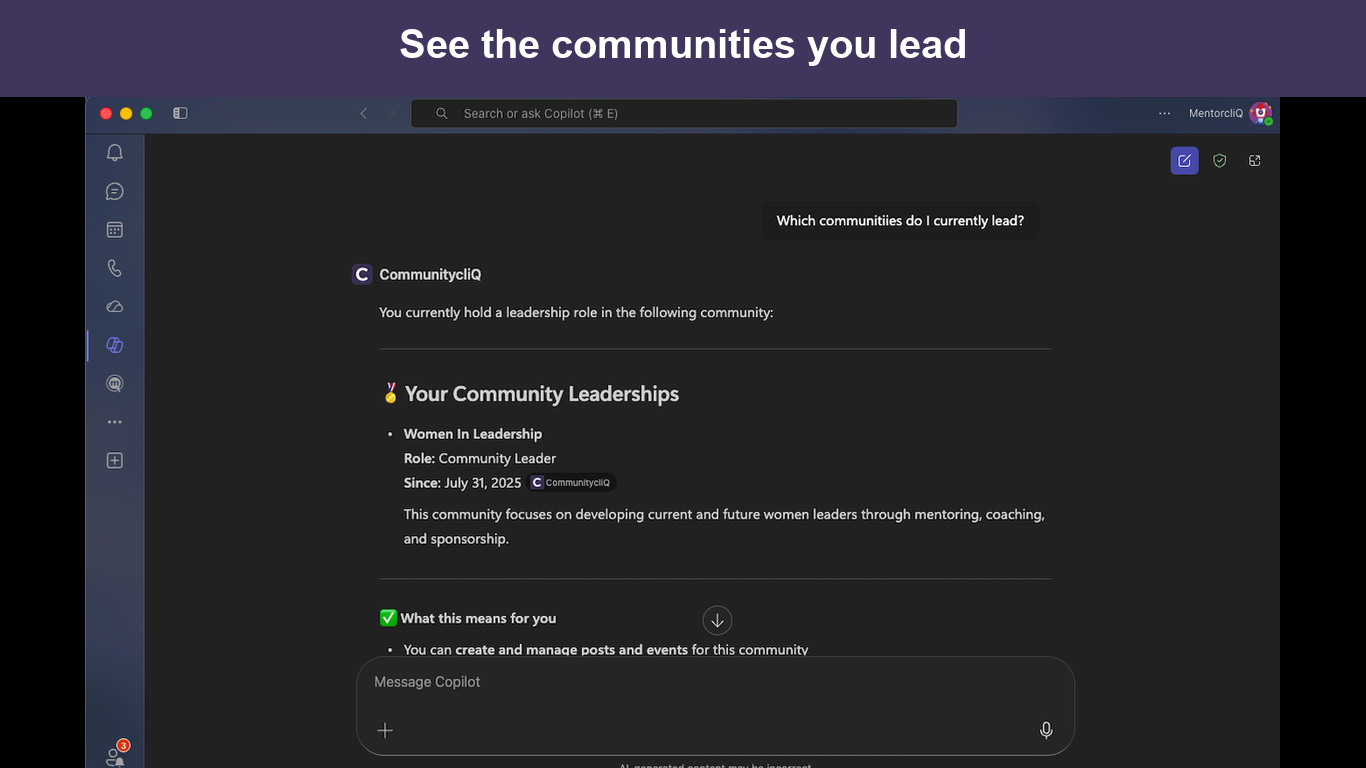
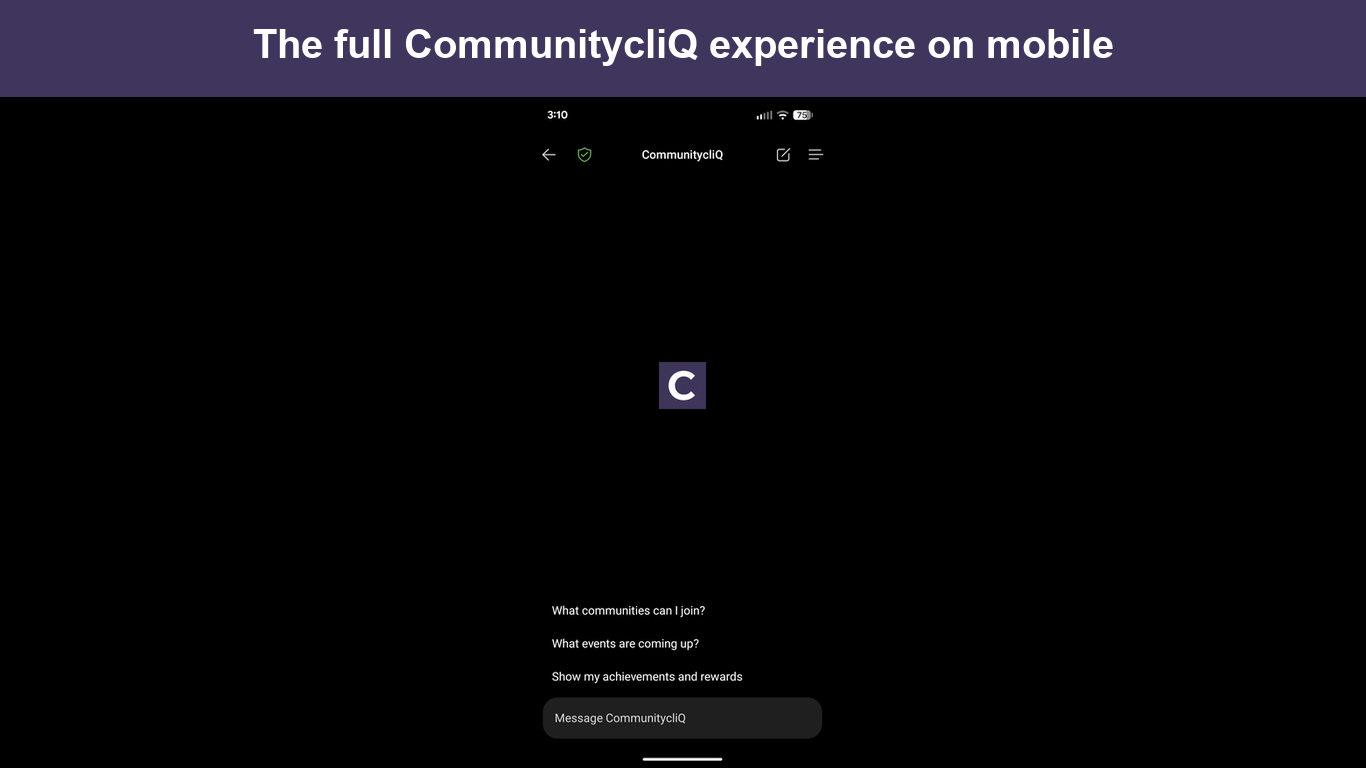
CommunitycliQ brings your organization's employee communities into Microsoft 365 Copilot. It is one of the agents for Microsoft Copilot: acting as the signed-in employee and respecting their existing permissions, it helps people discover communities and Employee Resource Groups (ERGs), see who leads them, keep up with events and calendars, browse community feeds and resources, complete CommunityLab learning worksheets, and track their own participation, achievements, and rewards.
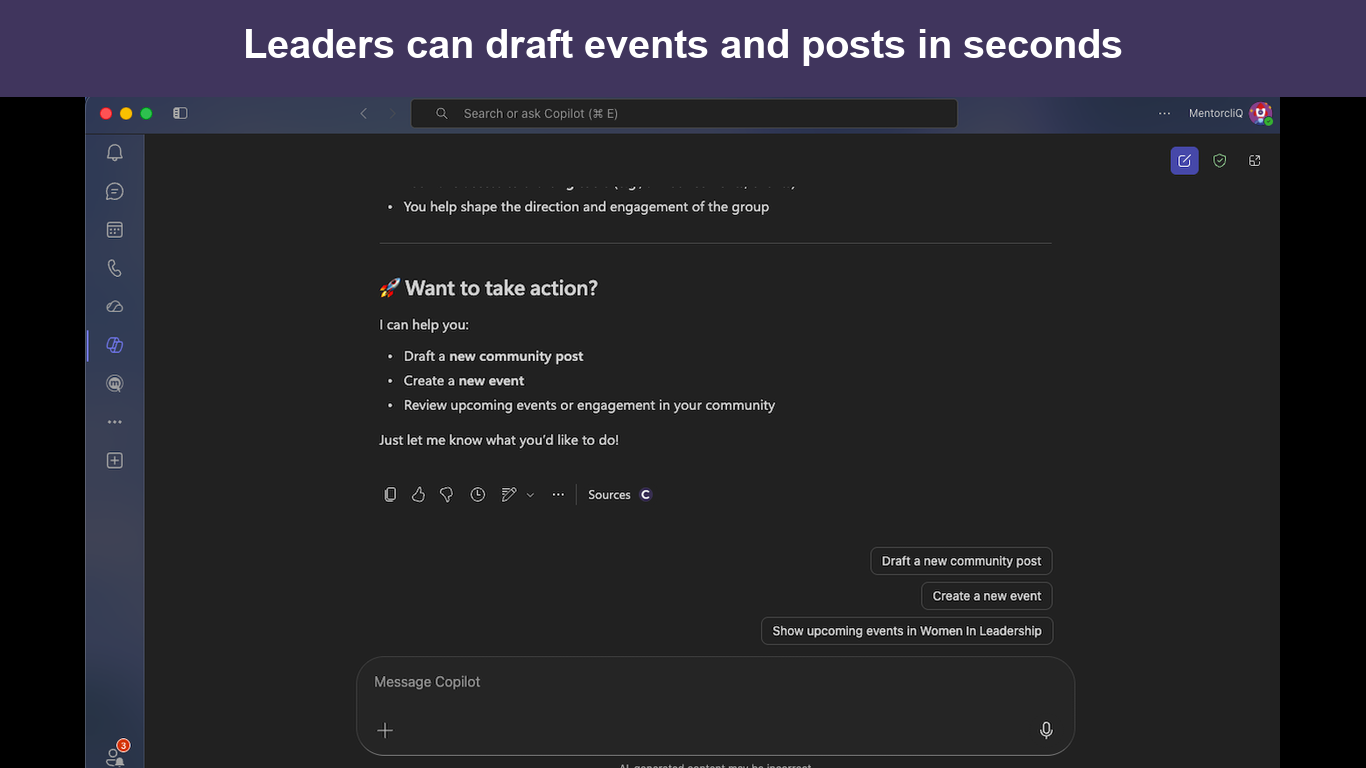
Members can also act in the flow of conversation, with confirmation: join or leave a community, register for or cancel an event registration, and react to a post. Community leaders can draft events and posts by describing them in natural language, then publish and manage them in CommunitycliQ.
Show the rest of the publisher’s description (7 more lines)
What it solves: employee communities and ERGs often live in a separate web app that people rarely open. CommunitycliQ meets employees where they already work — inside Microsoft 365 Copilot — so discovering communities, keeping up with events, and staying engaged takes seconds instead of a context switch.
Who it's for: employees, ERG and BRG members and leaders, and DEI, HR, and engagement teams who want to take part in their workplace communities without leaving Microsoft Teams or Copilot.
Requirements and limitations: In order to use this app, you need to have an active CommunitycliQ account. The agent connects to your organization's CommunitycliQ site over a secure, per-user sign-in and only accesses what your permissions allow; leader tools are available only to community leaders. It does not use your data to train AI models. You use CommunitycliQ through Microsoft 365 Copilot. Available in English.
Getting started: on first use you are prompted to sign in and choose your CommunitycliQ site.
- Sign up / Get started
- Learn more
- Contact us / Help
Preview
5 images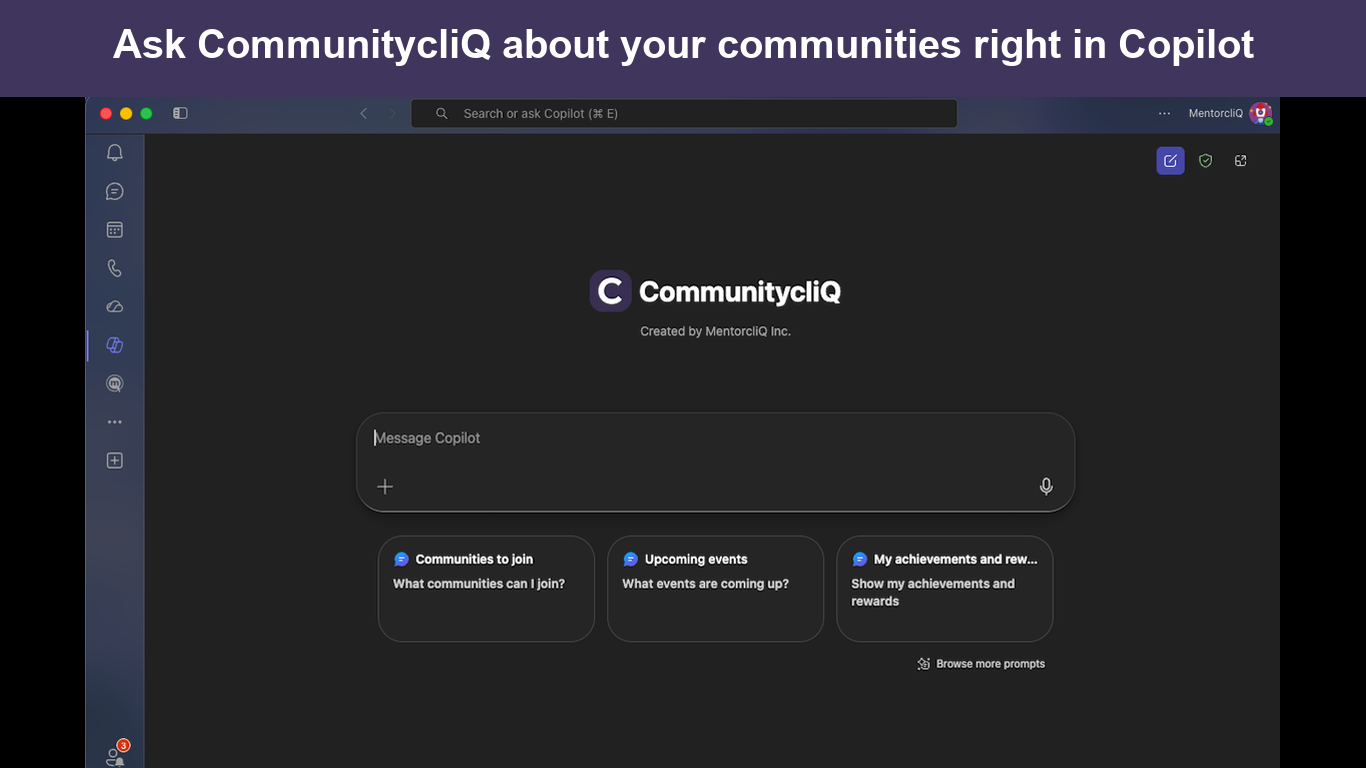
Agent build and provenance
See the full provenance
The layer-by-layer build, the evidence behind each claim, the risk basis and the cross-marketplace links are open to any account. Some rows are disclosed, some the source leaves Unknown; a free account shows you which.
Compliance
- FedRAMPConfirmedNot listed90%, registry-checkedNo FedRAMP Marketplace entry matched this vendor's domain, checked 2026-08-27registry recordas observed 2026-08-27
Confirmed means matched to a public authoritative registry. Claimed means the vendor or its listing states it, not yet cross-checked. A framework not shown was not found in any source we hold, which is not evidence against it. Not listed means a scoped registry check found no match for this vendor's domain: a No is a scoped registry check, not a compliance judgment. Confidence bands: 95% domain-verified, 90% registry-checked, 80% self-attested, 70% weak signal. Self-attested items marked “vendor's site” are gathered from the vendor's own website and are not verified by us.
Vendor
External enrichment · as of 2026-08-29
Sources
Publisher resources
2 linksLinked repositories
Unknown means this listing does not publish a repository. It is not a statement that the code is closed, and a linked repository is not a claim that the publisher wrote it: the registry computes that relationship privately and does not publish it.
Evidence risk is the share of the build you cannot see before you deploy, not a security rating. Sign in to see the layer-by-layer basis for this band.