

Evidence tier Source Confirmed · 7 captures on record
What the publisher says
As described on Microsoft Marketplace.
Access specialized legal intelligence directly in Microsoft 365 Copilot
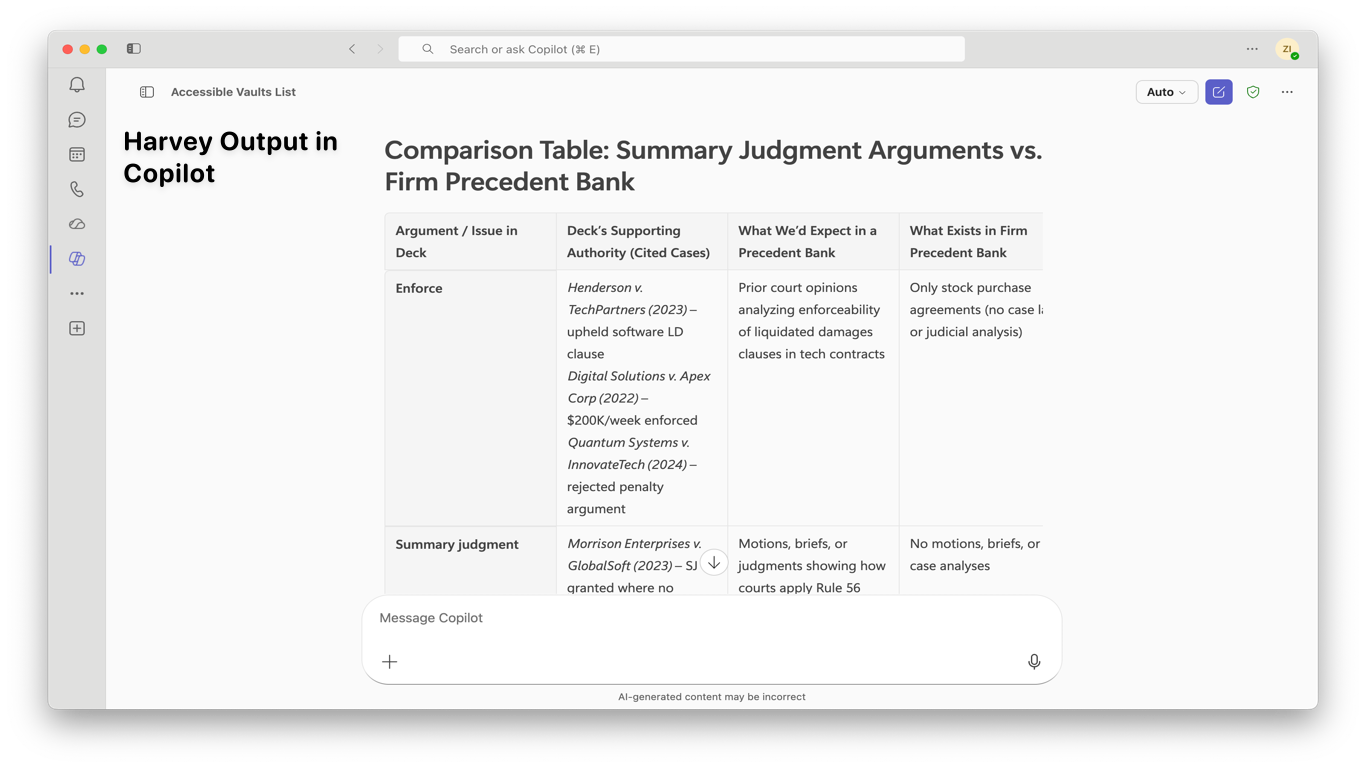
Harvey for Copilot brings expert-level legal AI to Microsoft 365, enabling legal professionals to ask questions, research issues, analyze documents, and review content from their Harvey Vault without switching platforms. Harvey delivers precedent-aware answers that help lawyers work faster and with greater confidence.
Show the rest of the publisher’s description (6 more lines)
Get instant legal answers with the Harvey Agent in Microsoft 365 Copilot
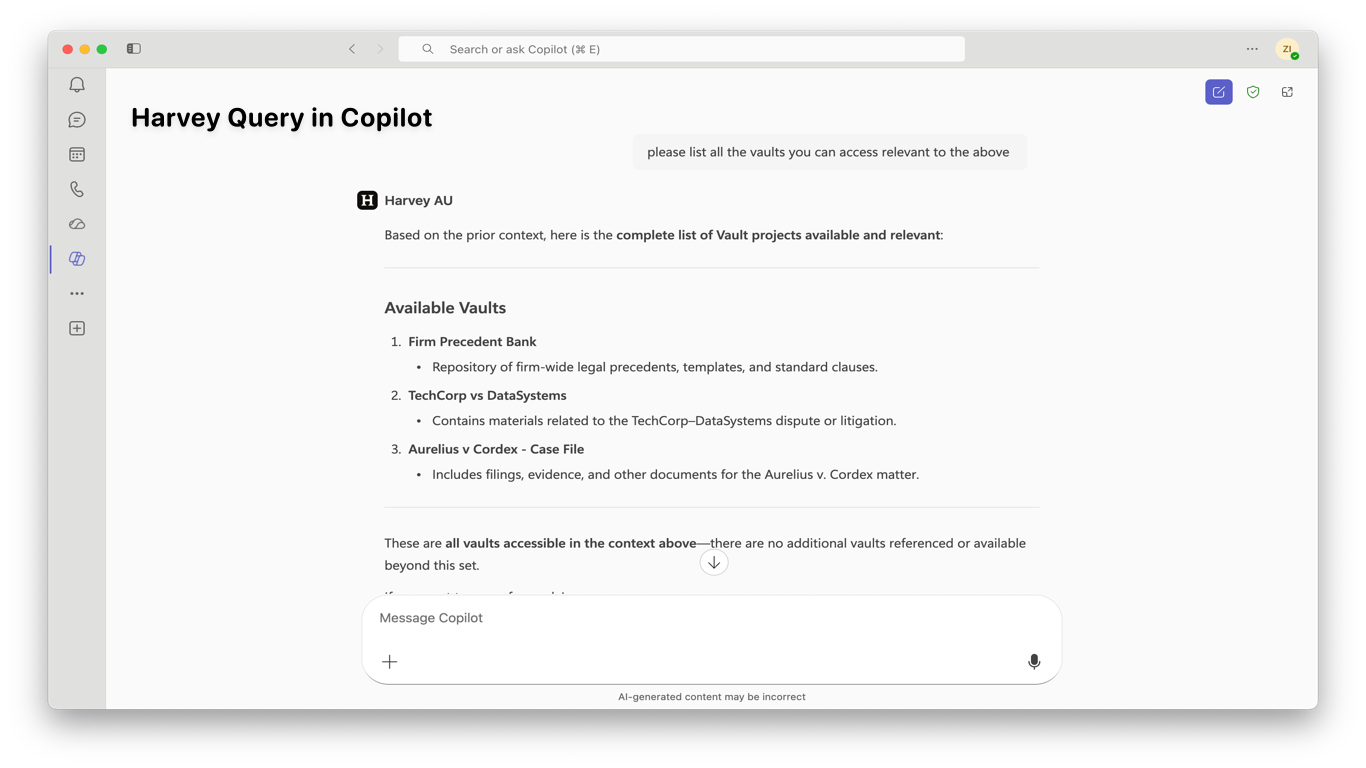
Simply @Harvey in Copilot or select the Harvey agent from the sidebar to ask general legal questions and research issues. You can analyze documents or pull in content from your Harvey vaults without leaving Microsoft 365. When a question turns into a larger task, click the source link to view the answer in Harvey for additional analysis, advanced reasoning, and deeper work product refinement. The Harvey agent also works within Copilot Cowork, making legal intelligence available inside longer, multi-step tasks. From quick research to full document analysis and back to business communication, Harvey and Copilot work together at every stage within a single workflow.
Work seamlessly across Microsoft 365
Harvey for Copilot is designed to fit naturally into the tools you already use. In Word, you can research legal positions while drafting contracts and legal documents. In Outlook, verify legal guidance while responding to clients and stakeholders. In PowerPoint and Excel, extract legal analysis and insert it directly into presentations. Through Copilot Cowork, Harvey's legal answers surface as Cowork plans and executes multi-step work across Microsoft 365. All responses appear inline — no links to click, no browser to open, no workflow interruption.
Requirements
To use Harvey for Copilot, you'll need an active Microsoft 365 Copilot license and a Harvey subscription. Harvey for Copilot works across all Microsoft 365 Copilot-enabled applications. Contact Harvey Sales at harvey.ai/contact-sales to get started, or learn more at harvey.ai/blog/agent-platform-and-microsoft-365-copilot. For help and support, visit the Harvey Help Center or reach the team at support@harvey.ai.
Preview
3 images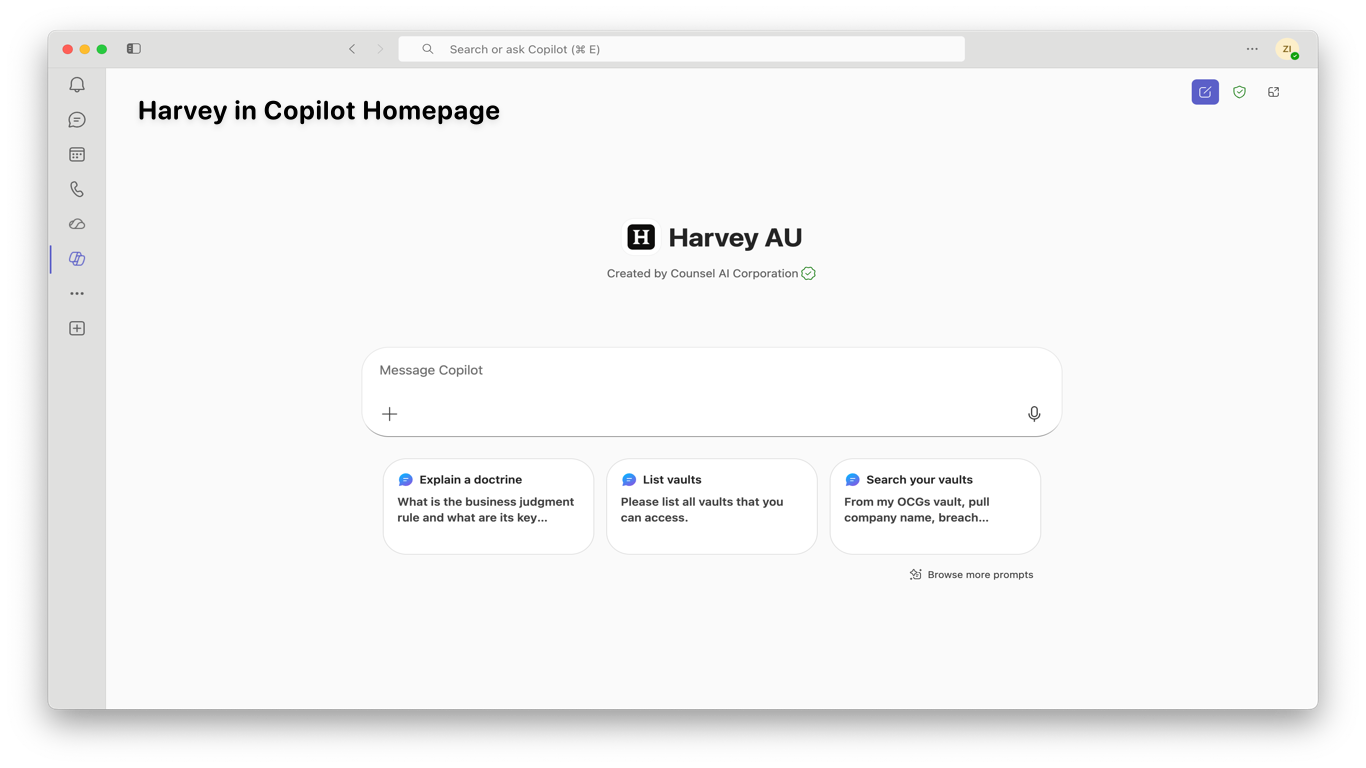
Agent build and provenance
See the full provenance
The layer-by-layer build, the evidence behind each claim, the risk basis and the cross-marketplace links are open to any account. Some rows are disclosed, some the source leaves Unknown; a free account shows you which.
Compliance
- FedRAMPConfirmedNot listed90%, registry-checkedNo FedRAMP Marketplace entry matched this vendor's domain, checked 2026-08-27registry recordas observed 2026-08-27
Confirmed means matched to a public authoritative registry. Claimed means the vendor or its listing states it, not yet cross-checked. A framework not shown was not found in any source we hold, which is not evidence against it. Not listed means a scoped registry check found no match for this vendor's domain: a No is a scoped registry check, not a compliance judgment. Confidence bands: 95% domain-verified, 90% registry-checked, 80% self-attested, 70% weak signal. Self-attested items marked “vendor's site” are gathered from the vendor's own website and are not verified by us.
Vendor
External enrichment
Sources
Publisher resources
1 linkLinked repositories
Unknown means this listing does not publish a repository. It is not a statement that the code is closed, and a linked repository is not a claim that the publisher wrote it: the registry computes that relationship privately and does not publish it.
Evidence risk is the share of the build you cannot see before you deploy, not a security rating. Sign in to see the layer-by-layer basis for this band.