
WorkBoardAI for Copilot (EU)
WorkboardAI · Operations & Productivity
Certification per Microsoft Marketplace.
Evidence tier Source Confirmed · 7 captures on record
What the publisher says
As described on Microsoft Marketplace.
WorkBoardAI for Copilot (EU) helps teams align on outcomes and drive fast execution within Microsoft 365 Copilot. WorkBoardAI integrates directly into Microsoft Teams, allowing you to track progress, update key results, and gain insights without switching tools.
Key Features:
Show the rest of the publisher’s description (7 more lines)
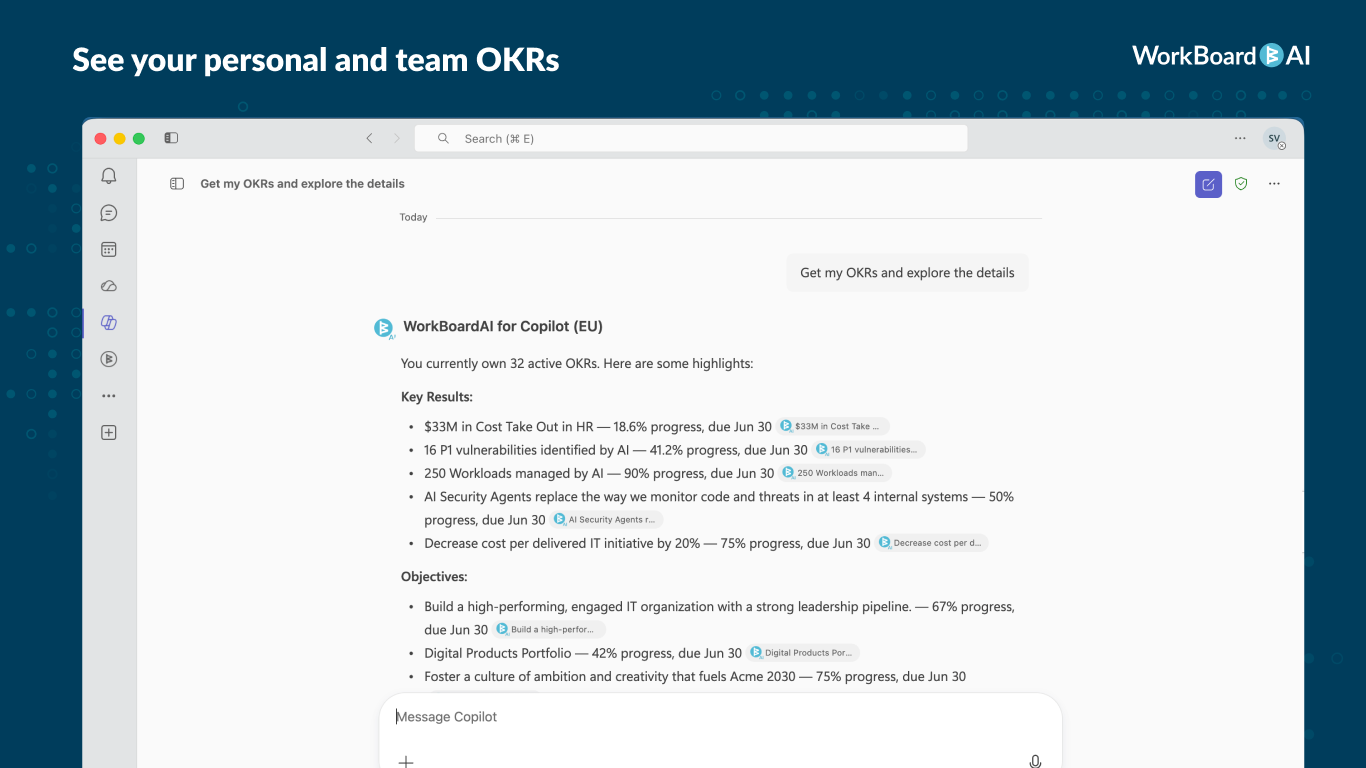
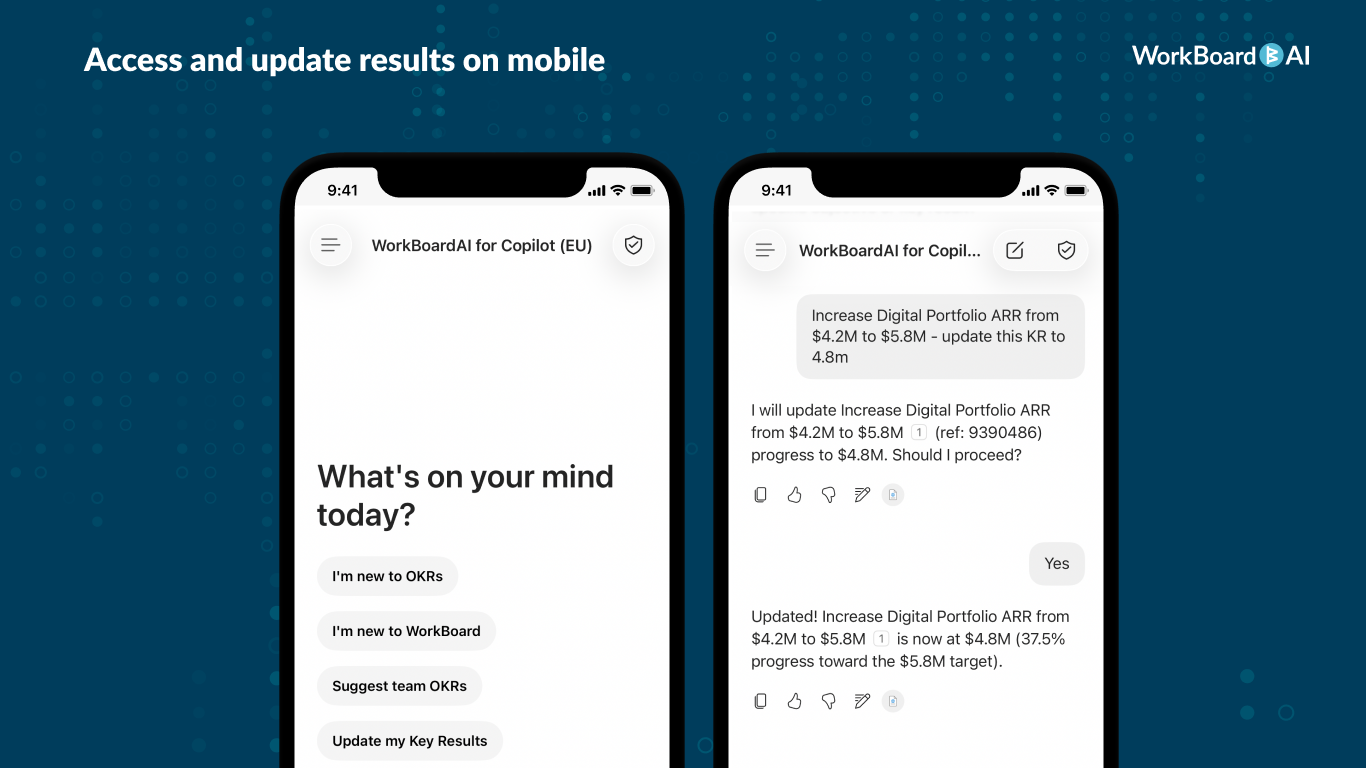
- Conversational OKR Tracking: Ask Copilot about your Objectives and Key Results (OKRs) and get instant insights from WorkBoardAI. Ask about the status of your Objectives and Key Results without leaving Microsoft Teams or other Microsoft 365 apps.
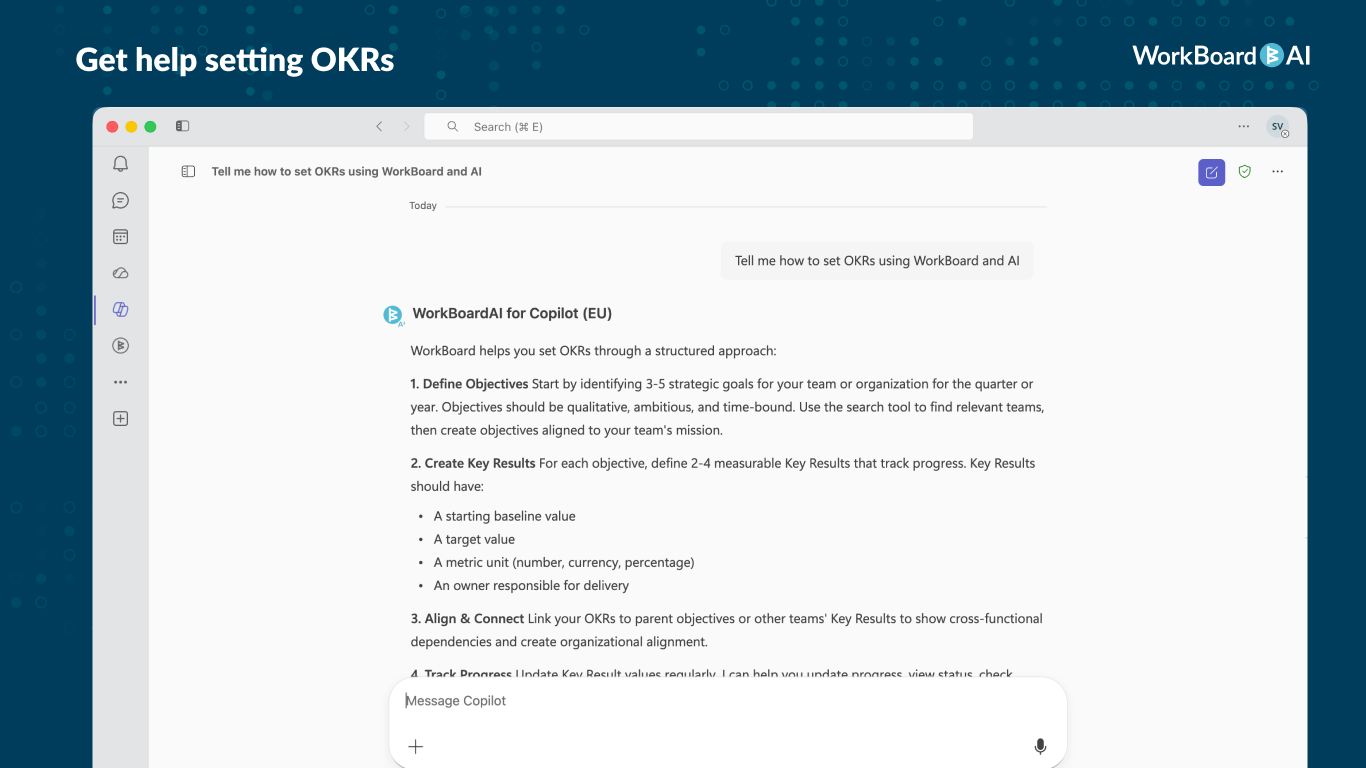
- Guided Assistance: Get answers to questions about OKRs or WorkBoardAI, with information sourced directly from the WorkBoardAI Help Center.
- AI-Powered Recommendations: Stay informed with real-time suggestions to help track progress, resolve blockers, and make better decisions faster.Getting Started & Support:
An active WorkBoardAI account is required to use WorkBoardAI for Copilot.
For EU customers: This version of the app is for customers with a WorkBoard EU account. If your organization uses WorkBoard's EU service, this is the right app for you.
- Sign up to Learn – Learn how to start managing OKRs with AI-powered insights.
- Help & Support – Find troubleshooting guides and FAQs.
Preview
4 images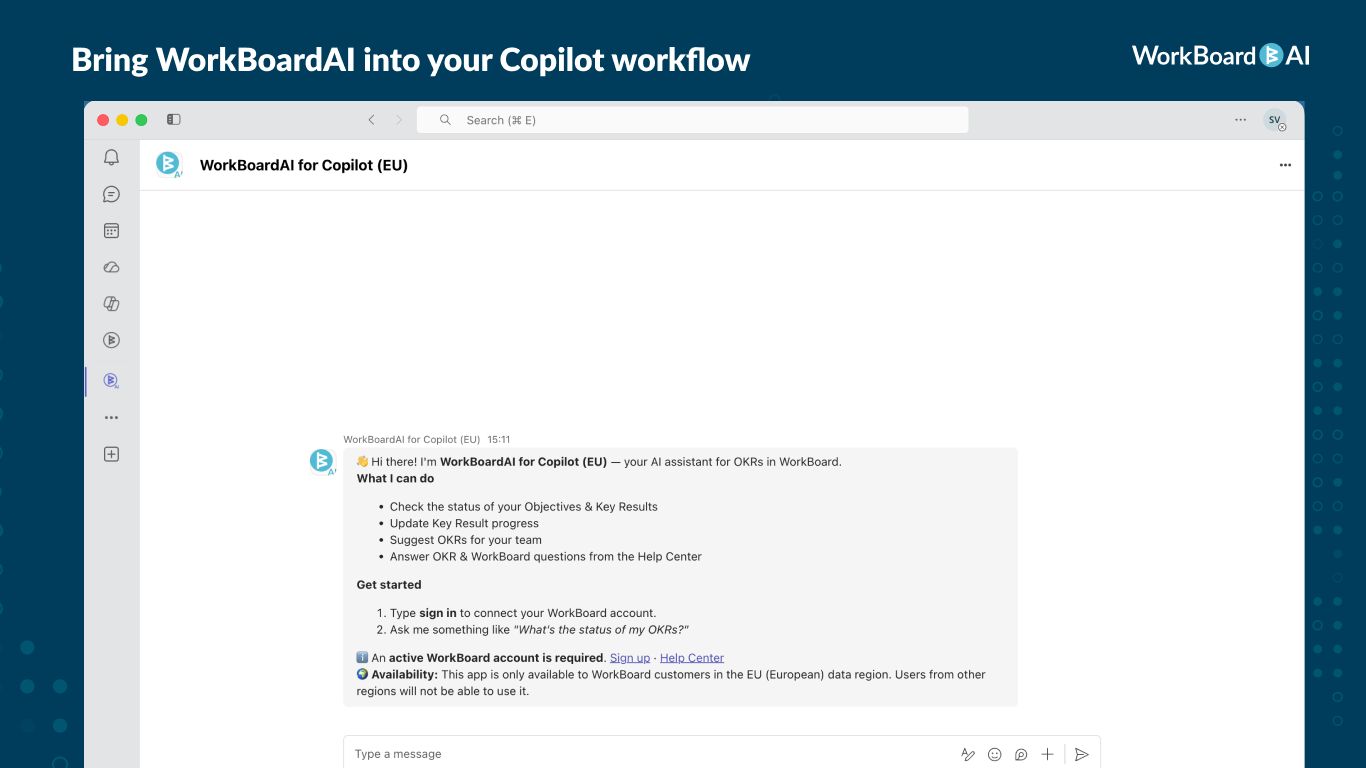
Agent build and provenance
Sign in to see the provenance.
The evidence, the layer-by-layer tracing, the risk basis, and the cross-marketplace links are open to signed-in accounts.
Sign inCompliance
- FedRAMPConfirmedNot listed90%, registry-checkedNo FedRAMP Marketplace entry matched this vendor's domain, checked 2026-08-27registry recordas observed 2026-08-27
- SOC 2Claimed80%, self-attestedself-attested on the marketplaceas observed 2026-08-25
Confirmed means matched to a public authoritative registry. Claimed means the vendor or its listing states it, not yet cross-checked. A framework not shown was not found in any source we hold, which is not evidence against it. Not listed means a scoped registry check found no match for this vendor's domain: a No is a scoped registry check, not a compliance judgment. Confidence bands: 95% domain-verified, 90% registry-checked, 80% self-attested, 70% weak signal. Self-attested items marked “vendor's site” are gathered from the vendor's own website and are not verified by us.
Sources
Publisher resources
1 linkEvidence risk is the share of the build you cannot see before you deploy, not a security rating. Sign in to see the layer-by-layer basis for this band.