
AI Regulation Radar
Kainos Software · Operations & Productivity
Certification per Microsoft Marketplace.
Evidence tier Source Confirmed · 7 captures on record
What the publisher says
As described on Microsoft Marketplace.
AI Regulation Radar is an agent for Microsoft 365 Copilot that helps you to track and understand EU and UK AI regulations within Microsoft Teams and Microsoft 365 Copilot. You get clear, role-specific answers grounded in verified regulatory content from a curated knowledge base covering EU and UK AI and data regulations, policies, and guidance documents.
How it works
Show the rest of the publisher’s description (17 more lines)
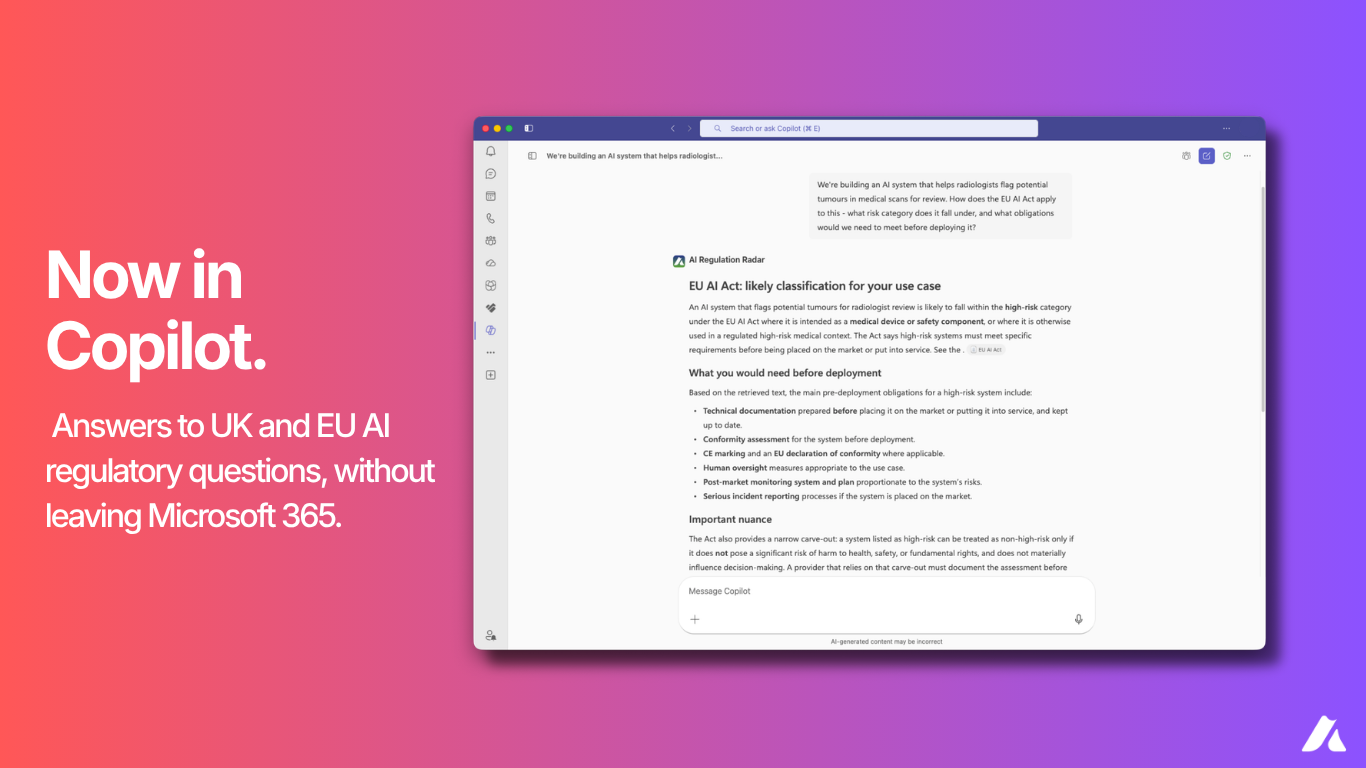
- Ask questions in plain language. Type a question about any EU or UK AI regulation in Microsoft Teams or Microsoft 365 Copilot and receive a clear, sourced answer. Responses reference the original regulatory text so you can verify the detail and use it in your own work, whether you need a quick summary of a specific article or a detailed breakdown of obligations under a regulation.
- Get answers tailored to your role. Choose your persona (legal, compliance, technical, or executive) and your jurisdiction. Every response is adapted to your role.
- Monthly change reports and regulatory alerts are available in the web application only. Expert-reviewed monthly change reports and configurable alerts for new regulations, amendments, and guidance across EU and UK jurisdictions are provided in the AI Regulation Radar web application; not within Microsoft Teams or Microsoft 365 Copilot.
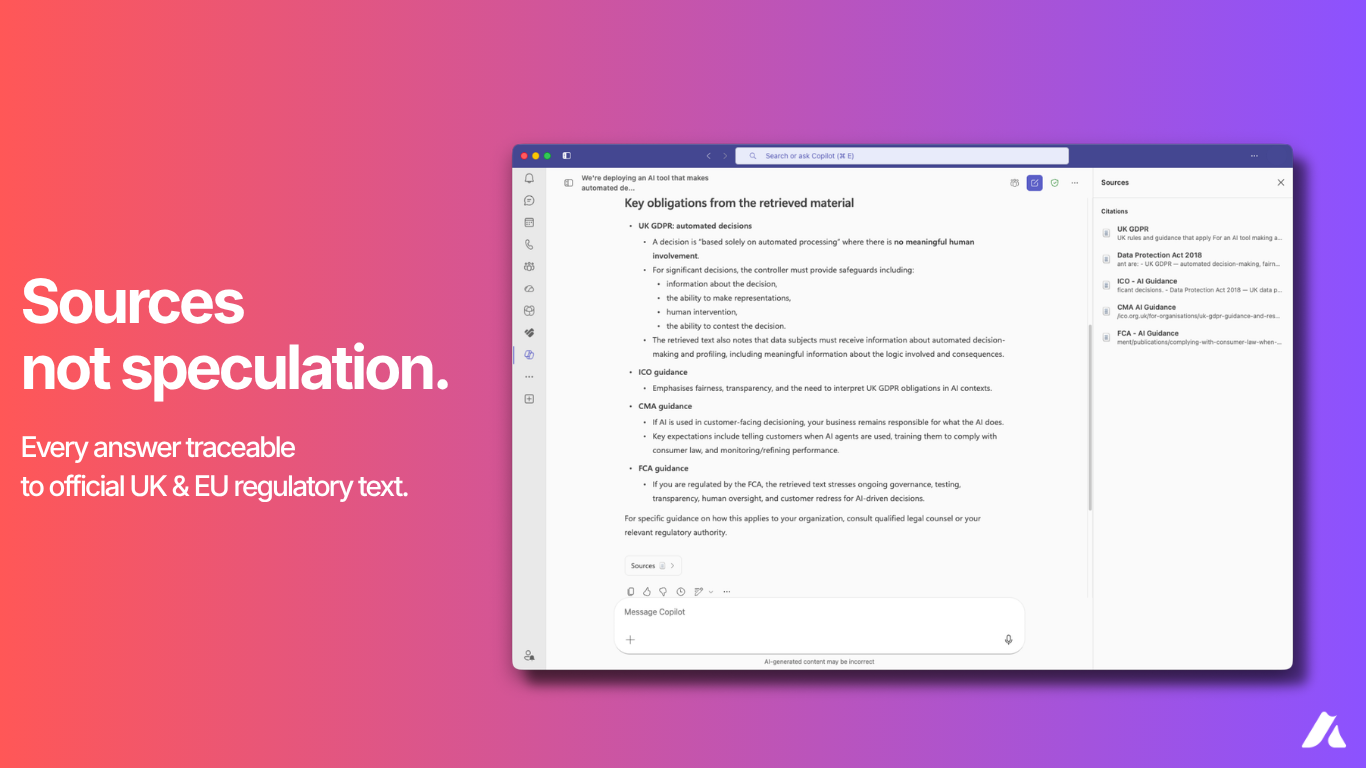
- Trace every answer to its source. Responses in Microsoft Teams and Microsoft 365 Copilot include citations that link directly to the original regulatory text, so you can verify the detail and rely on it with confidence in your own work.
- Search and explore the knowledge base. Browse the full regulatory knowledge base to find specific regulations, filter by jurisdiction, and access the source documents behind every response.
Who this is for
- Legal advisors who need faster regulatory interpretation, clear obligations, and defensible advice grounded in authoritative sources.
- Compliance managers who need audit-ready outputs, continuous visibility into regulatory change, and reduced manual effort.
- Technical product owners and engineers who need clear build requirements and safer deployment of AI systems.
- Executives who need strategic regulatory risk visibility and higher-confidence decisions.
Getting started
Access to AI Regulation Radar requires an active subscription and an assigned license.
- Get Started — get started by purchasing a subscription and signing in.
- Support — get support or reach our team for assistance.
Once you have a subscription, sign in to the web application to activate your license, then ask questions in Microsoft Teams or Microsoft 365 Copilot.
Regional availability
This app is currently supported in the United Kingdom (UK) region only. Service data is hosted in the UK, and users outside the supported region may experience limited availability or may not have access to all features.
Preview
3 images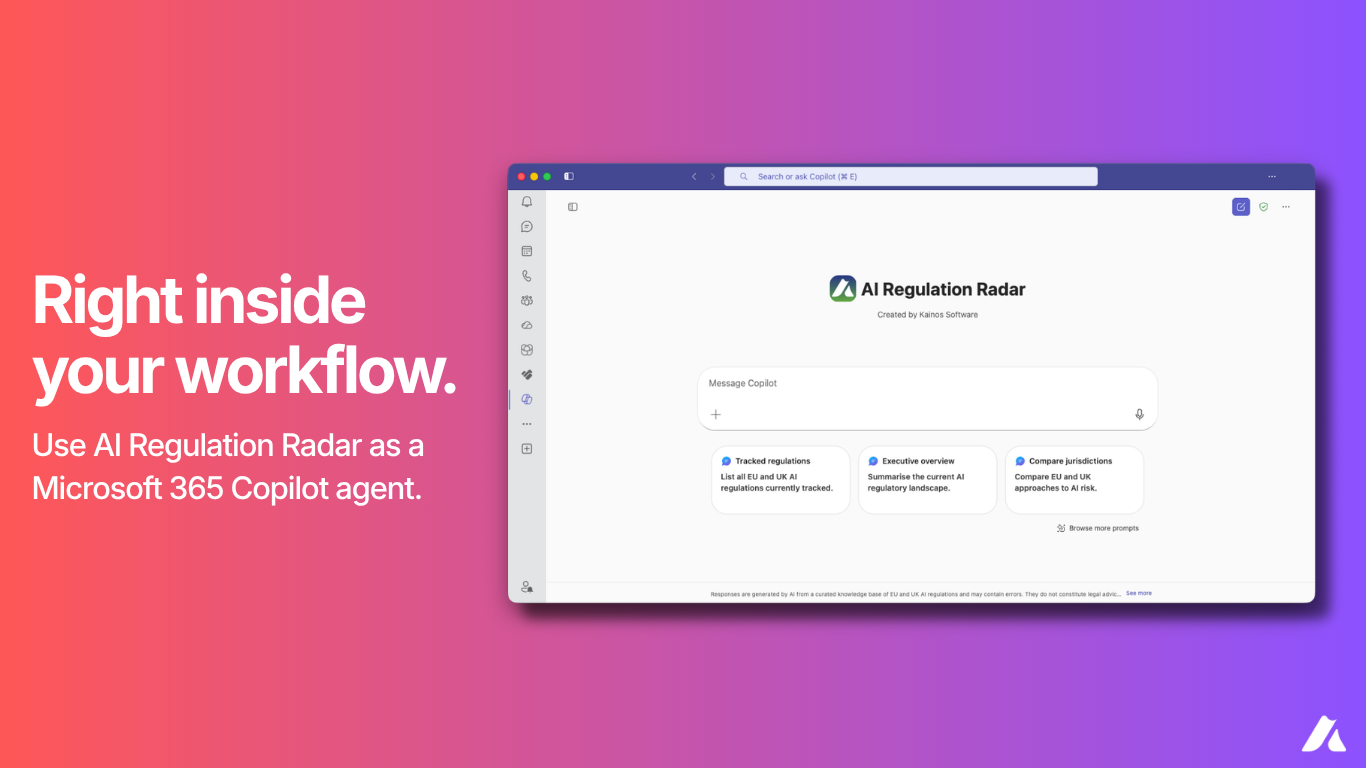
Agent build and provenance
See the full provenance
The layer-by-layer build, the evidence behind each claim, the risk basis and the cross-marketplace links are open to any account. Some rows are disclosed, some the source leaves Unknown; a free account shows you which.
Compliance
- FedRAMPConfirmedNot listed90%, registry-checkedNo FedRAMP Marketplace entry matched this vendor's domain, checked 2026-08-27registry recordas observed 2026-08-27
Confirmed means matched to a public authoritative registry. Claimed means the vendor or its listing states it, not yet cross-checked. A framework not shown was not found in any source we hold, which is not evidence against it. Not listed means a scoped registry check found no match for this vendor's domain: a No is a scoped registry check, not a compliance judgment. Confidence bands: 95% domain-verified, 90% registry-checked, 80% self-attested, 70% weak signal. Self-attested items marked “vendor's site” are gathered from the vendor's own website and are not verified by us.
Sources
Publisher resources
1 linkLinked repositories
Unknown means this listing does not publish a repository. It is not a statement that the code is closed, and a linked repository is not a claim that the publisher wrote it: the registry computes that relationship privately and does not publish it.
Evidence risk is the share of the build you cannot see before you deploy, not a security rating. Sign in to see the layer-by-layer basis for this band.