

Evidence tier Publisher Attested · 6 captures on record
What the publisher says
As described on Microsoft Marketplace.
Gerald is an AI assistant that helps you retrieve information, answer questions and initiate operational workflows directly inside Microsoft Teams.
Instead of navigating multiple systems or searching through documents manually, employees can simply ask Gerald. Gerald connects to organizational knowledge sources and workflow systems to provide answers, reduce repetitive internal questions and help organizations take action faster.
Show the rest of the publisher’s description (19 more lines)
Current Integrations
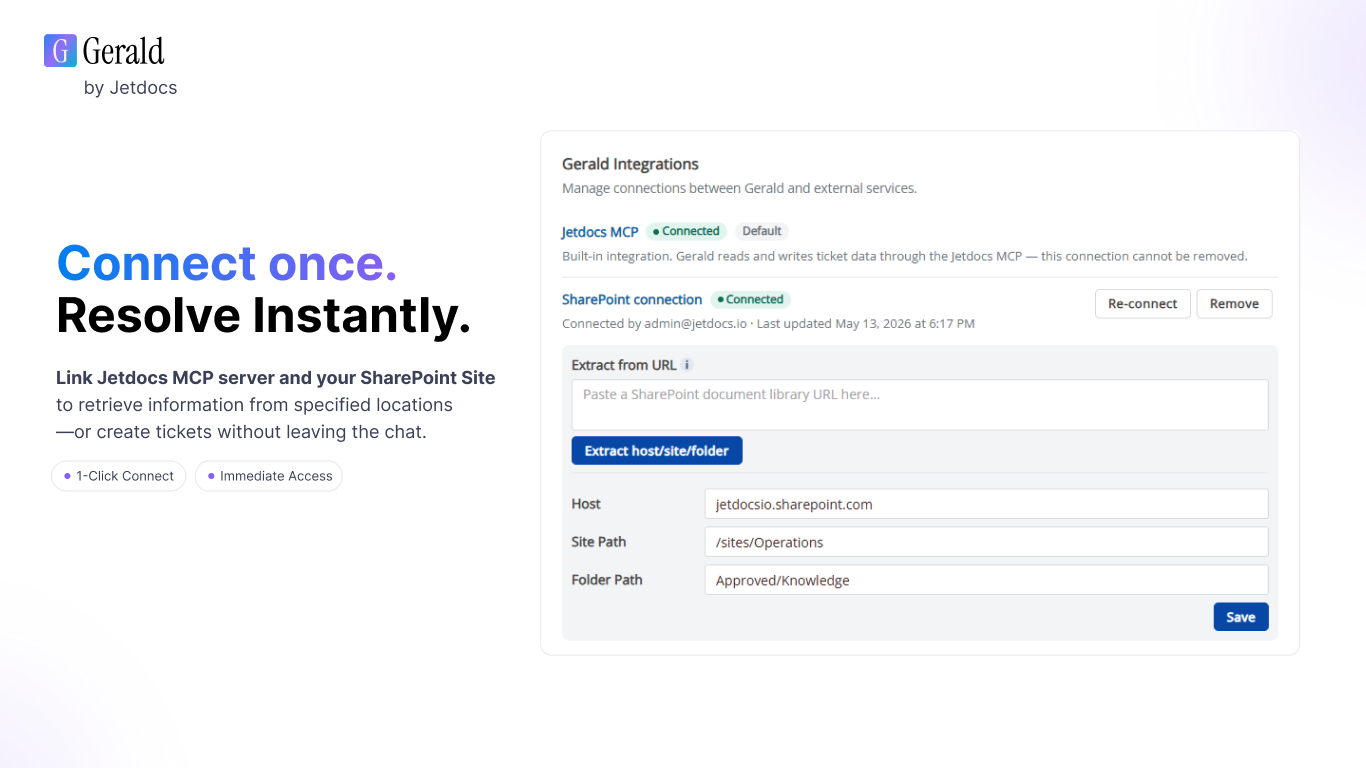
Gerald currently integrates with SharePoint and Jetdocs' MCP Server.
Knowledge Retrieval
- Query internal documentation and knowledge bases.
- Reduce repetitive internal support requests.
- Help employees retrieve operational information faster.
Operational Workflows
- Initiate structured Jetdocs workflows and tickets.
- Automatically route requests to the appropriate user or group.
Operational Visibility
Gerald helps organizations streamline internal operations, improve resolution times and provide employees with a simple conversational interface for both knowledge retrieval and operational requests.
With Gerald, you spend less time searching for information and coordinating work—and more time getting work done.
Requirements
Gerald requires users to sign in to Jetdocs and complete the initial setup flow before use. Click the getting started link below.
To use SharePoint knowledge retrieval, a SharePoint account must also be connected within the Gerald Integrations section in Jetdocs.
Get Started & Support
Get started by logging into Jetdocs
Access Support and Training materials
To book a demo, please email team@jetdocs.io
Preview
5 images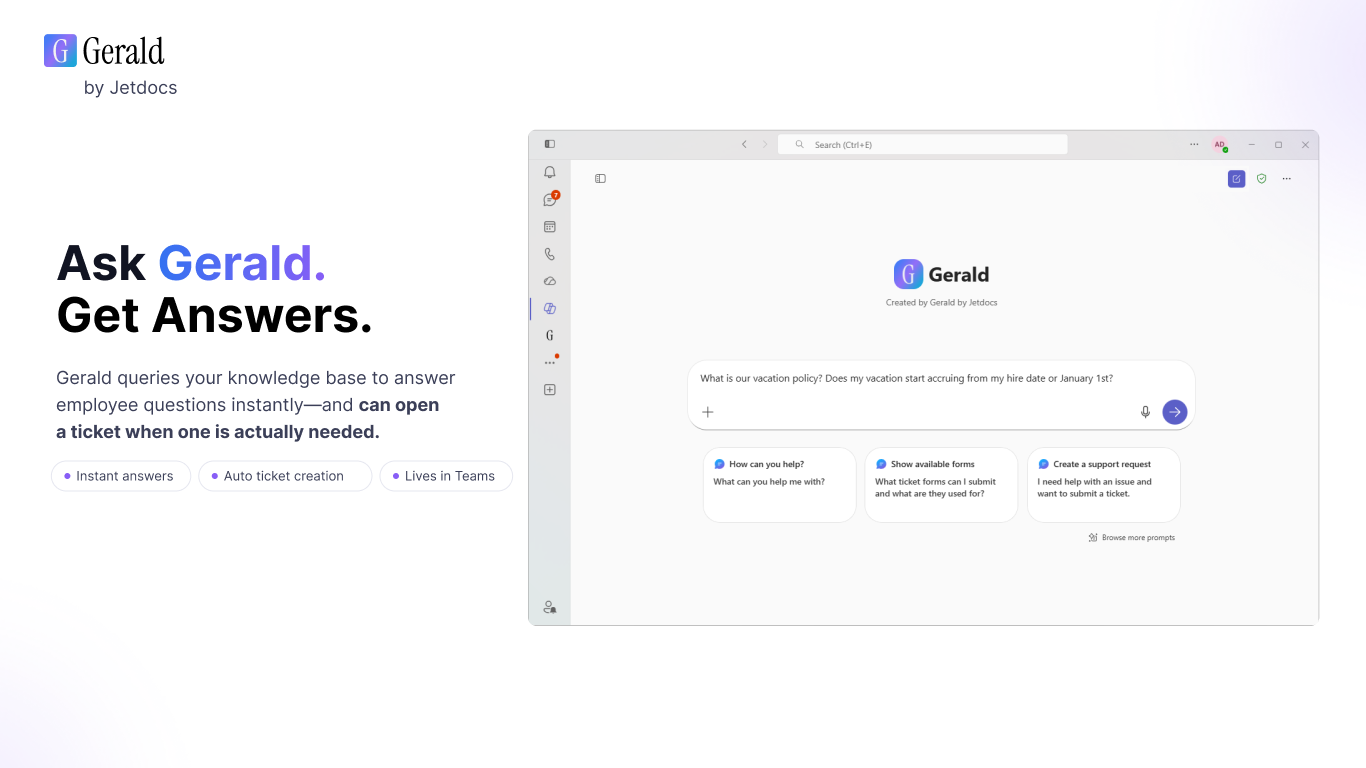
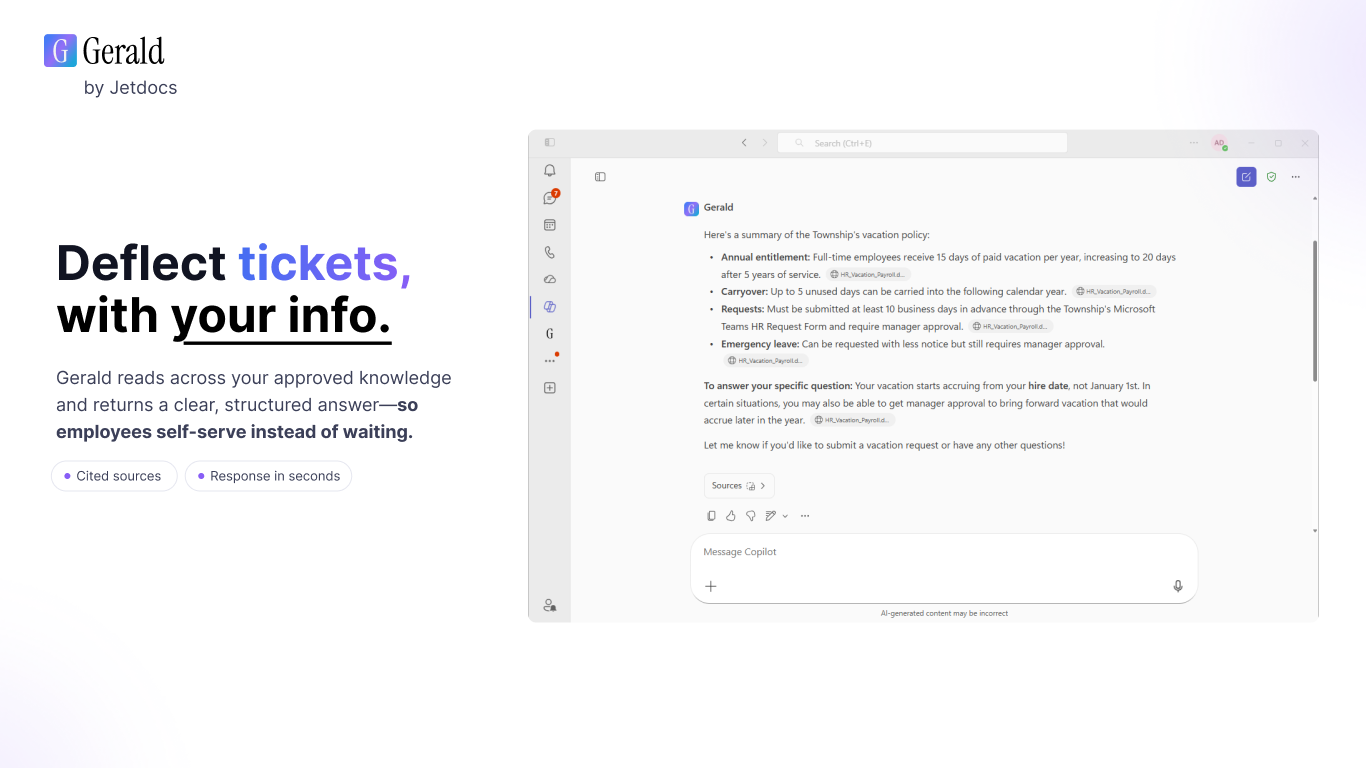
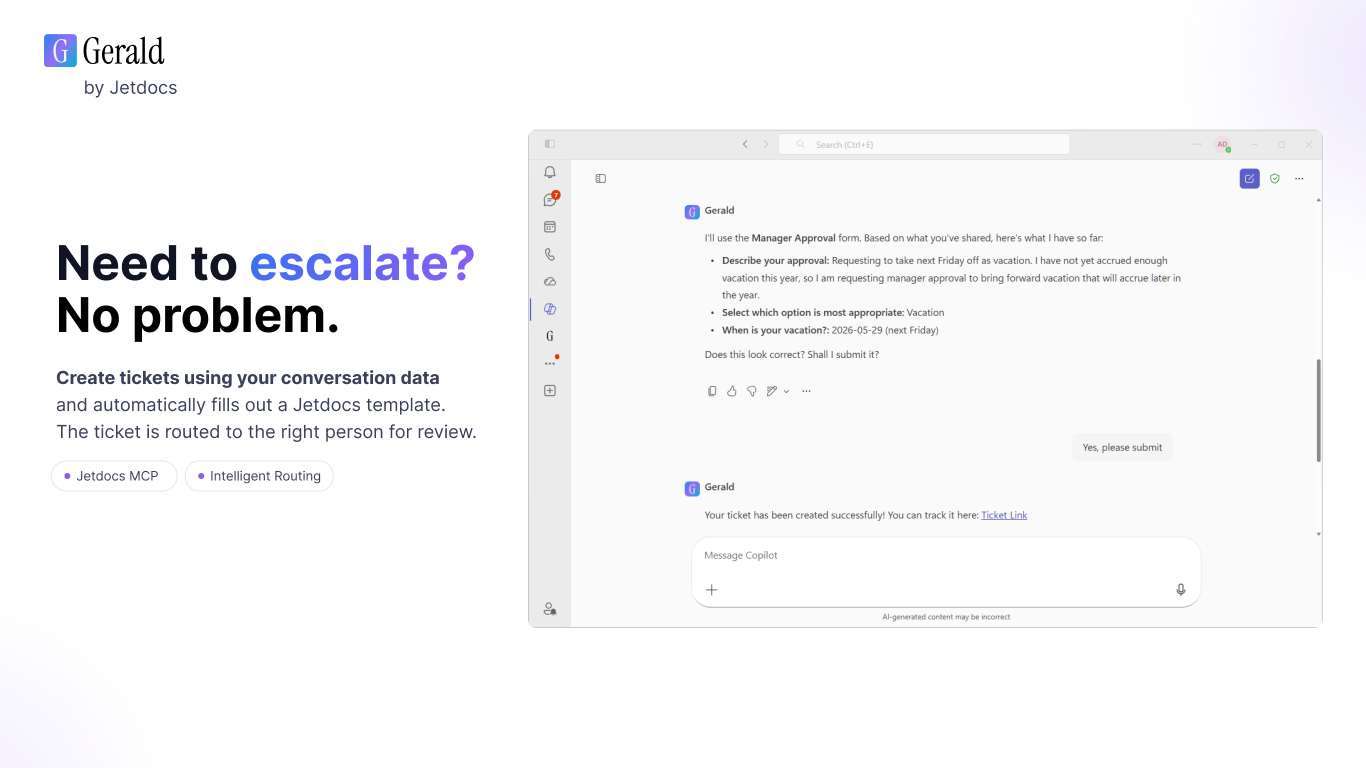
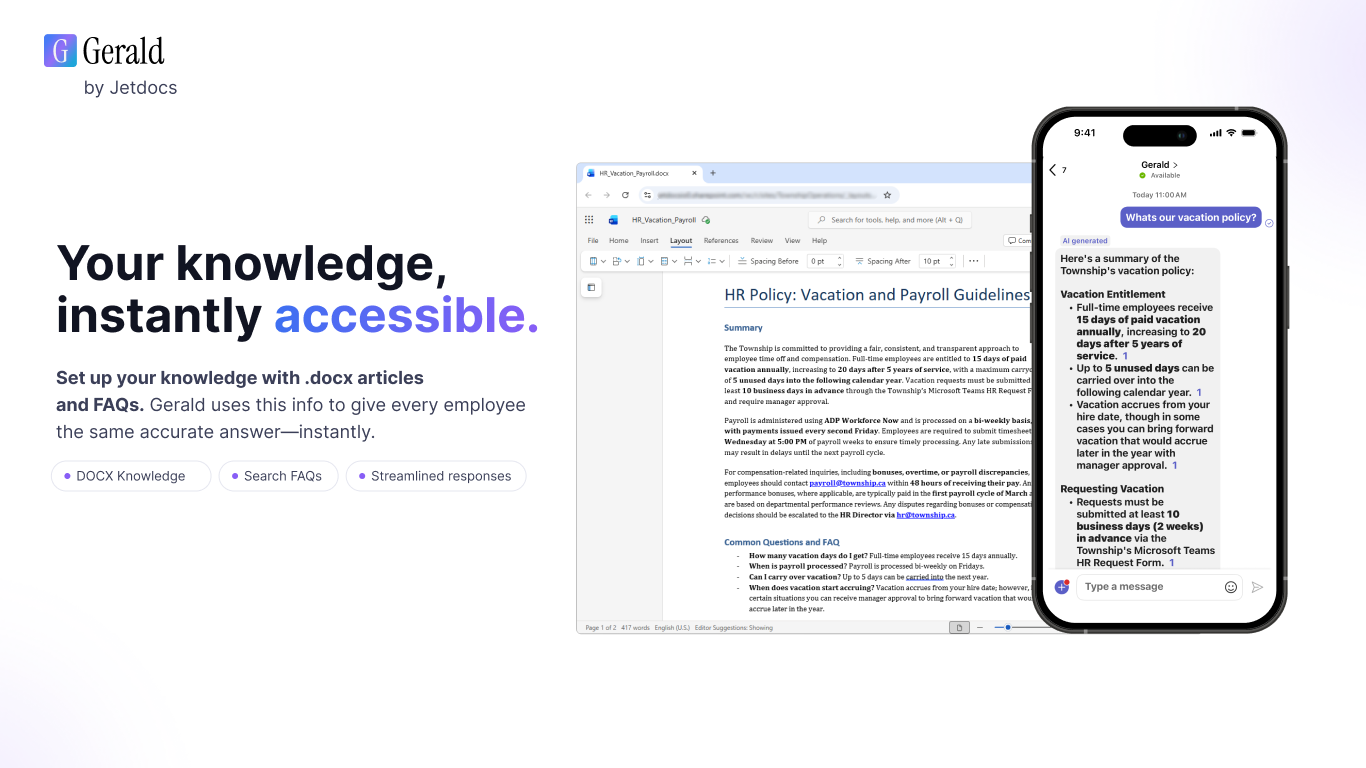
Agent build and provenance
See the full provenance
The layer-by-layer build, the evidence behind each claim, the risk basis and the cross-marketplace links are open to any account. Some rows are disclosed, some the source leaves Unknown; a free account shows you which.
Compliance
- FedRAMPConfirmedNot listed90%, registry-checkedNo FedRAMP Marketplace entry matched this vendor's domain, checked 2026-08-27registry recordas observed 2026-08-27
- NIST SP 800-171Claimed80%, self-attestedself-attested on the marketplaceas observed 2026-08-25
- SOC 2Claimed80%, self-attestedself-attested on the marketplaceas observed 2026-08-25
Confirmed means matched to a public authoritative registry. Claimed means the vendor or its listing states it, not yet cross-checked. A framework not shown was not found in any source we hold, which is not evidence against it. Not listed means a scoped registry check found no match for this vendor's domain: a No is a scoped registry check, not a compliance judgment. Confidence bands: 95% domain-verified, 90% registry-checked, 80% self-attested, 70% weak signal. Self-attested items marked “vendor's site” are gathered from the vendor's own website and are not verified by us.
Sources
Publisher resources
2 linksLinked repositories
Unknown means this listing does not publish a repository. It is not a statement that the code is closed, and a linked repository is not a claim that the publisher wrote it: the registry computes that relationship privately and does not publish it.
Evidence risk is the share of the build you cannot see before you deploy, not a security rating. Sign in to see the layer-by-layer basis for this band.