

Inventory Ops
Blue Yonder Inc. · Logistics & Supply Chain
Certification per Microsoft Marketplace.
Evidence tier Source Confirmed · 8 captures on record
What the publisher says
As described on Microsoft Marketplace.
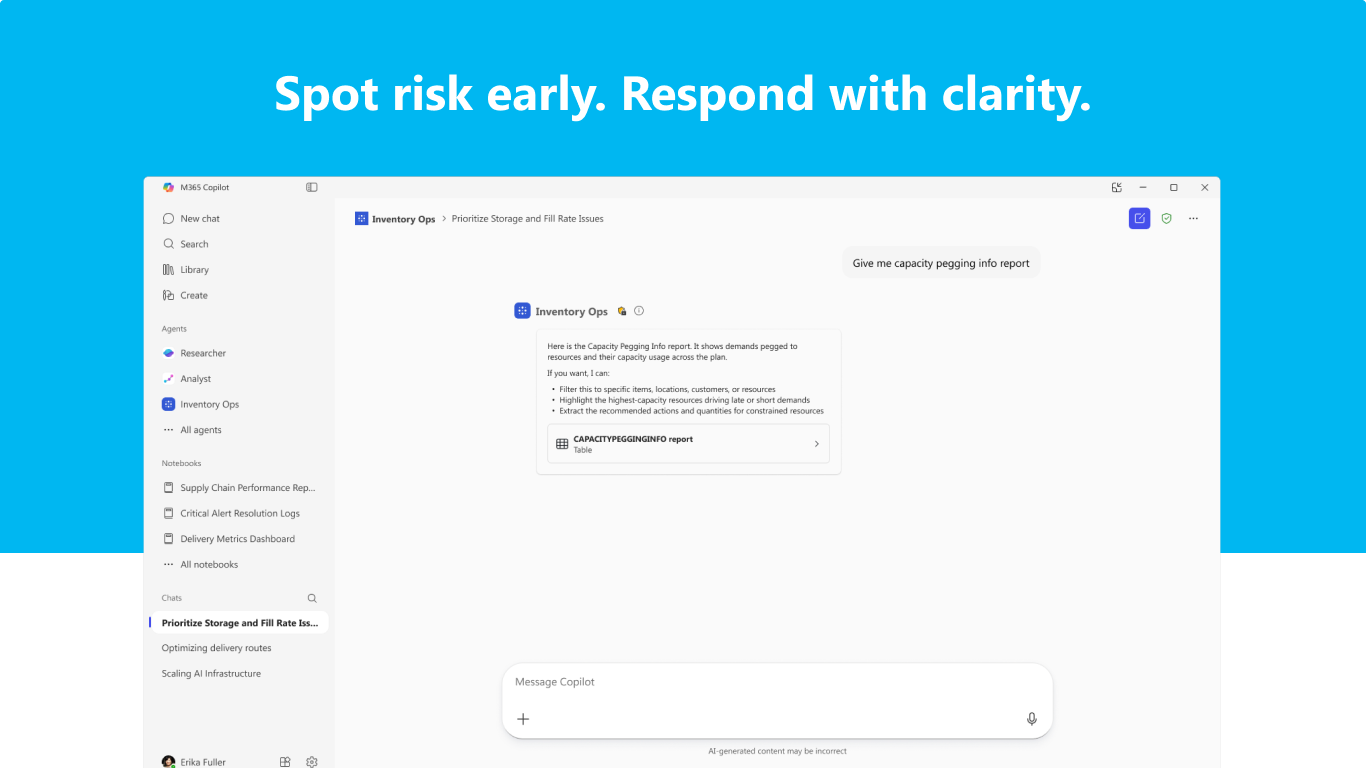
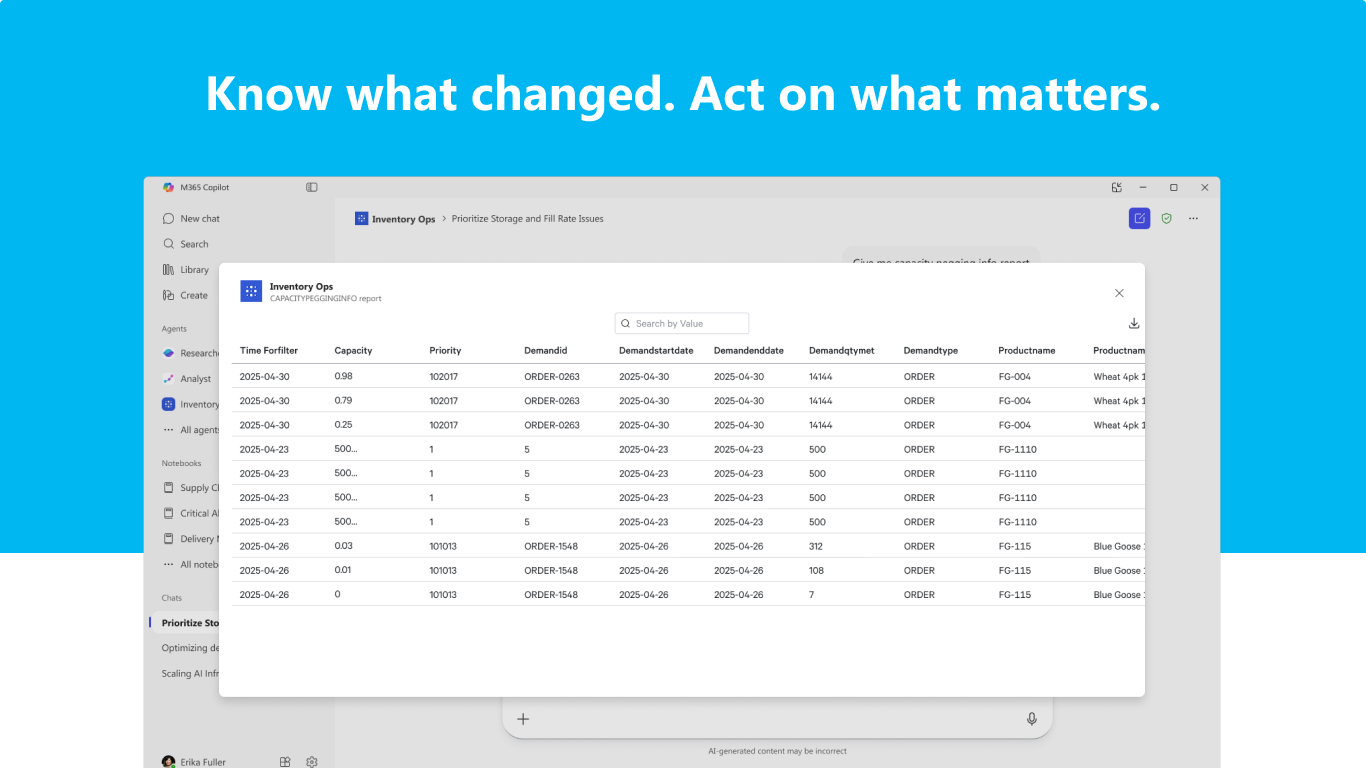
Inventory Ops is an AI agent for Microsoft 365 Copilot that provides real-time visibility into inventory, capacity, and order positions, along with demand-supply insights and resolution options through natural language interactions.
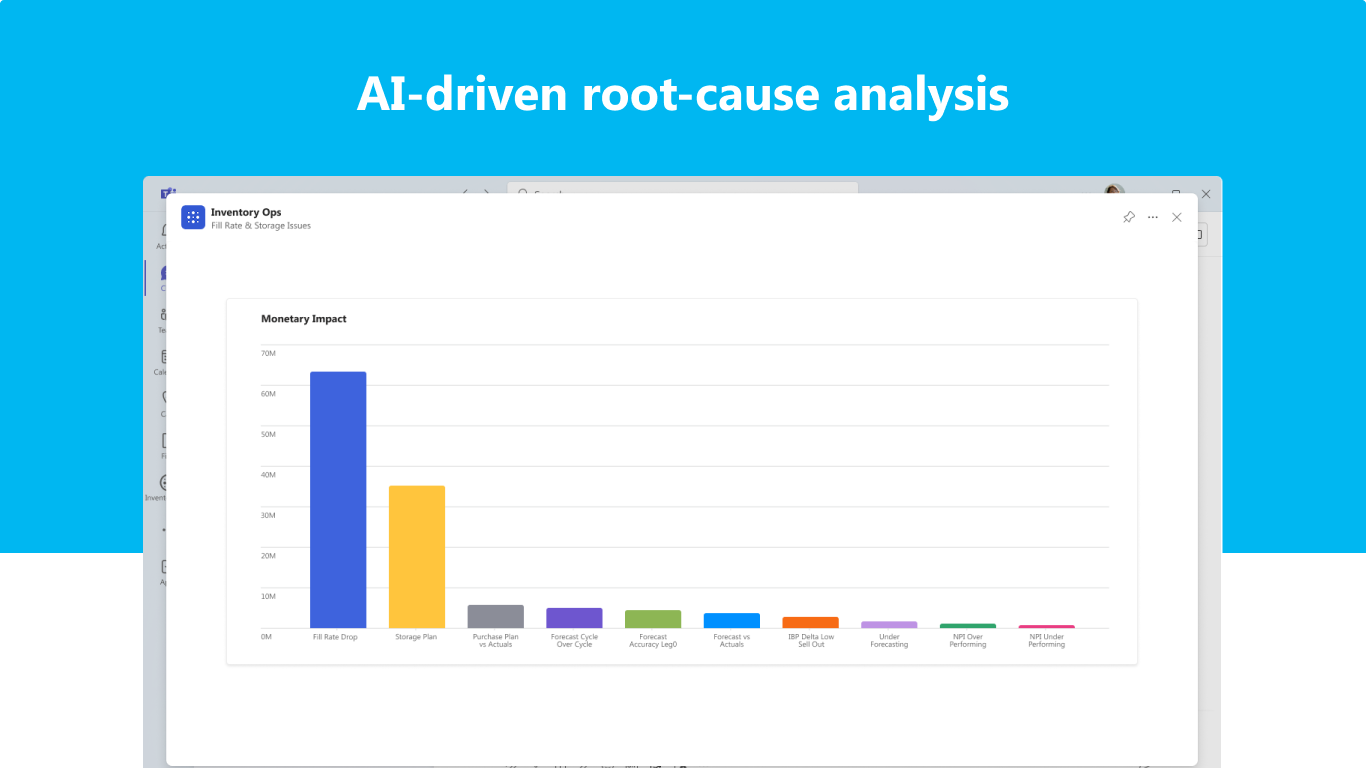
This agent helps planners understand what is happening across their supply chain network, why it is happening, and what to do next. Instead of managing exceptions one at a time, planners see the most critical issues ranked by financial or other key business metric impact, allowing them to focus on what directly affects KPIs such as revenue, margin, and service.
Show the rest of the publisher’s description (25 more lines)
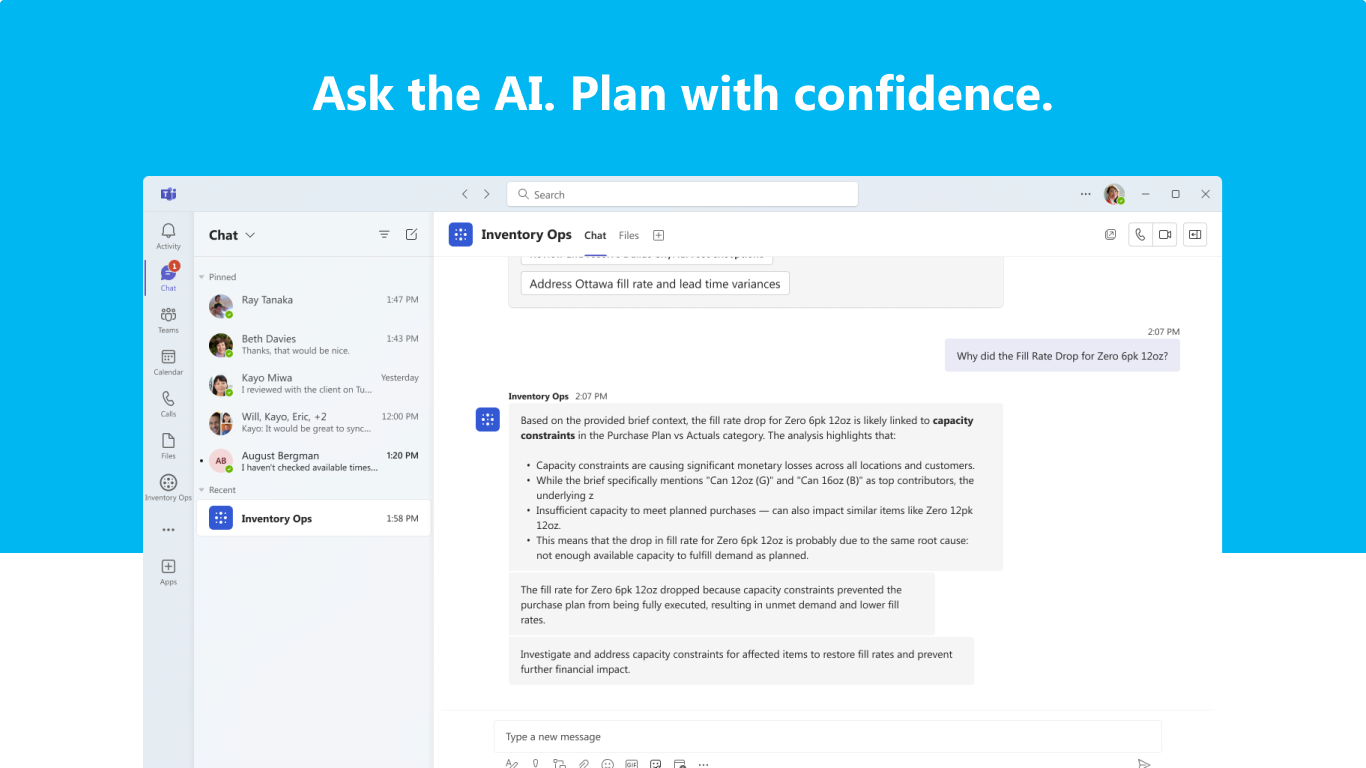
Using natural language, planners can ask questions, explore root causes, and run what-if scenarios powered by advanced explainability engines—all from a single interface. The agent explains how plans behave, highlights tradeoffs between potential decisions, and enables teams to test changes before committing, helping planners act with confidence rather than guesswork.
This agent is designed for real-world supply chain complexity. It flags master data issues such as Bill of Materials errors, incorporates external changes like tariff updates, and highlights how disruptions ripple through pegged materials or constrained resources. When bottlenecks emerge, planners can trace their downstream impact across the supply network and identify where capacity or operational adjustments are needed.
The result is a shift from reactive exception management to proactive supply chain planning—less firefighting, clearer priorities, and faster, more informed decision-making across the supply chain.
Prerequisites
Requires an active Blue Yonder Demand and Supply Planning subscription with valid user access. Subscription purchases are available through
Blue Yonder Sales.
Getting Started
- This agent is installed directly from the Microsoft App Store.
- Once added, users can begin interacting with the agent using natural language prompts (e.g., “Generate my inventory brief” or “Show unmet demand by product family”).
- On first use, users are guided through a secure sign-in flow to connect to their Blue Yonder environment.
Authentication, Support, and Limitations
- This agent uses a secure OAuth 2.0 authentication flow with Blue Yonder Identity and Access Management.
- If users are not signed in or their session expires, the agent prompts reauthentication.
- Built-in guidance and documentation help users get started and troubleshoot common issues.
- Additional support is available at:
- Blue Yonder Support
- Contact Blue Yonder
Supported Scope
- Natural language queries for supply chain insights, summaries, scenario generation, comparison, and root cause analysis
- Briefings on supply chain insights including tariffs, data quality, and common issues such as unmet demand, capacity utilization, inventory levels, and fill rate analysis
- Contextual follow-up questions and deep links to relevant Blue Yonder application views
Known Limitations
- Responses are limited to data available from the connected Blue Yonder environment.
- The agent does not modify data or commit transactions; actions occur in linked Blue Yonder applications.
- Intended for operational decision support and does not replace formal reporting or administrative workflows.
Preview
5 images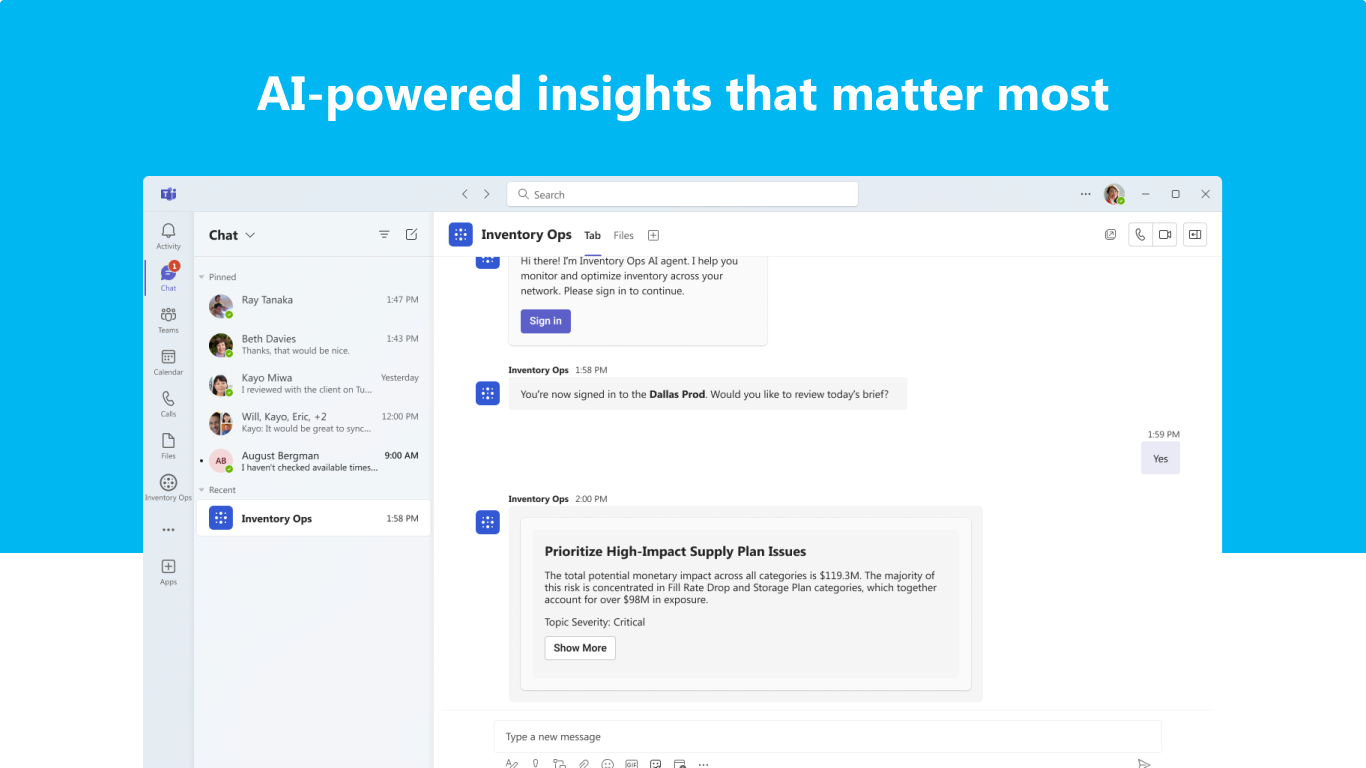
Agent build and provenance
Sign in to see the provenance.
The evidence, the layer-by-layer tracing, the risk basis, and the cross-marketplace links are open to signed-in accounts.
Sign inCompliance
- FedRAMPConfirmedNot listed90%, registry-checkedNo FedRAMP Marketplace entry matched this vendor's domain, checked 2026-08-27registry recordas observed 2026-08-27
Confirmed means matched to a public authoritative registry. Claimed means the vendor or its listing states it, not yet cross-checked. A framework not shown was not found in any source we hold, which is not evidence against it. Not listed means a scoped registry check found no match for this vendor's domain: a No is a scoped registry check, not a compliance judgment. Confidence bands: 95% domain-verified, 90% registry-checked, 80% self-attested, 70% weak signal. Self-attested items marked “vendor's site” are gathered from the vendor's own website and are not verified by us.
Vendor
External enrichment · as of 2026-08-04
Sources
Publisher resources
1 linkEvidence risk is the share of the build you cannot see before you deploy, not a security rating. Sign in to see the layer-by-layer basis for this band.