

Kanban Project Task Board
IE Ilia Pirozhenko · Operations & Productivity
Certification per Microsoft Marketplace.
Evidence tier Publisher Attested · 9 captures on record
What the publisher says
As described on Microsoft Marketplace.
Welcome to Kanban Project Task Board for Microsoft Teams, where visual project management meets seamless collaboration!
Empower your teams to organize, track, and deliver work using our intuitive, easy-to-use Kanban board interface.
Show the rest of the publisher’s description (12 more lines)
Features:
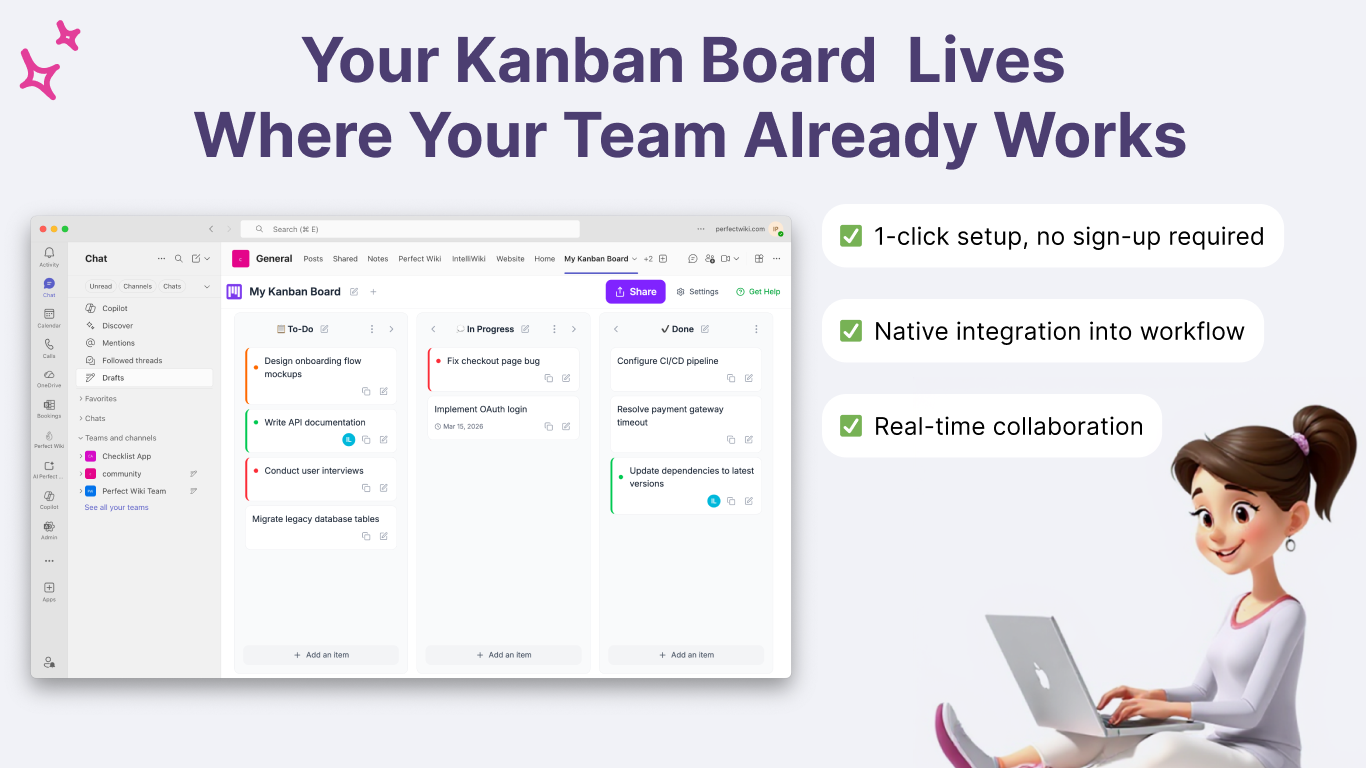
- Instant Setup: Start using the app immediately - no sign-up required.
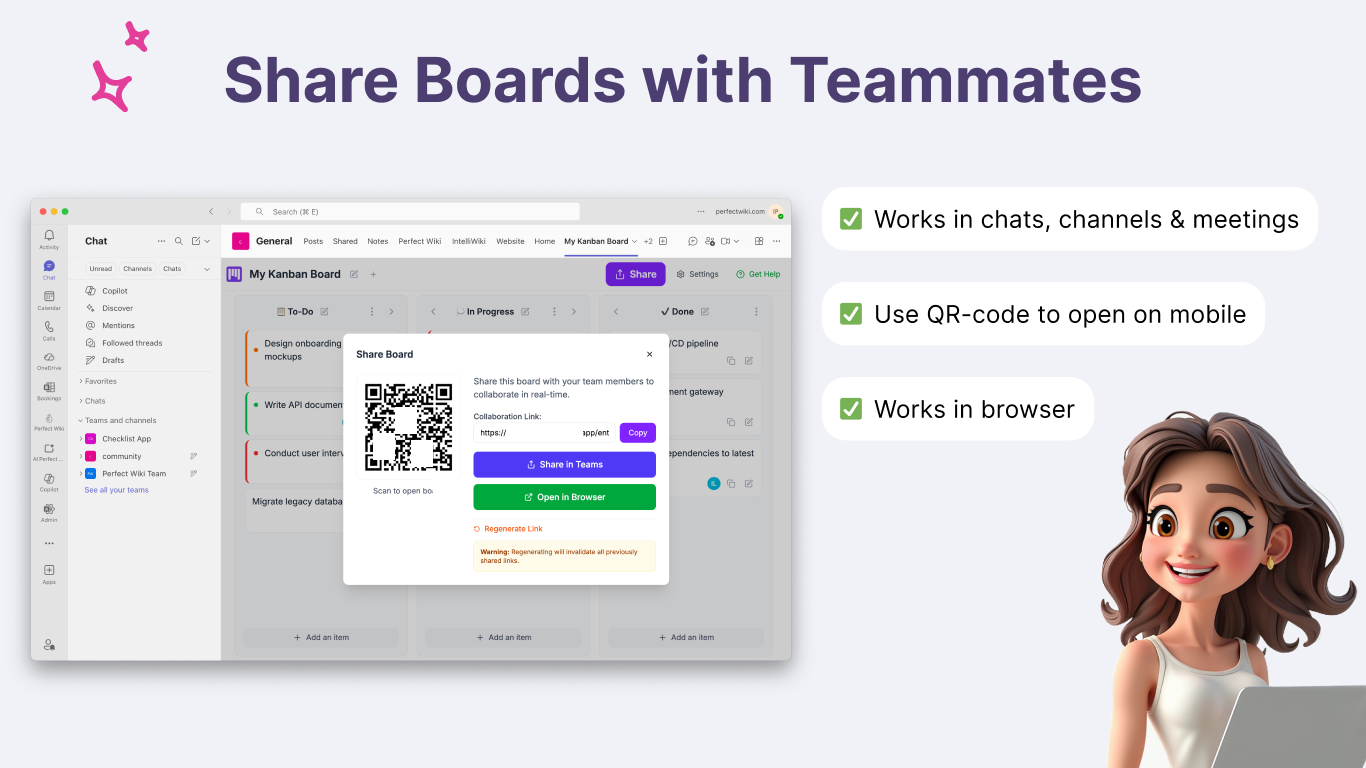
- Share Boards Anywhere: Easily share Kanban boards in channels, chats, or meetings.
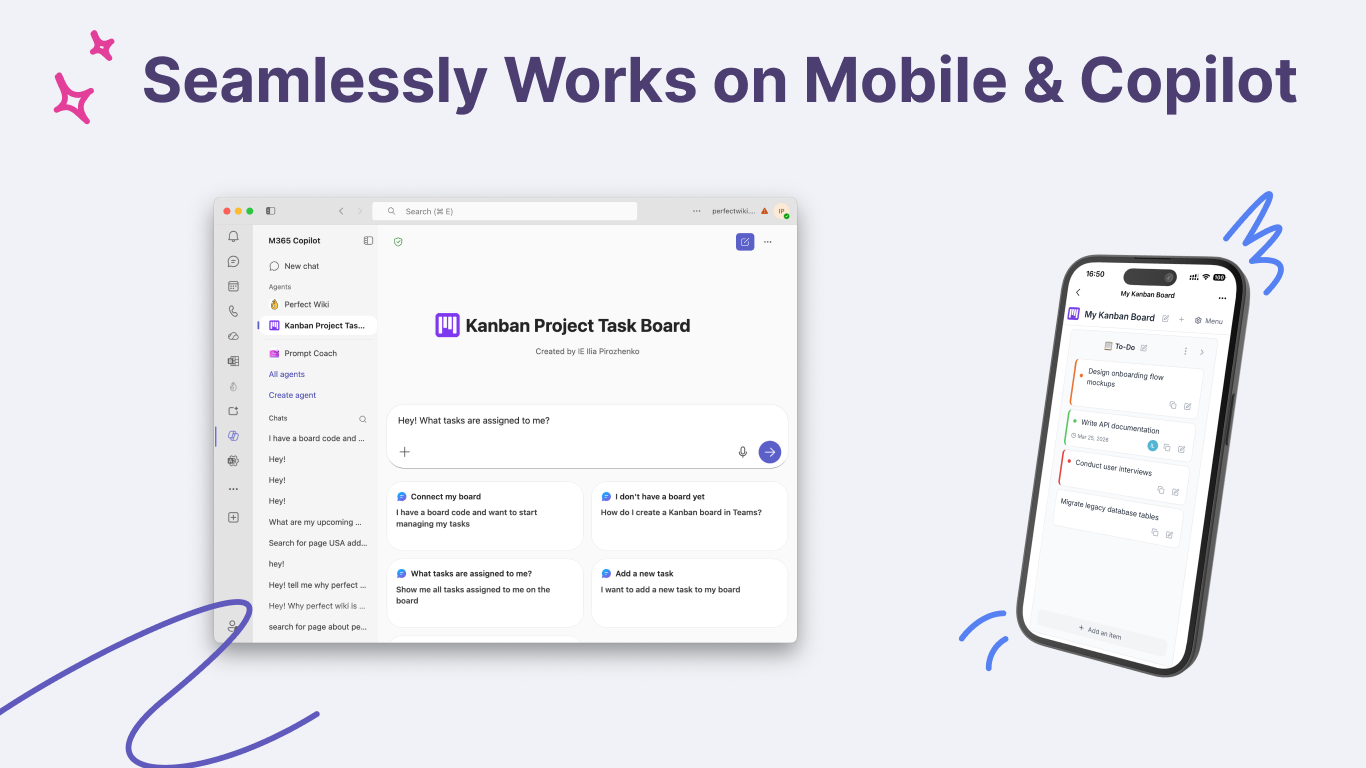
- Drag and Drop: Move cards across columns to update task status and prioritize work effortlessly.
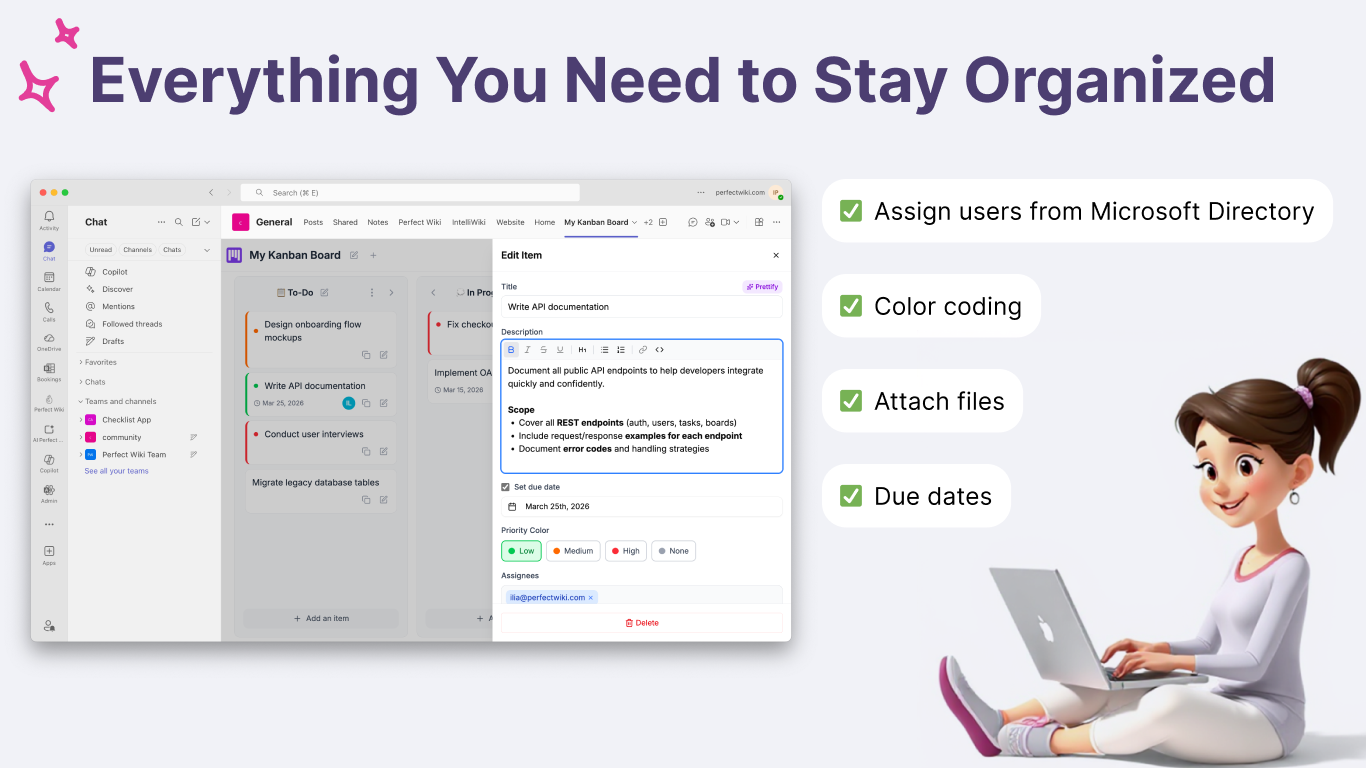
- Directory Integration: Assign tasks directly to team members from your Microsoft Teams directory.
- Customizable Columns: Define your own workflow stages to match your team's unique process.
- File Attachments: Attach files directly to task cards to keep everything in one place.
- Due Dates & Tracking: Set due dates and track progress directly within each task card.
- Team Branding: Customize boards with your team colors and themes.
- Real-Time Collaboration: Update and manage tasks together in real time during meetings or async.
Enjoy our free version, which offers essential board creation and collaboration. Upgrade to our premium version for unlimited boards, cards, and file attachments.
For assistance with setup and more information on premium features, please visit our website or reach out to us via our contact form. If you need more information, come across any objectionable AI-generated content, or have any questions at all, please reach out to us via our contact form.
Preview
5 images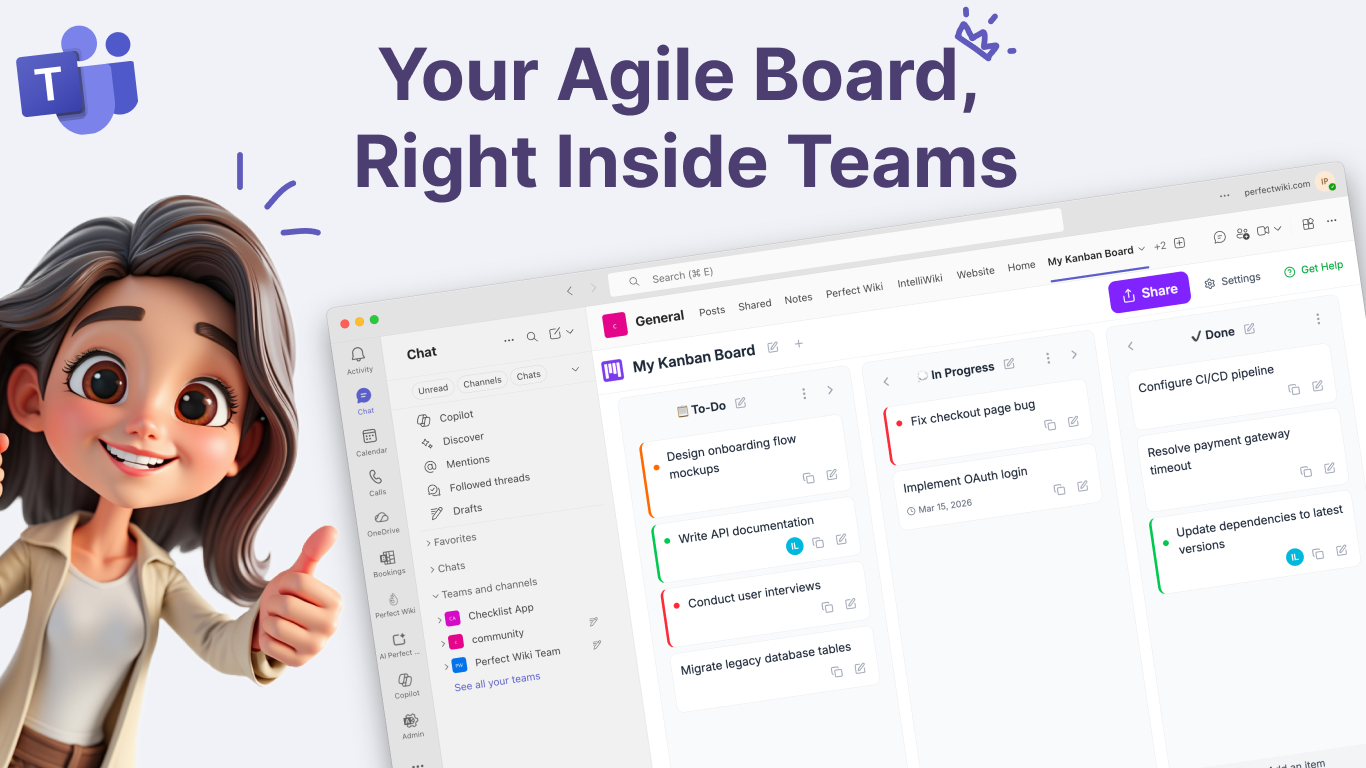
Agent build and provenance
See the full provenance
The layer-by-layer build, the evidence behind each claim, the risk basis and the cross-marketplace links are open to any account. Some rows are disclosed, some the source leaves Unknown; a free account shows you which.
Compliance
- FedRAMPConfirmedNot listed90%, registry-checkedNo FedRAMP Marketplace entry matched this vendor's domain, checked 2026-08-27registry recordas observed 2026-08-27
Confirmed means matched to a public authoritative registry. Claimed means the vendor or its listing states it, not yet cross-checked. A framework not shown was not found in any source we hold, which is not evidence against it. Not listed means a scoped registry check found no match for this vendor's domain: a No is a scoped registry check, not a compliance judgment. Confidence bands: 95% domain-verified, 90% registry-checked, 80% self-attested, 70% weak signal. Self-attested items marked “vendor's site” are gathered from the vendor's own website and are not verified by us.
Sources
Publisher resources
2 linksLinked repositories
Unknown means this listing does not publish a repository. It is not a statement that the code is closed, and a linked repository is not a claim that the publisher wrote it: the registry computes that relationship privately and does not publish it.
Evidence risk is the share of the build you cannot see before you deploy, not a security rating. Sign in to see the layer-by-layer basis for this band.