

Waldo Desk & Parking Booking
Moffi · Operations & Productivity
Certification per Microsoft Marketplace.
Evidence tier Publisher Attested · 9 captures on record
What the publisher says
As described on Microsoft Marketplace.
The hybrid work model is the new dream for many companies. But making it a reality is the challenge. It’s hard to constantly track who is where, which spaces are being underutilized, and to manage occupancy thresholds. Companies need to strike a balance between WFH and the office. To achieve this, they need the right tools.
Waldo is a flex office occupancy management, team tracking and parking reservation / desk booking tool for Microsoft Teams, Outlook, Microsoft 365 and Microsoft 365 Copilot.
Show the rest of the publisher’s description (12 more lines)
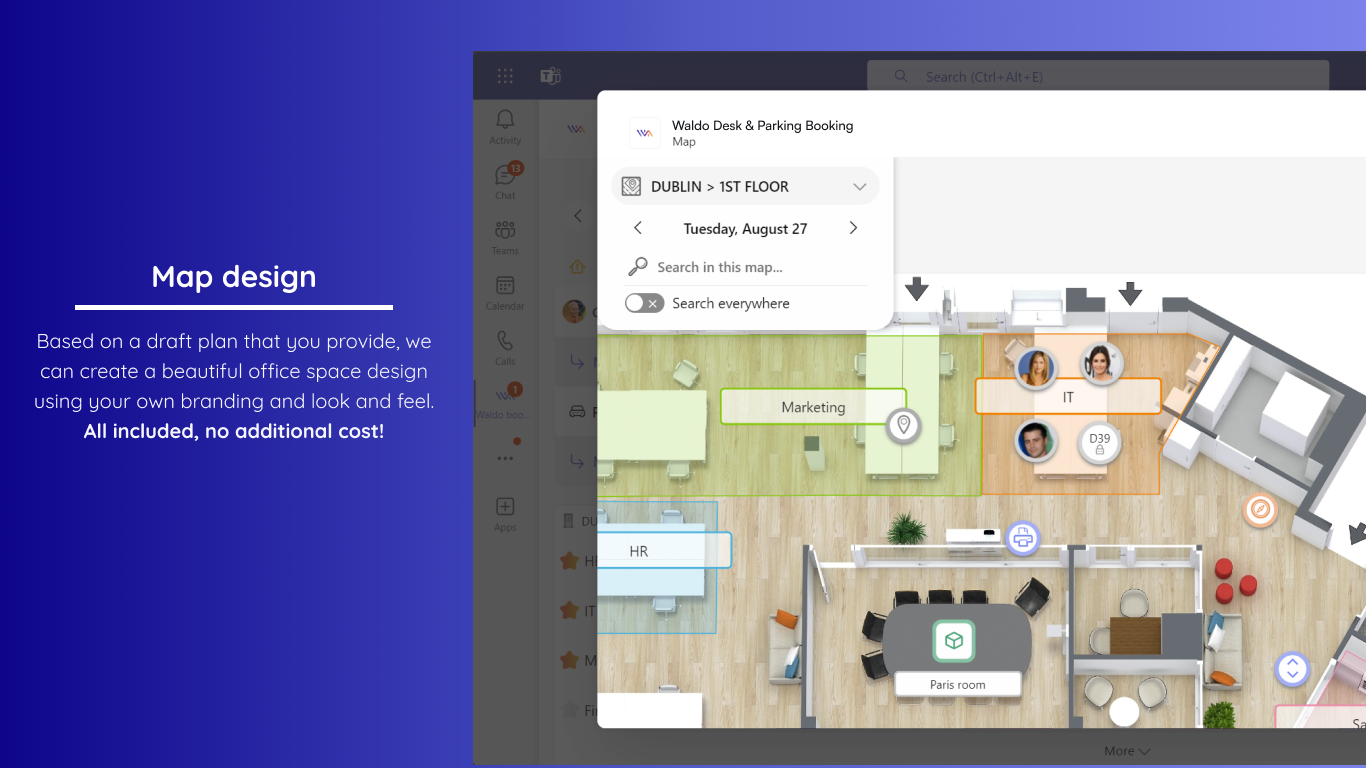
Waldo helps companies optimize their space, making the workplace more pleasant and collaborative for everyone.
How it works
👉 Waldo tells you where your teammates are so you can decide the best place to work, whether at home or at the office.
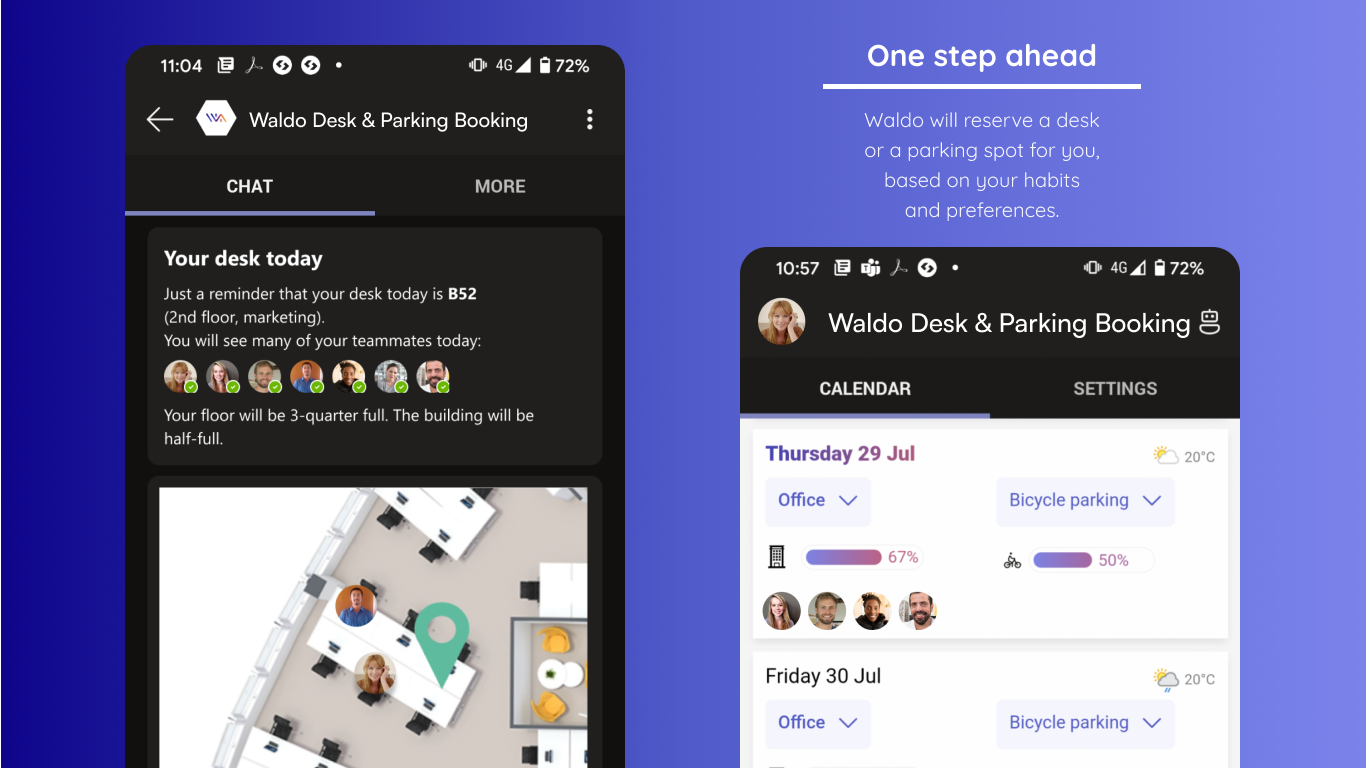
👉 Waldo anticipates your next move by booking a desk and parking space for you based on your habits and preferences.
👉 With the Waldo PowerBI connector, you can create the reports you need with the look and feel you like.
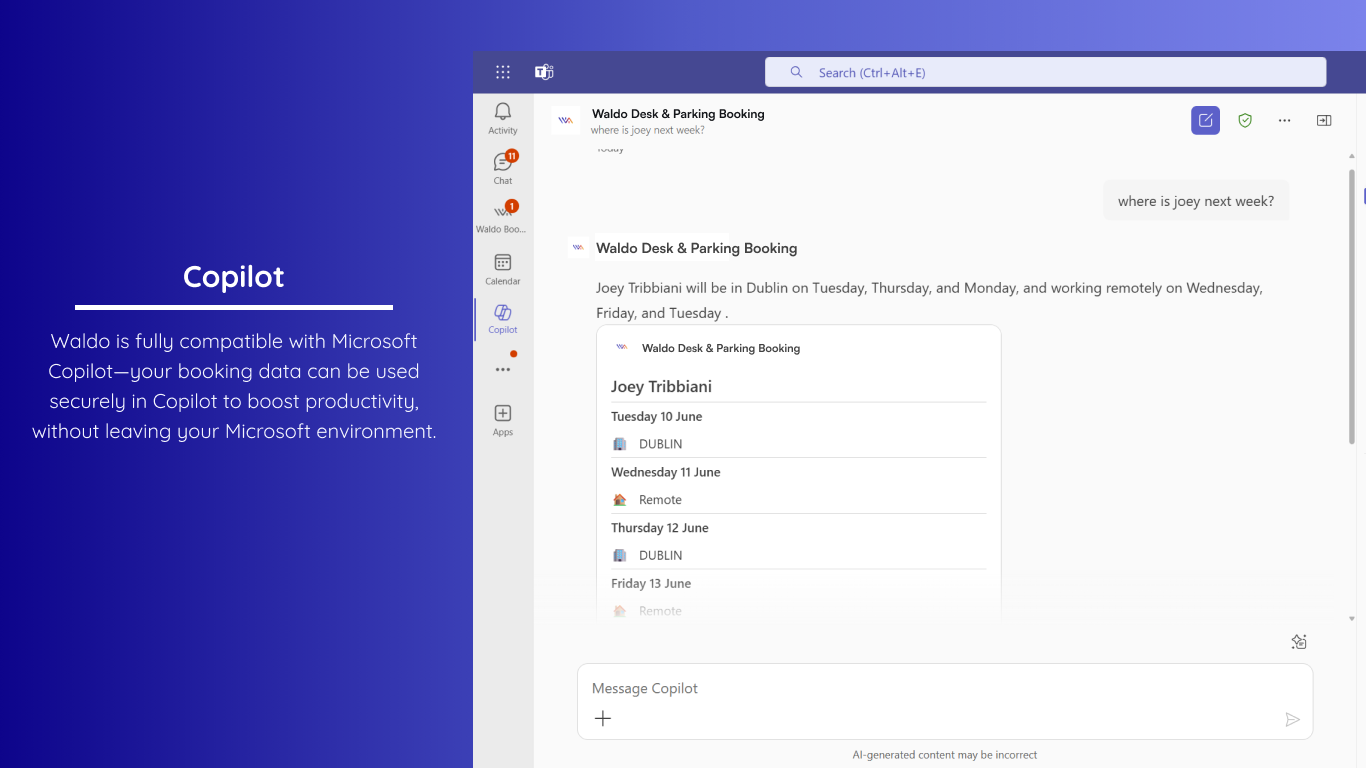
👉 With Copilot, simply ask "Ask Waldo where Emma is today"
Easy to deploy
👉 Waldo is fully integrated with Microsoft Teams. There’s no need for users to adapt to a new tool or provide duplicate info.
👉 Waldo’s administration is fully based on Microsoft 365. There’s no need to synchronize data, create new groups, etc. Just use what you already have.
👉 It takes zero clicks to install Waldo. Once deployed, Waldo will automatically appear in each user’s Microsoft Teams account.
Review the different plan and pricing to fit your needs and click on Get It Now to add Waldo to your Microsoft Teams. You can start booking your desk or parking with the free version or the complete version.
If you wish to attend a Waldo demonstration, you can also contact us at https://hellowaldo.app/contact-us
Preview
4 images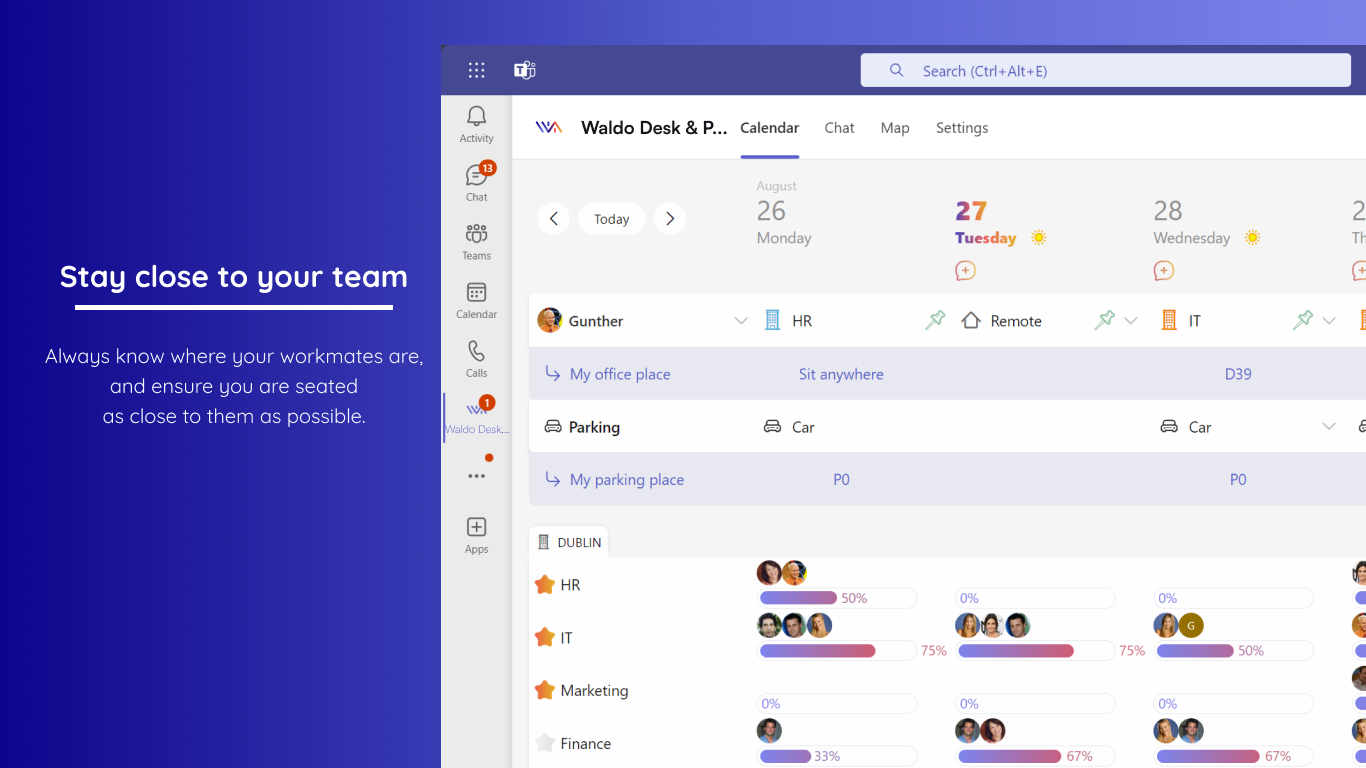
Agent build and provenance
See the full provenance
The layer-by-layer build, the evidence behind each claim, the risk basis and the cross-marketplace links are open to any account. Some rows are disclosed, some the source leaves Unknown; a free account shows you which.
Compliance
- FedRAMPConfirmedNot listed90%, registry-checkedNo FedRAMP Marketplace entry matched this vendor's domain, checked 2026-08-27registry recordas observed 2026-08-27
Confirmed means matched to a public authoritative registry. Claimed means the vendor or its listing states it, not yet cross-checked. A framework not shown was not found in any source we hold, which is not evidence against it. Not listed means a scoped registry check found no match for this vendor's domain: a No is a scoped registry check, not a compliance judgment. Confidence bands: 95% domain-verified, 90% registry-checked, 80% self-attested, 70% weak signal. Self-attested items marked “vendor's site” are gathered from the vendor's own website and are not verified by us.
Vendor
External enrichment
Sources
Publisher resources
2 linksLinked repositories
Unknown means this listing does not publish a repository. It is not a statement that the code is closed, and a linked repository is not a claim that the publisher wrote it: the registry computes that relationship privately and does not publish it.
Evidence risk is the share of the build you cannot see before you deploy, not a security rating. Sign in to see the layer-by-layer basis for this band.