

Confluence Cloud
Atlassian.com · Operations & Productivity
Certification per Microsoft Marketplace.
Evidence tier Publisher Attested · 9 captures on record
What the publisher says
As described on Microsoft Marketplace.
Confluence is the dynamic, remote-friendly team workspace where knowledge and collaboration seamlessly converge. It's the ultimate hub for your team's collective wisdom and project brilliance. Whether you're creating, organizing, searching, or sharing content, Confluence empowers you to work harmoniously from anywhere on the globe.
Why Choose Confluence for Microsoft Teams
Show the rest of the publisher’s description (37 more lines)
Elevate your collaboration game with the Confluence Cloud app, seamlessly blending conversation within Microsoft Teams with the collaborative prowess and adaptive organization of Confluence.
Discover a world of features and benefits that enhance your teamwork:
Access Information in a Flash:
- Add Confluence pages as tabs to any channel, effortlessly view, edit, and comment on content right from Teams.
*
Customize Confluence notifications in Teams to stay in the loop about updates to pages and spaces you're connected to.
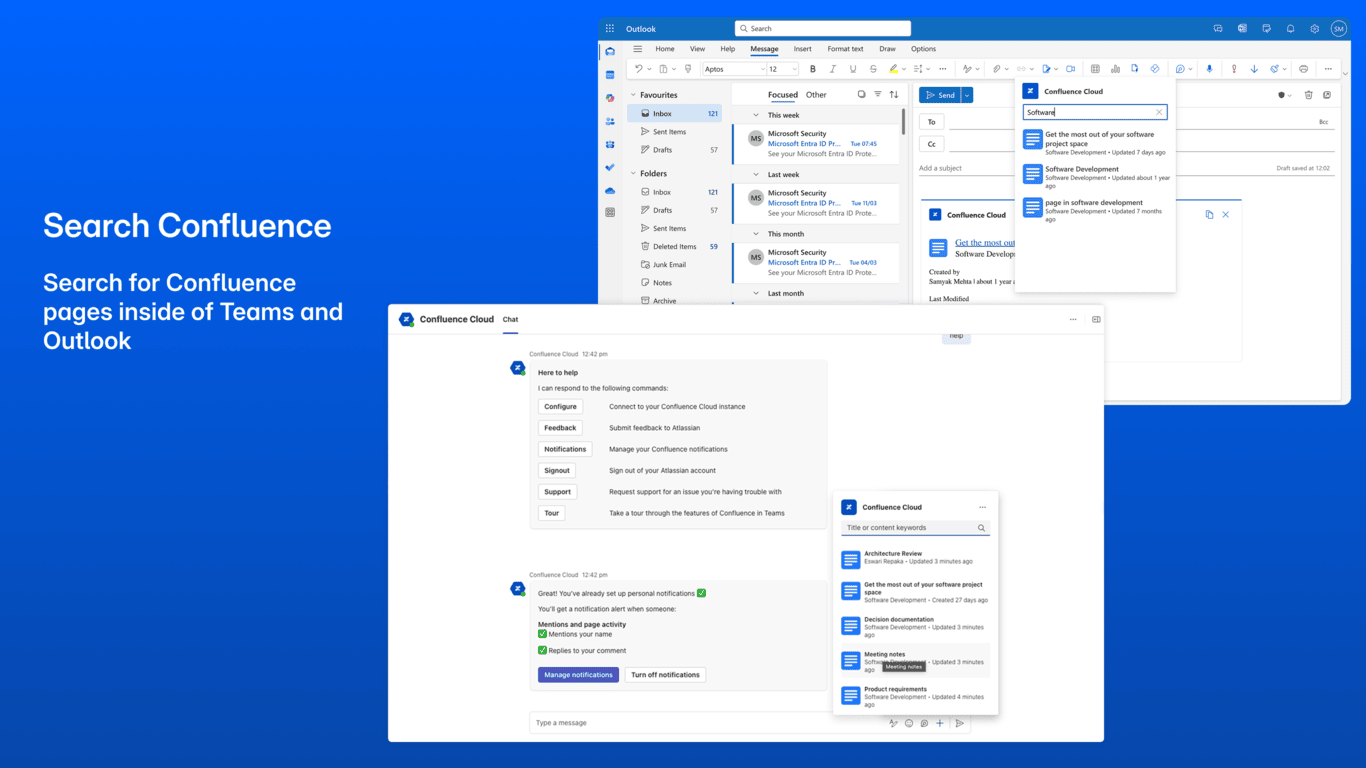
- Search and share Confluence pages from the Teams chat messaging extension.
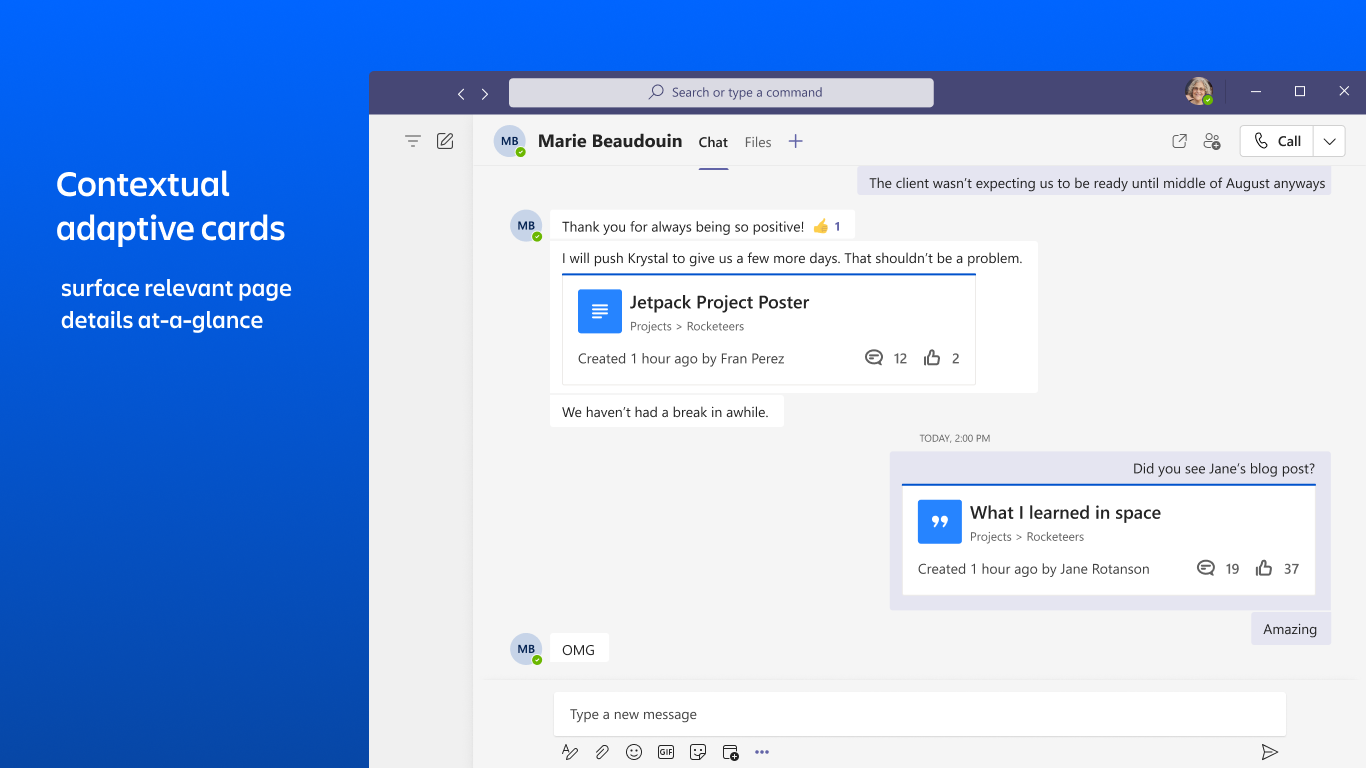
- Adaptive link cards provide a quick overview of relevant page details.
Effortless Documentation and Sharing:
*
When notes are published to Confluence, meeting attendees are identified, notes are automatically formatted, and action items are seamlessly organized.
- Instantly access shared meeting notes within the Teams chat using a post-meeting adaptive card.
Streamlined Organization:
*
Meeting notes are automatically sorted by time and date, creating a tidy 'Microsoft Teams Notes' page
tree in Confluence.
More Productive meetings
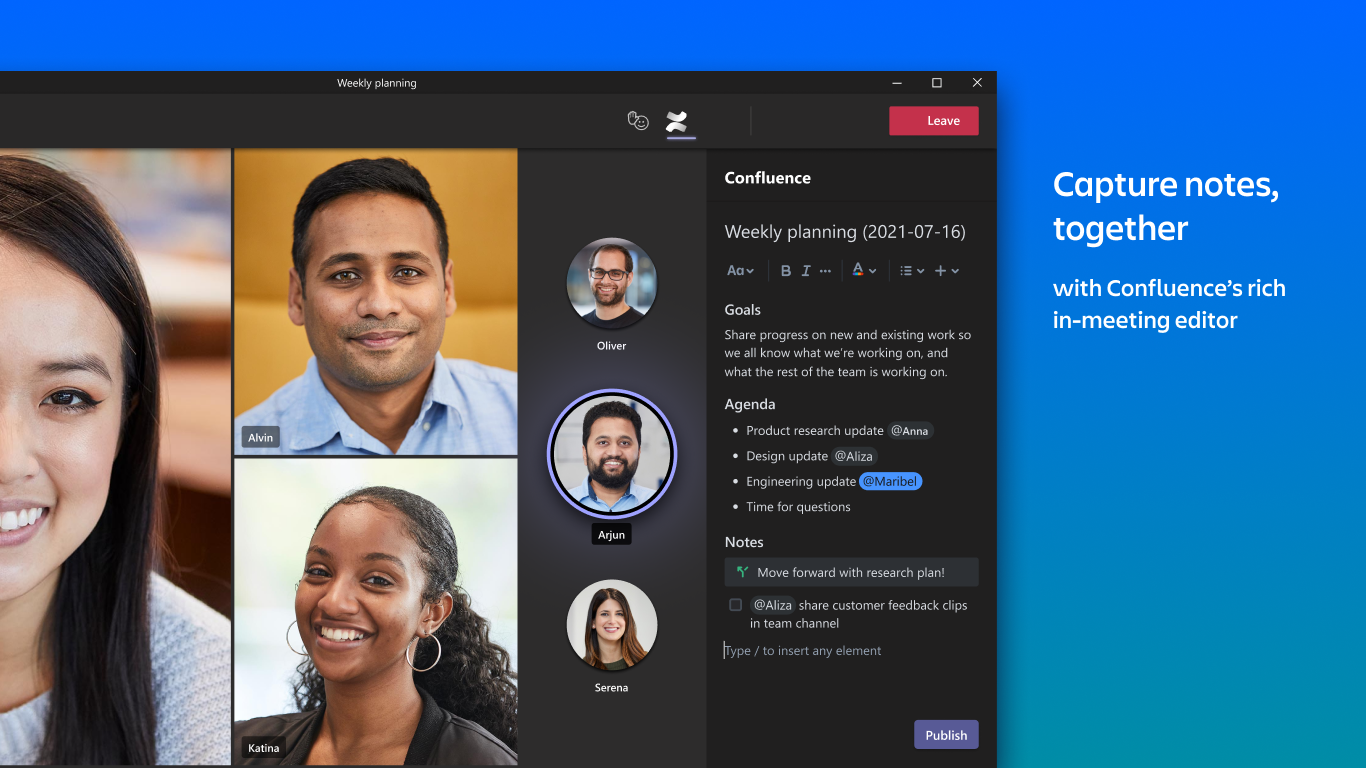
- Collaborate as a team with a Confluence notes panel right within your Teams meeting window.
- Create, edit, and publish content to any Confluence space without leaving your Teams meeting.
*
Harness the power of Confluence macros to make notes more digestible and actionable, with options like action items, decisions, code snippets, mentions, tables, and more.
Unleash a seamless, interconnected flow of information within your team by merging the ultimate productivity hub, Teams, with Confluence, your remote-friendly team workspace.
What's New
- Search for pages and effortlessly share them via email, right from Microsoft Outlook.
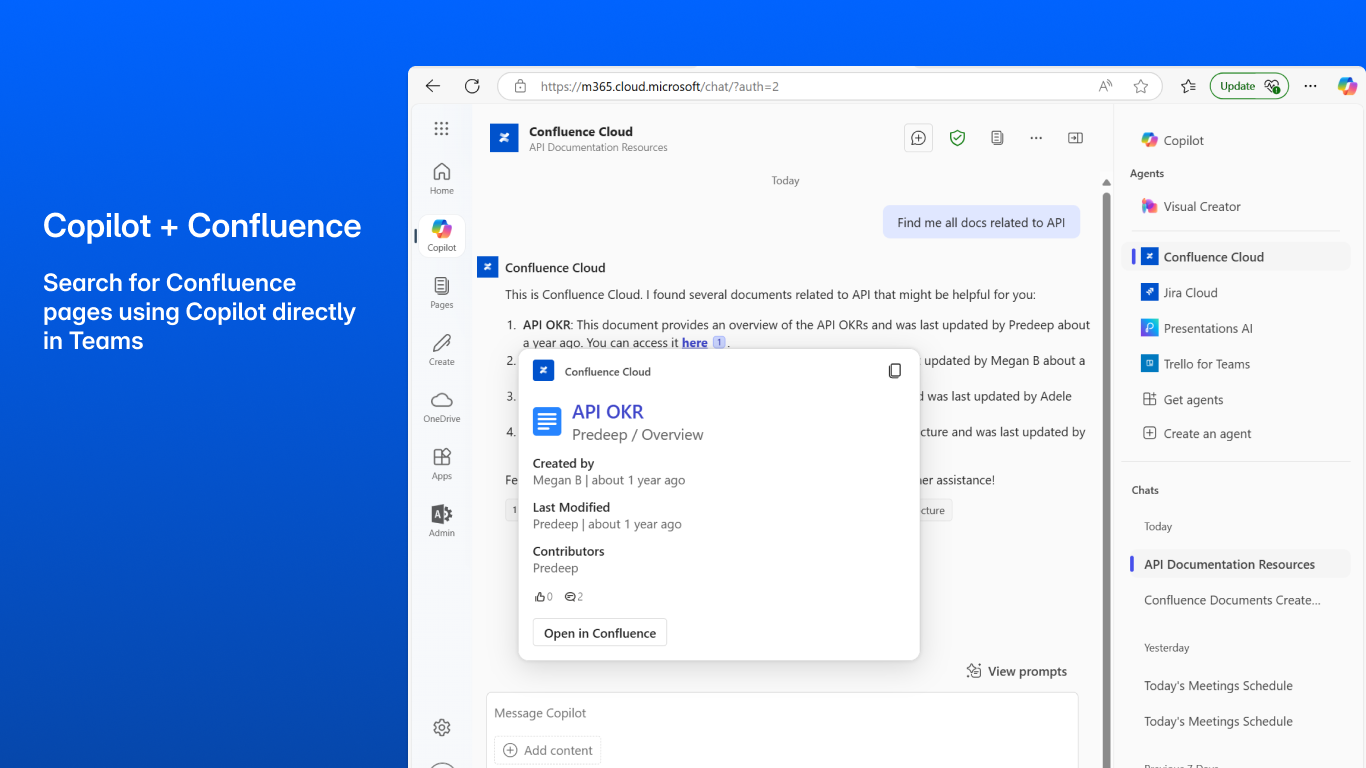
- Retrieve and view Confluence pages using Microsoft 365 Copilot. Simply start by saying, 'Fetch Confluence pages updated by me'.
- Supercharge your workflows with Atlassian Intelligence in Confluence. Take the help of AI to create content and get insights.
Availability
To harness the full potential of Confluence for Microsoft Teams, ensure you have an active Confluence account. Be sure to have your administrator enable the Confluence app for your Microsoft Teams account.
Add-in Capabilities
When this add-in is used, it
- Can send data over the Internet.
- This add-in can access personal information on the active message, such as phone numbers, postal addresses, or URLs. The add-in may send this data to a third-party service. Other items in your mailbox can’t be read or modified.
New to Confluence?
Sign up for free
Additional resources
Documentation
See all Atlassian + Microsoft Teams integrations
Preview
5 images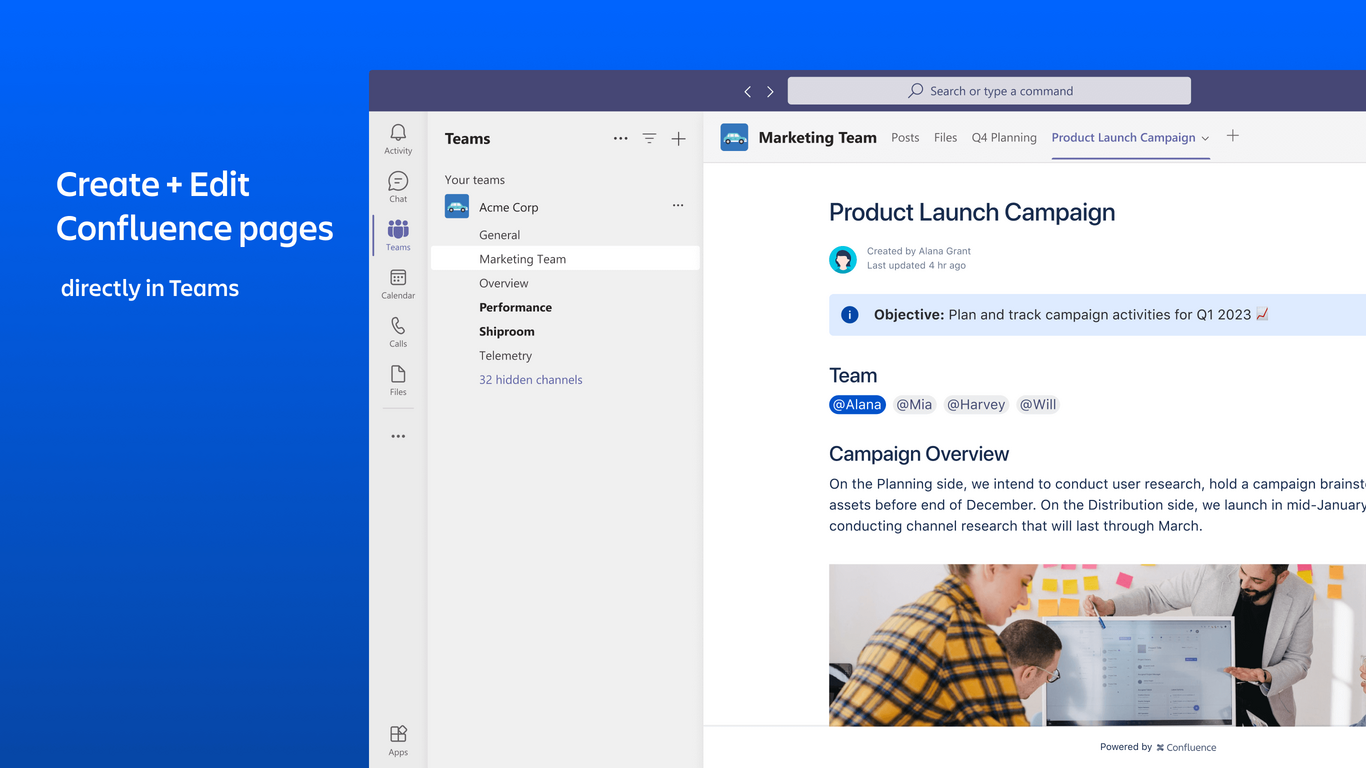
Agent build and provenance
See the full provenance
The layer-by-layer build, the evidence behind each claim, the risk basis and the cross-marketplace links are open to any account. Some rows are disclosed, some the source leaves Unknown; a free account shows you which.
Compliance
- FedRAMP AuthorizedConfirmed95%, domain-verifiedAtlassian Government Cloud is FedRAMP Authorized at Moderate impact (domain match)FedRAMP Marketplaceregistry recordas observed 2026-08-27
- CSA STARClaimed80%, self-attestedself-attested on the marketplaceas observed 2026-08-25
- ISO/IEC 27001Claimed80%, self-attestedself-attested on the marketplaceas observed 2026-08-25
- SOC 2Claimed80%, self-attestedself-attested on the marketplaceas observed 2026-08-25
- SOC 3Claimed80%, self-attestedself-attested on the marketplaceas observed 2026-08-25
- ISO/IEC 27018Claimed80%, self-attestedself-attested on the marketplaceas observed 2026-08-25
- SOXClaimed80%, self-attestedself-attested on the marketplaceas observed 2026-08-25
Confirmed means matched to a public authoritative registry. Claimed means the vendor or its listing states it, not yet cross-checked. A framework not shown was not found in any source we hold, which is not evidence against it. Not listed means a scoped registry check found no match for this vendor's domain: a No is a scoped registry check, not a compliance judgment. Confidence bands: 95% domain-verified, 90% registry-checked, 80% self-attested, 70% weak signal. Self-attested items marked “vendor's site” are gathered from the vendor's own website and are not verified by us.
Vendor
External enrichment
Sources
Publisher resources
2 linksLinked repositories
Unknown means this listing does not publish a repository. It is not a statement that the code is closed, and a linked repository is not a claim that the publisher wrote it: the registry computes that relationship privately and does not publish it.
Evidence risk is the share of the build you cannot see before you deploy, not a security rating. Sign in to see the layer-by-layer basis for this band.