

Evidence tier Publisher Attested · 10 captures on record
What the publisher says
As described on Microsoft Marketplace.
Seeing is How™ teams get to outcomes faster
Mural puts visual thinking and AI-powered facilitation directly where work happens. Whether the task is running a brainstorm, aligning a distributed team, or synthesizing a complex strategy, Mural transforms collaboration into structured, outcome-driven sessions within Microsoft Teams, Outlook, and Microsoft 365.
Show the rest of the publisher’s description (22 more lines)
Mural's intuitive workspace and AI-powered tools bring teams into alignment instantly – helping you move from concept to outcome with speed and clarity. Automatically cluster sticky notes by topic, discover new directions on-the-fly with generative mind maps, create concise summaries to synthesize ideas, and much more.
Mural is enterprise-grade, with rigorous security, reliability, compliance, and privacy measures, combined with advanced security and administrative controls – meeting the most stringent IT and regulatory requirements.
With Mural and Microsoft, teams spend less time organizing information and more time acting on it. The shared visual canvas gives everyone a space to contribute, prioritize, and align so that decisions happen faster and work moves forward.
Agents for Microsoft 365 Copilot
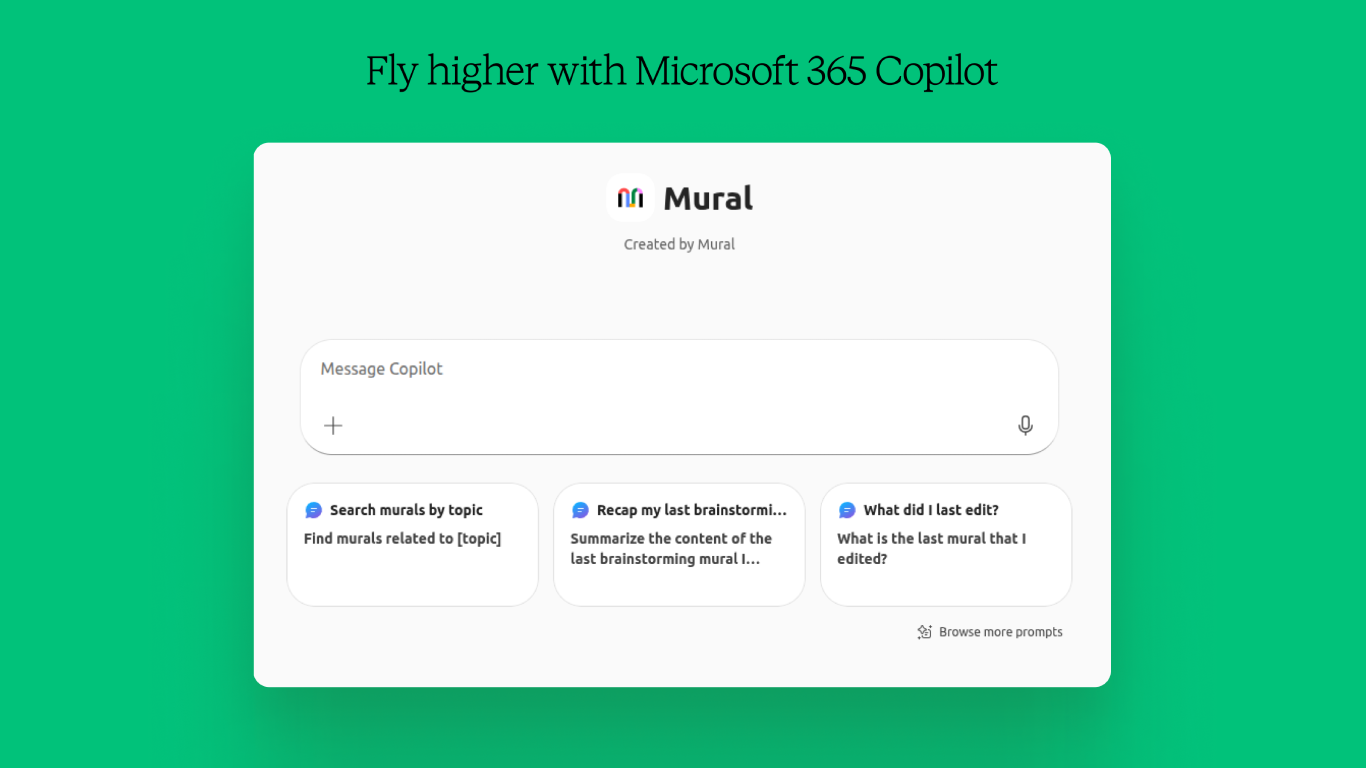
- Use Mural in Microsoft 365 Copilot to search your murals and templates. Sample prompt: Find the retrospective mural I created last week.
Microsoft Teams meeting integration
- Collaborate on a mural in real-time during a Teams video meeting to increase inclusivity, engagement, and creativity with your team.
Microsoft Teams custom tab integration
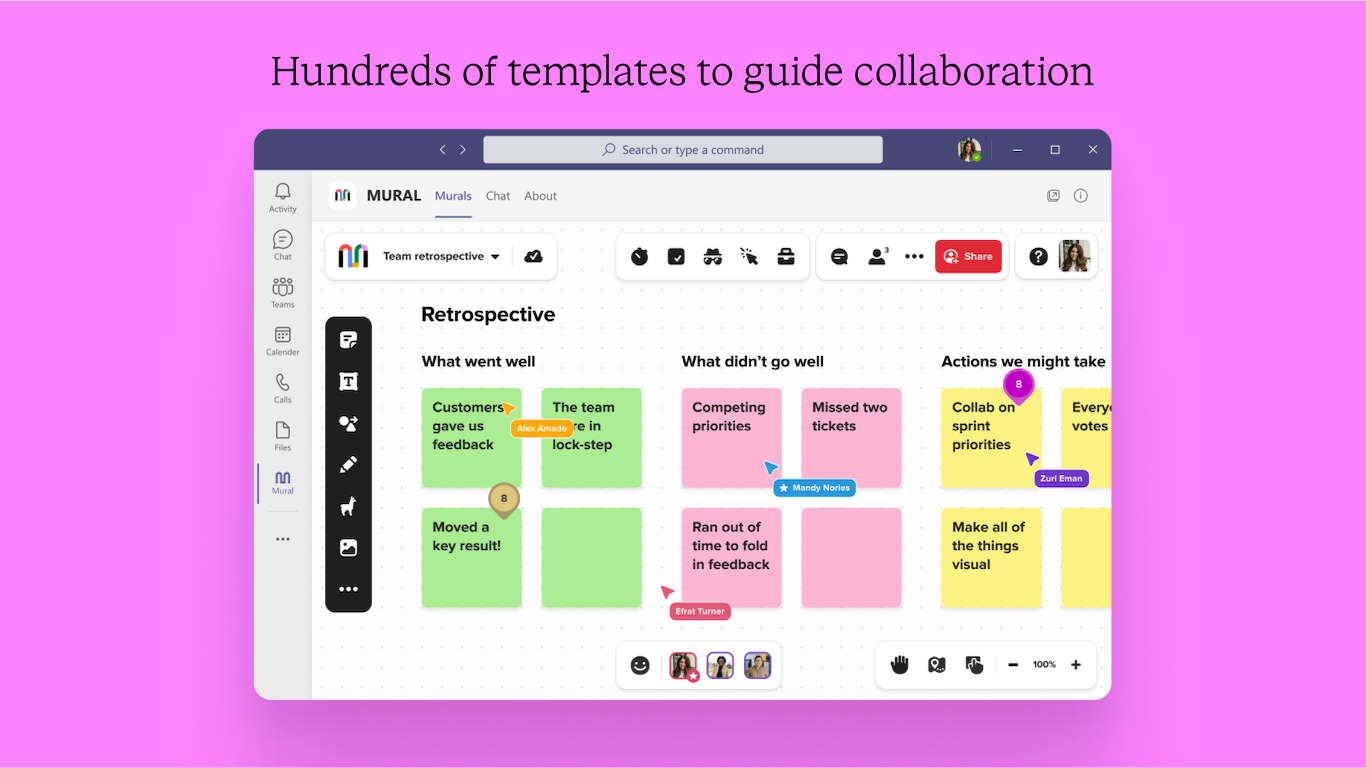
- Embed a mural as a tab to any chat or channel in Teams where you can collaborate visually, and simply reference or return to the mural to keep collaboration going.
Microsoft Teams meeting invitation integration
- Pin a mural to any Teams calendar meeting invite to share information ahead of time or easily find the right mural for a recurring meeting.
Microsoft Teams notifications bot
- The Mural bot will send you relevant notifications in Teams: if someone mentions you or invites you to a mural, the Mural bot will let you know by sending you a private chat message.
Microsoft Teams personal app integration
- In the personal app, access and work on any mural just as you would in the Mural web app, right within Teams.
Microsoft Teams messaging extension
- Add Mural templates to all of your projects, meetings and workshops. Search, share, and create murals from templates directly in Teams.
Personal app integration in Microsoft Outlook and Microsoft 365
- In the personal app, access and work on any mural just as you would in the Mural web app, right within Outlook and Microsoft 365.
Messaging extension in Microsoft Outlook
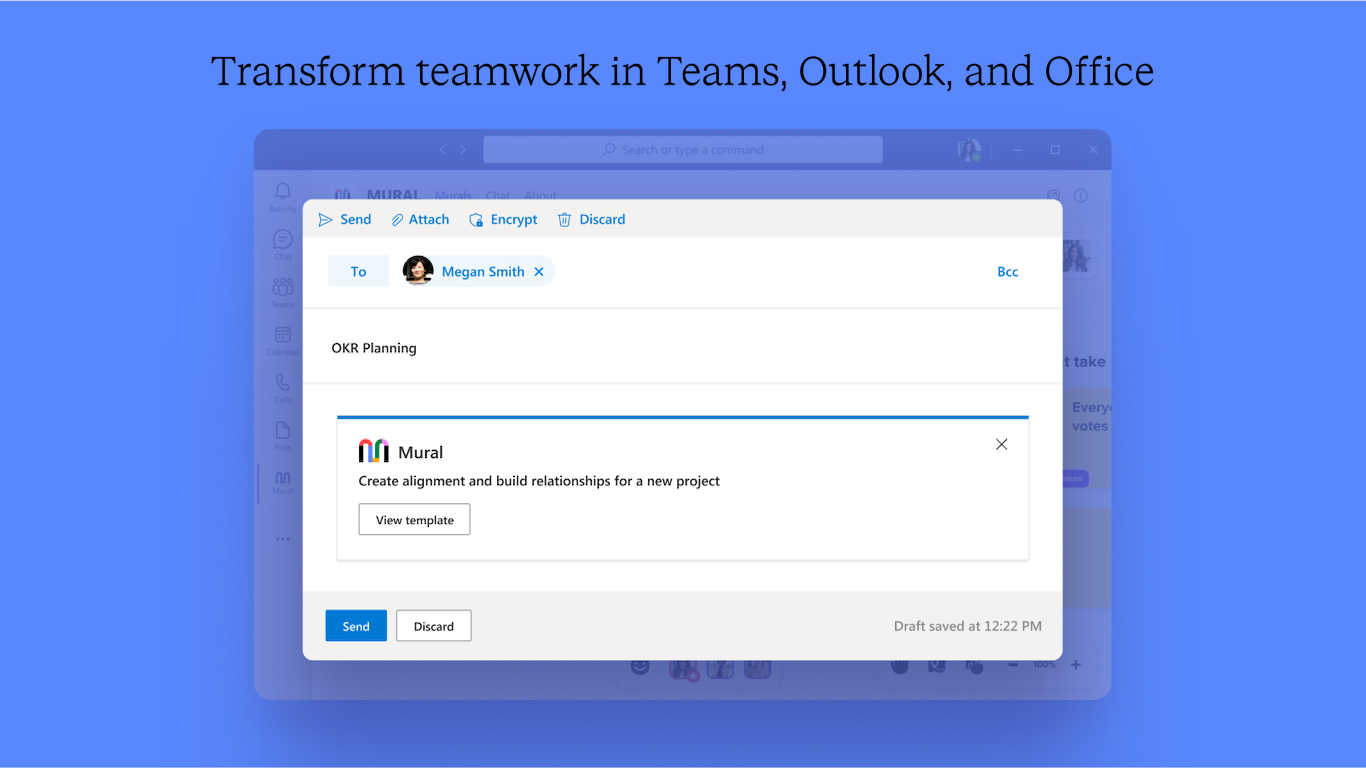
- Add Mural templates to email communications. Search for, and share templates directly in Outlook by using the Mural messaging extension.
NOTE: In order to use this app, you need to be a member of Mural. Get started for free (https://mural.co/)
Preview
5 images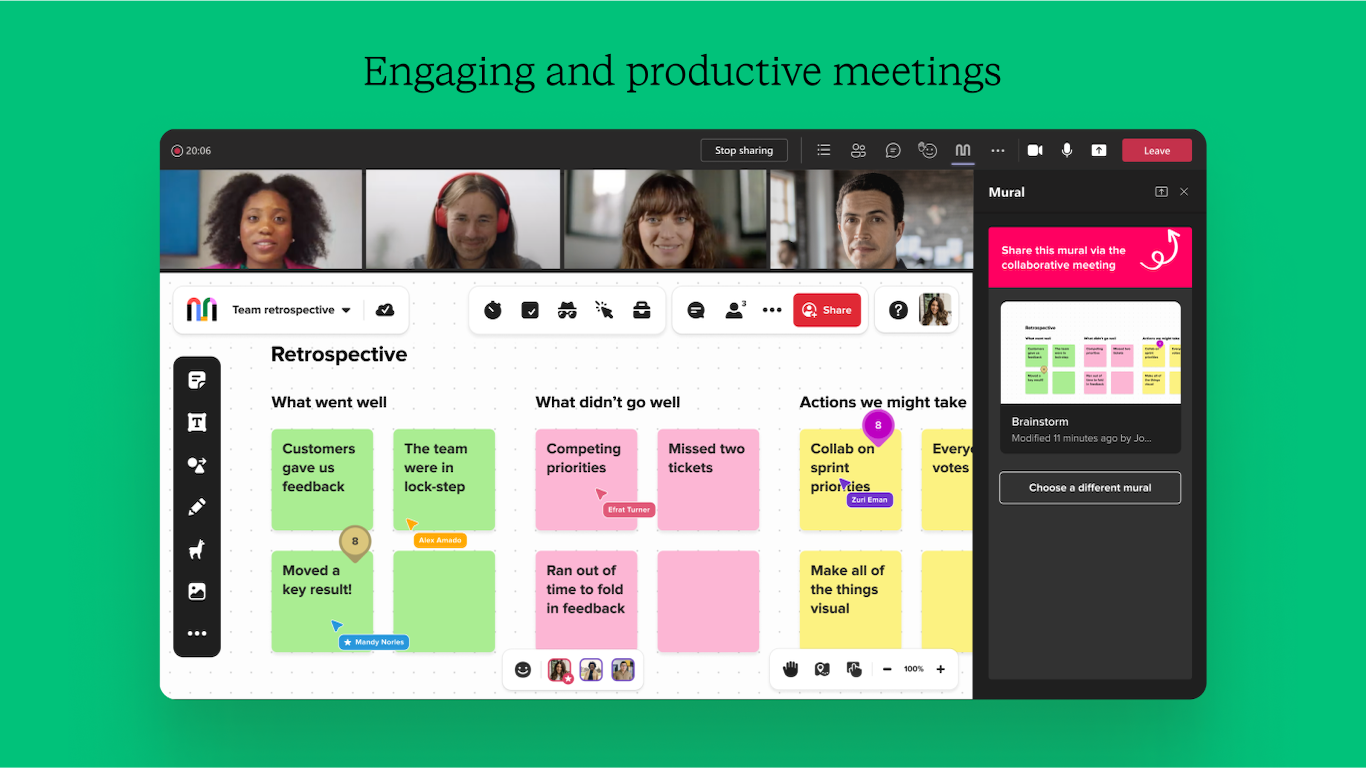
Agent build and provenance
See the full provenance
The layer-by-layer build, the evidence behind each claim, the risk basis and the cross-marketplace links are open to any account. Some rows are disclosed, some the source leaves Unknown; a free account shows you which.
Compliance
- FedRAMPConfirmedNot listed90%, registry-checkedNo FedRAMP Marketplace entry matched this vendor's domain, checked 2026-08-27registry recordas observed 2026-08-27
- CSA STARClaimed80%, self-attestedself-attested on the marketplaceas observed 2026-08-25
- ISO/IEC 27001Claimed80%, self-attestedself-attested on the marketplaceas observed 2026-08-25
- ISO/IEC 27002Claimed80%, self-attestedself-attested on the marketplaceas observed 2026-08-25
- SOC 2Claimed80%, self-attestedself-attested on the marketplaceas observed 2026-08-25
- SOC 3Claimed80%, self-attestedself-attested on the marketplaceas observed 2026-08-25
- GDPRClaimed80%, self-attestedself-attested on the marketplaceas observed 2026-08-15
Confirmed means matched to a public authoritative registry. Claimed means the vendor or its listing states it, not yet cross-checked. A framework not shown was not found in any source we hold, which is not evidence against it. Not listed means a scoped registry check found no match for this vendor's domain: a No is a scoped registry check, not a compliance judgment. Confidence bands: 95% domain-verified, 90% registry-checked, 80% self-attested, 70% weak signal. Self-attested items marked “vendor's site” are gathered from the vendor's own website and are not verified by us.
Vendor
External enrichment
Sources
Publisher resources
2 linksLinked repositories
Unknown means this listing does not publish a repository. It is not a statement that the code is closed, and a linked repository is not a claim that the publisher wrote it: the registry computes that relationship privately and does not publish it.
Evidence risk is the share of the build you cannot see before you deploy, not a security rating. Sign in to see the layer-by-layer basis for this band.