

PDF to XML Converter
HubBroker ApS · Logistics & Supply Chain
Certification per Microsoft Marketplace.
Evidence tier Source Confirmed · 8 captures on record
What the publisher says
As described on Microsoft Marketplace.
HubBroker’s PDF to XML solution automates the extraction and conversion of data from unstructured PDF documents such as purchase orders, invoices, and shipping notes into structured XML format. This enables seamless integration with ERP, CRM, and accounting systems without the need for manual data entry.
Key Features
Show the rest of the publisher’s description (29 more lines)
Turn unstructured PDF documents into structured, system-ready data with ease.
*
Automated Data Extraction – Capture essential fields such as order numbers, product codes, quantities, and prices from PDF files.
*
XML Conversion – Transform extracted data into clean, structured XML format for system integration.
*
ERP Integration – Directly import XML files into Microsoft Dynamics, SAP, Uniconta, and other ERP platforms.
*
Multi-Document Support – Works with invoices, purchase orders, credit notes, shipping documents, and more.
*
Smart Validation – Ensures extracted data is accurate before transmission.
*
Scalable & Flexible – Handles high volumes of PDF files with customizable mapping rules.
Benefits
Simplify document processing and eliminate manual data handling with PDF to XML automation.
*
Time Savings – Automate repetitive document entry tasks.
*
Reduced Errors – Minimize mistakes caused by manual data entry.
*
Improved Accuracy – Ensure consistent, structured data ready for ERP/eCommerce use.
*
Cost Efficiency – Cut administrative costs linked to manual processing.
*
Seamless Integration – Enable smooth workflows across ERP, CRM, and trading partner systems.
Supported Countries
*
Globally available to businesses requiring PDF automation and ERP integration.
For more on the PDF to XML, get in touch with us: Contact us or request a free demo from here.
Preview
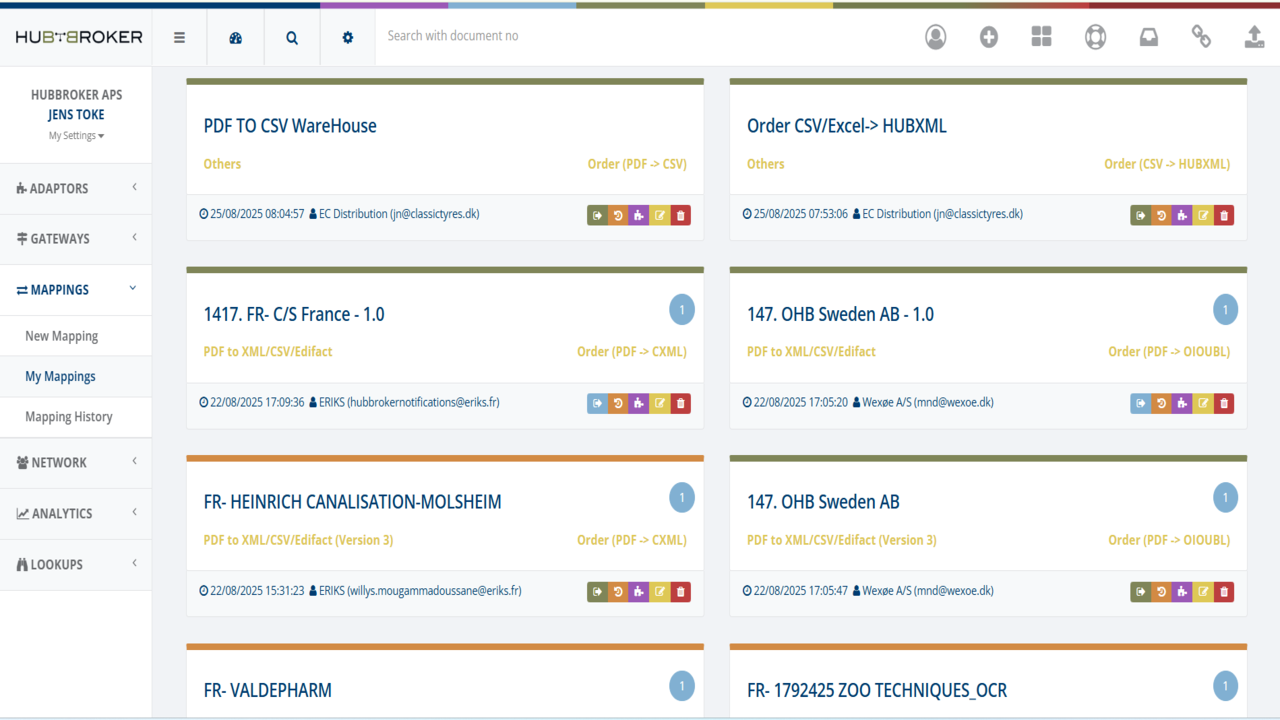
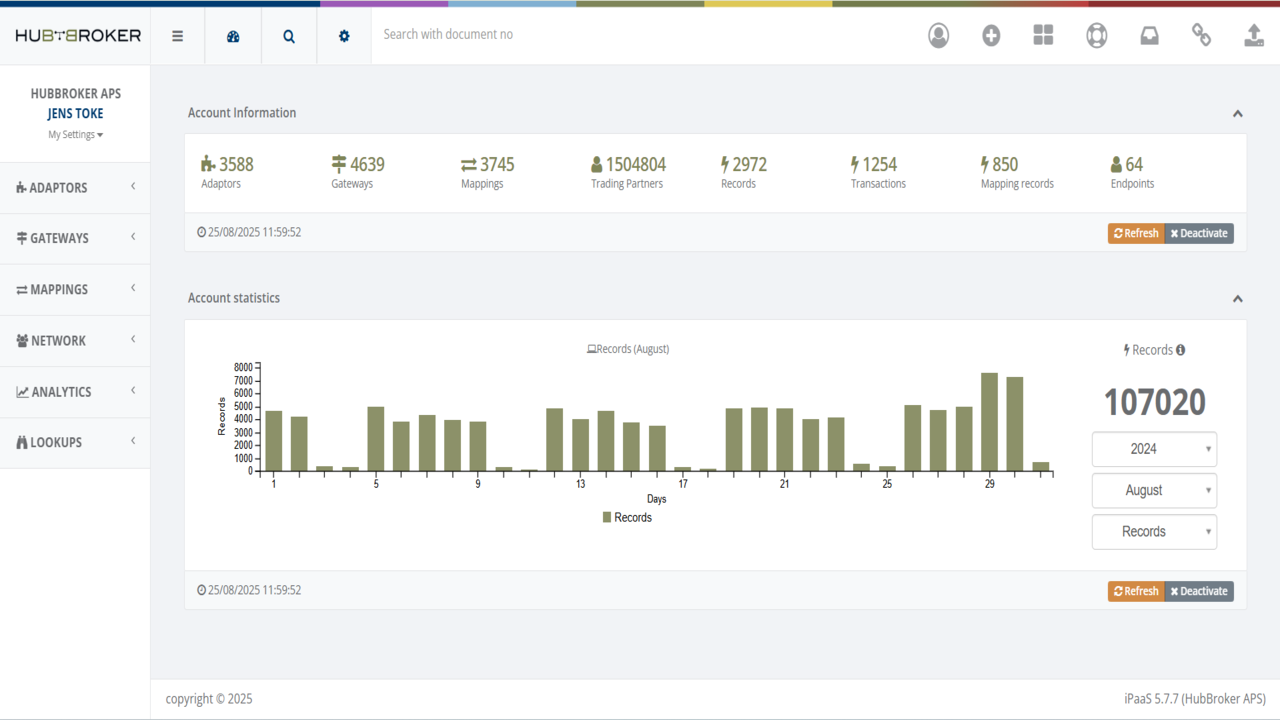
3 images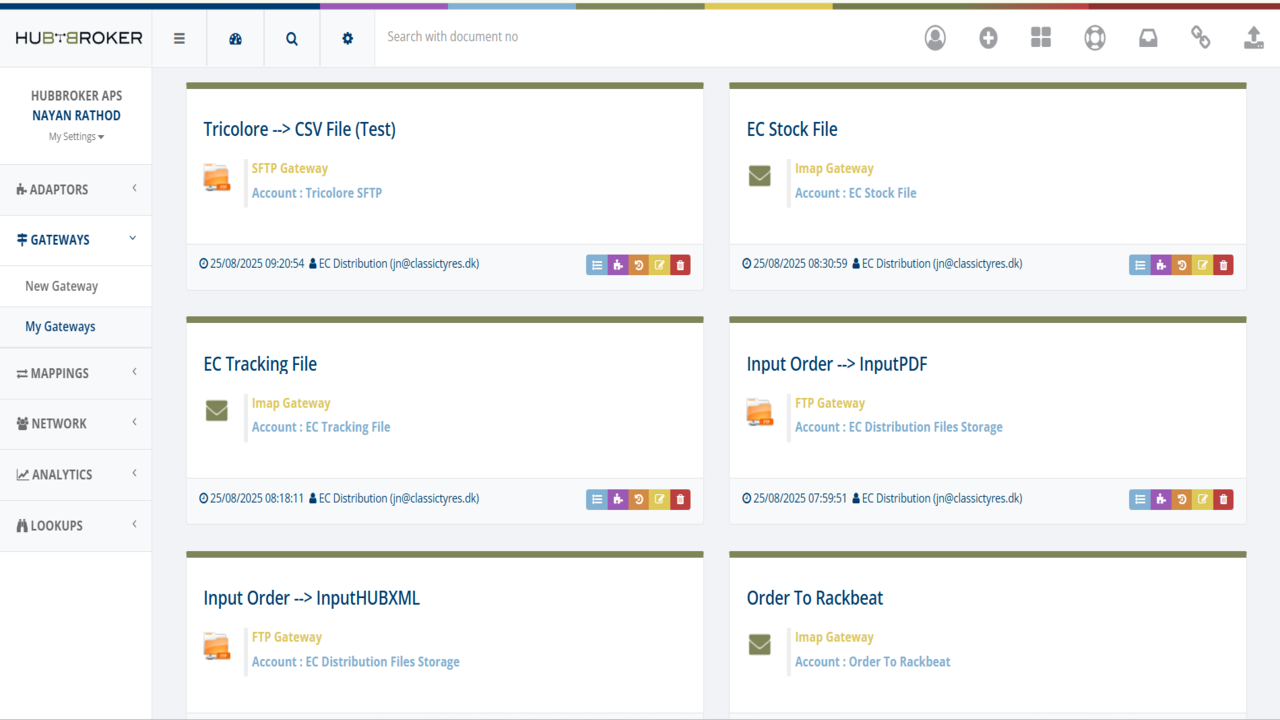
Agent build and provenance
See the full provenance
The layer-by-layer build, the evidence behind each claim, the risk basis and the cross-marketplace links are open to any account. Some rows are disclosed, some the source leaves Unknown; a free account shows you which.
Compliance
- FedRAMPConfirmedNot listed90%, registry-checkedNo FedRAMP Marketplace entry matched this vendor's domain, checked 2026-08-27registry recordas observed 2026-08-27
Confirmed means matched to a public authoritative registry. Claimed means the vendor or its listing states it, not yet cross-checked. A framework not shown was not found in any source we hold, which is not evidence against it. Not listed means a scoped registry check found no match for this vendor's domain: a No is a scoped registry check, not a compliance judgment. Confidence bands: 95% domain-verified, 90% registry-checked, 80% self-attested, 70% weak signal. Self-attested items marked “vendor's site” are gathered from the vendor's own website and are not verified by us.
Sources
Publisher resources
3 linksLinked repositories
Unknown means this listing does not publish a repository. It is not a statement that the code is closed, and a linked repository is not a claim that the publisher wrote it: the registry computes that relationship privately and does not publish it.
Evidence risk is the share of the build you cannot see before you deploy, not a security rating. Sign in to see the layer-by-layer basis for this band.