

VFFICE Boost ExpenseMaster
Vffice · Finance & Accounting
Certification per Microsoft Marketplace.
Evidence tier Source Confirmed · 7 captures on record
What the publisher says
As described on Microsoft Marketplace.
Overview
Simplify Your Expense Reporting with VFFICE Boost ExpenseMaster
Show the rest of the publisher’s description (17 more lines)
In today’s fast-paced business environment, efficient expense management is crucial. Traditional processes are time-consuming, error-prone, and lack real-time visibility, reducing productivity. VFFICE Boost ExpenseMaster, integrated with Microsoft Dynamics 365 Business Central, automates and streamlines expense management. Features like AI-powered receipt scanning and real-time analytics enhance accuracy, reduce administrative burdens, and provide actionable insights, improving efficiency, compliance, and financial control, driving business growth and success.
Key Features
- Advanced AI by Microsoft Azure OpenAI: Utilize AI to automatically categorize expenses, detect anomalies, and provide predictive insights, making expense management smarter and more efficient.
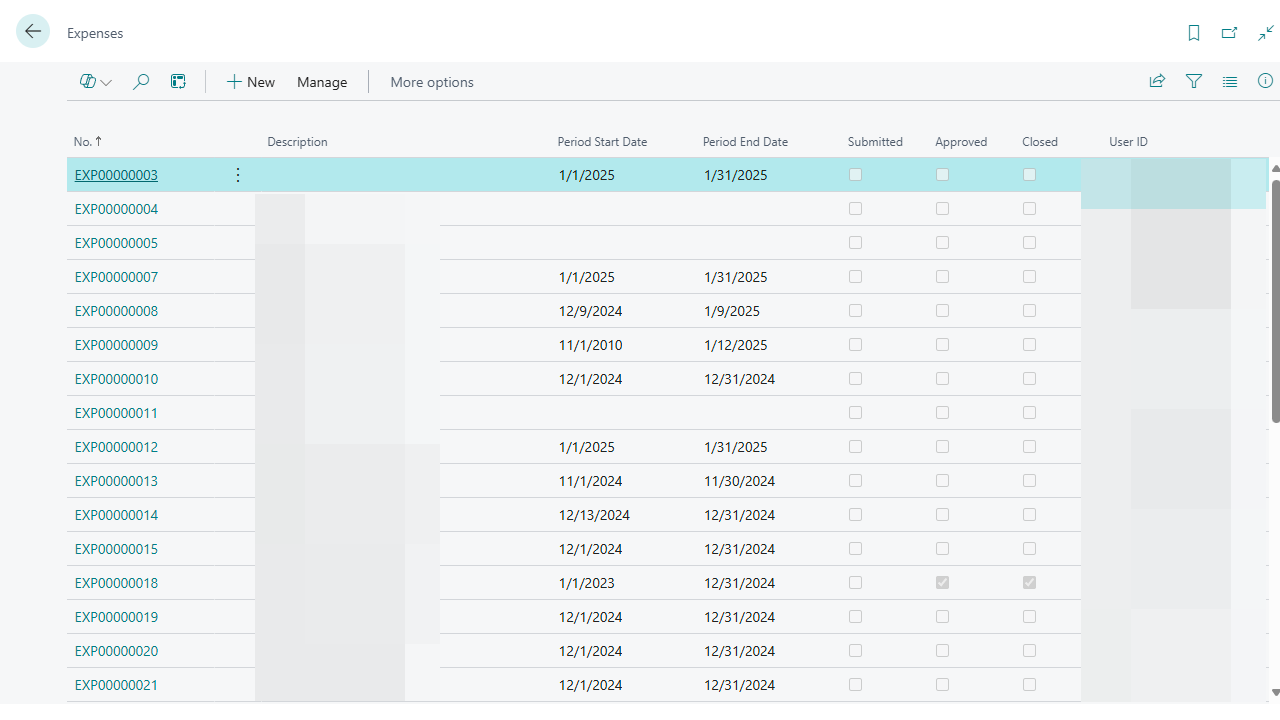
- Expense Management in Business Central (Mobile & Desktop): Manage expenses from anywhere, whether on a mobile device or desktop, ensuring flexibility and convenience for employees on the go. Capture and submit expenses in real-time, improving overall productivity.
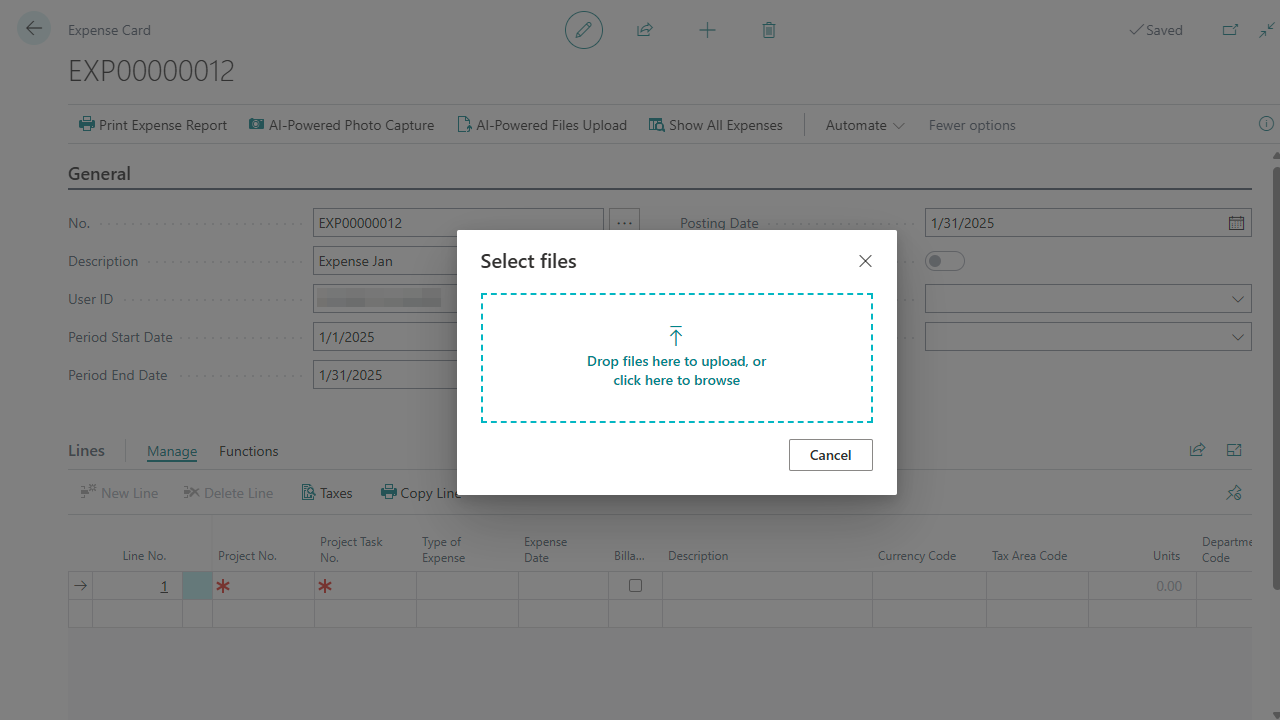
- AI-powered OCR Receipt Scanning and Upload: Automatically scan and upload receipts using AI-powered Optical Character Recognition (OCR), reducing manual data entry and minimizing errors.
- Attachment Preview Directly Within Business Central: Preview receipts and other attachments directly within Business Central. Generate and manage expense reports in multiple currencies and languages, ideal for businesses operating in diverse regions.
- Multi-Currency & Multi-Language Support: Generate and manage expense reports in multiple currencies and languages, making it ideal for businesses operating in diverse regions.
- Streamlined Tax and Accounts Payable Processes: Automate tax calculations and streamline accounts payable processes, ensuring compliance and efficiency in financial operations.
- Real-Time Analytics and Reporting: Gain real-time insights into expense data with advanced analytics and reporting capabilities, enabling better financial oversight, strategic planning, and proactive cost control.
- Secure Data Storage on Microsoft Cloud: Ensure the security and integrity of your data with secure storage on the Microsoft Cloud, protecting sensitive information from unauthorized access.
- Embedded in Dynamics 365 Business Central: Integrated directly within Dynamics 365 Business Central, VFFICE Boost ExpenseMaster offers a cohesive experience, eliminating the need for multiple systems and ensuring seamless data flow across financial operations.
Getting Started with VFFICE Boost
To assist you in beginning your journey with VFFICE Boost ExpenseMaster, we provide comprehensive support and a detailed user manual. This manual offers a guided walkthrough and useful advice for utilizing our application. For further details, the VFFICE Boost ExpenseMaster User Manual is readily accessible from the Microsoft Marketplace. Additionally, for a succinct overview of VFFICE Boost ExpenseMaster, we recommend our one-pager, which offers a brief yet comprehensive summary of the extension’s features.
For more information contact us at contact@vffice.com
Supported Languages
- English
- French
Preview
3 images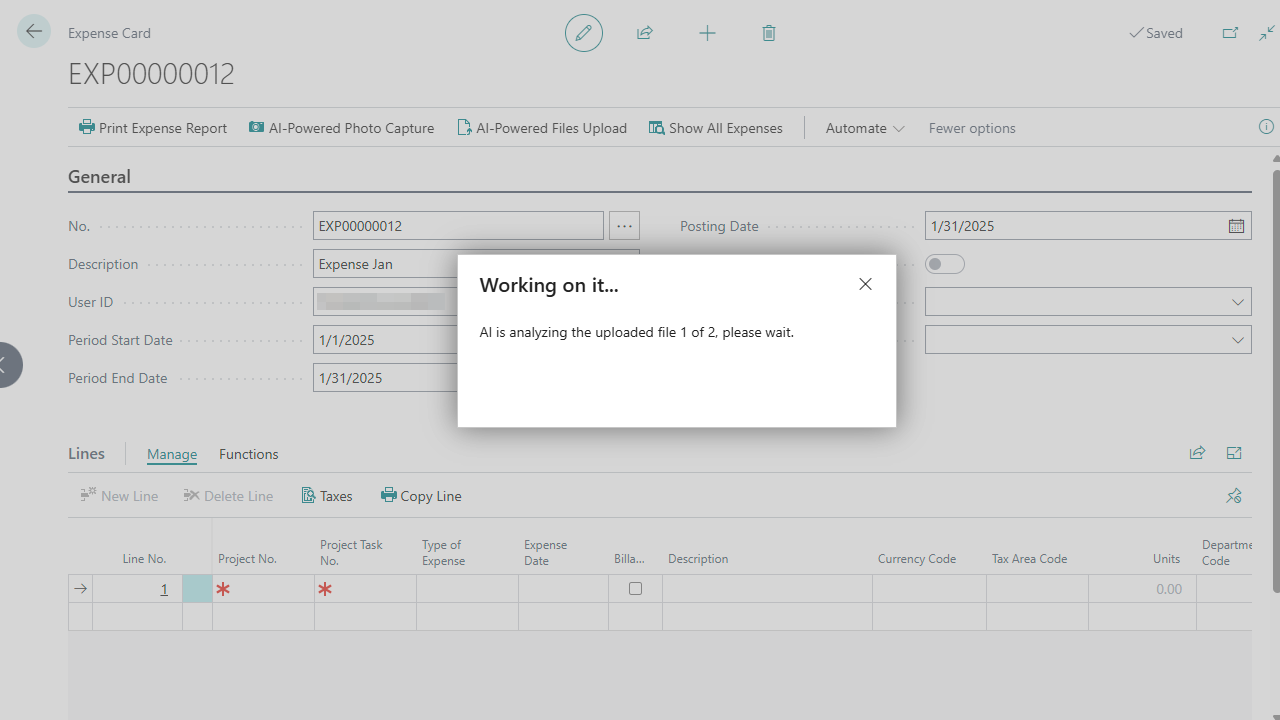
Agent build and provenance
See the full provenance
The layer-by-layer build, the evidence behind each claim, the risk basis and the cross-marketplace links are open to any account. Some rows are disclosed, some the source leaves Unknown; a free account shows you which.
Compliance
- FedRAMPConfirmedNot listed90%, registry-checkedNo FedRAMP Marketplace entry matched this vendor's domain, checked 2026-08-27registry recordas observed 2026-08-27
Confirmed means matched to a public authoritative registry. Claimed means the vendor or its listing states it, not yet cross-checked. A framework not shown was not found in any source we hold, which is not evidence against it. Not listed means a scoped registry check found no match for this vendor's domain: a No is a scoped registry check, not a compliance judgment. Confidence bands: 95% domain-verified, 90% registry-checked, 80% self-attested, 70% weak signal. Self-attested items marked “vendor's site” are gathered from the vendor's own website and are not verified by us.
Vendor
External enrichment
Sources
Publisher resources
5 linksLinked repositories
Unknown means this listing does not publish a repository. It is not a statement that the code is closed, and a linked repository is not a claim that the publisher wrote it: the registry computes that relationship privately and does not publish it.
Evidence risk is the share of the build you cannot see before you deploy, not a security rating. Sign in to see the layer-by-layer basis for this band.