

VFFICE Boost AP Automation
Vffice · Finance & Accounting
Certification per Microsoft Marketplace.
Evidence tier Source Confirmed · 8 captures on record
What the publisher says
As described on Microsoft Marketplace.
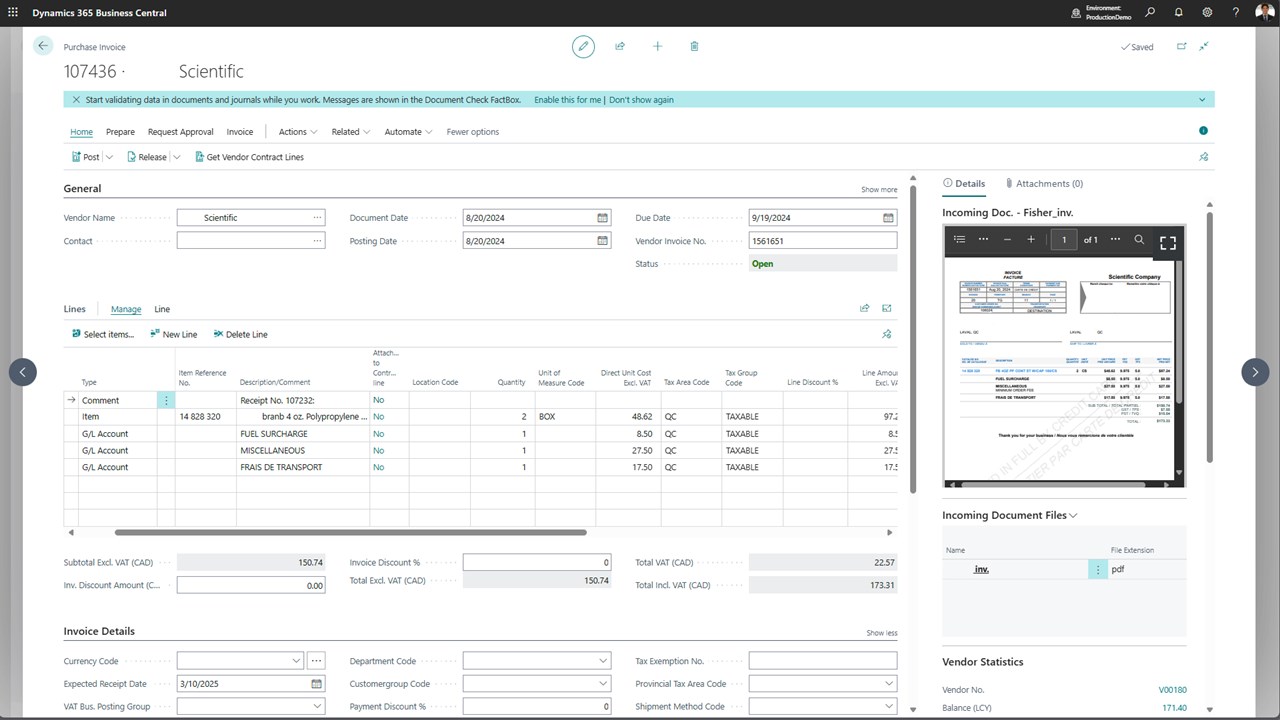
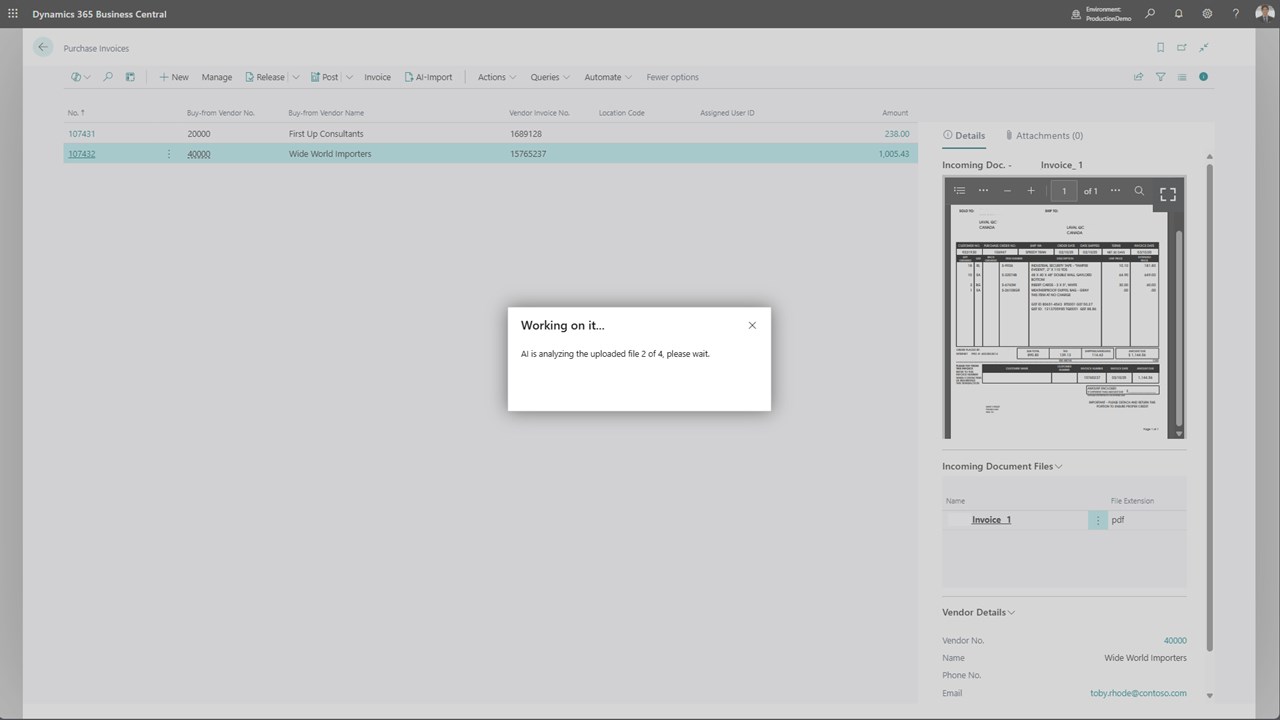
The AP Automation Feature in Microsoft Dynamics 365 Business Central streamlines the accounts payable (AP) process by automating invoice processing, reducing manual data entry, and enhancing accuracy. With AI-powered invoice detection, this feature simplifies invoice creation by extracting key data from uploaded files. It then links this data to existing purchase orders (POs) and posted purchase receipts (3-way match). If an invoice does not have a PO, the feature can select the correct item and/or G/L account. Additionally, it supports multiple document uploads.
By leveraging AP Automation, organizations can significantly reduce processing time, improve accuracy, and ensure compliance with financial controls.
Show the rest of the publisher’s description (1 more line)
This user guide provides a clear, step-by-step walkthrough for end-users on how to efficiently upload, process, and manage purchase invoices using the AP Automation feature in Business Central.
Preview
3 images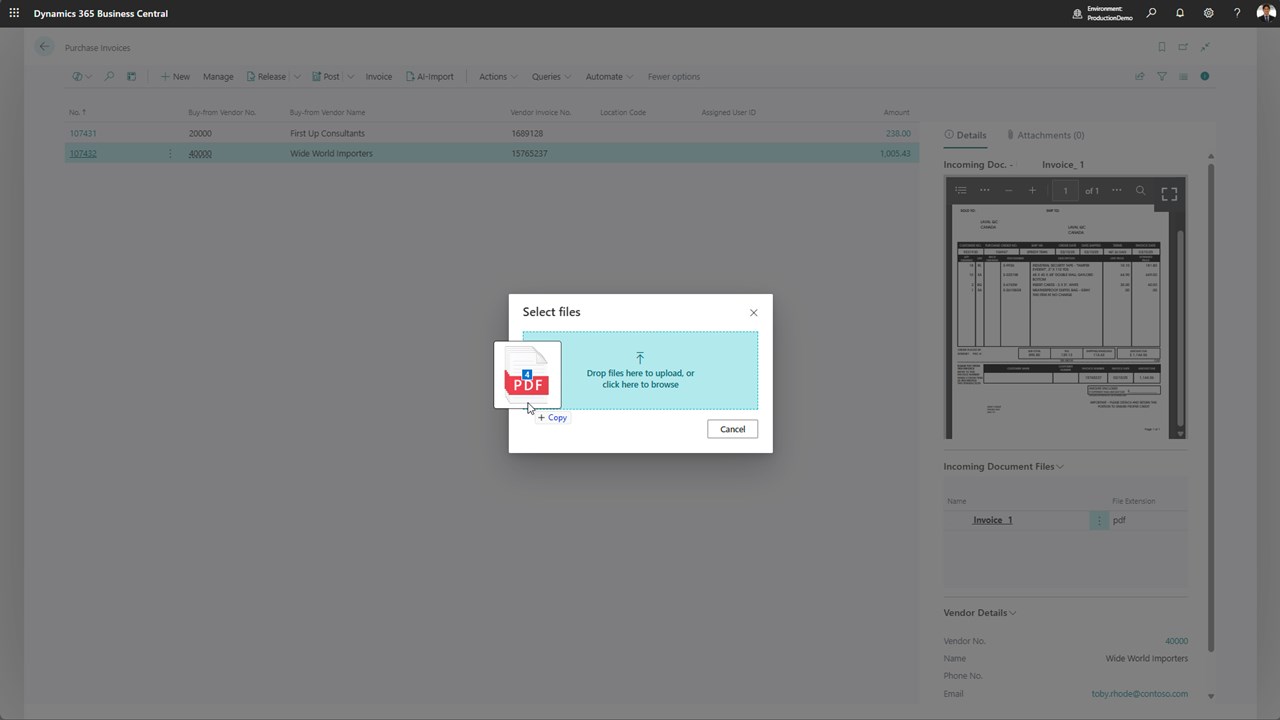
Agent build and provenance
See the full provenance
The layer-by-layer build, the evidence behind each claim, the risk basis and the cross-marketplace links are open to any account. Some rows are disclosed, some the source leaves Unknown; a free account shows you which.
Compliance
- FedRAMPConfirmedNot listed90%, registry-checkedNo FedRAMP Marketplace entry matched this vendor's domain, checked 2026-08-27registry recordas observed 2026-08-27
Confirmed means matched to a public authoritative registry. Claimed means the vendor or its listing states it, not yet cross-checked. A framework not shown was not found in any source we hold, which is not evidence against it. Not listed means a scoped registry check found no match for this vendor's domain: a No is a scoped registry check, not a compliance judgment. Confidence bands: 95% domain-verified, 90% registry-checked, 80% self-attested, 70% weak signal. Self-attested items marked “vendor's site” are gathered from the vendor's own website and are not verified by us.
Vendor
External enrichment
Sources
Publisher resources
4 linksLinked repositories
Unknown means this listing does not publish a repository. It is not a statement that the code is closed, and a linked repository is not a claim that the publisher wrote it: the registry computes that relationship privately and does not publish it.
Evidence risk is the share of the build you cannot see before you deploy, not a security rating. Sign in to see the layer-by-layer basis for this band.