

Red Ink Text Templates
Red and Bundle · Marketing & Sales
Certification per Microsoft Marketplace.
Evidence tier Source Confirmed · 9 captures on record
What the publisher says
As described on Microsoft Marketplace.
Do you need to add and edit text on Microsoft Dynamics 365 Business
Central sales documents, customers, vendors, and many more locations?
Show the rest of the publisher’s description (27 more lines)
Are you struggling with email bodies?
Features and benefits of using this extension:
- Create letters, contracts, additional text for items, sales documents, and much more.
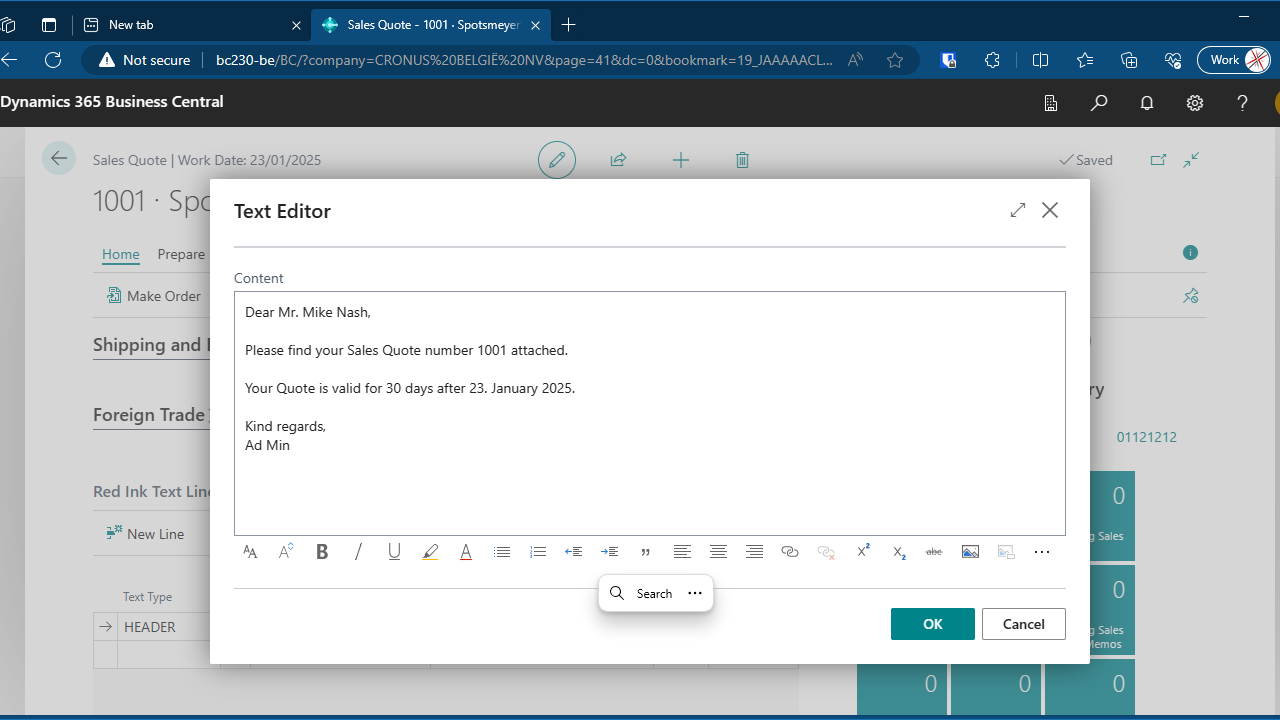
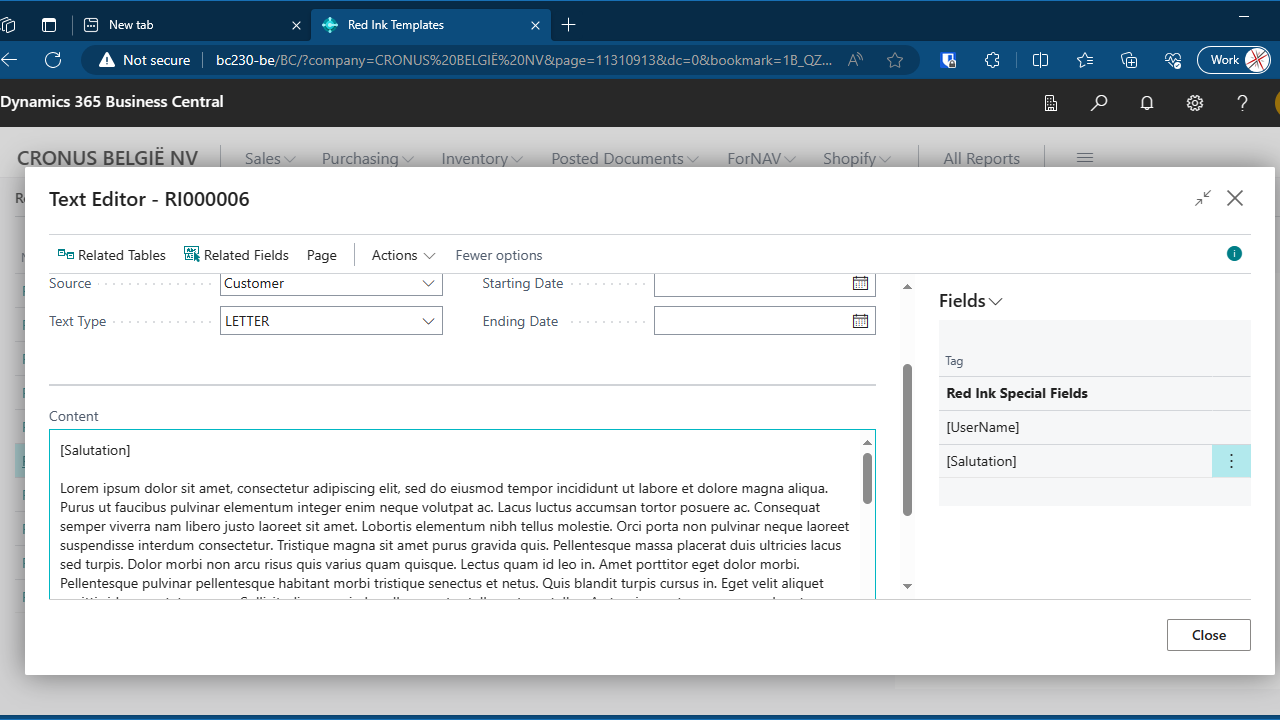
- An easy to use text editor that offers changing fonts and colors, text alignment, tables, images and more.
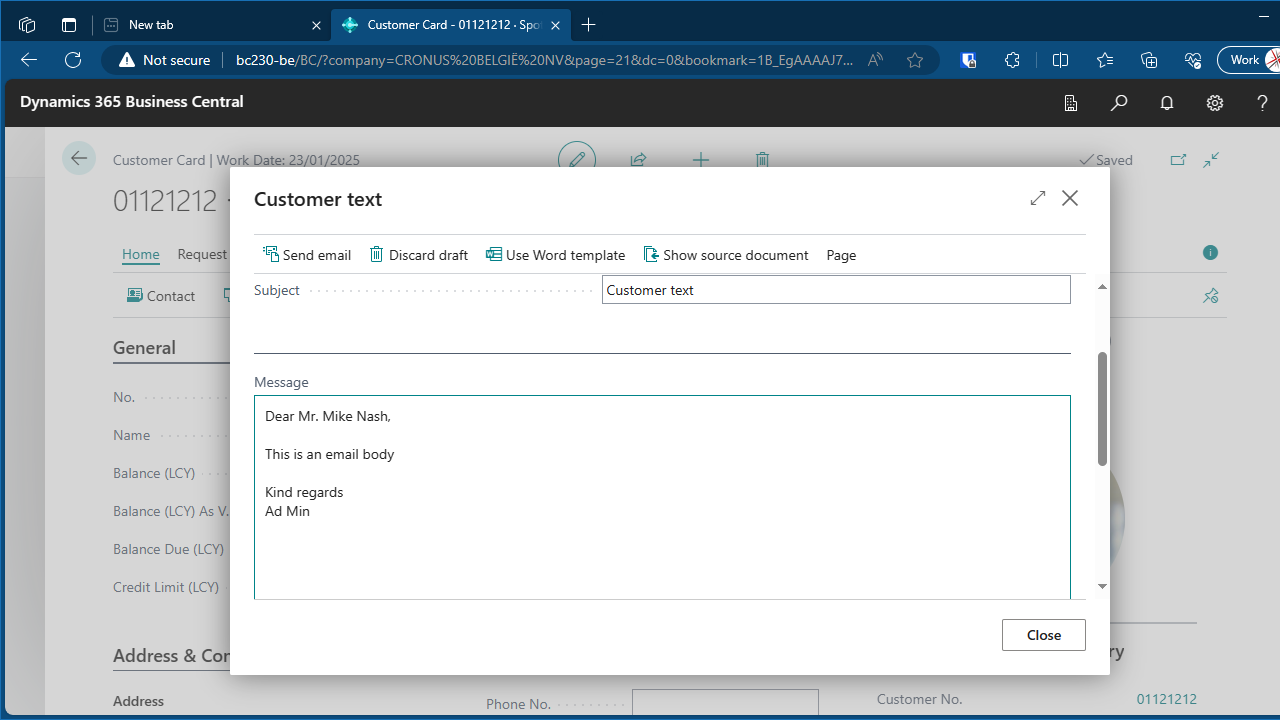
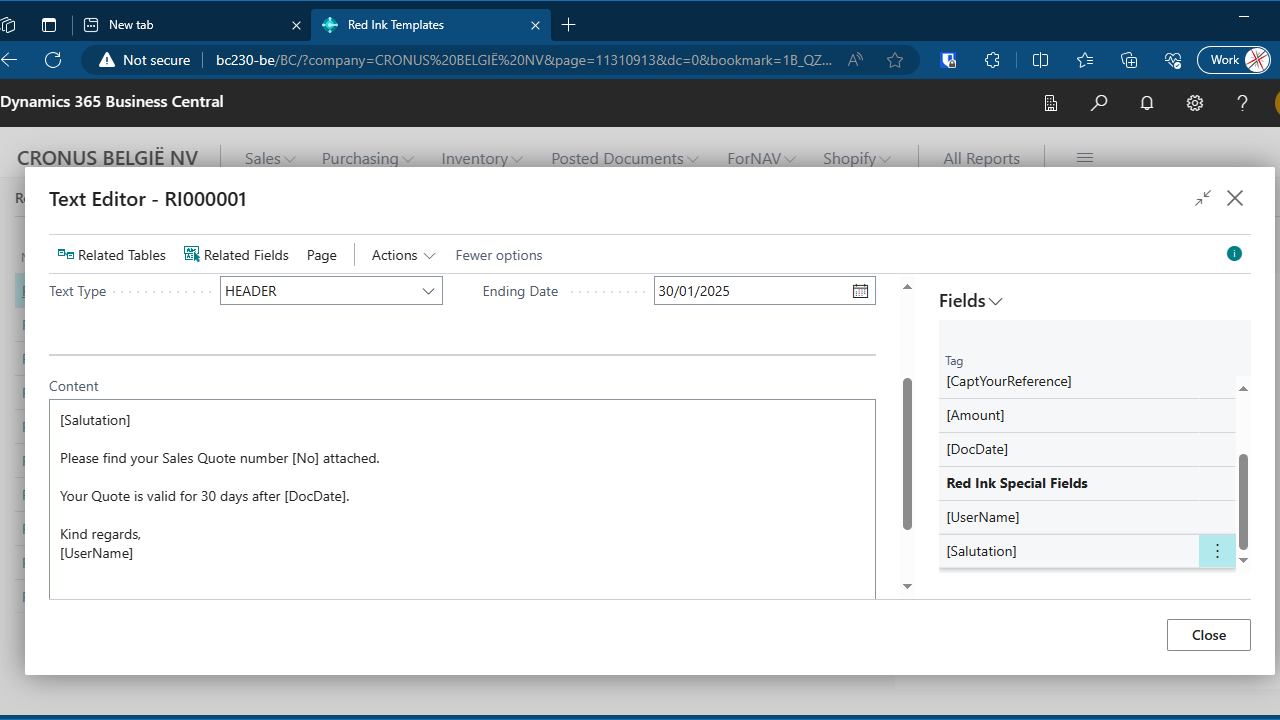
- Templates for sales text, email bodies, letters, contracts, and anything else.
- Your text will follow your sales process, from customer to invoice.
- Seamless integration with existing Reports ForNAV reports.
- Seamless integration with the Business Central email editor.
- Use a template directly or create your own text.
- Use data from any Business Central table in your templates.
Try it today and impress your clients with an easy and intuitive way of creating and managing text.
*This extension works best in combination with Reports ForNAV. You need a separate license to use ForNAV.
** We will add an AI Copilot text generator in the next release.
Supported editions
We support Dynamics 365 Business Central Essential and Premium editions.
Supported countries
Armenia,
Australia, Belgium, Bulgaria, Canada, Chile, Colombia, Croatia,
Czechia, Denmark, Cyprus, Estonia, Finland, France, Germany, Greece,
Hungary, Iceland, India, Indonesia, Ireland, Italy, Japan, Kenya, Korea,
Latvia, Liechtenstein, Lithuania, Luxembourg, Malaysia, Malta, Monaco,
Netherlands, New Zealand, Nigeria, Norway, Poland, Portugal, Puerto
Rico, Romania, Saudi Arabia, Serbia, Singapore, Slovakia, Slovenia,
South Africa, Spain, Sweden, Switzerland, Taiwan, Thailand, Türkiye,
United Arab Emirates, United Kingdom, United States, Vietnam
Supported Languages
The app is available in English (United States), German, Dutch, and Danish
Preview
5 images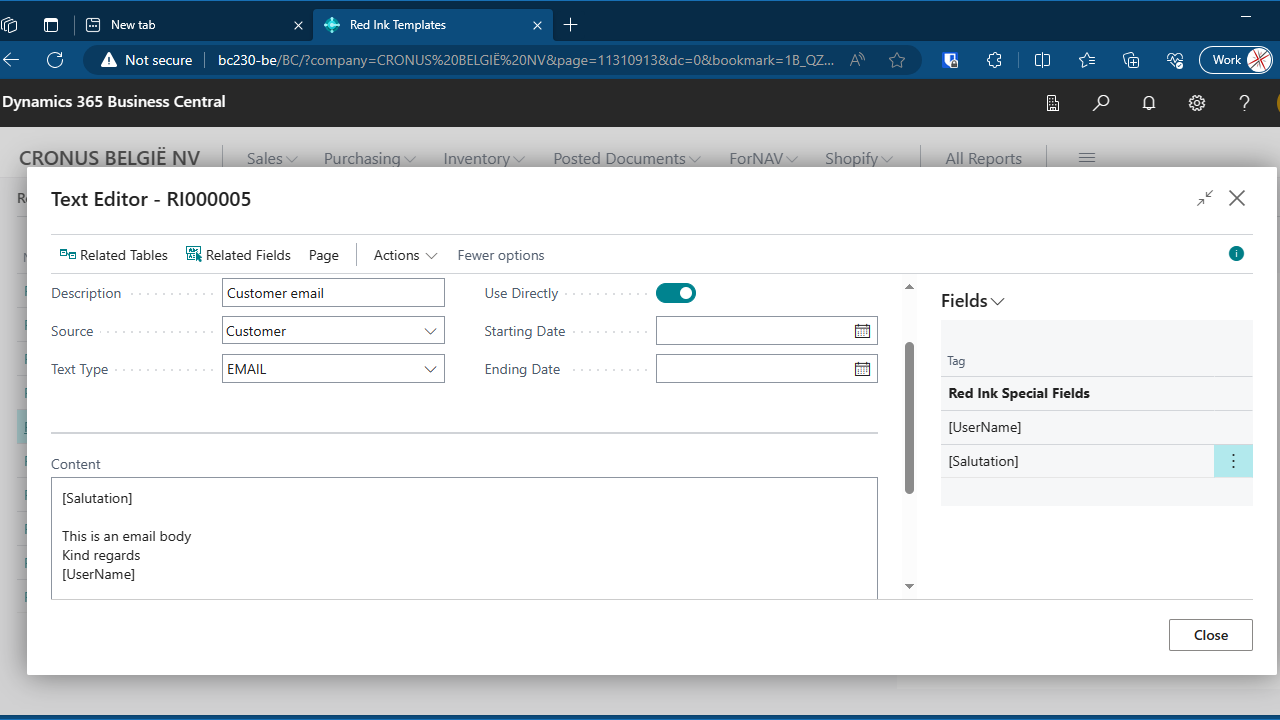
Agent build and provenance
See the full provenance
The layer-by-layer build, the evidence behind each claim, the risk basis and the cross-marketplace links are open to any account. Some rows are disclosed, some the source leaves Unknown; a free account shows you which.
Compliance
- FedRAMPConfirmedNot listed90%, registry-checkedNo FedRAMP Marketplace entry matched this vendor's domain, checked 2026-08-27registry recordas observed 2026-08-27
Confirmed means matched to a public authoritative registry. Claimed means the vendor or its listing states it, not yet cross-checked. A framework not shown was not found in any source we hold, which is not evidence against it. Not listed means a scoped registry check found no match for this vendor's domain: a No is a scoped registry check, not a compliance judgment. Confidence bands: 95% domain-verified, 90% registry-checked, 80% self-attested, 70% weak signal. Self-attested items marked “vendor's site” are gathered from the vendor's own website and are not verified by us.
Sources
Publisher resources
3 linksLinked repositories
Unknown means this listing does not publish a repository. It is not a statement that the code is closed, and a linked repository is not a claim that the publisher wrote it: the registry computes that relationship privately and does not publish it.
Evidence risk is the share of the build you cannot see before you deploy, not a security rating. Sign in to see the layer-by-layer basis for this band.