

Origo Cloud Events Storage
Origo · Operations & Productivity
Certification per Microsoft Marketplace.
Evidence tier Source Confirmed · 7 captures on record
What the publisher says
As described on Microsoft Marketplace.
**Origo Cloud Events Storage** connects Business Central to cloud storage through the Cloud Events platform — a message-based integration layer that gives external systems, AI agents, and automation tools structured access to Business Central data and procedures via OData. It exposes the standard BC external file storage connectors — Azure Blob Storage, Azure File Share, and SharePoint — as message types that any MCP-compatible client, REST caller, or BC process can invoke through the same Queue → Task → Data API pattern used across the entire Cloud Events ecosystem.
### Who is this for?
Show the rest of the publisher’s description (24 more lines)
**IT teams and integration developers** who need to connect Business Central to cloud storage for document management, archival, and file exchange workflows. Ideal for organizations that want to reduce database size by offloading attachments to cloud storage, or need external systems to read and write files through a unified API without building custom integrations.
**Target industries:** Professional services, manufacturing, distribution, retail — any business that handles documents, attachments, or file-based data exchange alongside Business Central.
### What it does
- **File operations** — List, download, upload, copy, move, delete, and check existence of files in any configured storage connection
- **Directory operations** — List, create, delete, and check existence of directories
- **Chunked uploads** — Upload large files in pieces with session management (begin, append, commit, abort, status). Ideal for files too large for a single API call
- **Attachment offloading** — Move BC document attachments to cloud storage to reduce database size, and restore them on demand
- **Linked attachments** — Attach files already in storage to incoming documents without re-uploading
### How it works
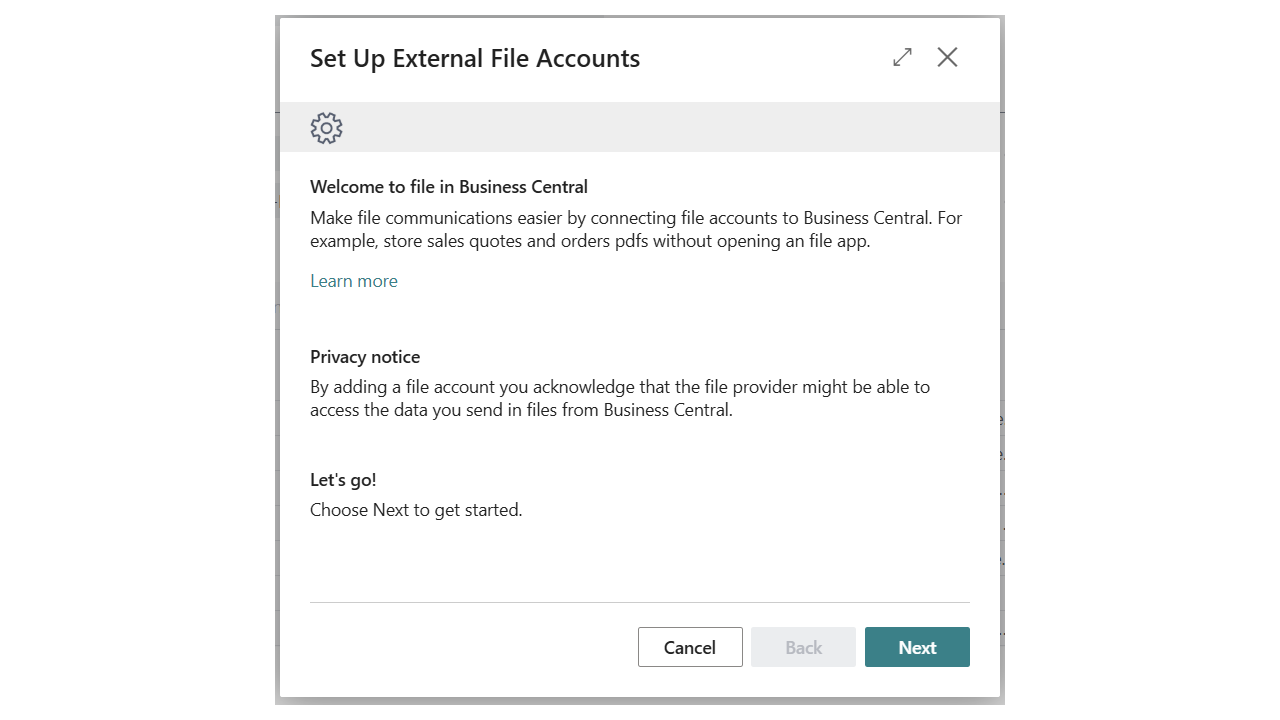
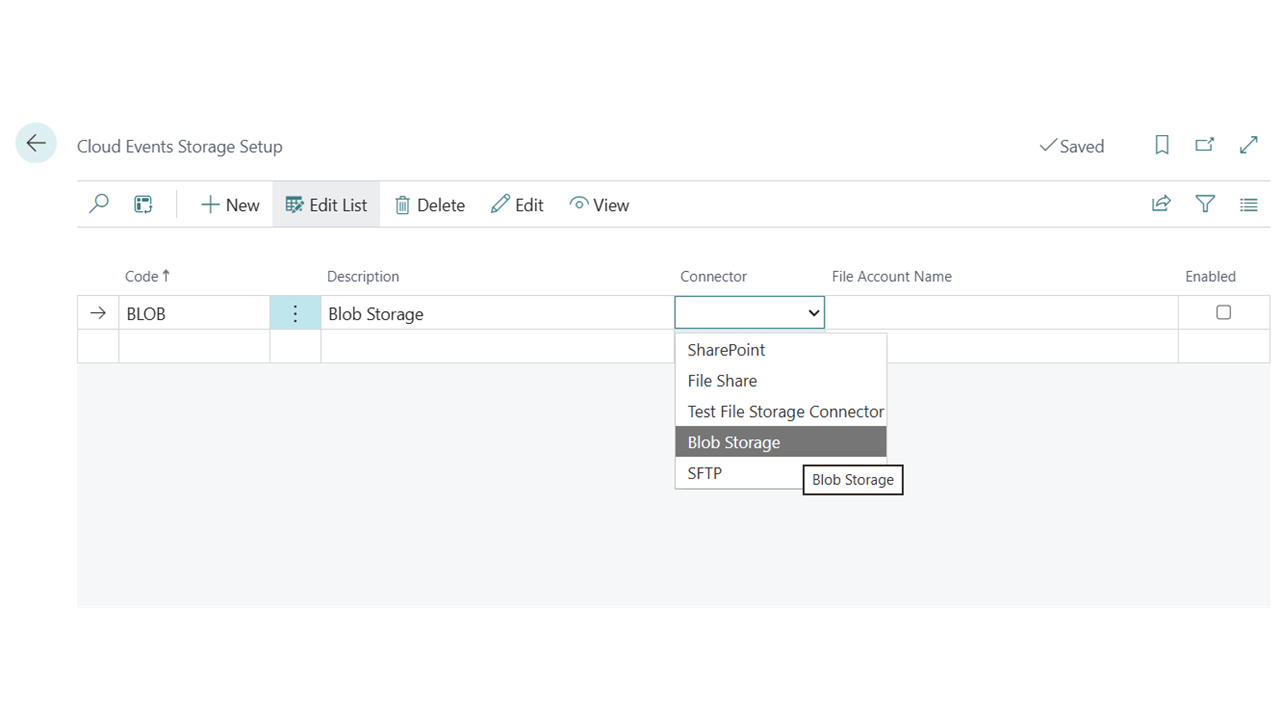
- Configure storage connections in **Cloud Events Storage Setup**, binding a short code to a BC file account
- External systems send Cloud Event messages with the storage code to target specific connections
- All operations route through the standard BC External File Storage facade — secrets are managed by the connector apps, never by this extension
### Supported connectors
Any connector registered with BC's External File Storage system:
- Azure Blob Storage
- Azure File Share
- SharePoint
### Supported editions and countries
- **Editions:** Business Central Essentials and Premium
- **Countries:** Iceland, United Kingdom, Denmark, Norway, Sweden, Finland, Germany, France, Netherlands, Austria, Switzerland, Ireland, Portugal, Spain
### Requirements and prerequisites
- Microsoft Dynamics 365 Business Central 28.0 or later
- Origo Cloud Events Core extension (available separately on AppSource)
- At least one BC file storage connector app installed and configured (e.g., Azure Blob Storage Connector by Microsoft)
Preview
3 images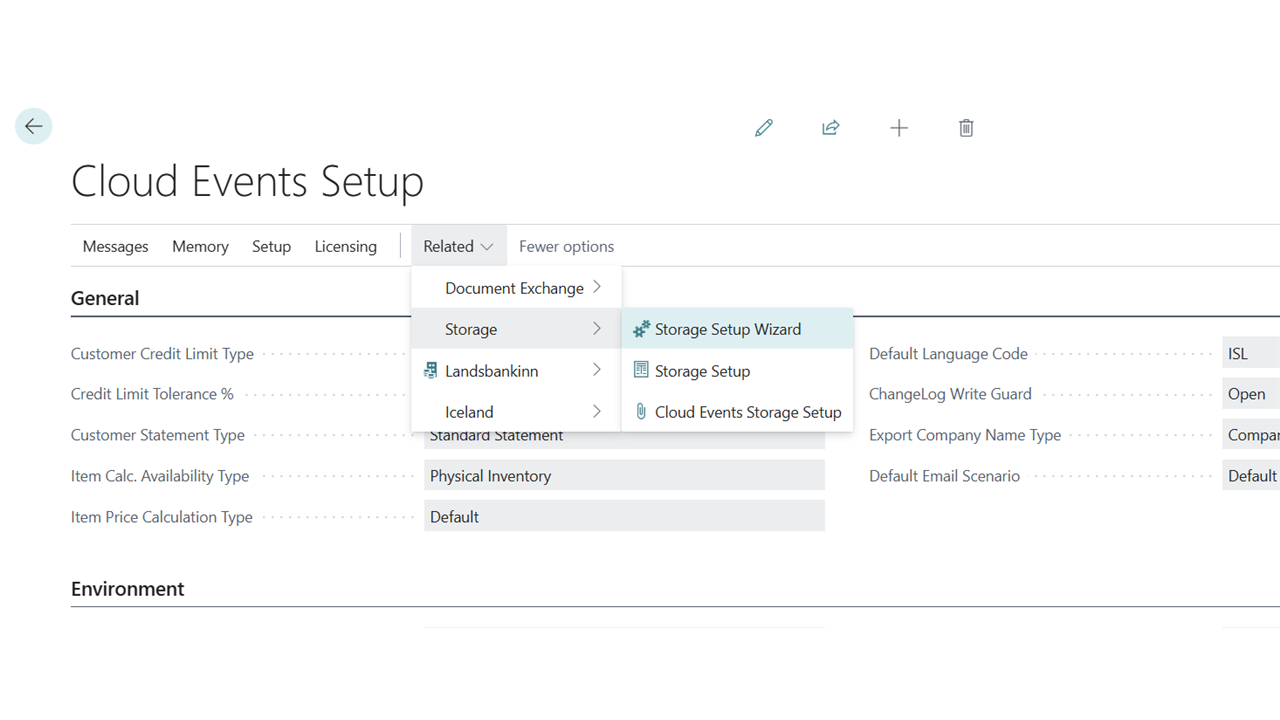
Agent build and provenance
See the full provenance
The layer-by-layer build, the evidence behind each claim, the risk basis and the cross-marketplace links are open to any account. Some rows are disclosed, some the source leaves Unknown; a free account shows you which.
Compliance
- FedRAMPConfirmedNot listed90%, registry-checkedNo FedRAMP Marketplace entry matched this vendor's domain, checked 2026-08-27registry recordas observed 2026-08-27
Confirmed means matched to a public authoritative registry. Claimed means the vendor or its listing states it, not yet cross-checked. A framework not shown was not found in any source we hold, which is not evidence against it. Not listed means a scoped registry check found no match for this vendor's domain: a No is a scoped registry check, not a compliance judgment. Confidence bands: 95% domain-verified, 90% registry-checked, 80% self-attested, 70% weak signal. Self-attested items marked “vendor's site” are gathered from the vendor's own website and are not verified by us.
Vendor
External enrichment
Sources
Publisher resources
2 linksLinked repositories
Unknown means this listing does not publish a repository. It is not a statement that the code is closed, and a linked repository is not a claim that the publisher wrote it: the registry computes that relationship privately and does not publish it.
Evidence risk is the share of the build you cannot see before you deploy, not a security rating. Sign in to see the layer-by-layer basis for this band.