

PrintVis Copilot
PrintVis A/S · Operations & Productivity
Certification per Microsoft Marketplace.
Evidence tier Source Confirmed · 6 captures on record
What the publisher says
As described on Microsoft Marketplace.
Copilot features for PrintVis
Capacity Optimization
Show the rest of the publisher’s description (3 more lines)
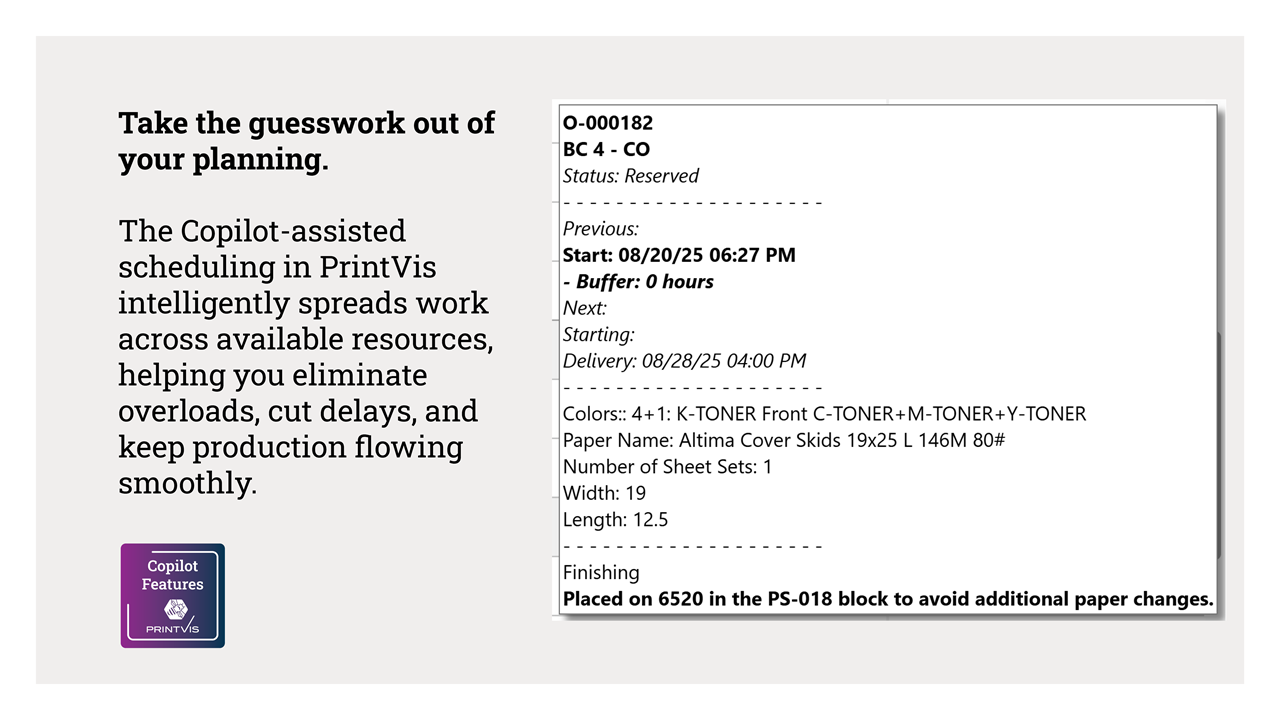
With Copilot-assisted scheduling, PrintVis takes the guesswork out of planning. It intelligently spreads work across available resources, helping you eliminate overloads, cut delays, and keep production flowing smoothly.
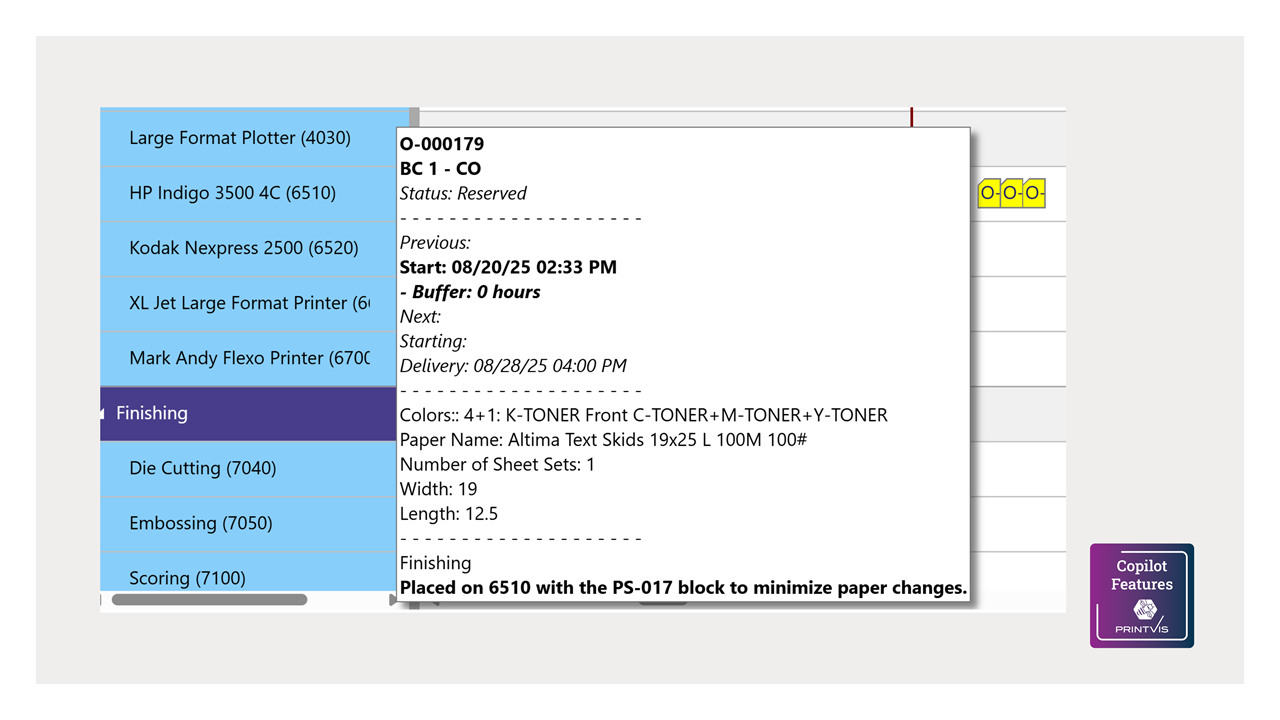
Capacity Optimization is a Copilot assisted planning tool to help planners balance workload across capacity units with capacity shift setup. This is done by automatically optimizing and shifting planning units and placing them into a planning simulation.
Select the optimization options for your print shop, and enter your additional notes for Copilot using natural language and it will instantly generate an optimized schedule and load a planning board with optimized schedule across the selected machines.
Preview
3 images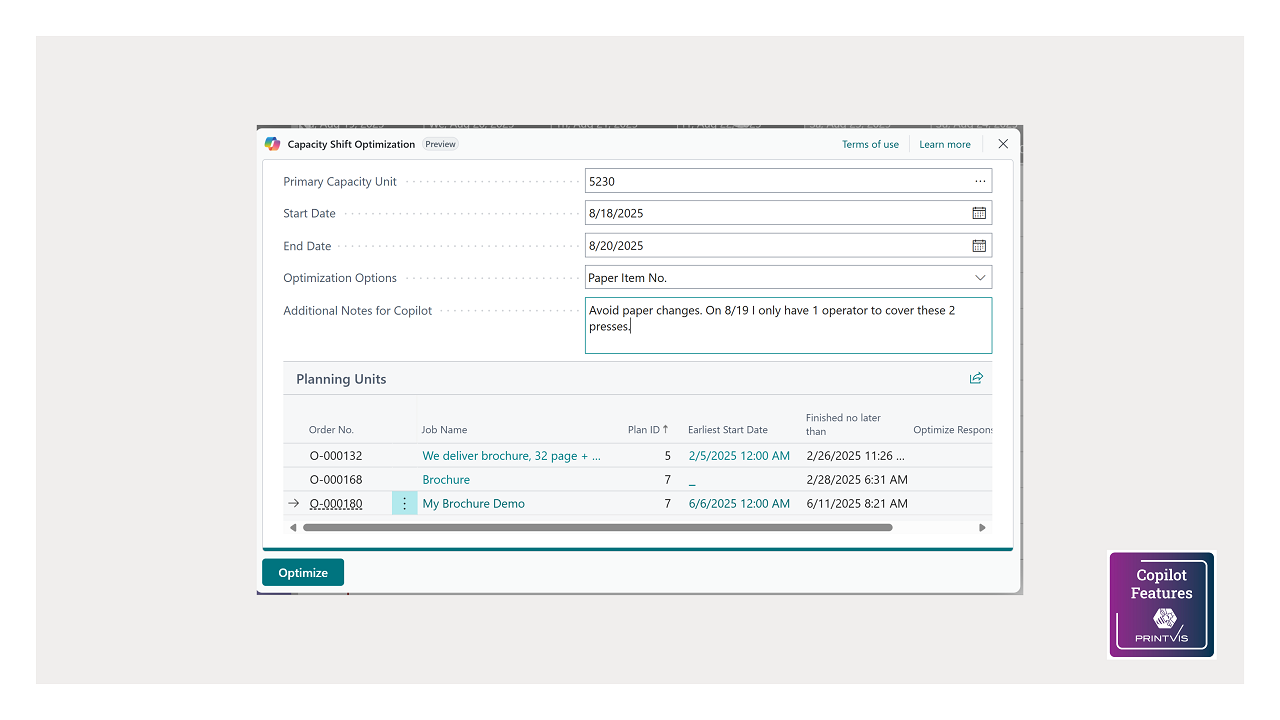
Agent build and provenance
See the full provenance
The layer-by-layer build, the evidence behind each claim, the risk basis and the cross-marketplace links are open to any account. Some rows are disclosed, some the source leaves Unknown; a free account shows you which.
Compliance
- FedRAMPConfirmedNot listed90%, registry-checkedNo FedRAMP Marketplace entry matched this vendor's domain, checked 2026-08-27registry recordas observed 2026-08-27
Confirmed means matched to a public authoritative registry. Claimed means the vendor or its listing states it, not yet cross-checked. A framework not shown was not found in any source we hold, which is not evidence against it. Not listed means a scoped registry check found no match for this vendor's domain: a No is a scoped registry check, not a compliance judgment. Confidence bands: 95% domain-verified, 90% registry-checked, 80% self-attested, 70% weak signal. Self-attested items marked “vendor's site” are gathered from the vendor's own website and are not verified by us.
Vendor
External enrichment
Sources
Publisher resources
4 linksLinked repositories
Unknown means this listing does not publish a repository. It is not a statement that the code is closed, and a linked repository is not a claim that the publisher wrote it: the registry computes that relationship privately and does not publish it.
Evidence risk is the share of the build you cannot see before you deploy, not a security rating. Sign in to see the layer-by-layer basis for this band.