

Evidence tier Source Confirmed · 8 captures on record
What the publisher says
As described on Microsoft Marketplace.
AL Arxivar
At the moment AL Arxivar is available only for the Italian market.
Show the rest of the publisher’s description (11 more lines)
Are you looking for a tool to import and export electronic invoices automatically?
Do you ever happen to post an invoice and forget to forward it to customers?
AL Arxivar connects electronic invoices to Arxivar and makes it possible to manage them automatically.
It is integrated to our AL Fatturazione Elettronica module and allows users to avoid manual procedures, letting them import invoices directly into their system and easily export them to their clients. The app creates a new provisional line for every document, adding all the information available such as vendor's details, the total amount, etc.
Benefits of using this app:
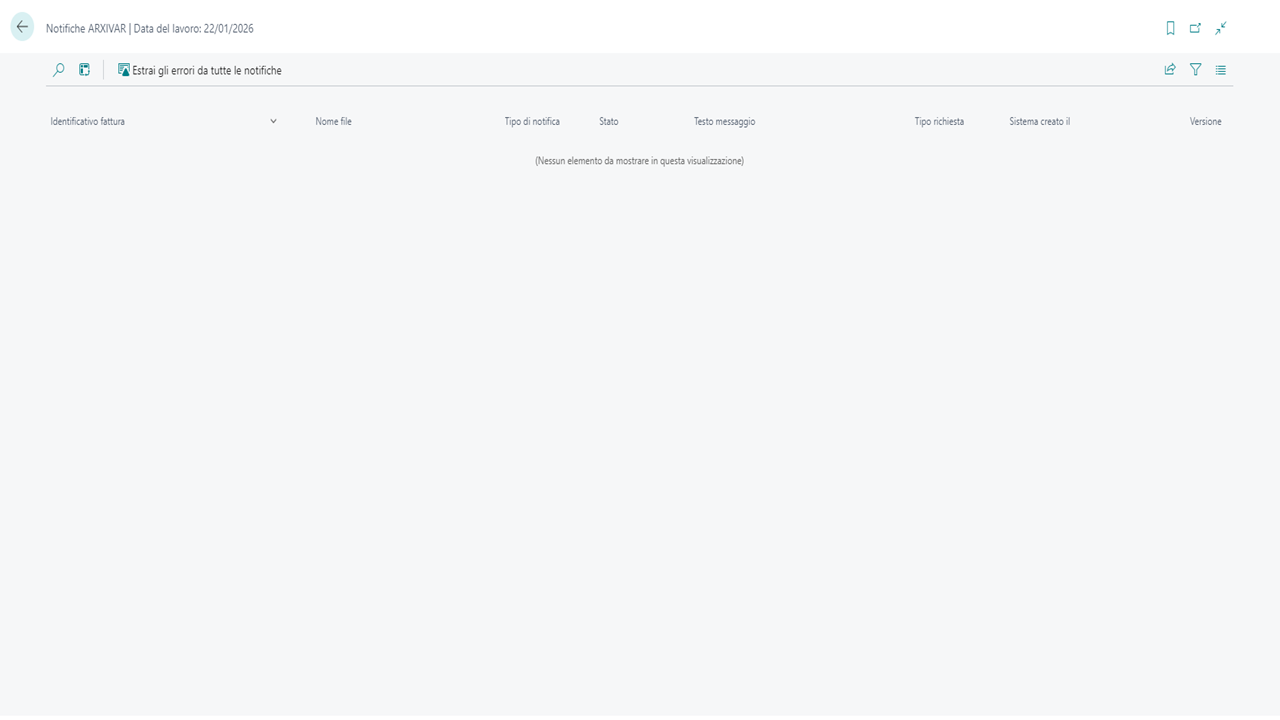
Besides the automation advantage, AL Arxivar also includes a status control function that gives the user an overview of the invoices' status, informing them whether an invoice:
- was sent to the customer
- reported some errors that need fixing
- was rejected by the SDI system
- was correctly received by the customer
Download AL Arxivar now and start managing electronic invoices automatically!
Preview
3 images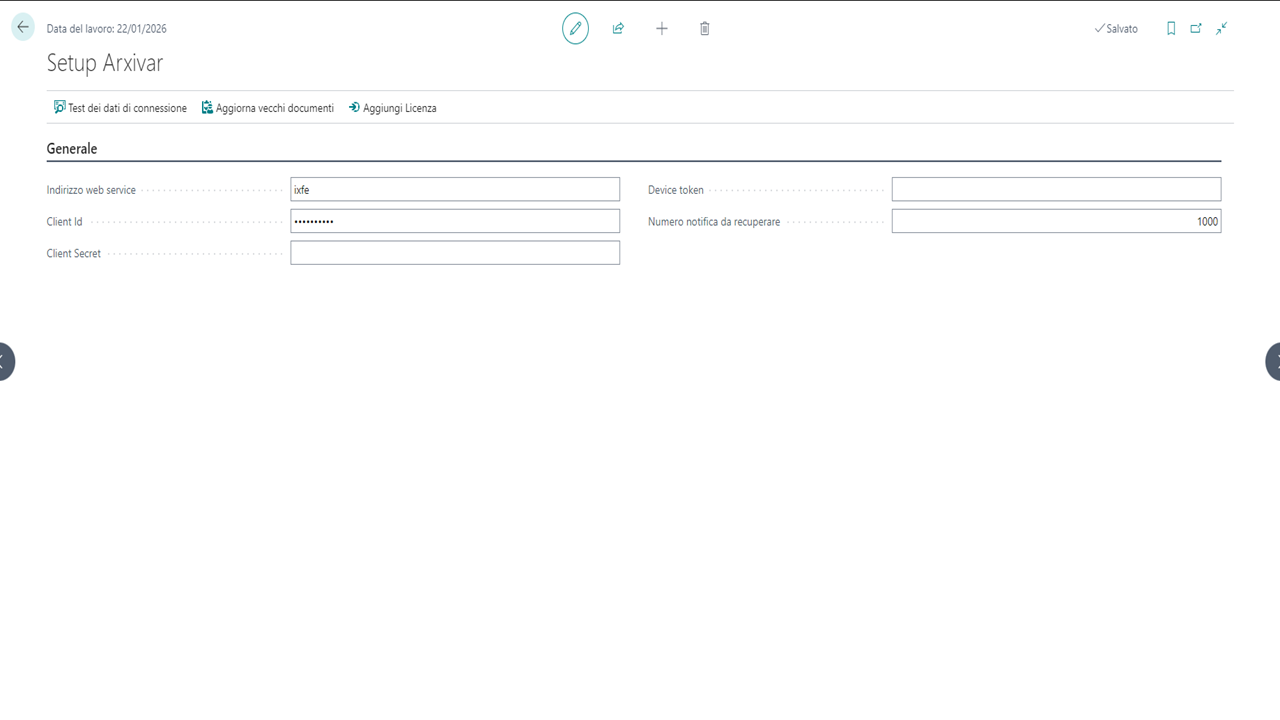
Agent build and provenance
See the full provenance
The layer-by-layer build, the evidence behind each claim, the risk basis and the cross-marketplace links are open to any account. Some rows are disclosed, some the source leaves Unknown; a free account shows you which.
Compliance
- FedRAMPConfirmedNot listed90%, registry-checkedNo FedRAMP Marketplace entry matched this vendor's domain, checked 2026-08-27registry recordas observed 2026-08-27
Confirmed means matched to a public authoritative registry. Claimed means the vendor or its listing states it, not yet cross-checked. A framework not shown was not found in any source we hold, which is not evidence against it. Not listed means a scoped registry check found no match for this vendor's domain: a No is a scoped registry check, not a compliance judgment. Confidence bands: 95% domain-verified, 90% registry-checked, 80% self-attested, 70% weak signal. Self-attested items marked “vendor's site” are gathered from the vendor's own website and are not verified by us.
Sources
Publisher resources
3 linksLinked repositories
Unknown means this listing does not publish a repository. It is not a statement that the code is closed, and a linked repository is not a claim that the publisher wrote it: the registry computes that relationship privately and does not publish it.
Evidence risk is the share of the build you cannot see before you deploy, not a security rating. Sign in to see the layer-by-layer basis for this band.