
OneDrive Backup Solution
KernelApps · Operations & Productivity
Certification per Microsoft Marketplace.
Evidence tier Source Confirmed · 8 captures on record
What the publisher says
As described on Microsoft Marketplace.
Backup entire
files and folders from the OneDrive account using Kernel OneDrive
Show the rest of the publisher’s description (51 more lines)
Backup solution with 100% accuracy. The software allows you to backup
images, documents, presentations, spreadsheets, and other files to the local or
network-attached storage. Allows easy and bulk backup from multiple OneDrive
accounts at once without any file size limitations.
Get access to
efficient data loss prevention against cyber breaches, malware, or ransomware
intrusions. Use the advanced data filters of the software to backup selective
data from OneDrive with precision. Easily download a trial version of OneDrive
backup solution and backup 5 items per folder up to 20 MB for free.
Key characteristics of OneDrive backup software
Backup all files and folders
Run the tool to
backup OneDrive for Business and save everything from your OneDrive account. It
permits you to save files from the cloud storage irrespective of the file
format.
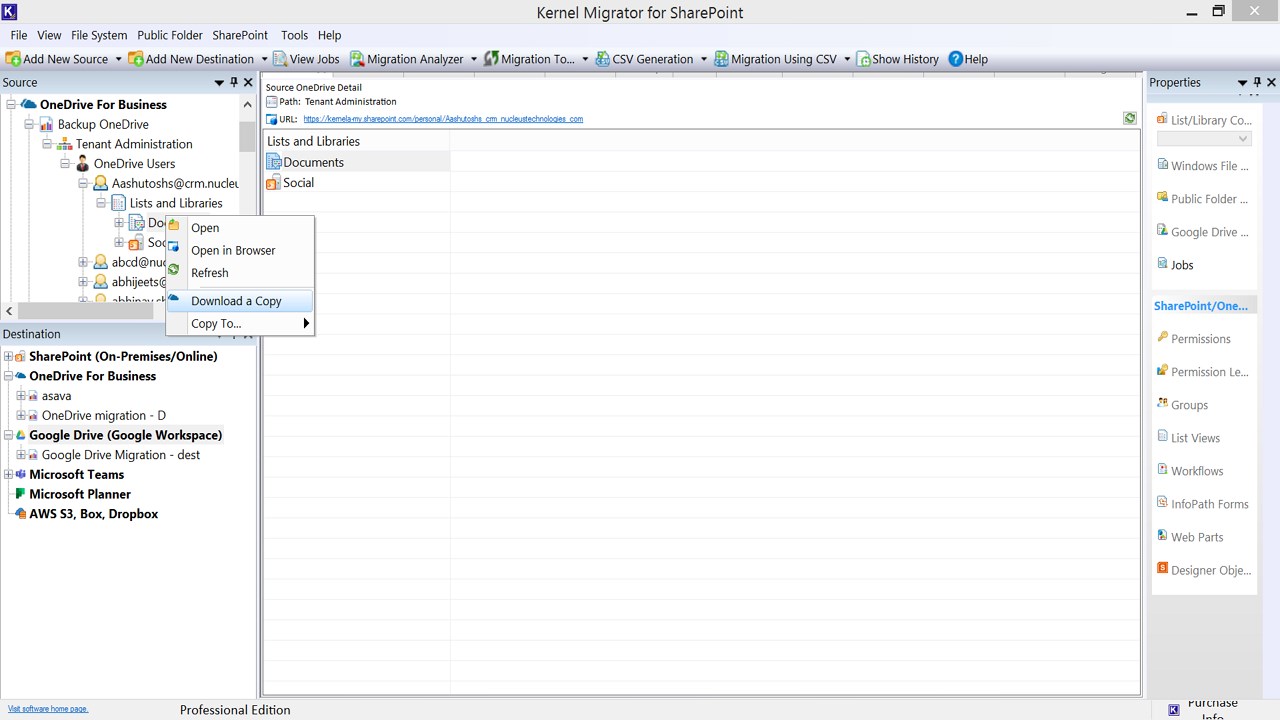
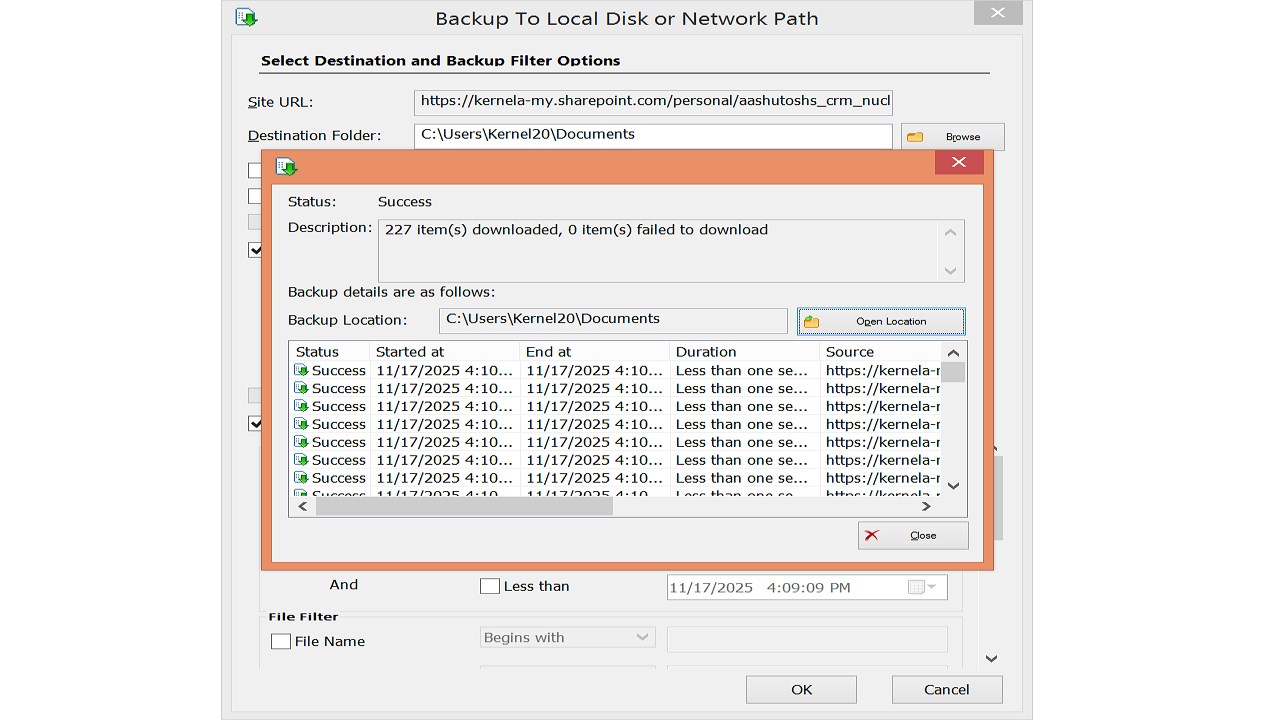
Save backup to desired location
Backup files,
zip files, and folders from OneDrive and save the data to the desired location
on your computer. Provides ease to select location from the local or
network-attached storage.
Support bulk OneDrive backup
With the OneDrive
backup software, you can backup bulk files from OneDrive cloud storage. There
are no limitations on the number or size of the files to backup OneDrive for
Business data.
Backup multiple users at once
Using the admin credentials, the tool allows
easy selection of multiple users to backup at once
without any hassle. Backup as many users as you want in one go without facing
complexities.
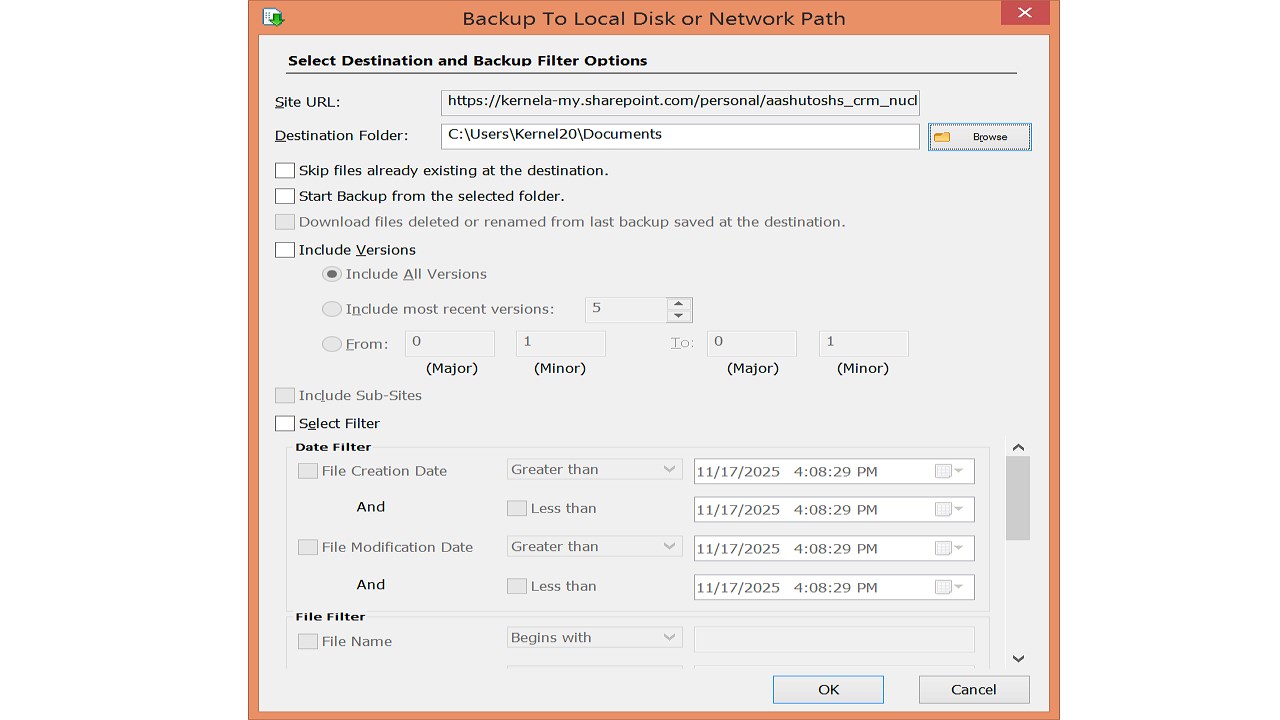
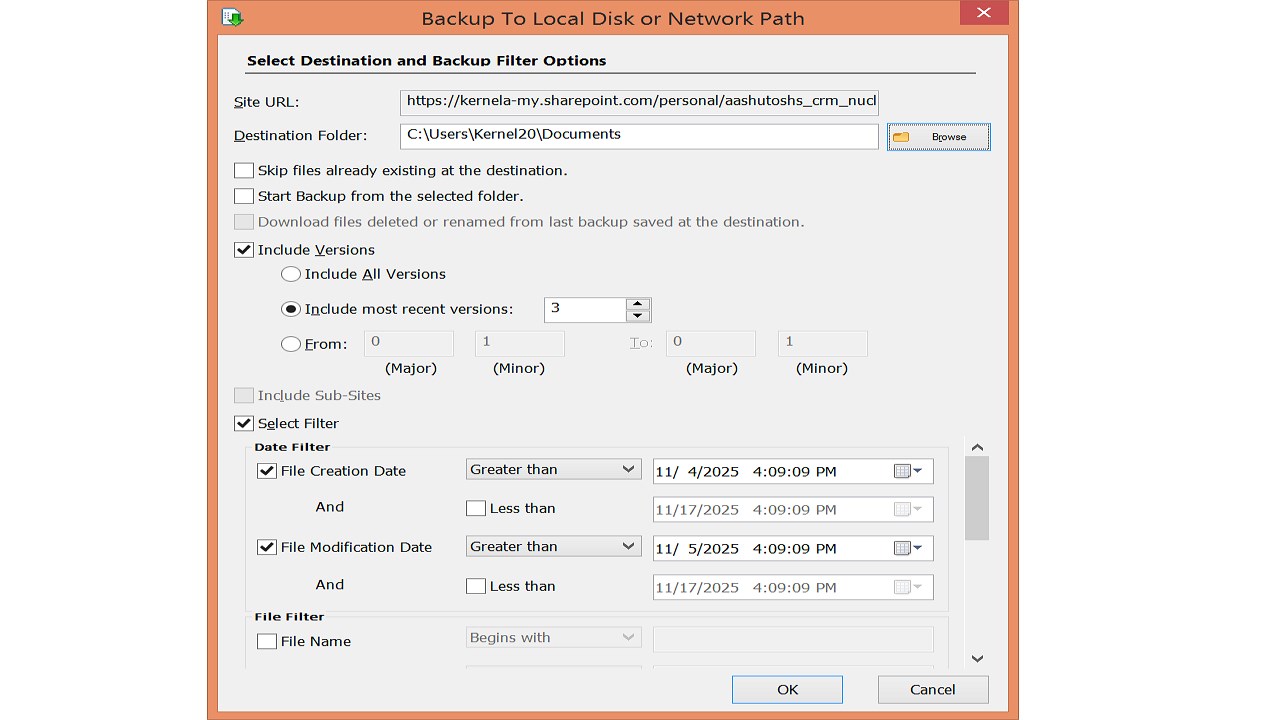
Filters for managed backup
With the
advanced filters embedded within the tool, it’s easier to run controlled
backups. Select the desired data filters to back up only what you need, rather
than the entire cloud storage data.
Save specific file versions
Get better
control of data with the OneDrive backup software that allows you to save
specific file versions. Define the file versions and count to save data from
OneDrive account.
Restore OneDrive account
Use the existing
data backup from the local or network attached storage to restore OneDrive
account with the original hierarchy. Upload desired files and folders from the
file server using the file server to OneDrive
restore feature.
Allows wide compatibility
Use the tool to
backup OneDrive for Business data on any computer working with any of the
Windows operating systems, including OS 365, 11, 10, 8, 7 Service pack 1, &
Windows Server 2022, 2019, etc.
Preview
5 images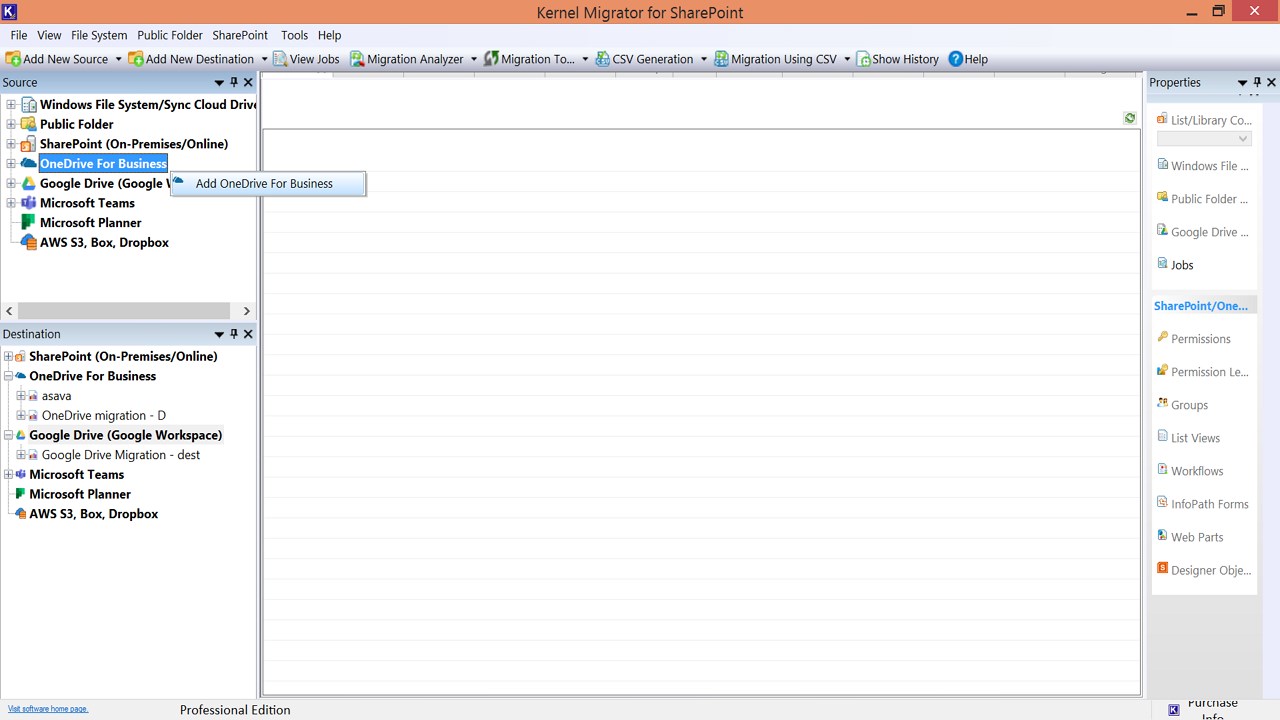
Agent build and provenance
See the full provenance
The layer-by-layer build, the evidence behind each claim, the risk basis and the cross-marketplace links are open to any account. Some rows are disclosed, some the source leaves Unknown; a free account shows you which.
Compliance
- FedRAMPConfirmedNot listed90%, registry-checkedNo FedRAMP Marketplace entry matched this vendor's domain, checked 2026-08-27registry recordas observed 2026-08-27
Confirmed means matched to a public authoritative registry. Claimed means the vendor or its listing states it, not yet cross-checked. A framework not shown was not found in any source we hold, which is not evidence against it. Not listed means a scoped registry check found no match for this vendor's domain: a No is a scoped registry check, not a compliance judgment. Confidence bands: 95% domain-verified, 90% registry-checked, 80% self-attested, 70% weak signal. Self-attested items marked “vendor's site” are gathered from the vendor's own website and are not verified by us.
Vendor
External enrichment
Sources
Publisher resources
2 linksLinked repositories
Unknown means this listing does not publish a repository. It is not a statement that the code is closed, and a linked repository is not a claim that the publisher wrote it: the registry computes that relationship privately and does not publish it.
Evidence risk is the share of the build you cannot see before you deploy, not a security rating. Sign in to see the layer-by-layer basis for this band.